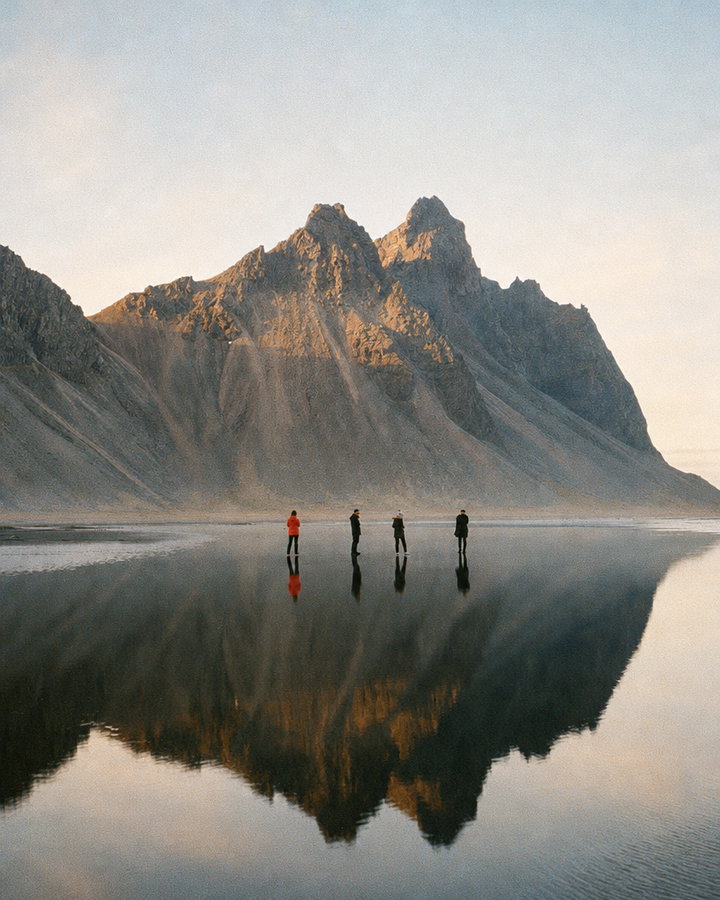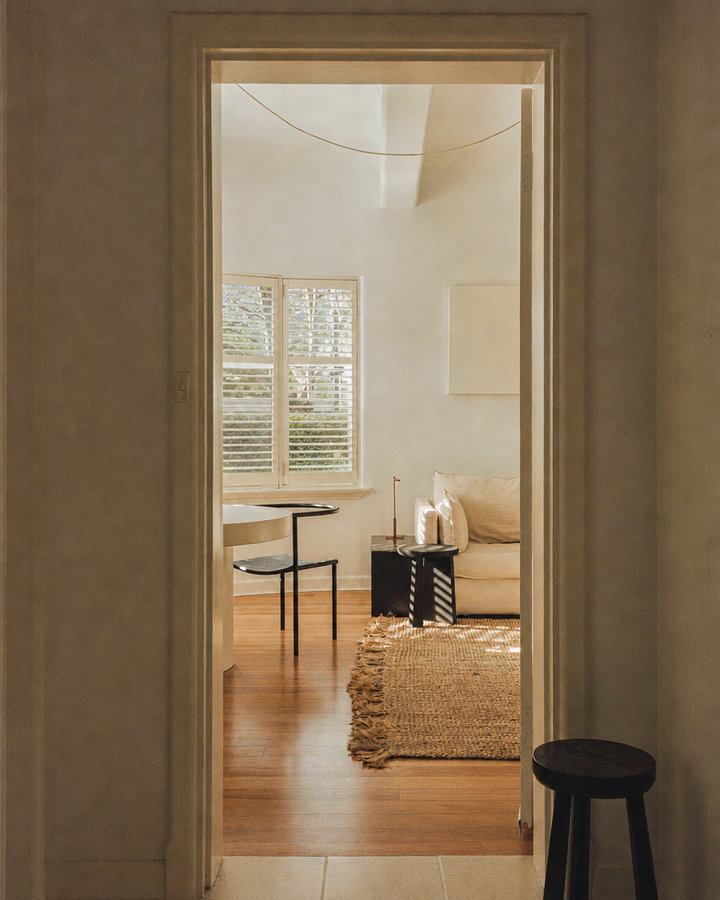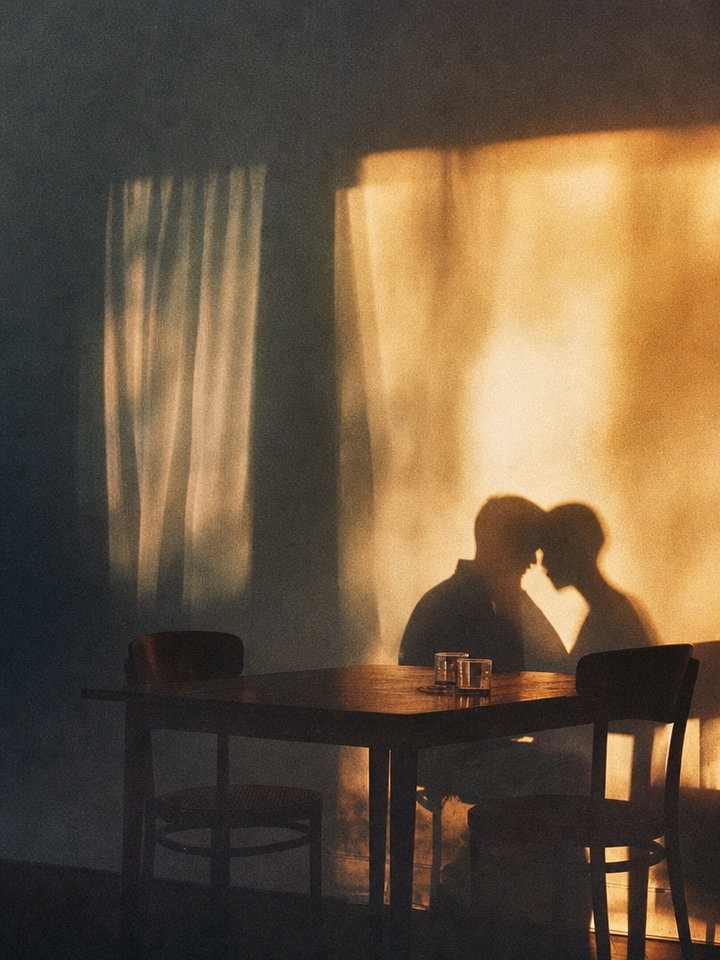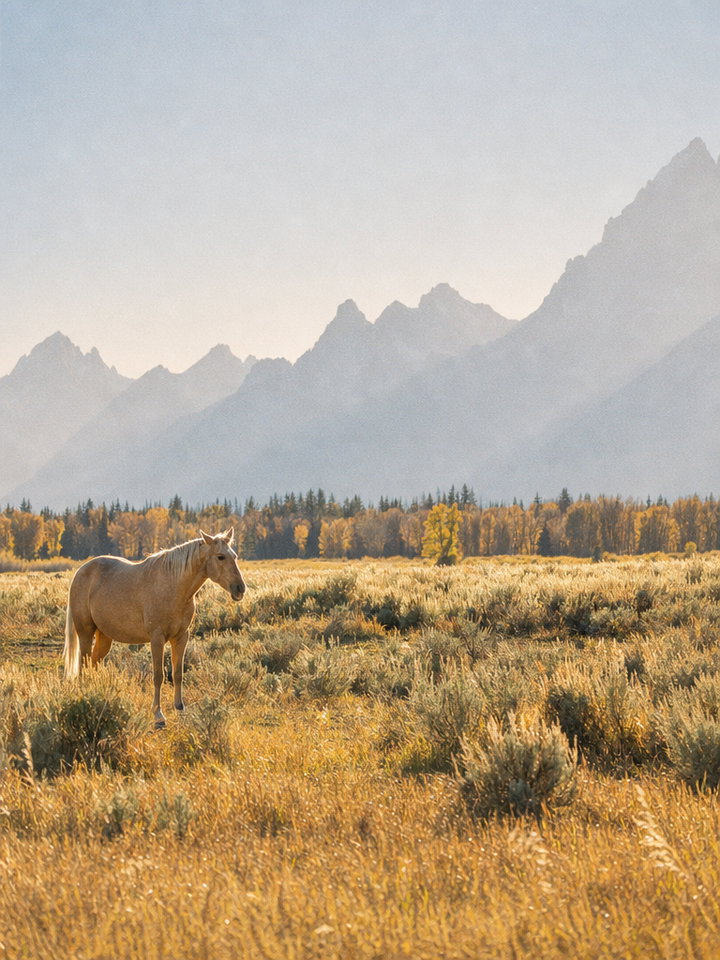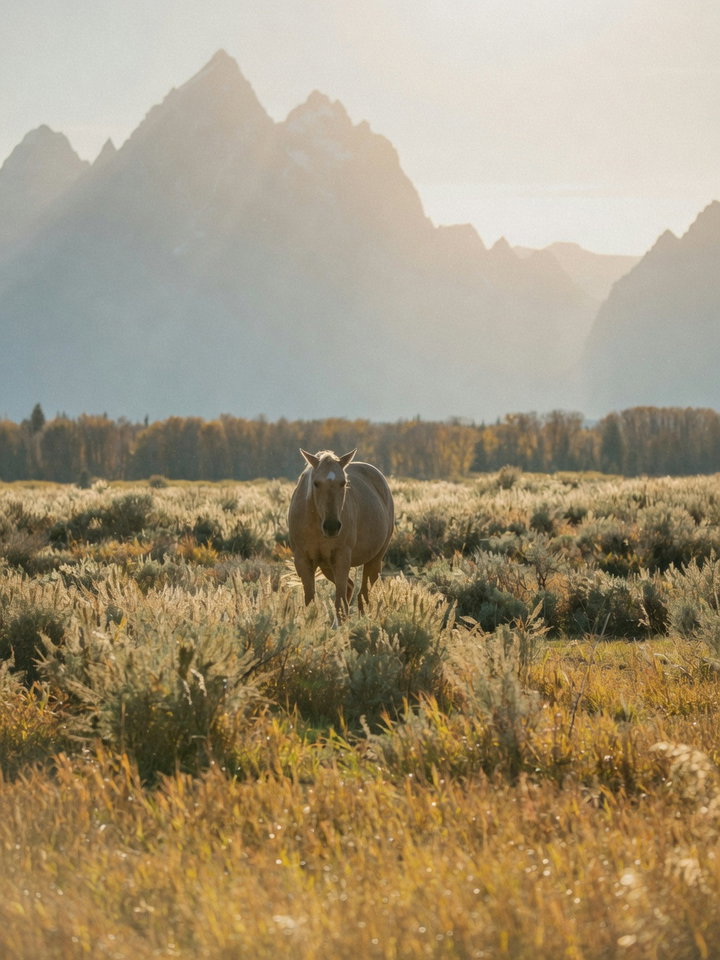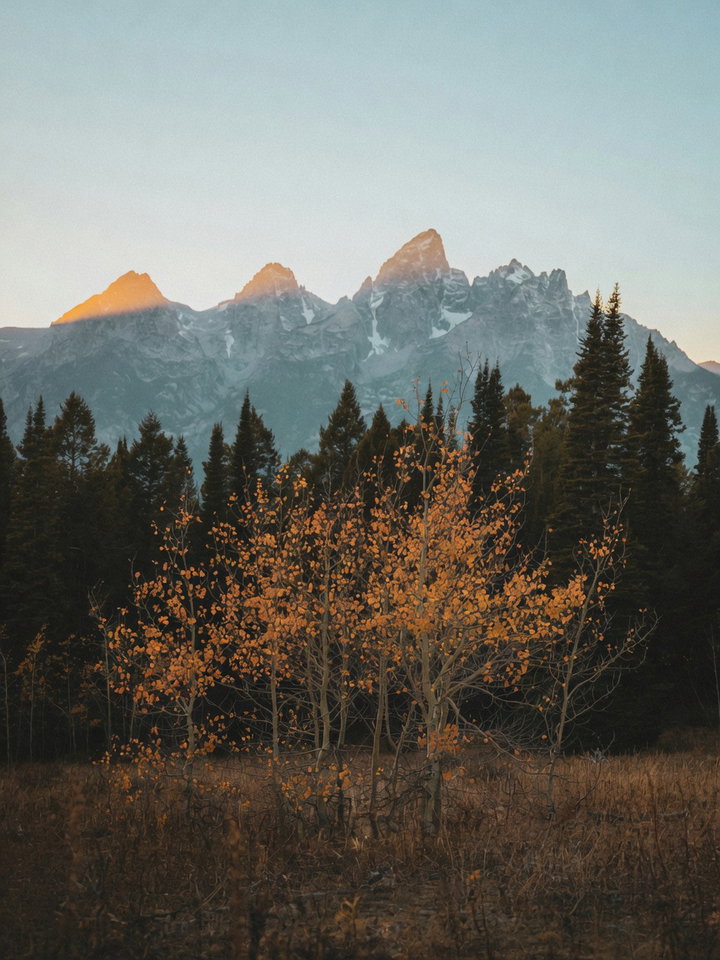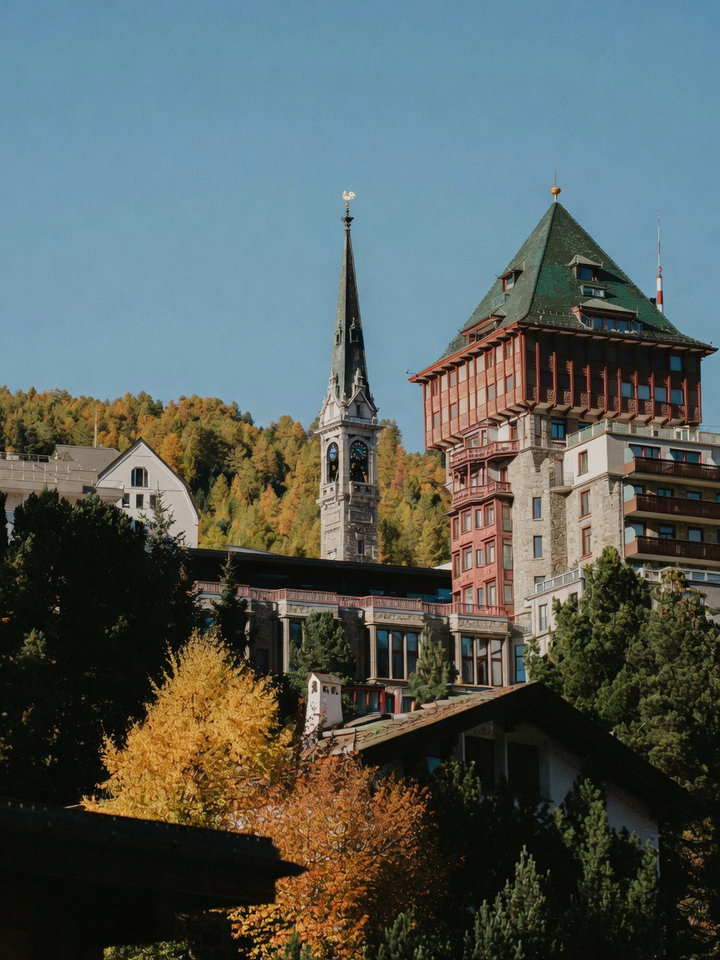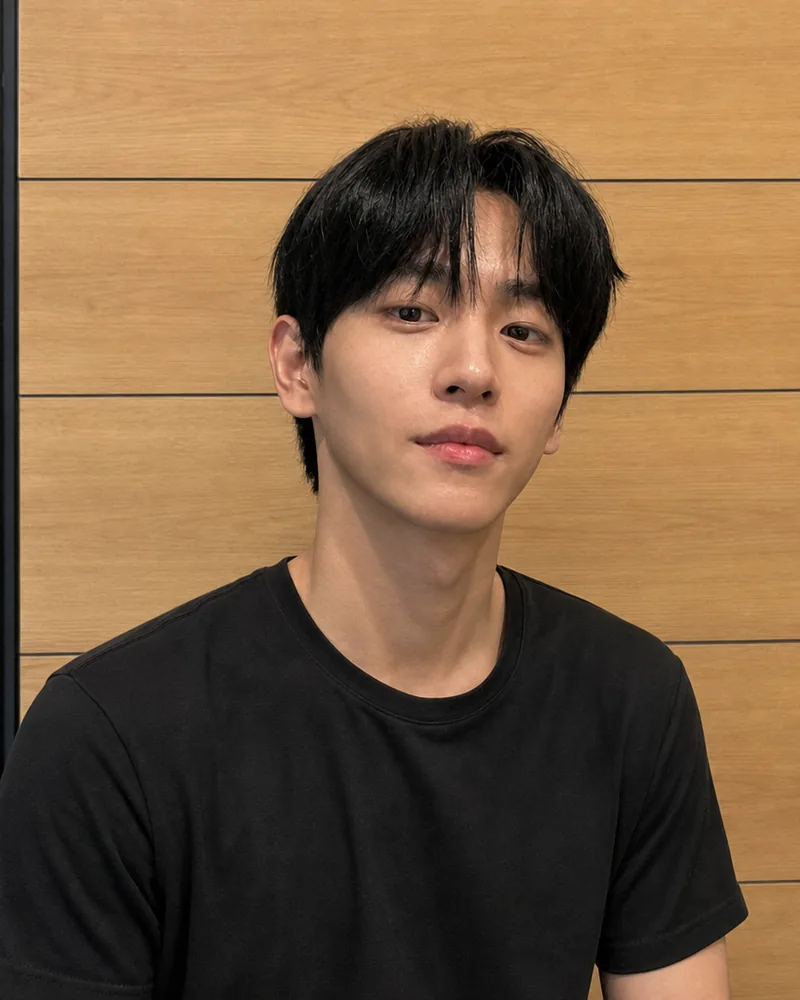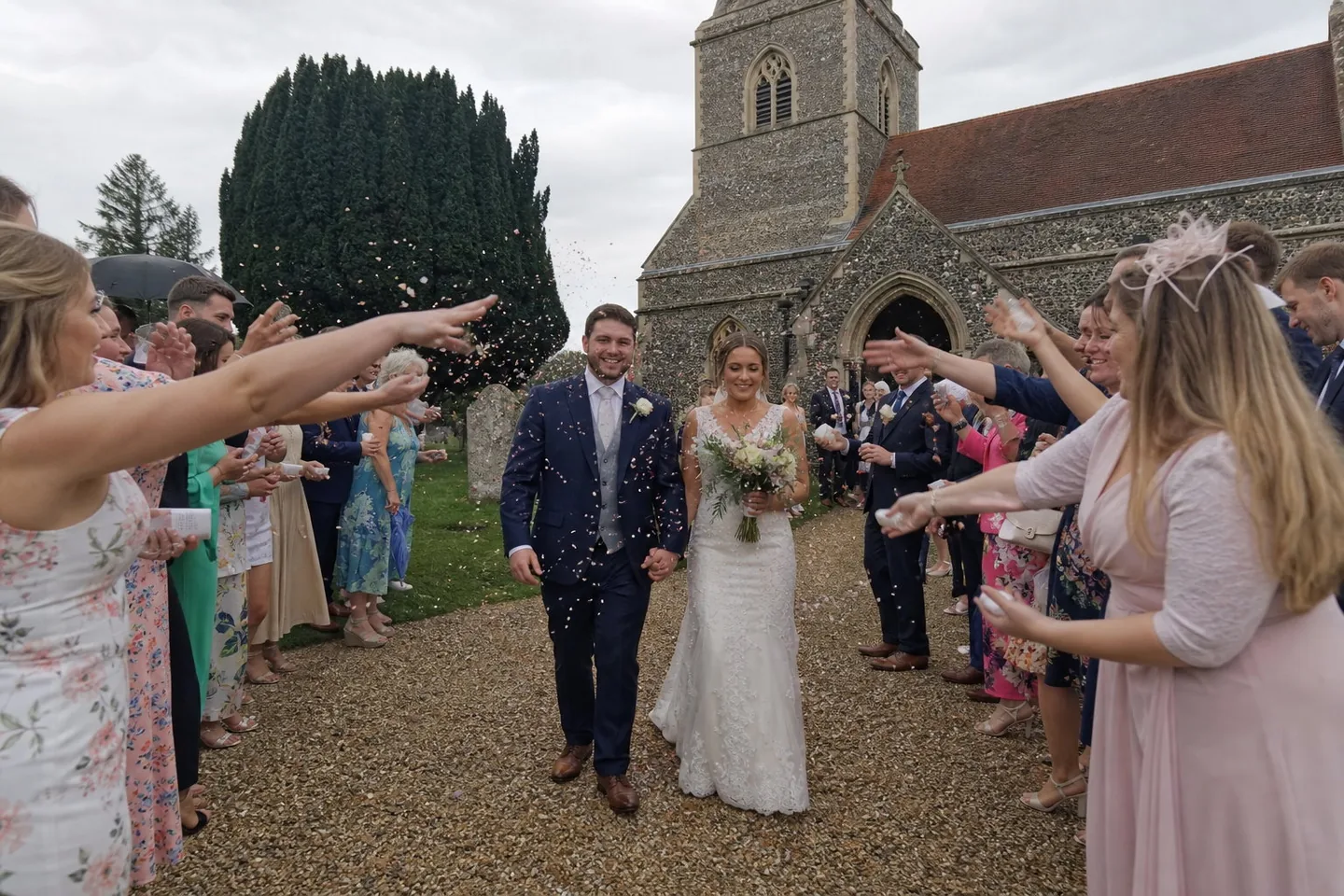
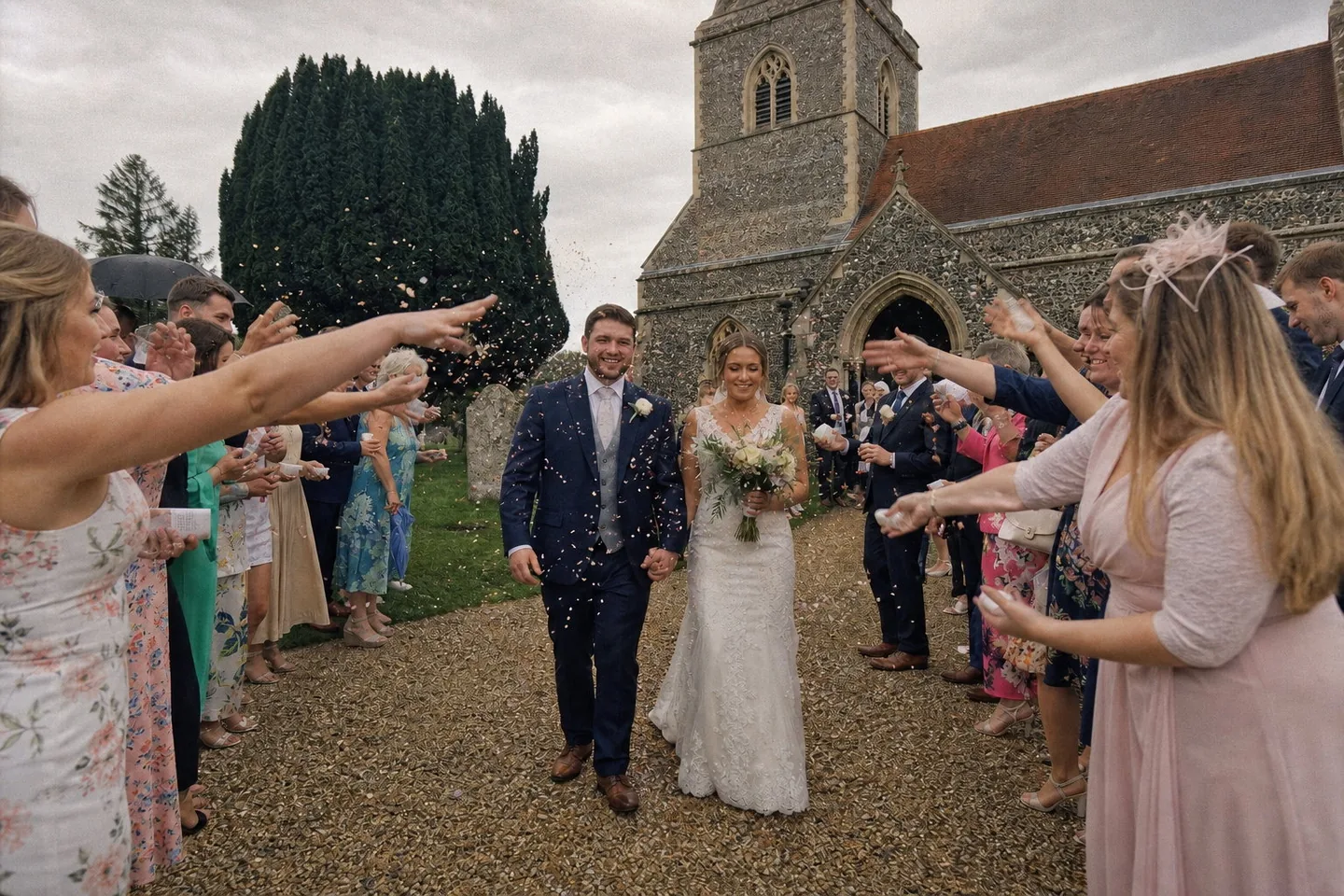
Wedding and couple photos
Overcast, and still film
Default film look, nothing typed
A bright day on Westminster Bridge, before and after. The film version keeps the frame, the face and the exposure, and changes only what the medium would: a light warmth in the colour, soft highlights and fine grain, held back on purpose so it still looks like the same afternoon.
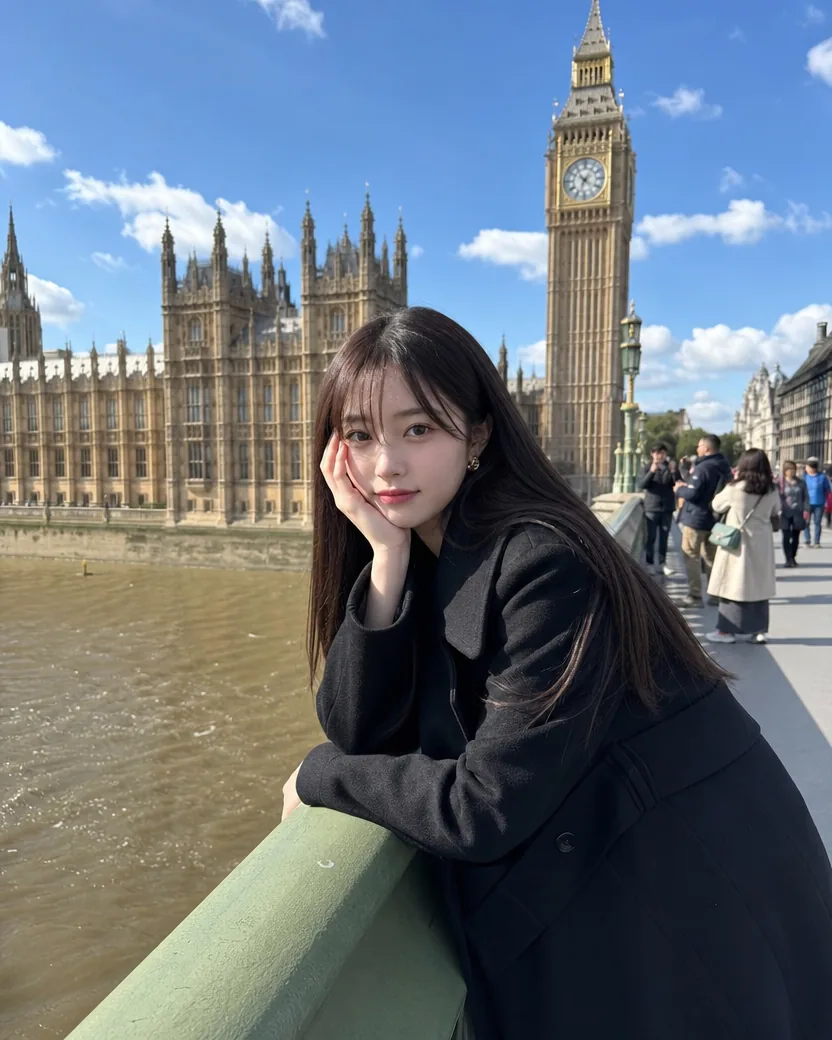
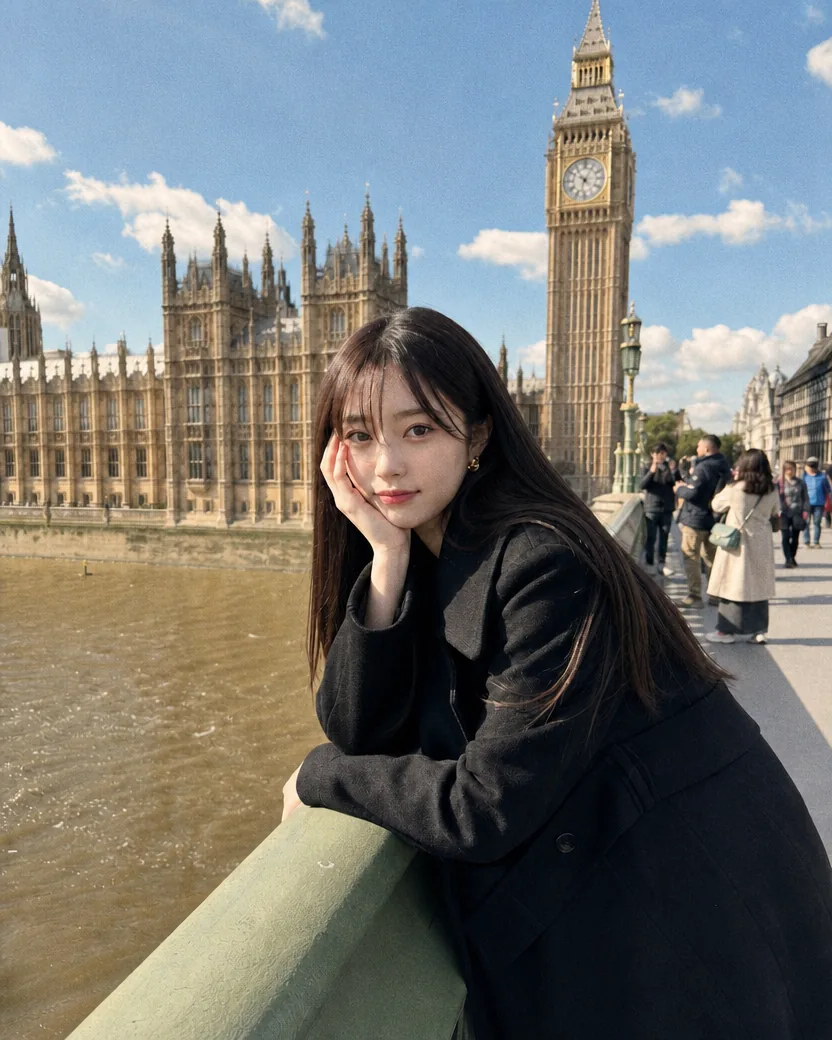
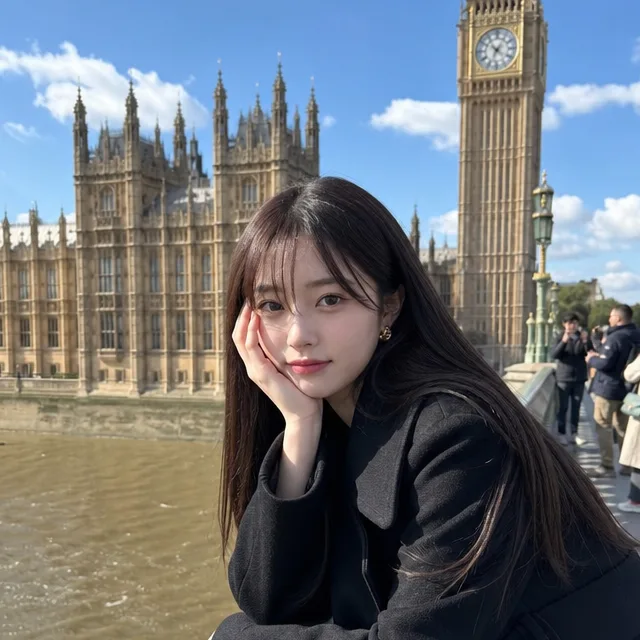
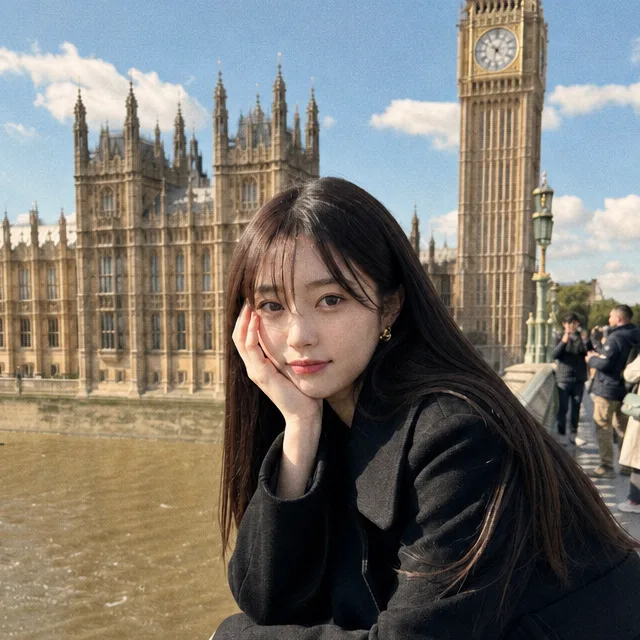
DirectionA gentle, natural film look: keep the colours close to how they were, with only a light warmth, soft highlights and fine grain, not a heavy warm cast.
Each pair shows the upload next to the result. The line under it is exactly what was typed in the direction field, or nothing at all: the default look is a clean daylight negative, and a short note bends it towards a warmer, cooler, or grainier stock.
Default film look, nothing typed
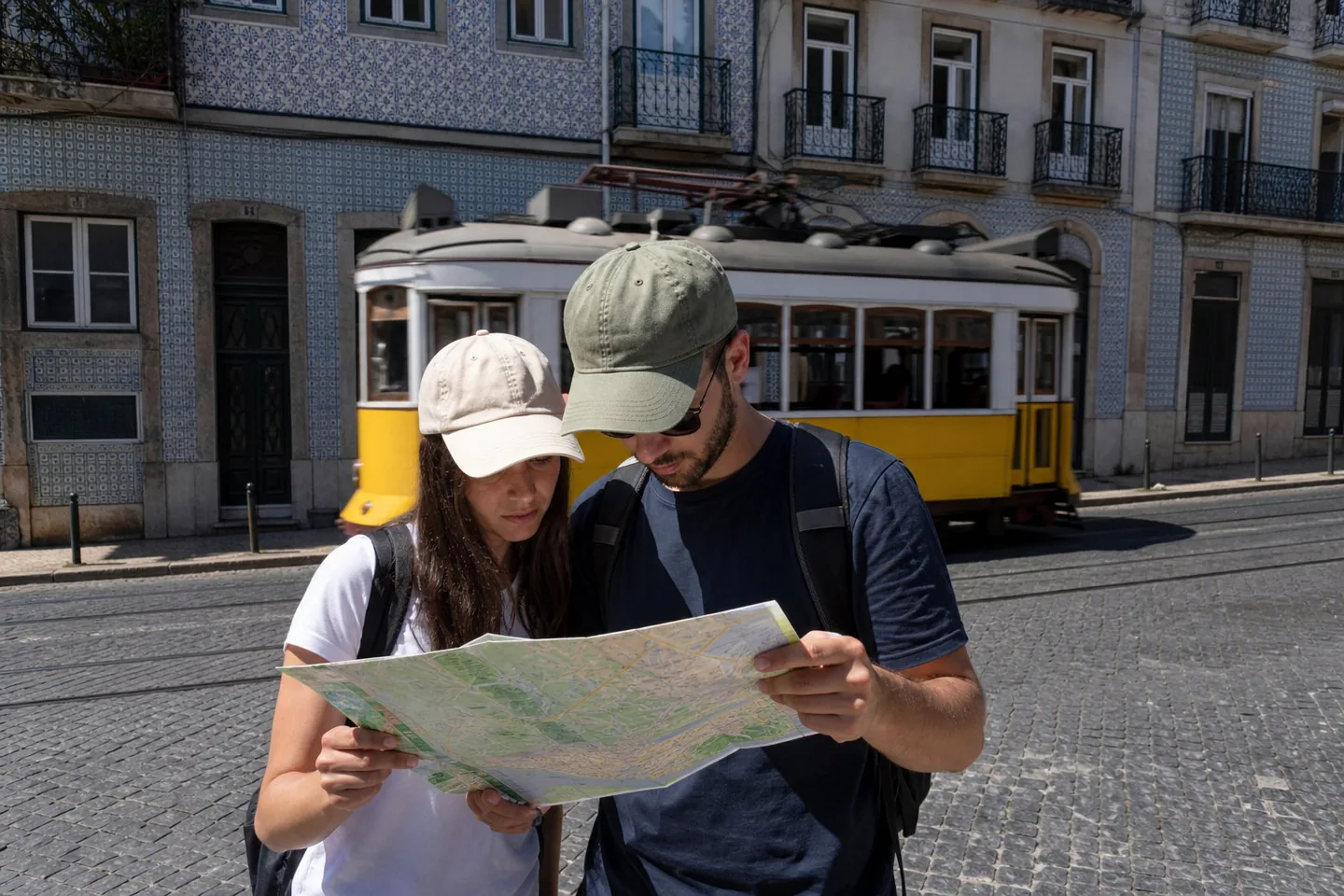
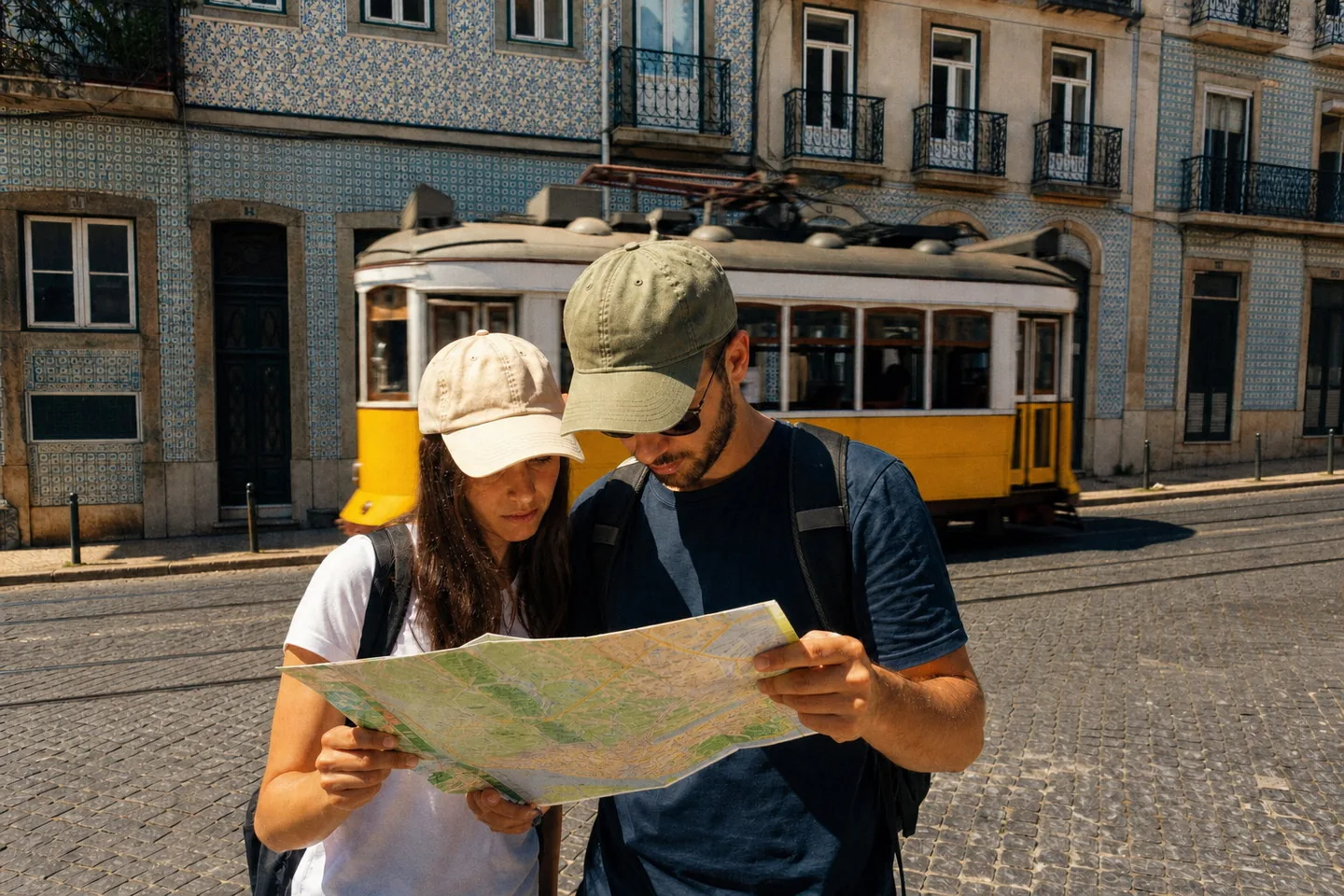
DirectionWarmer and more saturated, like a cheap holiday film from the nineties.
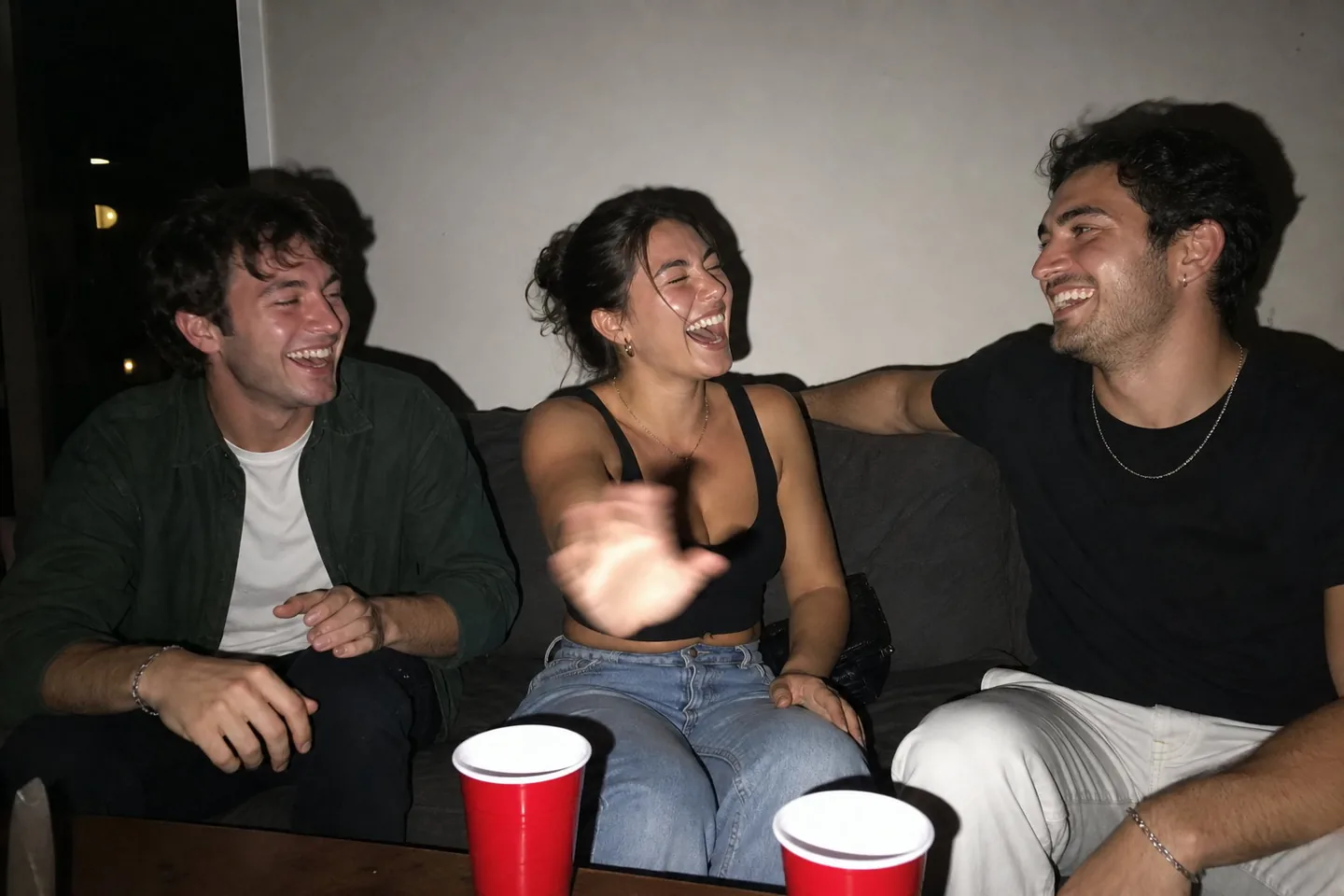
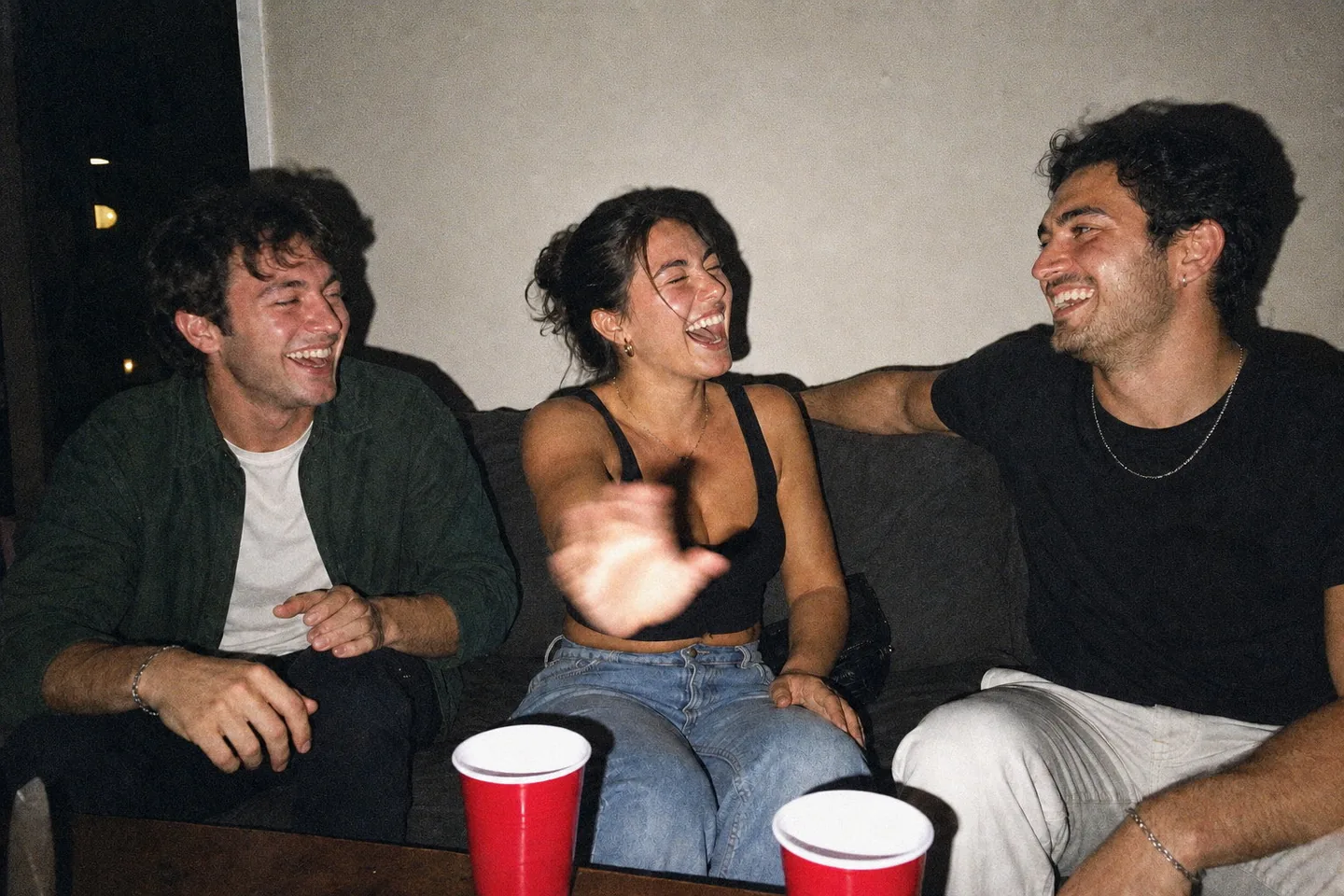
DirectionKeep the disposable-camera flash look and add a bit more grain.
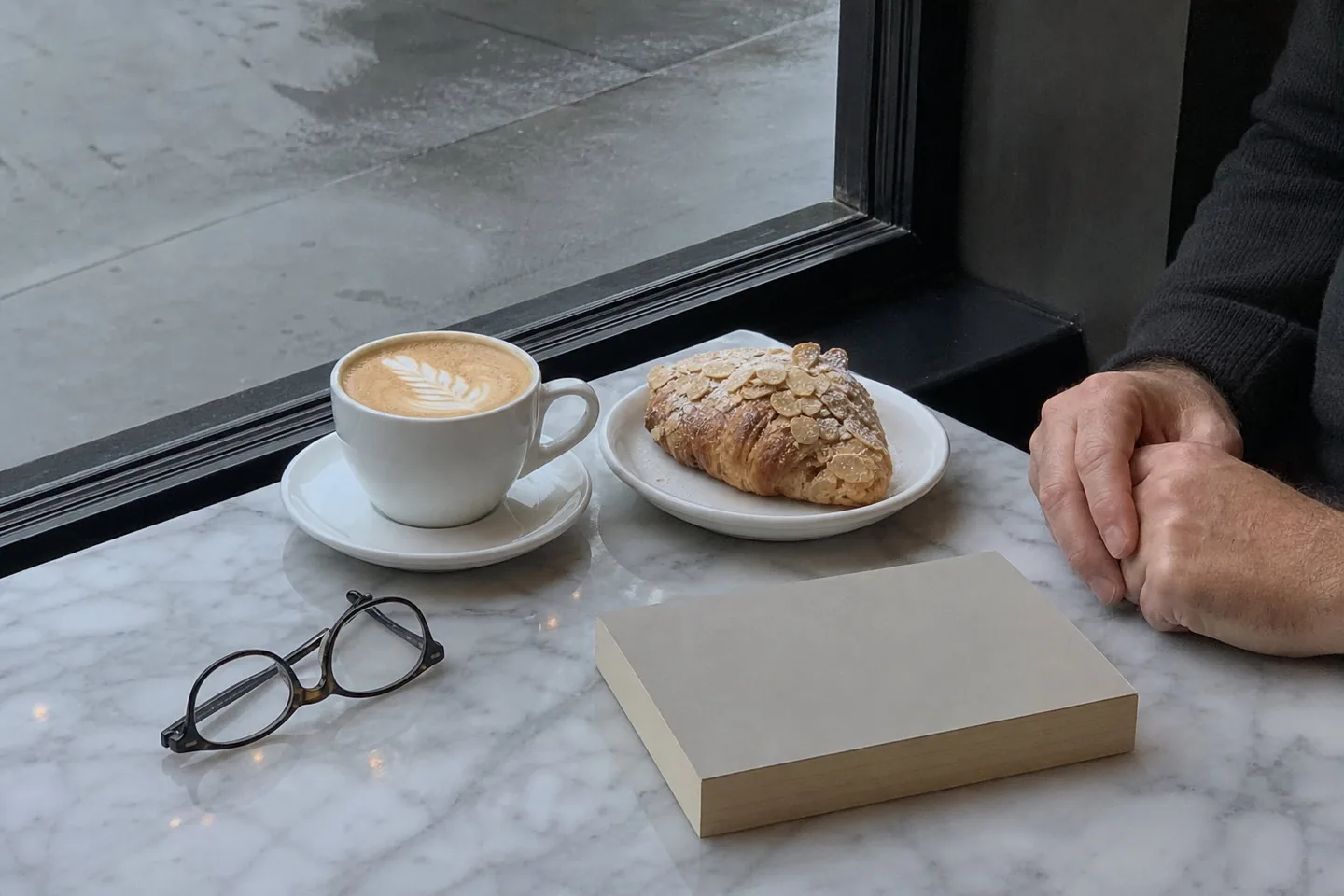
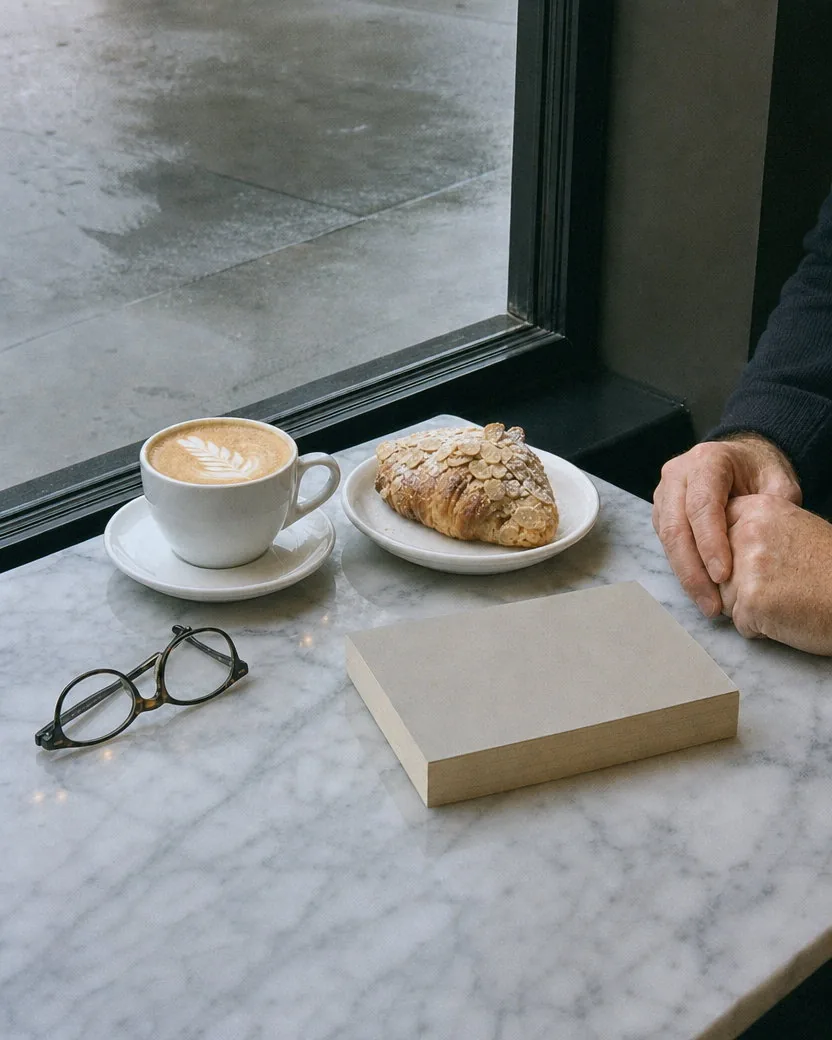
DirectionCooler, with greener shadows and softer contrast, like a Fuji stock.
Three steps, no presets, no Lightroom, no app to install. The private film contract does the careful part.
A phone snapshot, a wedding photo, a travel picture, a portrait. The full frame is kept; nothing is cropped or recomposed to fit the output.
Leave the field blank for the default look: a clean daylight colour negative with fine grain. Or steer it in a sentence: “warmer and more saturated”, “cooler with greener shadows”, “more grain”, “no halation”.
The film version is ready in one to two minutes with the full frame kept, 4:5 by default, made with GPT Image 2. Download it from your library, or run it again with a different direction.
Three more photos, each shown with the upload, the result, and a 100% crop so you can check the grain yourself.
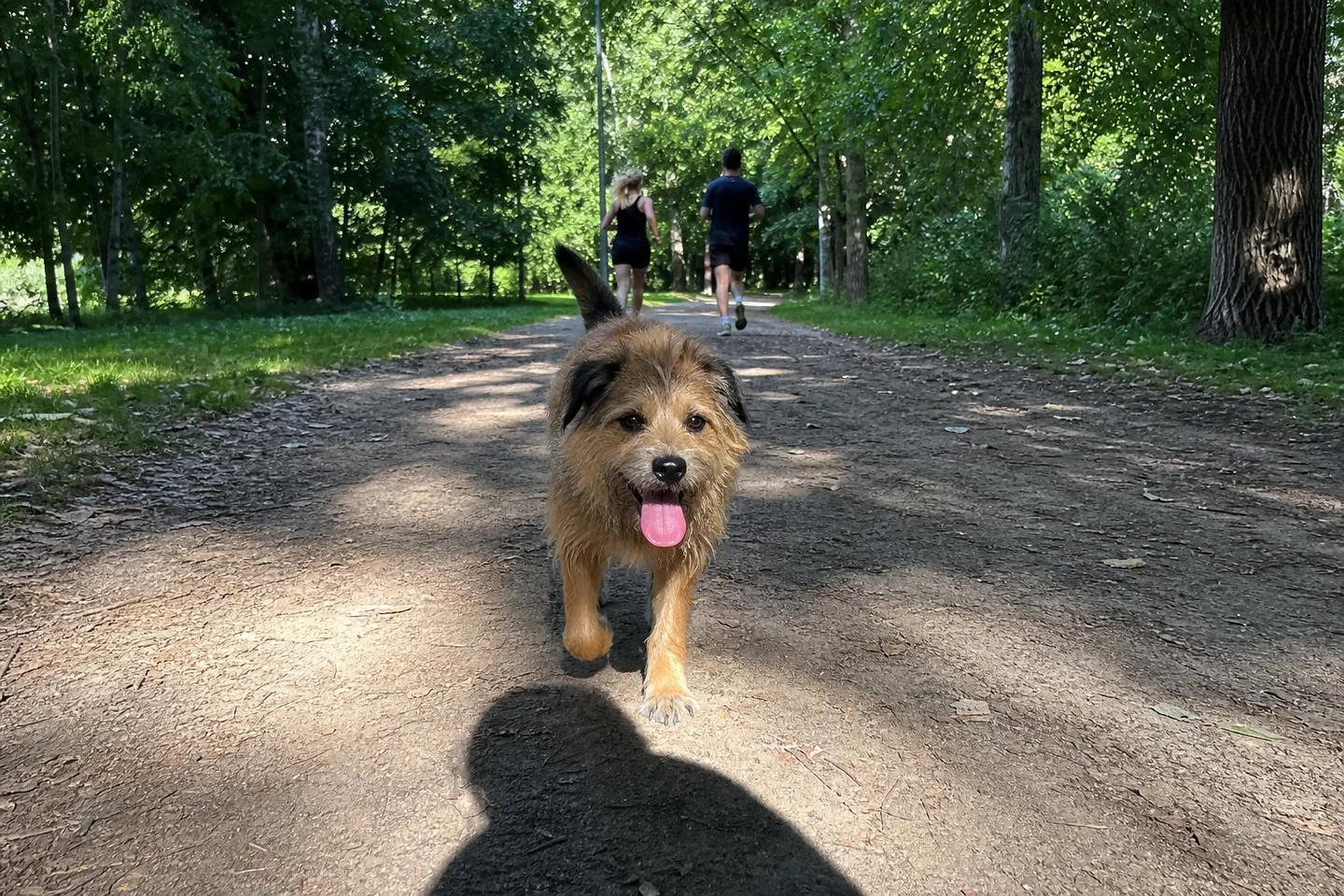
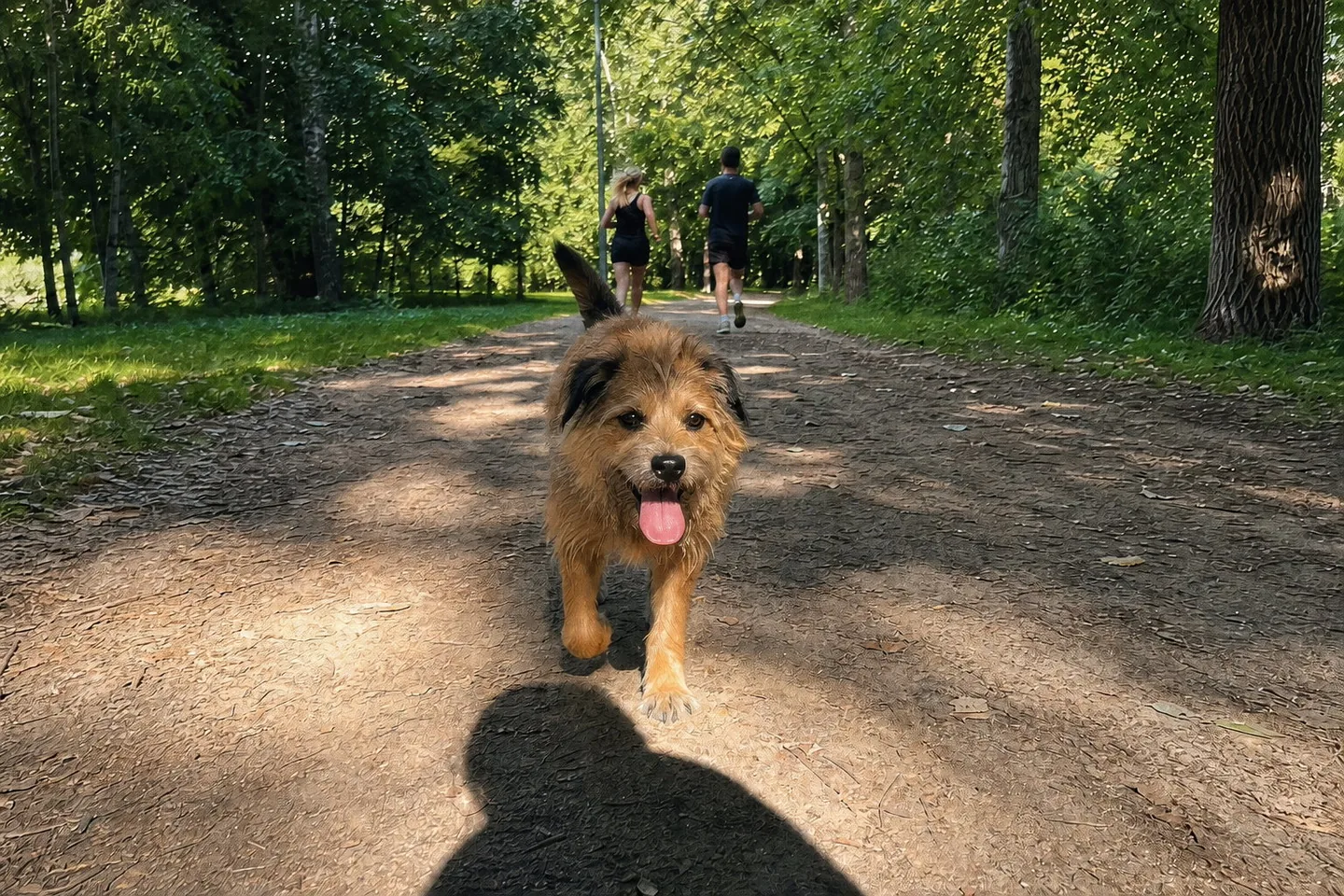
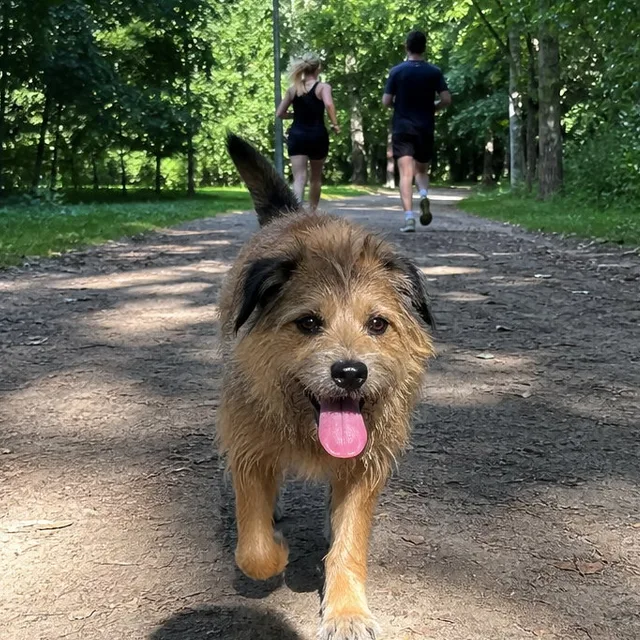
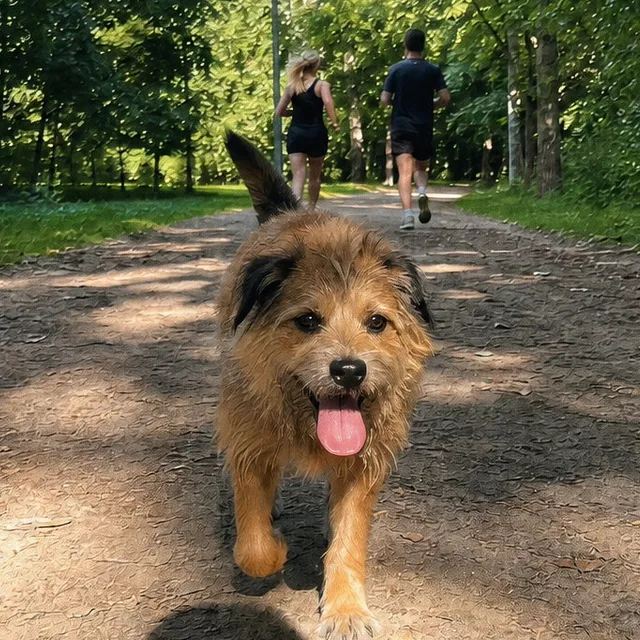
A dog in a park is the kind of photo a phone makes look clinical: flat, cool and over-sharpened. Asked for warm film colour and visible grain, the film version brings the warmth back, softens the digital edges, and shows real organic grain in the 100% crop while the greens stay honest.
DirectionWarm film colour and visible grain, keep the greens natural.
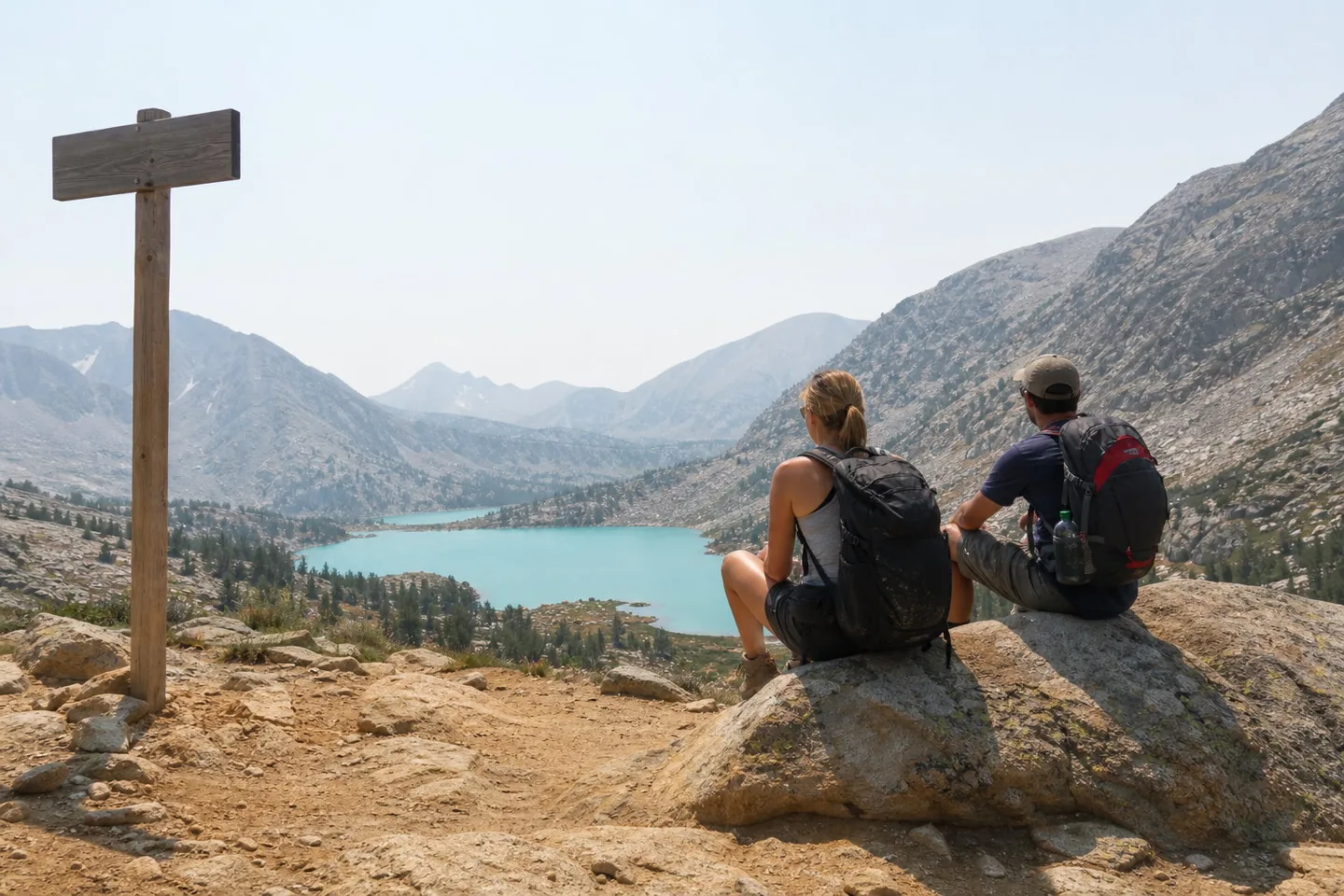
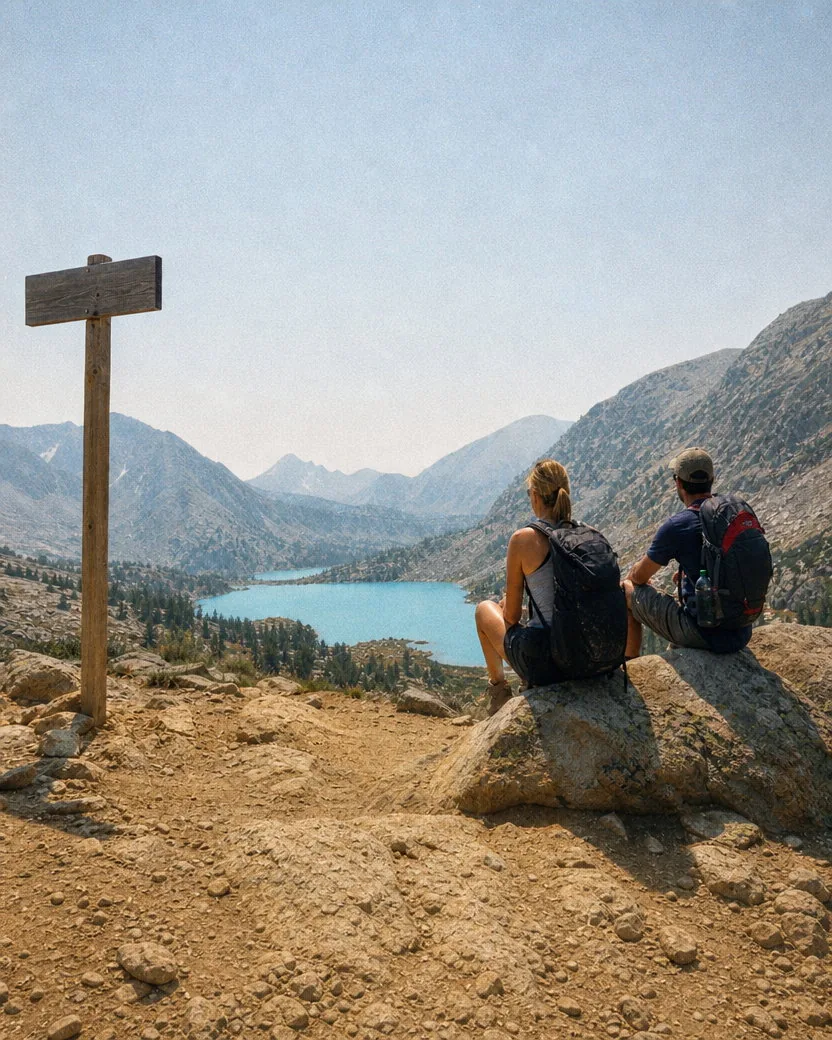
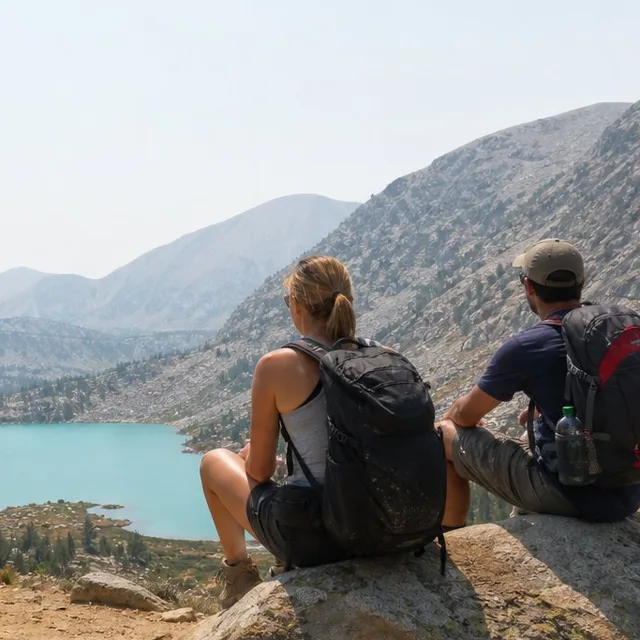
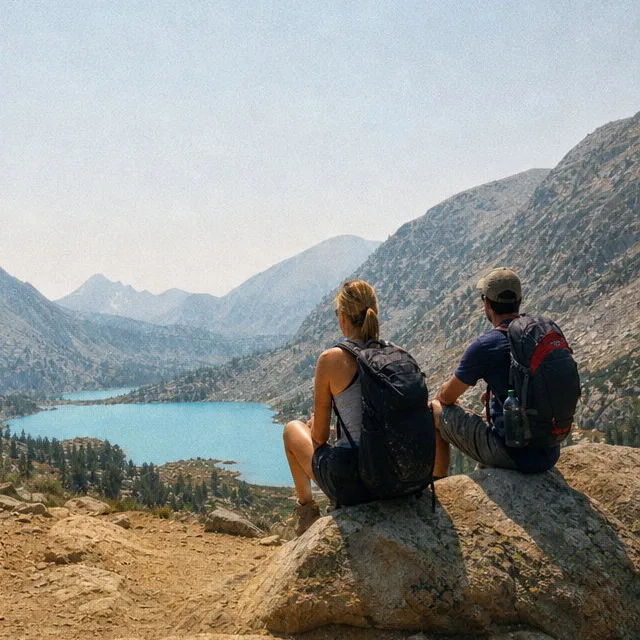
Midday mountain light clips to white on a phone. On film, the sky compresses into soft tone, the lake keeps its blue, and the hikers' skin stops looking plastic.
DirectionLet the bright sky roll off softly and keep the lake blue.
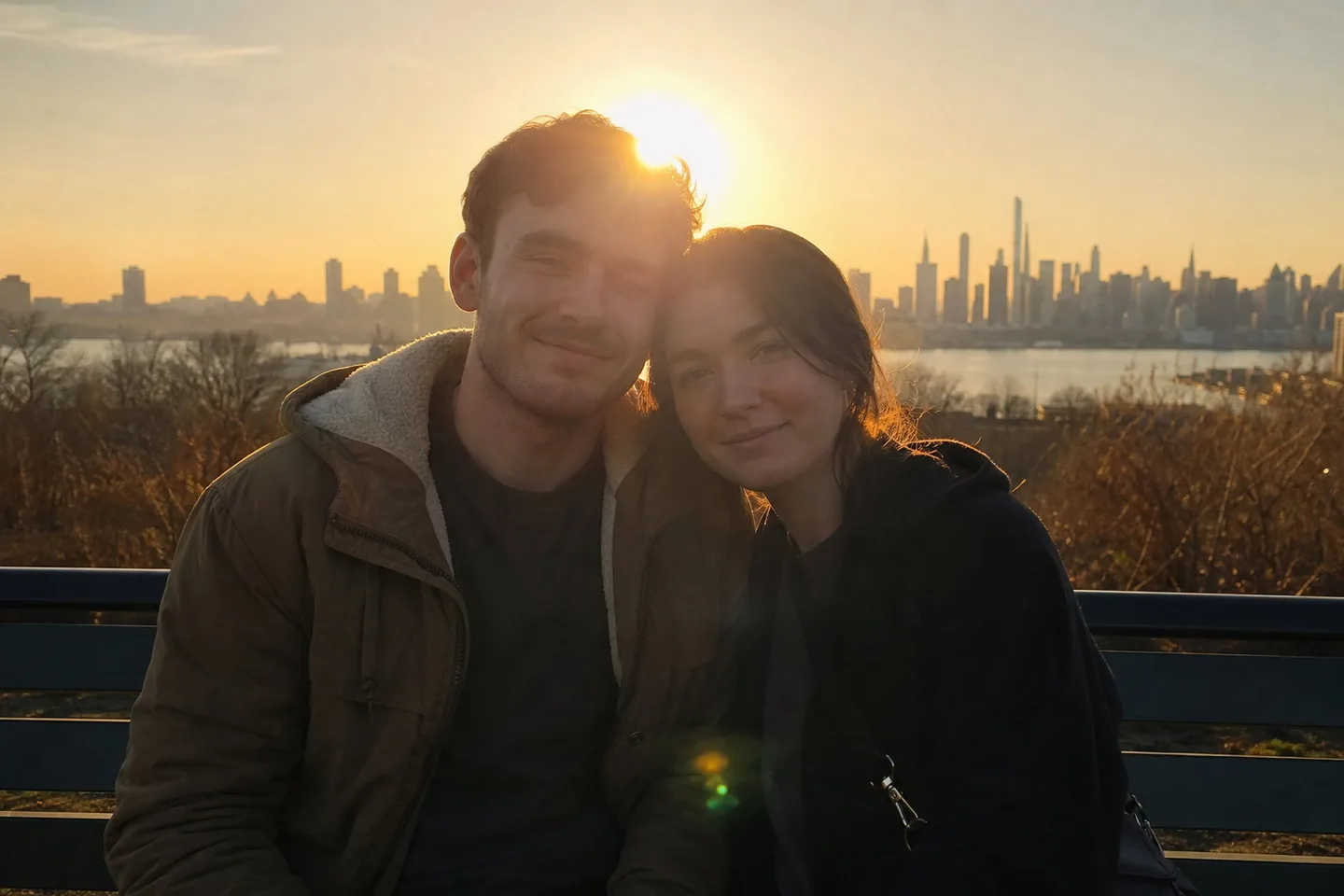
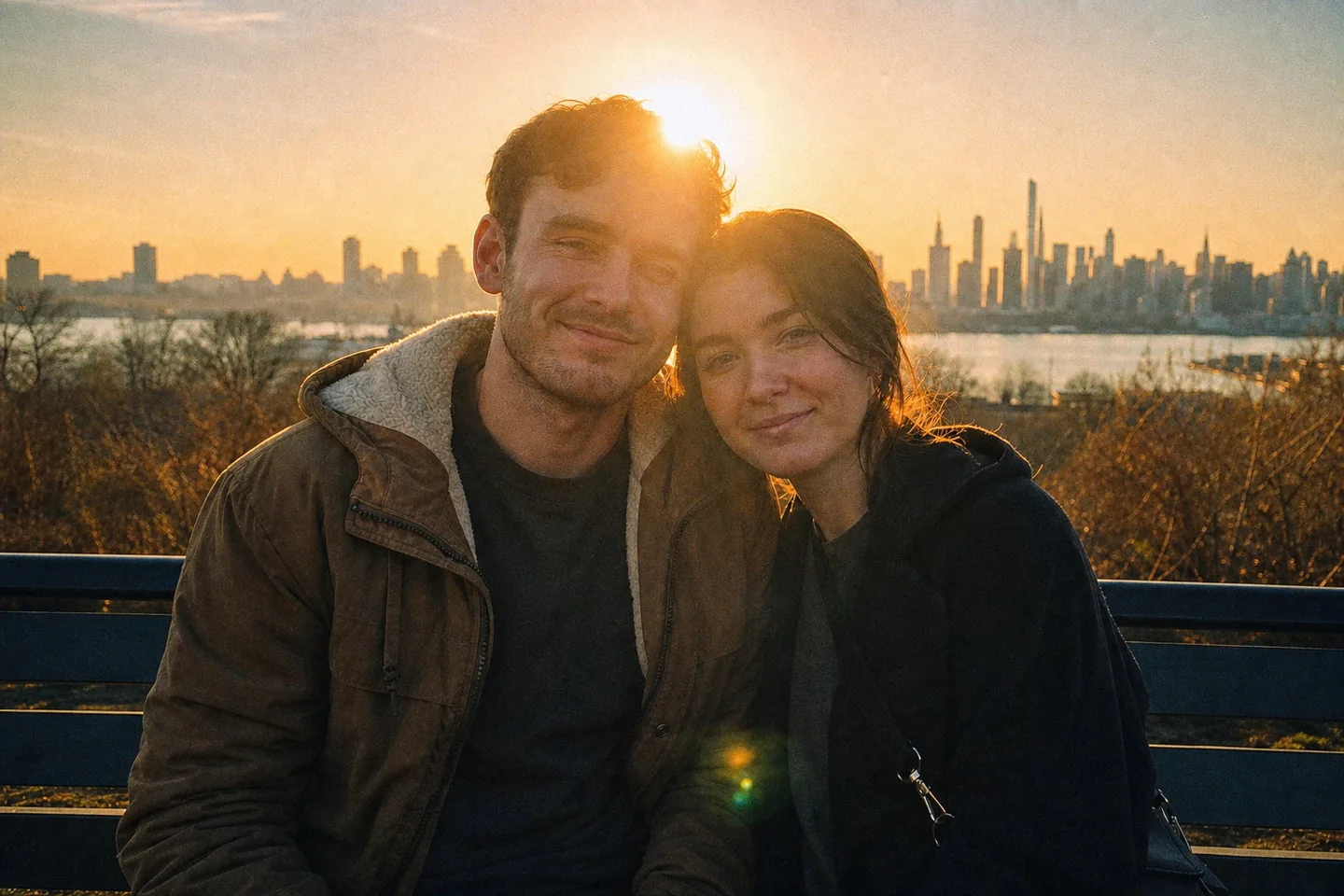
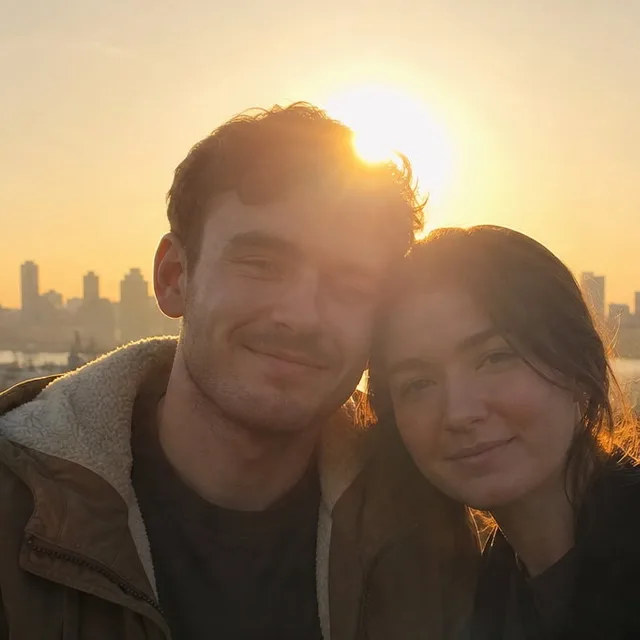
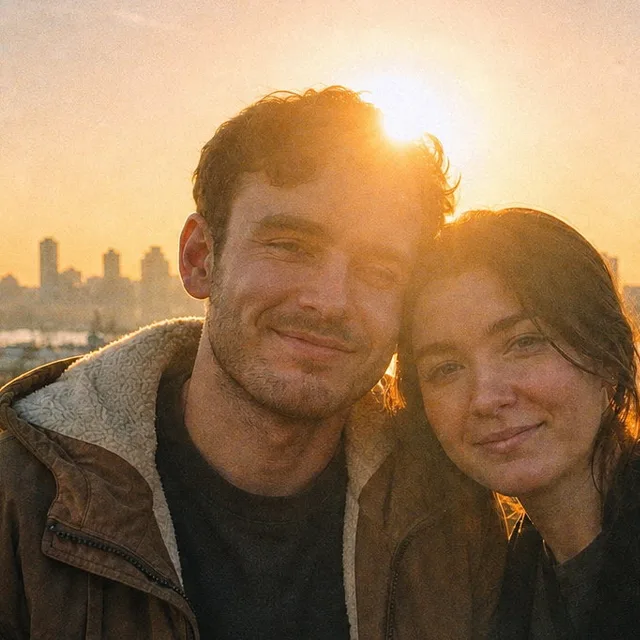
A backlit bench at sunset is where halation belongs. Asked to let the sun bloom a little more, the film version wraps a warm glow around the hair and the skyline and leaves the faces exactly as they were.
DirectionLet the sun bloom a little more.
The direction field is optional. When you use it, these four habits get the most out of it.
“Warmer and more saturated”, “cooler with greener shadows”, “pastel and low-contrast”. Naming the character works better than naming a box of film; the tool adapts the response to your photo's light.
“Fine grain only” keeps it to a whisper. “More grain” pushes it towards a fast consumer stock. Either way it stays organic and never turns into digital noise.
Halation only appears where the source has bright point light: the sun, a lamp, sun on water. “Let the sun bloom a little more” raises it; “no halation” removes it.
“Light leaks”, “date stamp”, “scratches”, “Polaroid border” are ignored: the tool renders film, not a distressed overlay. Ask for a look, not a decoration.
No golden-hour light is manufactured. If you shot at noon under a grey sky, you get a grey-sky film photo at the same brightness you uploaded.
Faces, expressions, skin texture, hair, and bodies come back as photographed. Film changes the rendering, not the person.
No light leaks, scratches, dust, date stamps, sprocket holes, borders, or heavy vignette. Real film does not shout.
Everything is set in the composer before you create. Defaults are shown first.
| Input | One photo; JPEG, PNG, WebP, or HEIC |
|---|---|
| Frame | The full uploaded frame is kept. It is never cropped to fit the output ratio |
| Aspect ratio | 4:5 by default; any supported ratio under Settings, with the surroundings extended rather than the photo cropped |
| Resolution | 1K by default; 2K and 4K available on GPT Image models |
| Direction | Optional. Blank runs the default daylight-negative look; a short note bends it warmer, cooler, grainier, or bloom-free |
| Output | One image per upload by default, downloadable from your library without a watermark |
Recent public posts from the community, created with this tool.
Only the rendering. The photo is re-rendered as if the same exposure had been made on daylight colour-negative film and scanned by a lab: a per-colour film response instead of a tint, a tone curve with a gentle toe and a long highlight shoulder, organic density-dependent grain, slightly softer micro-contrast, and warm halation only around bright source highlights. The frame, the people, the exposure, and the lighting direction stay exactly as shot.
No. Those are the tells of a disposable-camera app, not of film. The tool is explicitly told not to add light leaks, scratches, dust, date stamps, sprocket holes, borders, a fade, or a heavy vignette. It renders a clean lab scan.
No. Identity, facial structure, expression, gaze, pose, hands, skin pores, and hair are protected. Nothing is retouched, smoothed, or reshaped; the only thing that changes on skin is how film would render its colour and texture.
Yes. Every example on this page started as a plain phone-style photo. Upload straight from the camera roll; JPEG, PNG, WebP, and HEIC are accepted, and the full frame is kept.
No. The default look keeps the source white balance: white walls stay white, grey skies stay grey, blue skies stay blue. Skin goes gently warm and greens go olive because that is how a daylight negative responds, not because a tint was laid over the photo. Ask for “warmer and more saturated” if you want the nineties consumer-film look.
Describe the character rather than the box. The default is a clean, slightly pastel daylight negative with flattering skin and muted greens. “Warmer and more saturated” pulls it towards a consumer stock, “cooler with greener shadows and softer contrast” towards a Fuji-style response, and “more grain” towards a fast film. Typeshutter is not affiliated with any film manufacturer.
A preset applies one fixed curve and a grain overlay to every photo and depends on how you tune it. A film camera app makes you re-shoot through the app and adds randomised leaks and stamps. This tool reads the light already in your photo, renders the film response for that scene, and gives you the same frame back at the output resolution you selected.
It is rendered, not overlaid. It is asked to behave like film grain: present in every tone, strongest in midtones and shadows, finer in dense highlights, irregular in size, luminance only, and the smallest detail in the image. The 100% crops on this page show what that looks like.
Photos with real light in them: daylight, window light, a low sun, flash. Backlit scenes and bright water get the most convincing halation; overcast and indoor scenes get the colour and grain without bloom. Very small, heavily compressed, or badly blurred photos give weaker results because there is less detail for the grain to sit on.
Usually one to two minutes. The photo is processed by GPT Image 2 by default, which is slower than a one-click filter but far more careful about faces and texture. You can keep working; the result appears in your library.
Yes. Results are yours to use for prints, portfolios, social posts, and client galleries under the Typeshutter terms of service. Make sure you have the rights to the photo you upload.
New accounts receive trial credits that cover a first film conversion. After that, each photo is priced by the selected model and resolution and deducted from your credit balance when you create it. There is no watermark.
One or more selected files can’t be uploaded. Please upload different files, or change the format.