Consistent AI character generator
AI character generator from a reference image
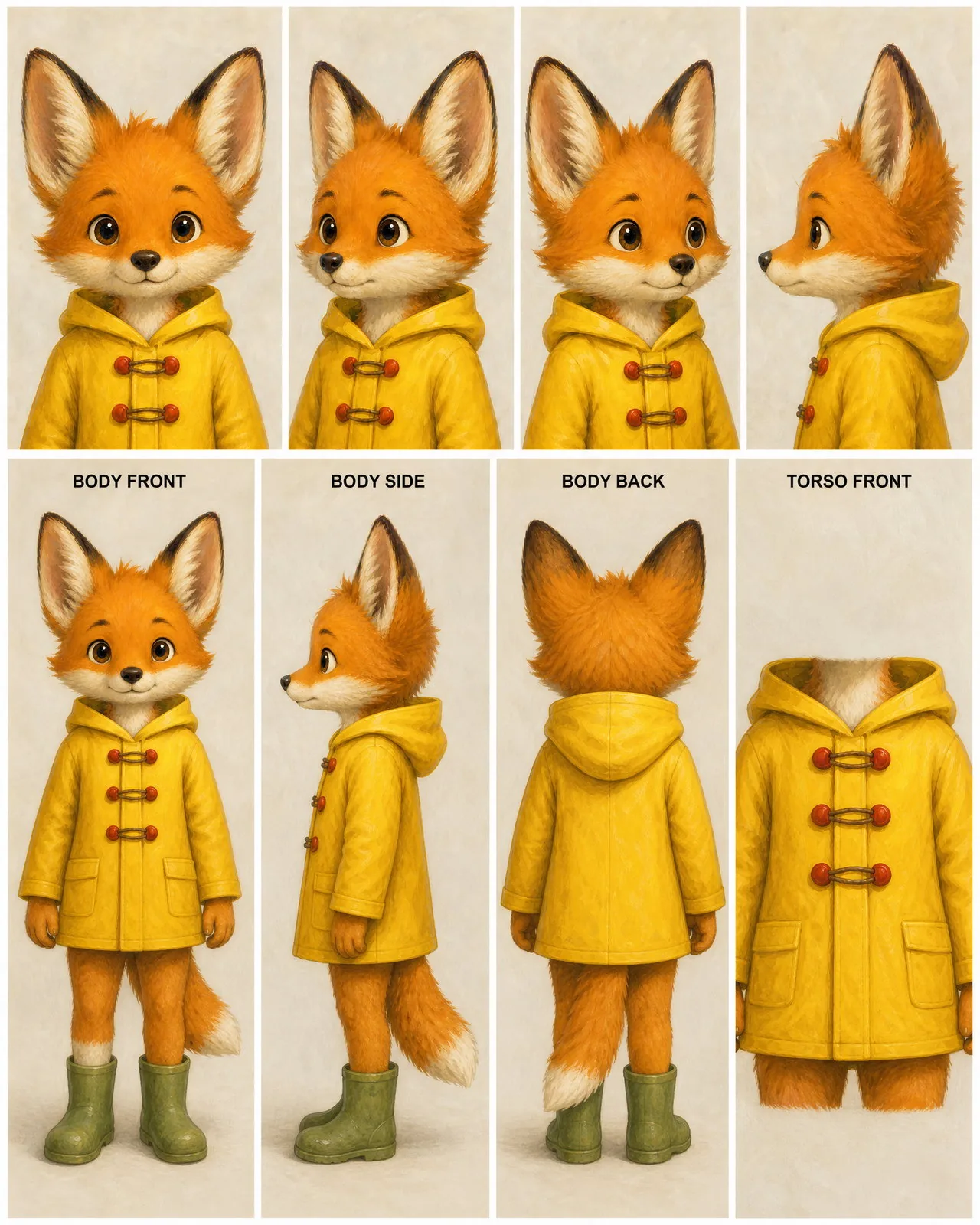
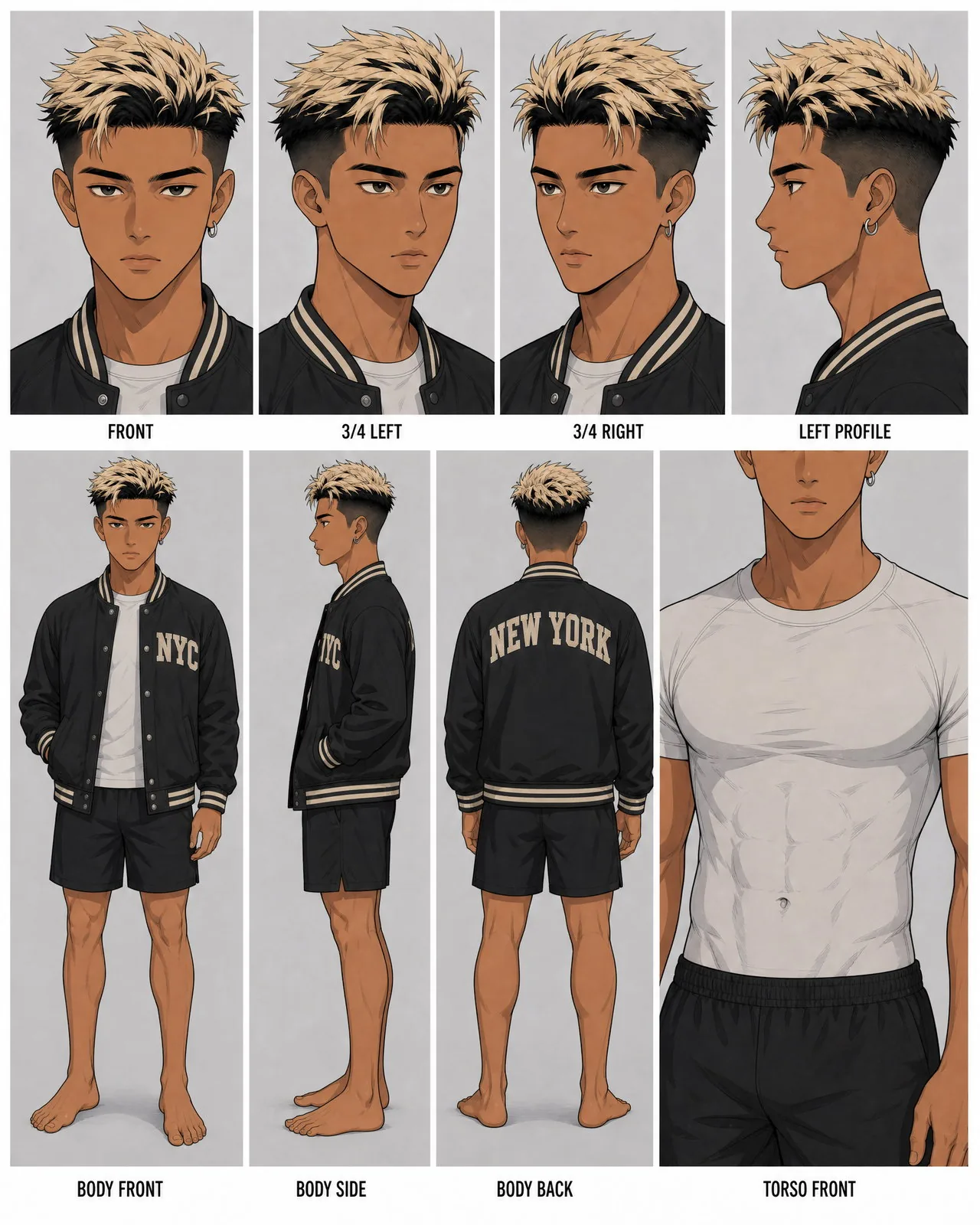
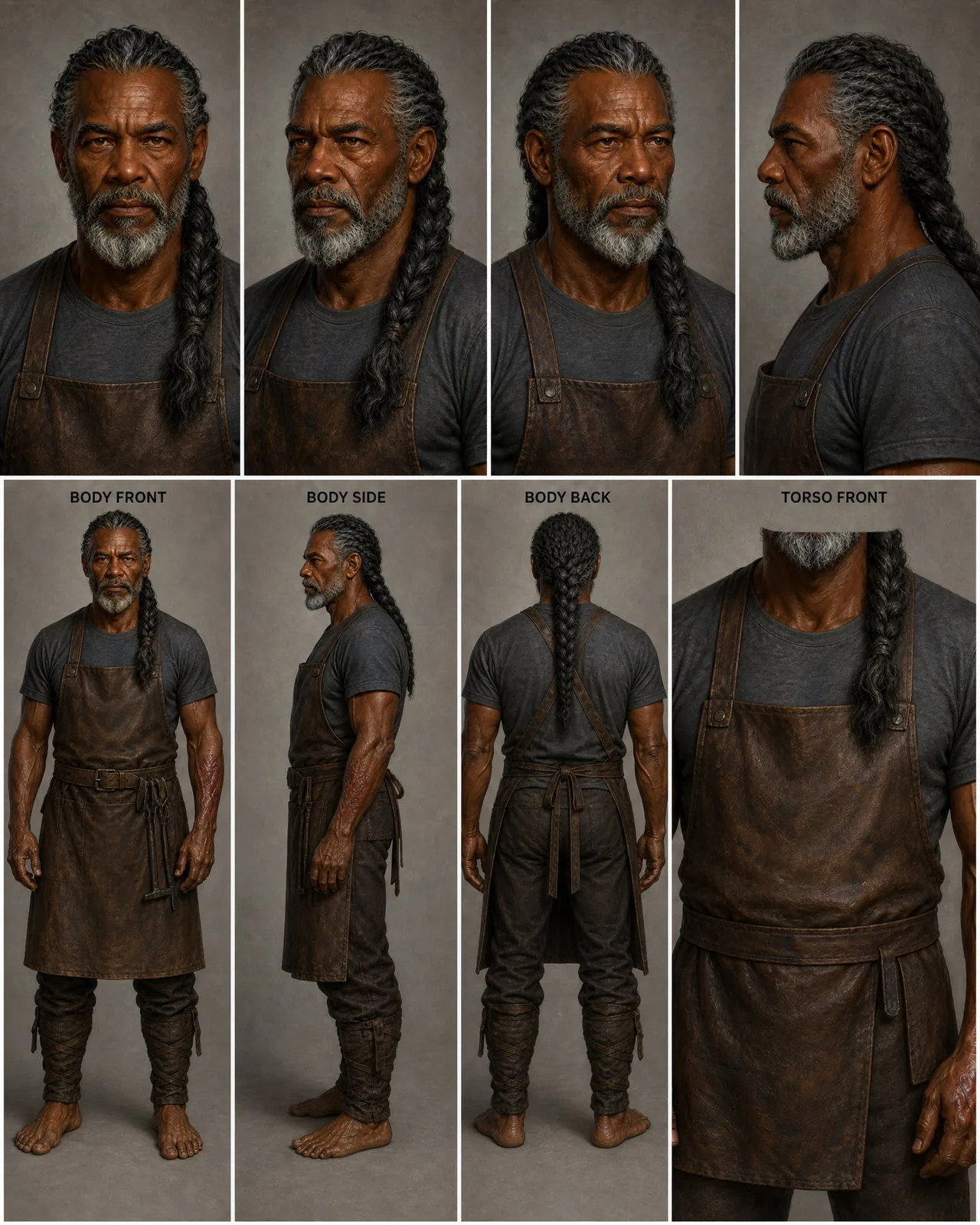
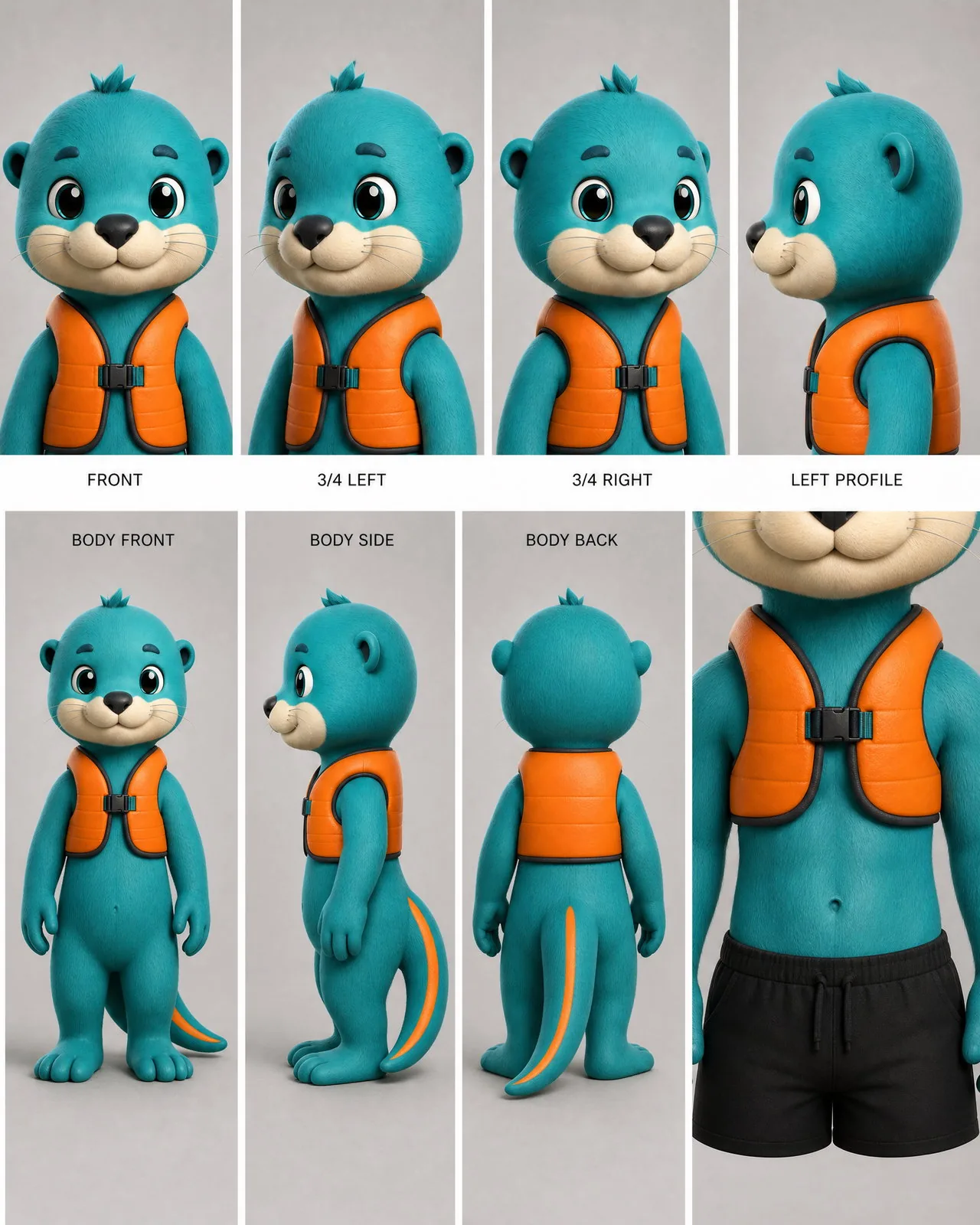
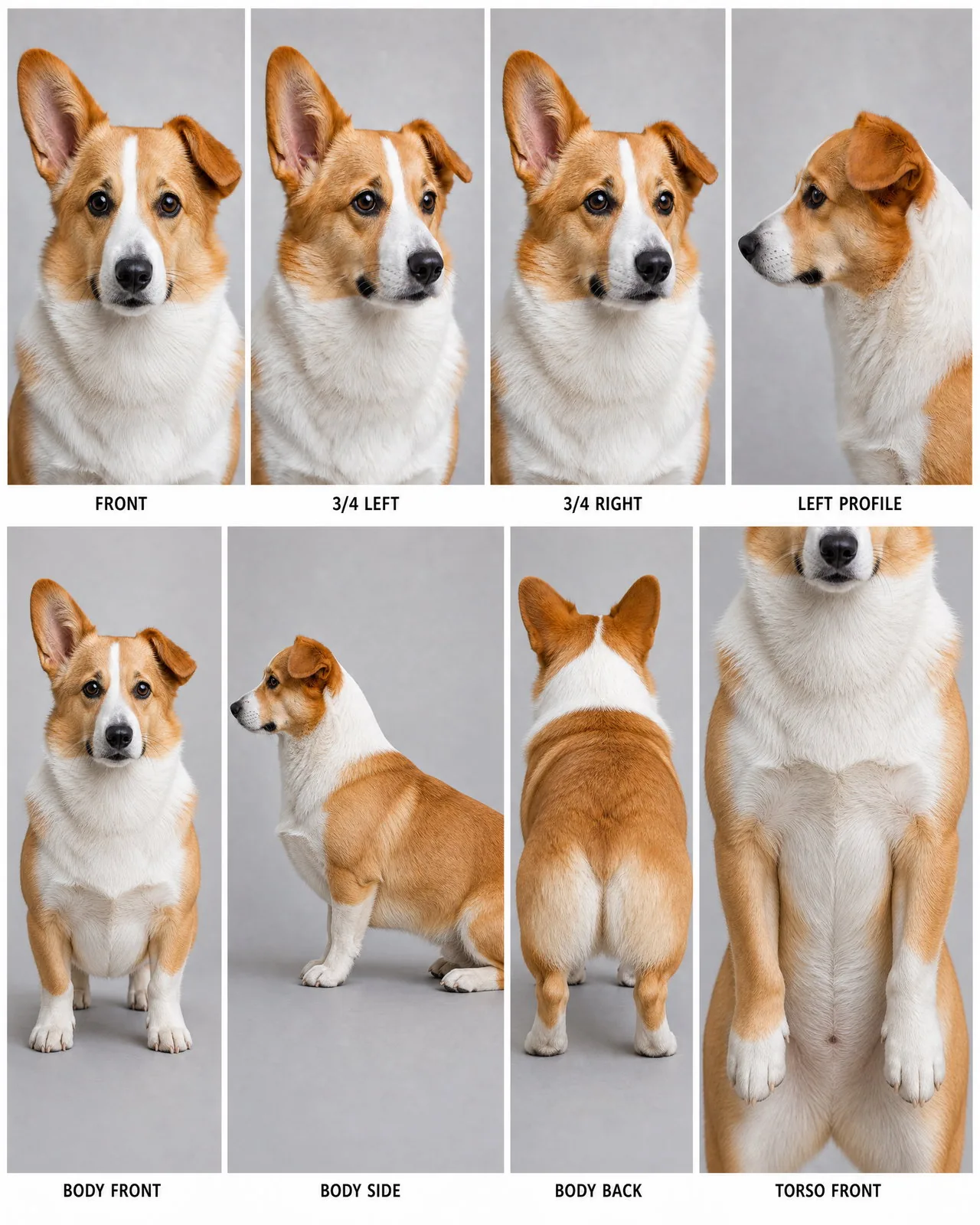
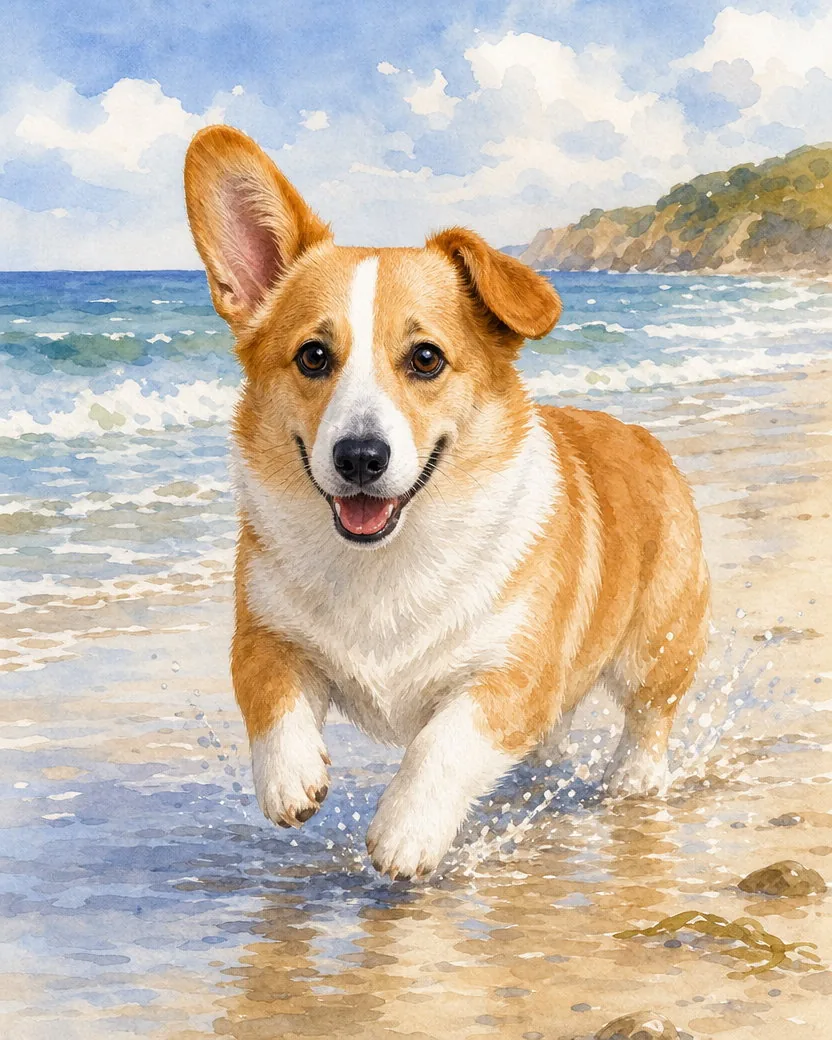
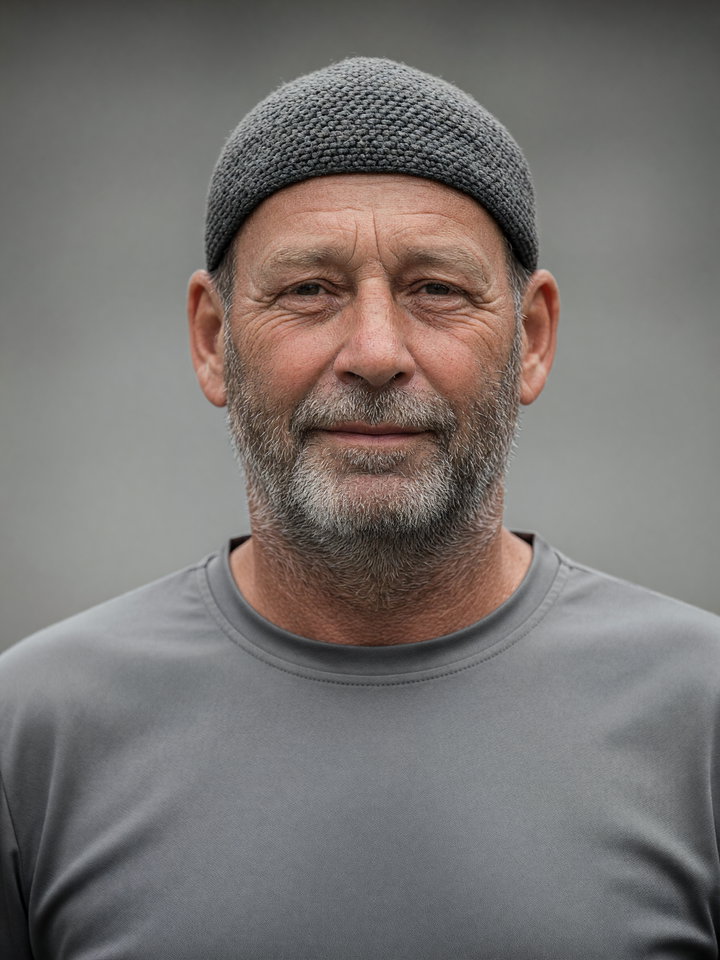
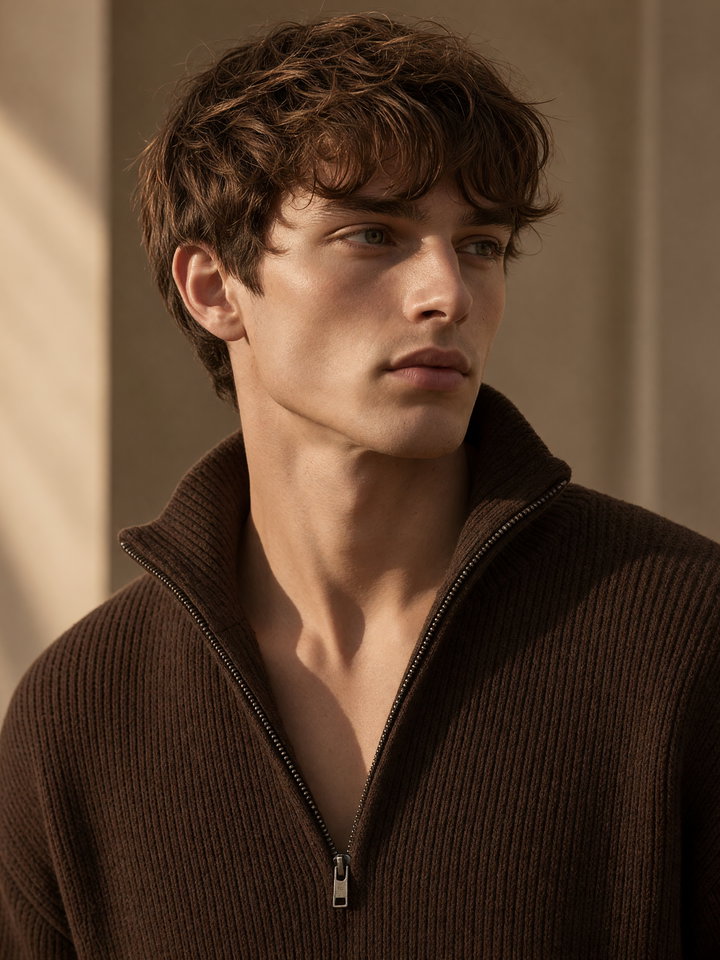
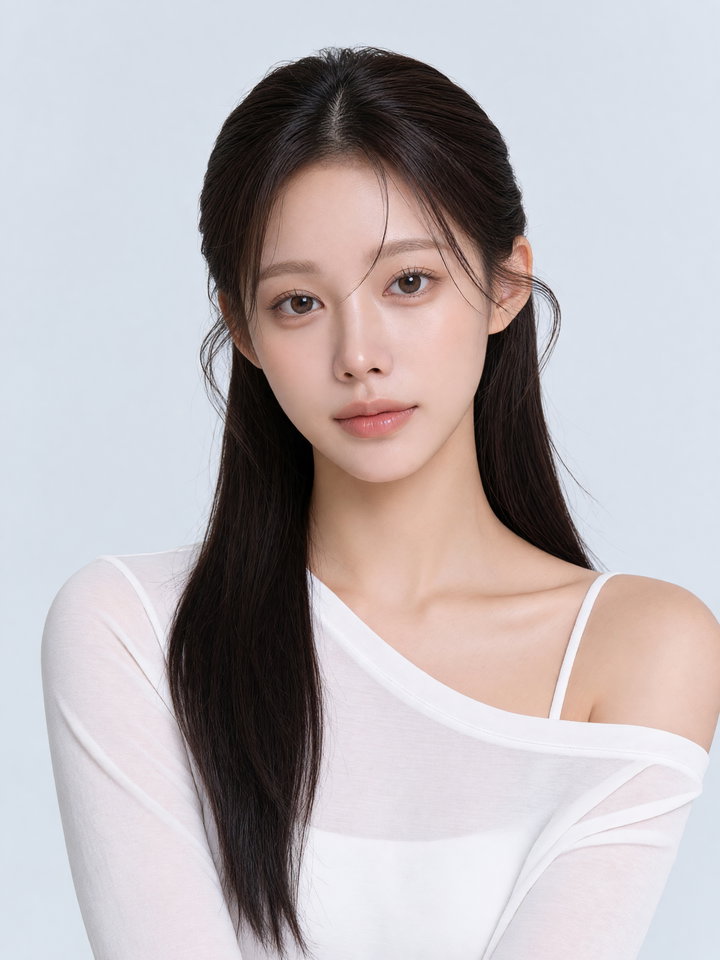
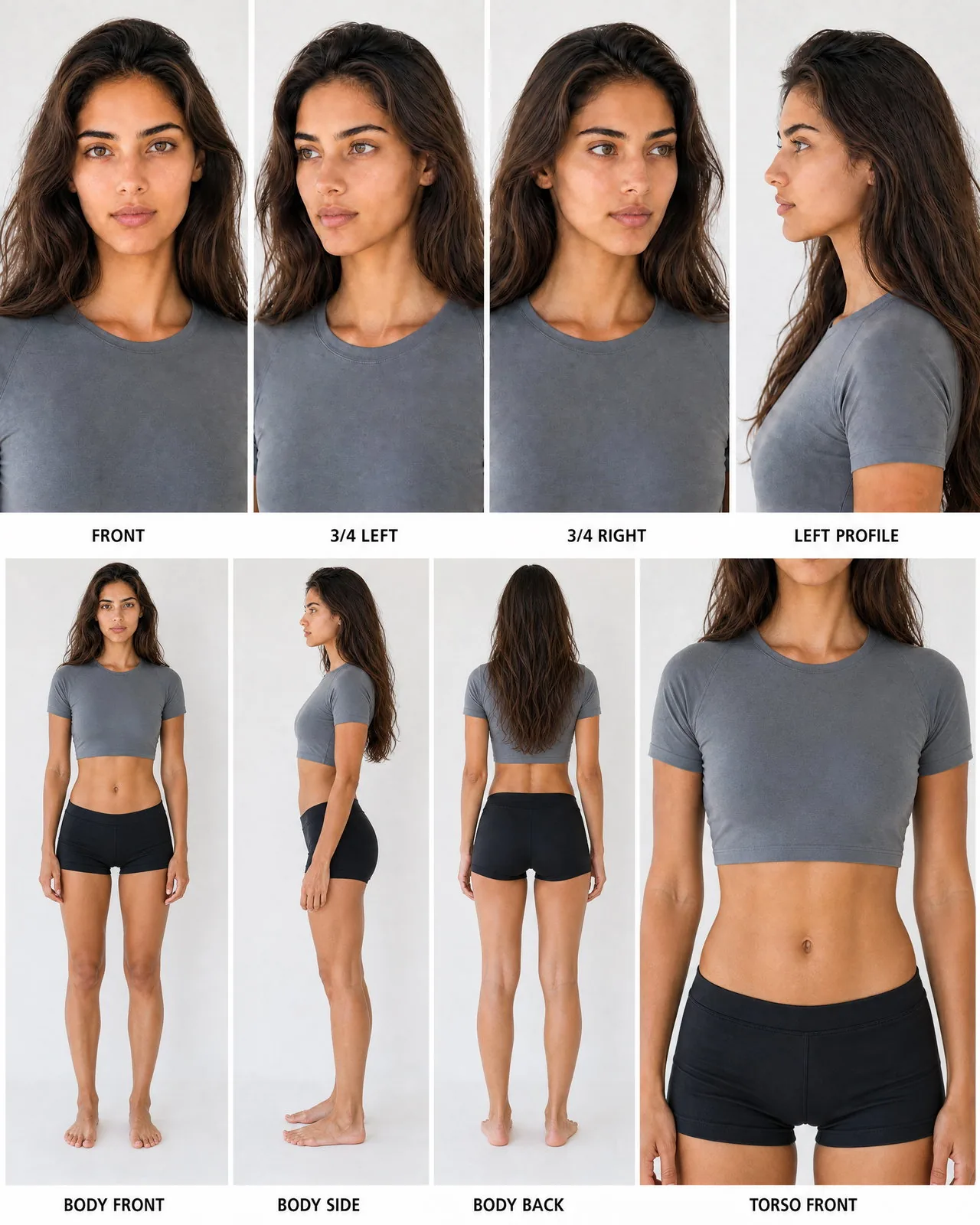
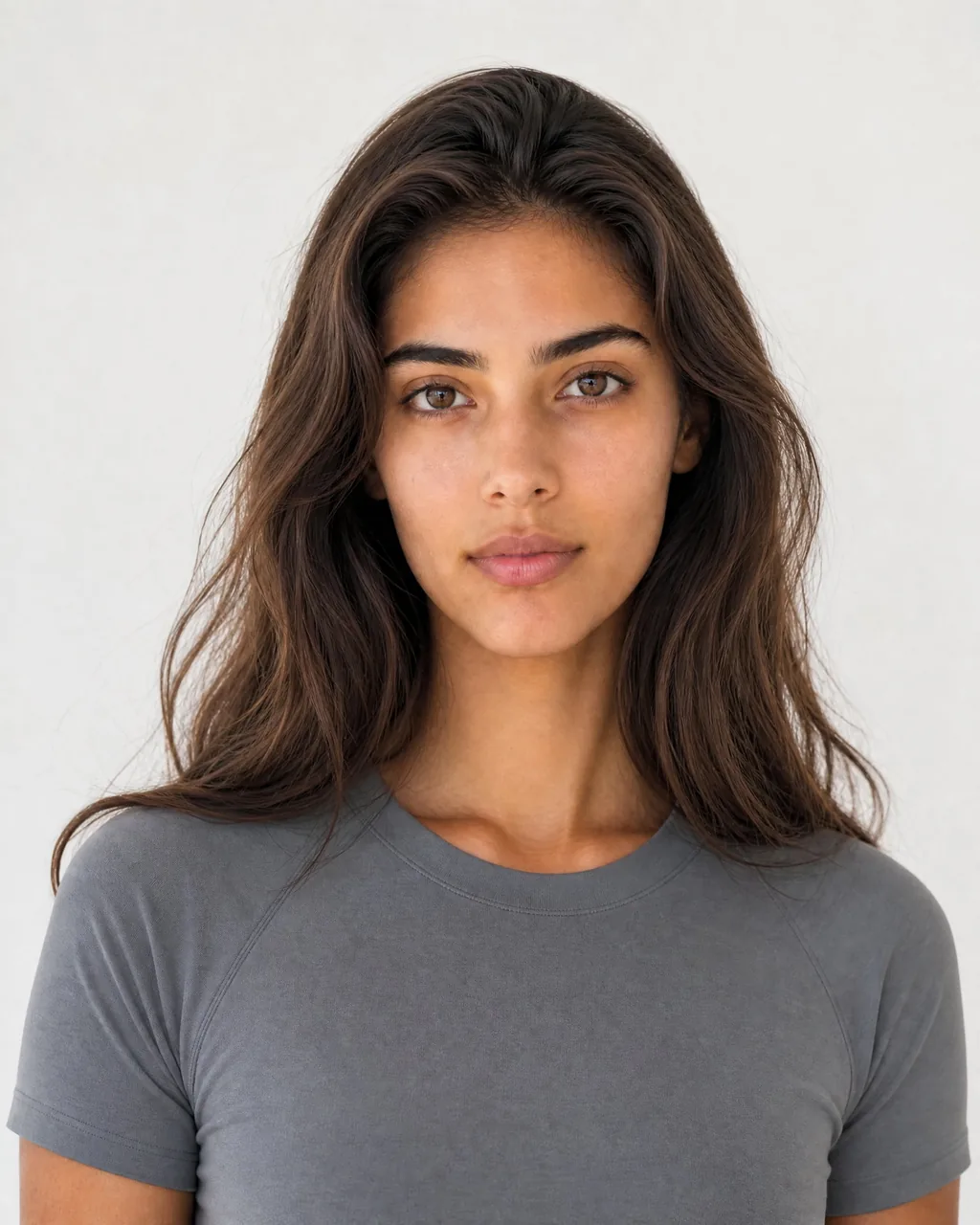
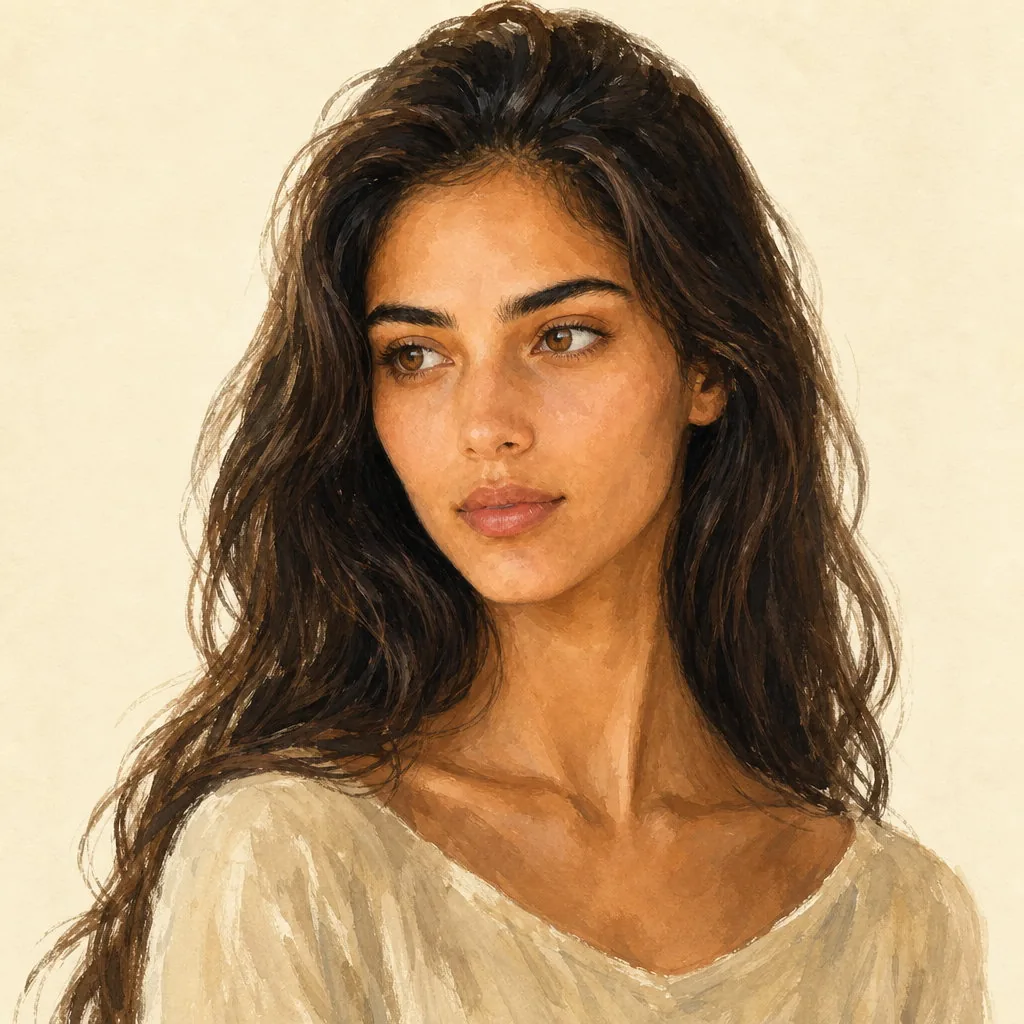
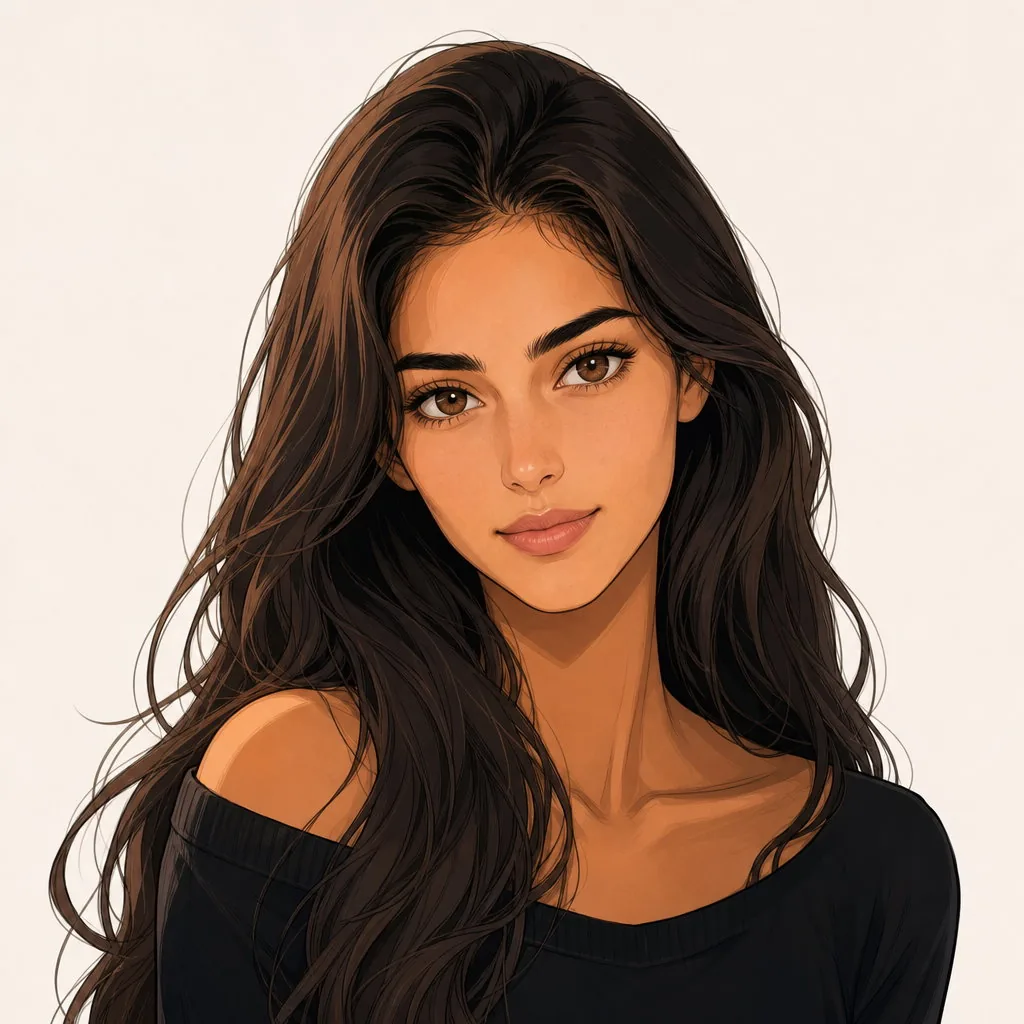
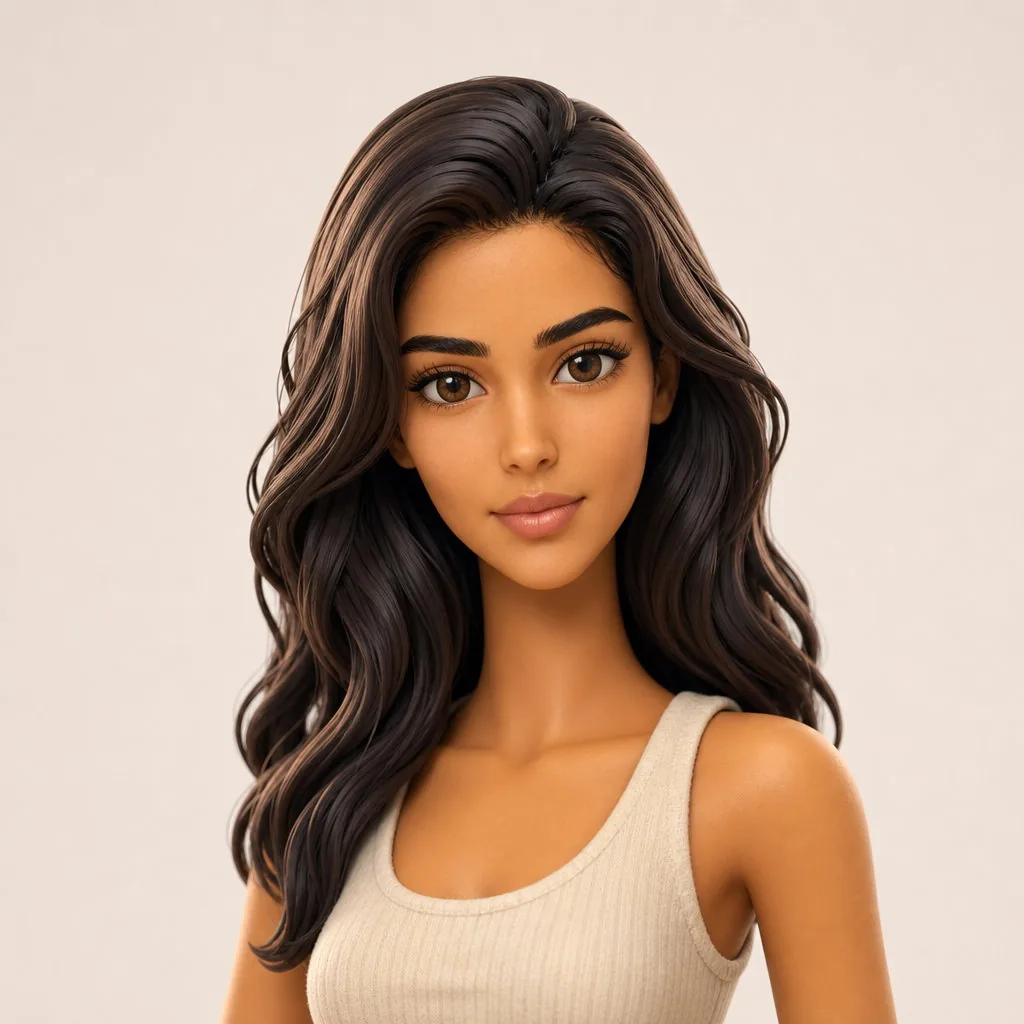
Create a consistent fictional AI character from text or up to five reference images of the same person, pet, or original subject. Generate a private portrait and two clean multi-view sheets, then reuse the identity in new poses, outfits, styles, and scenes.


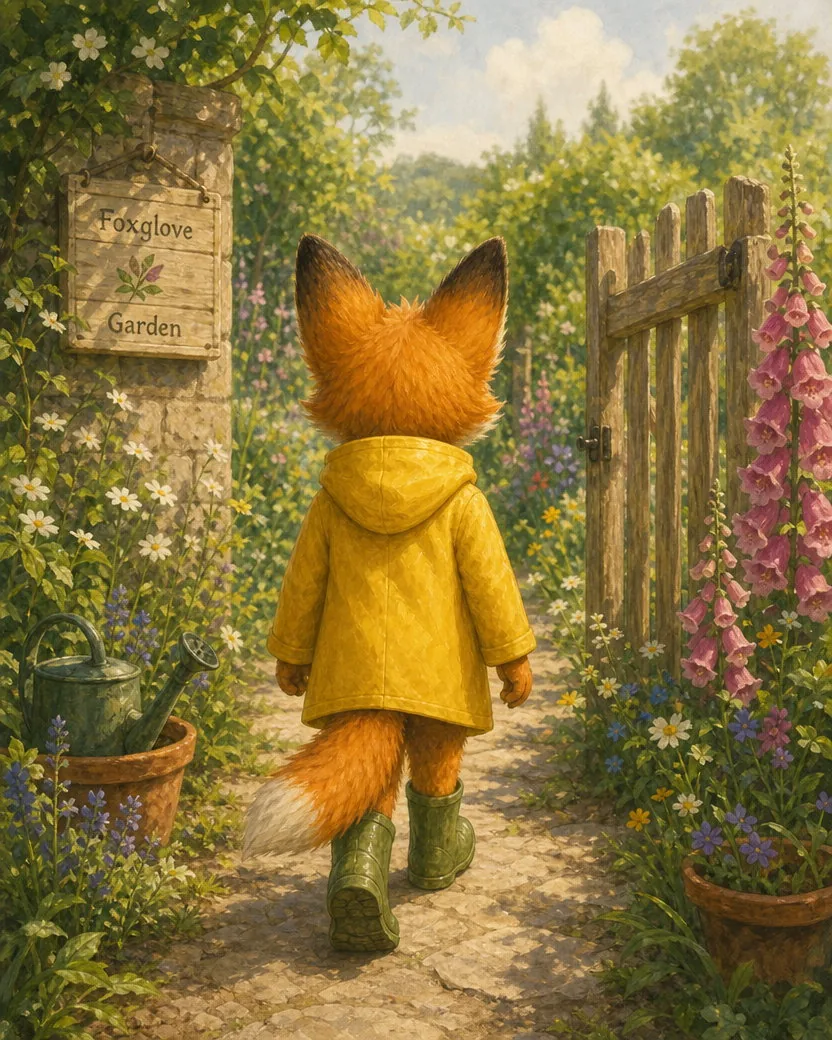
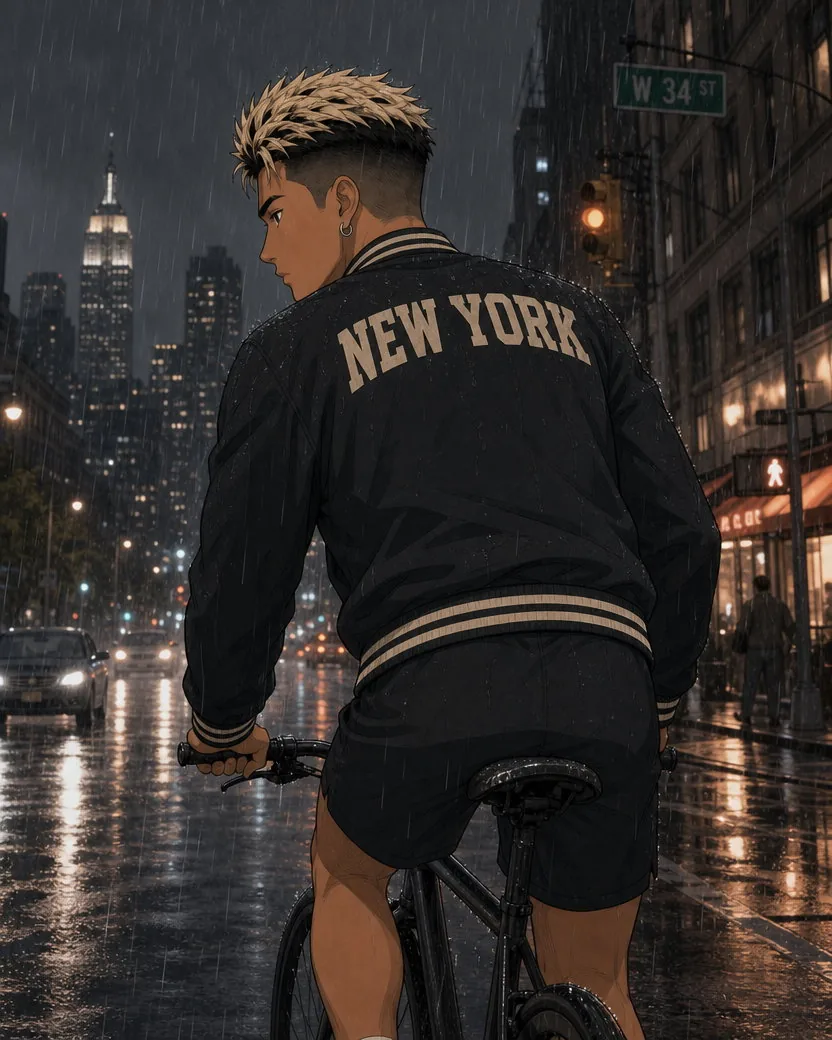
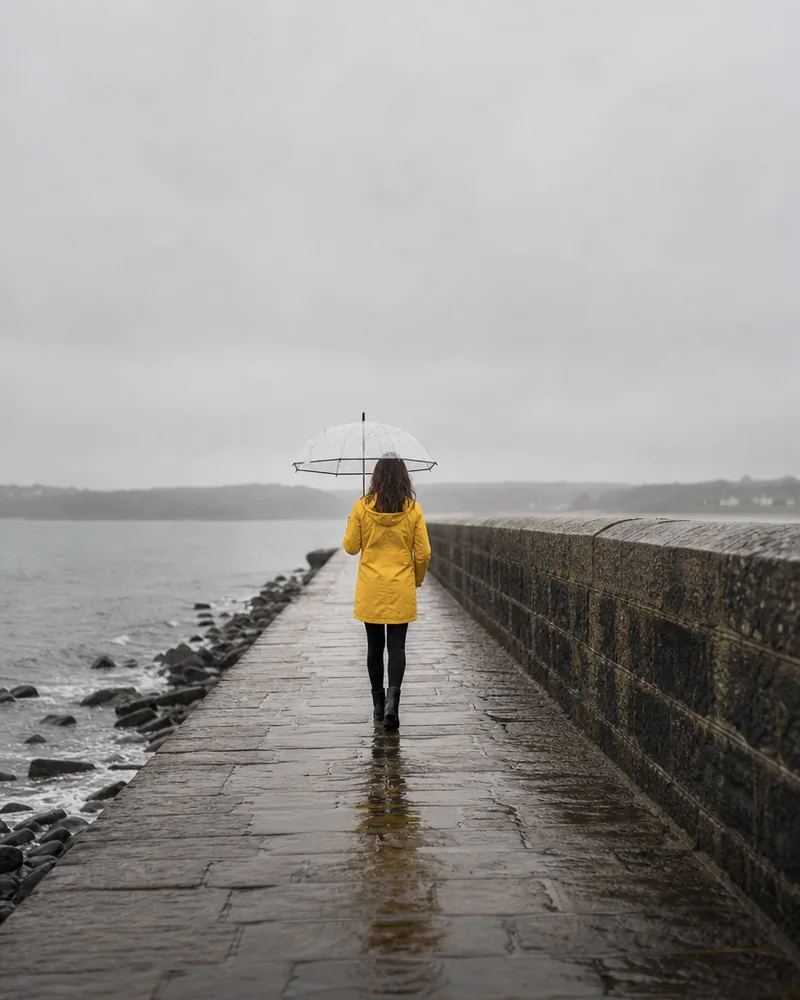
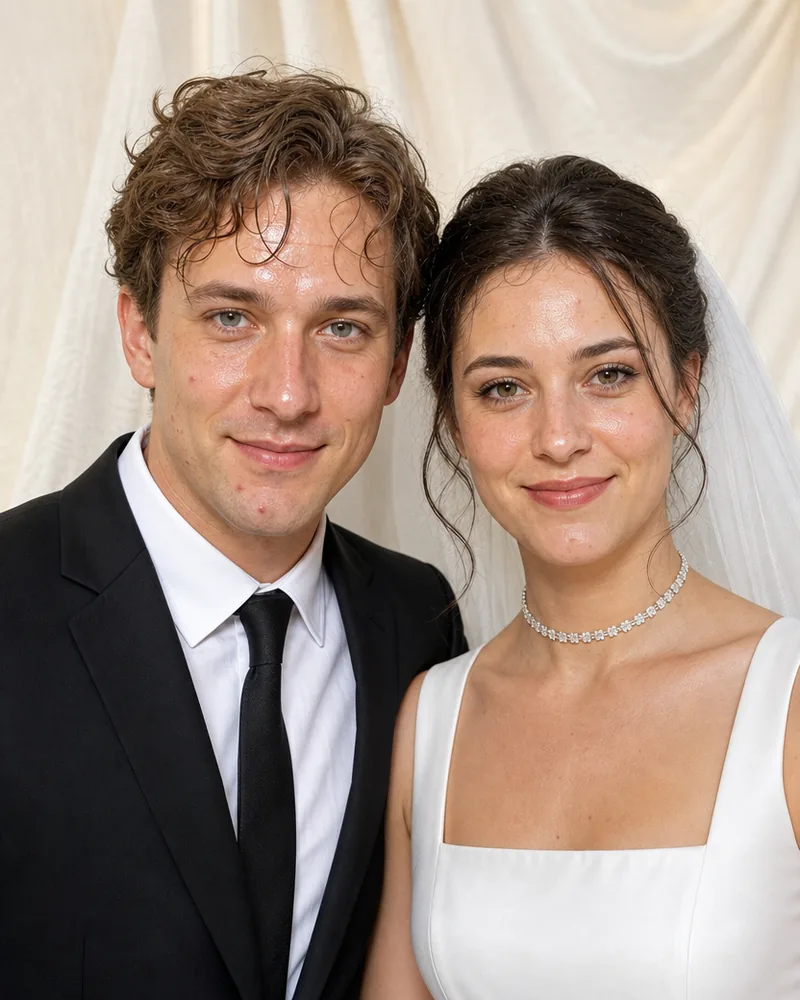
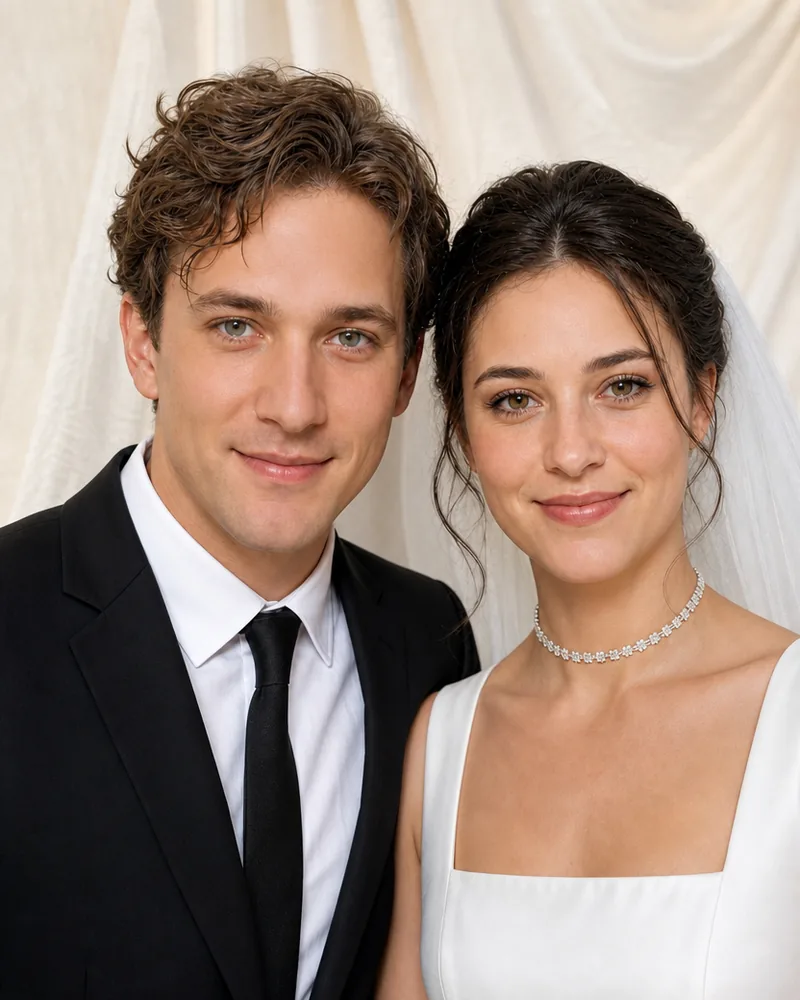
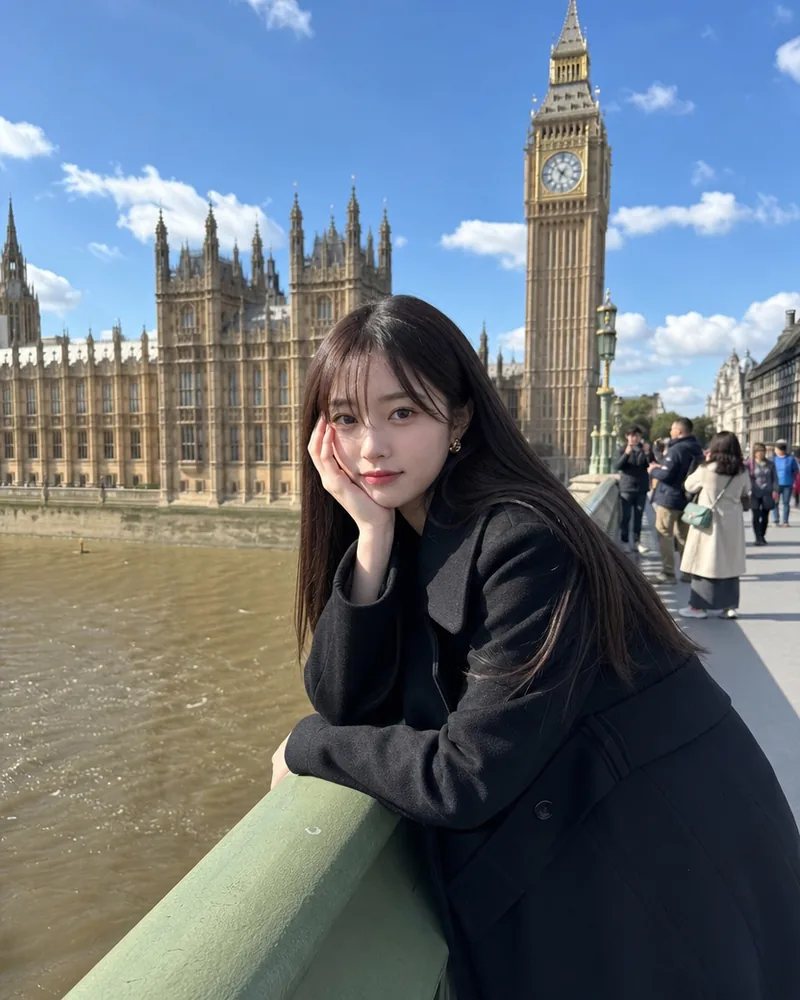
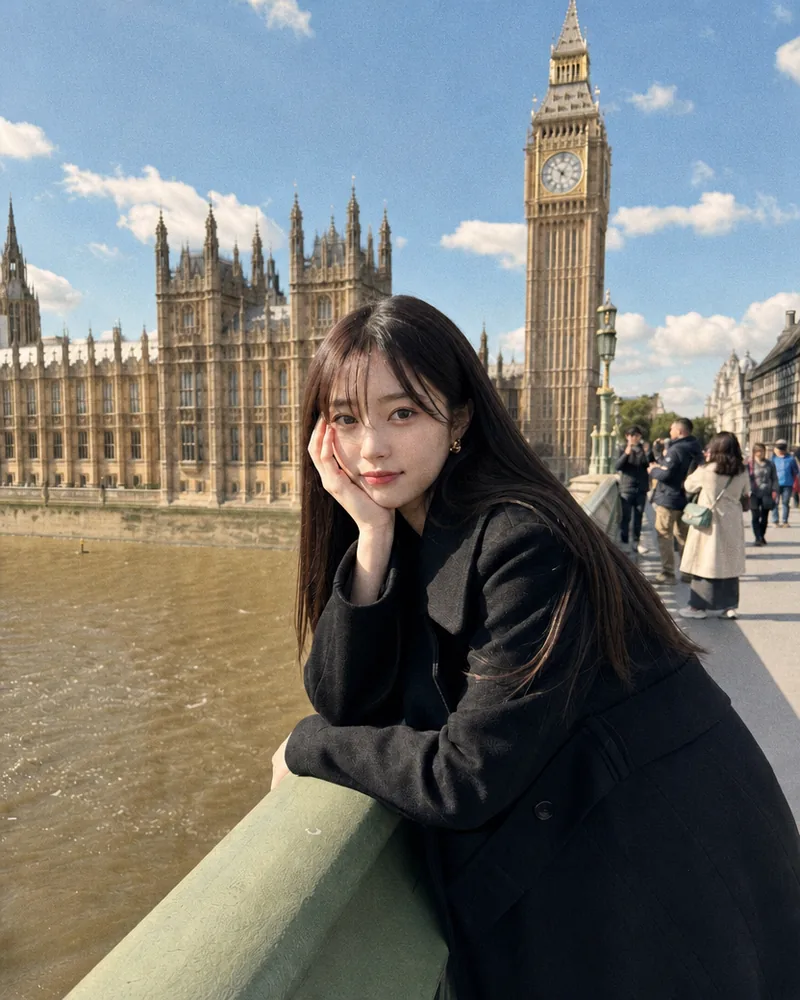
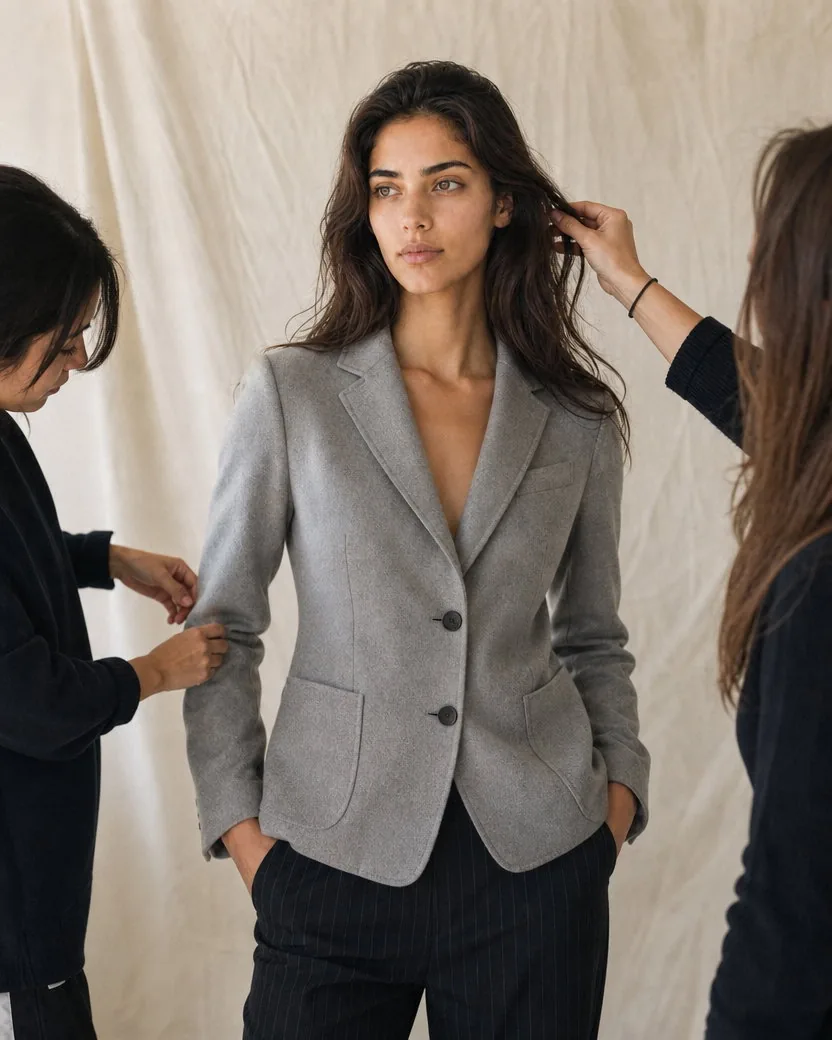
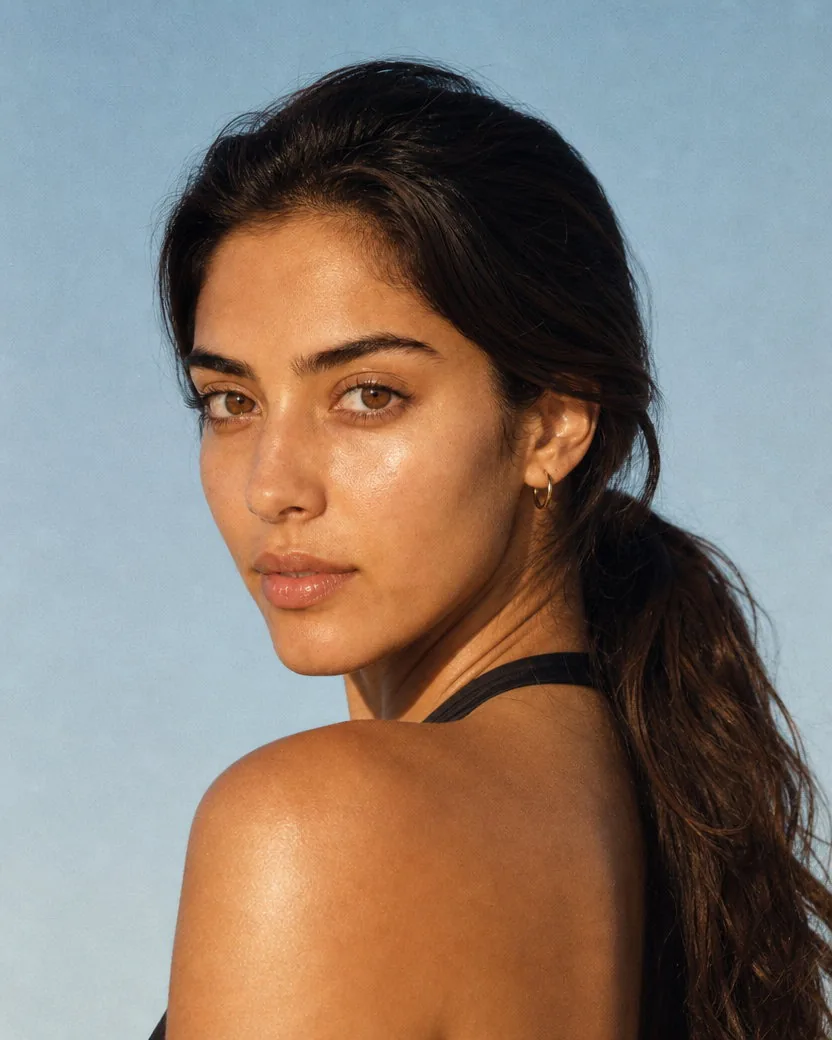
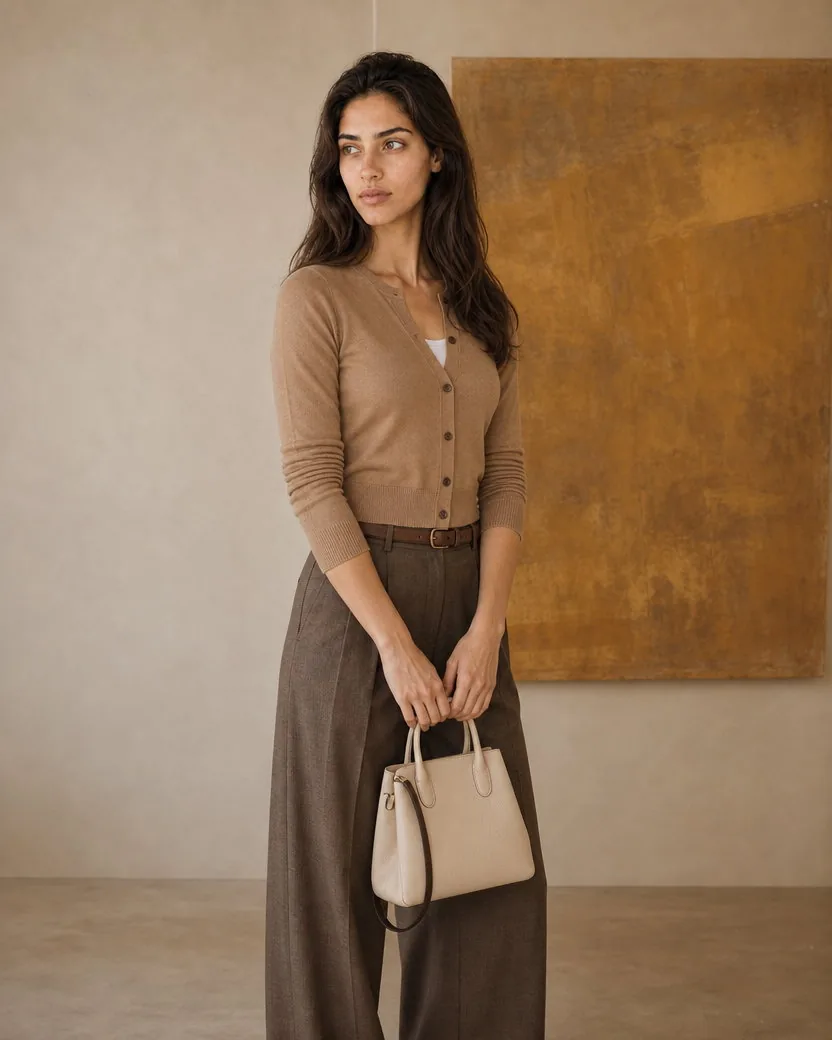
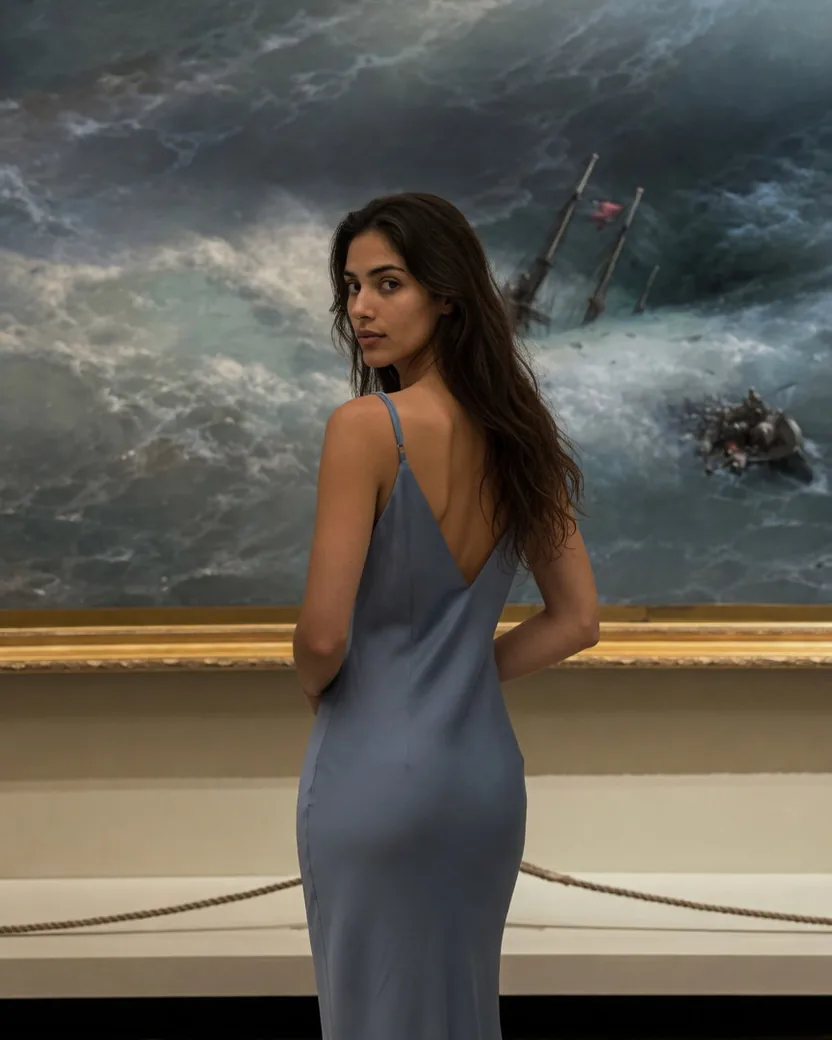
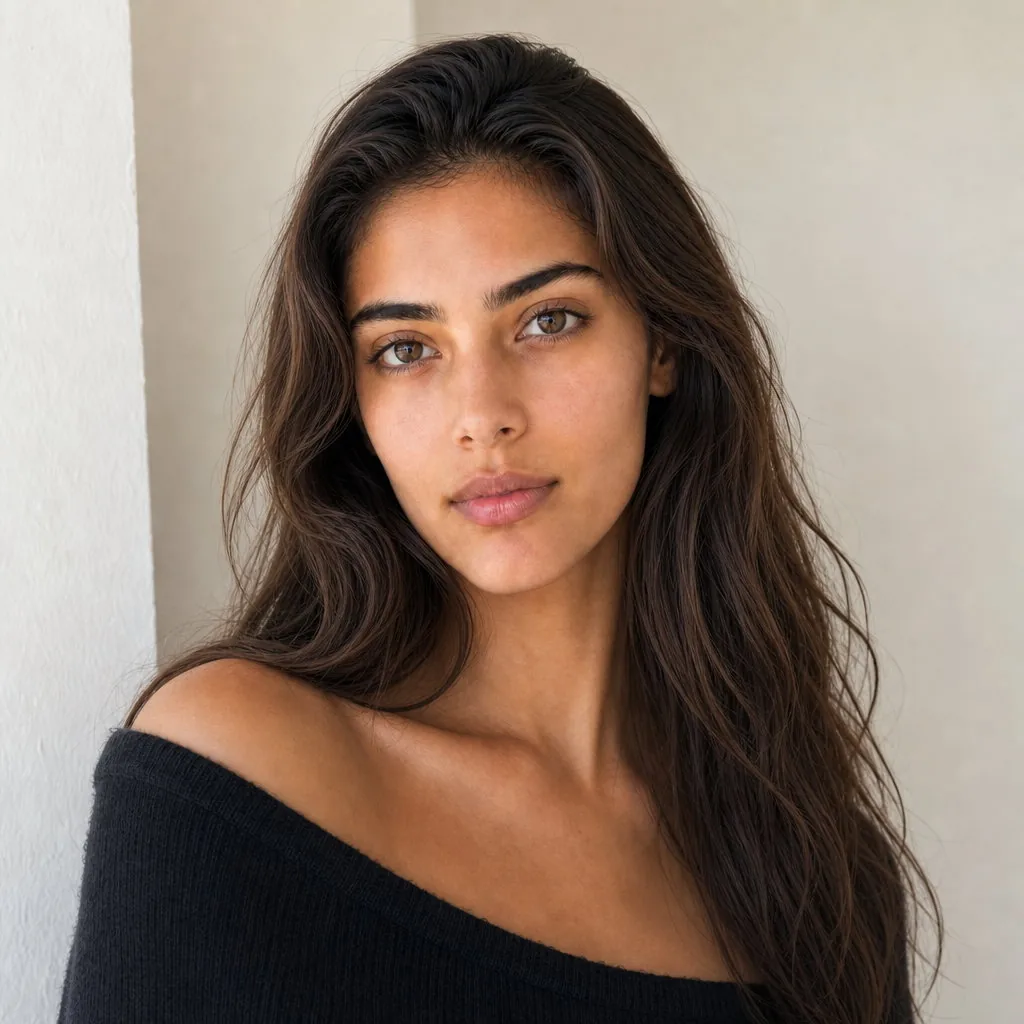
One identity, many scenes
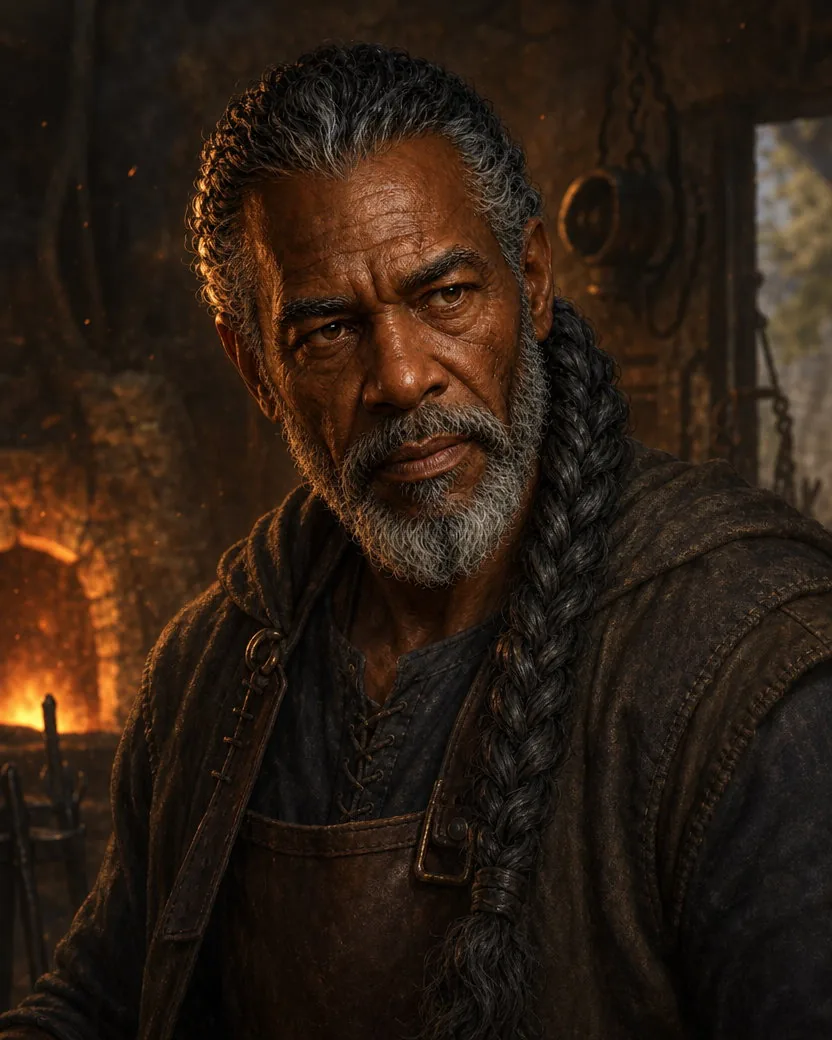
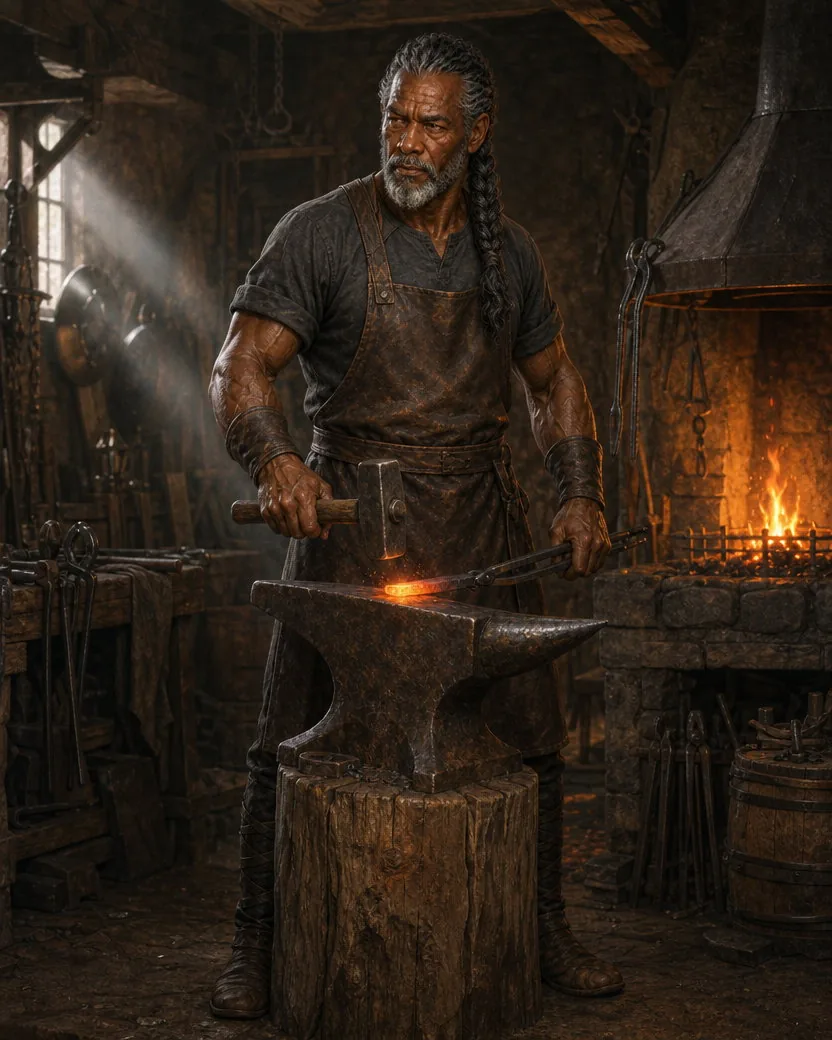
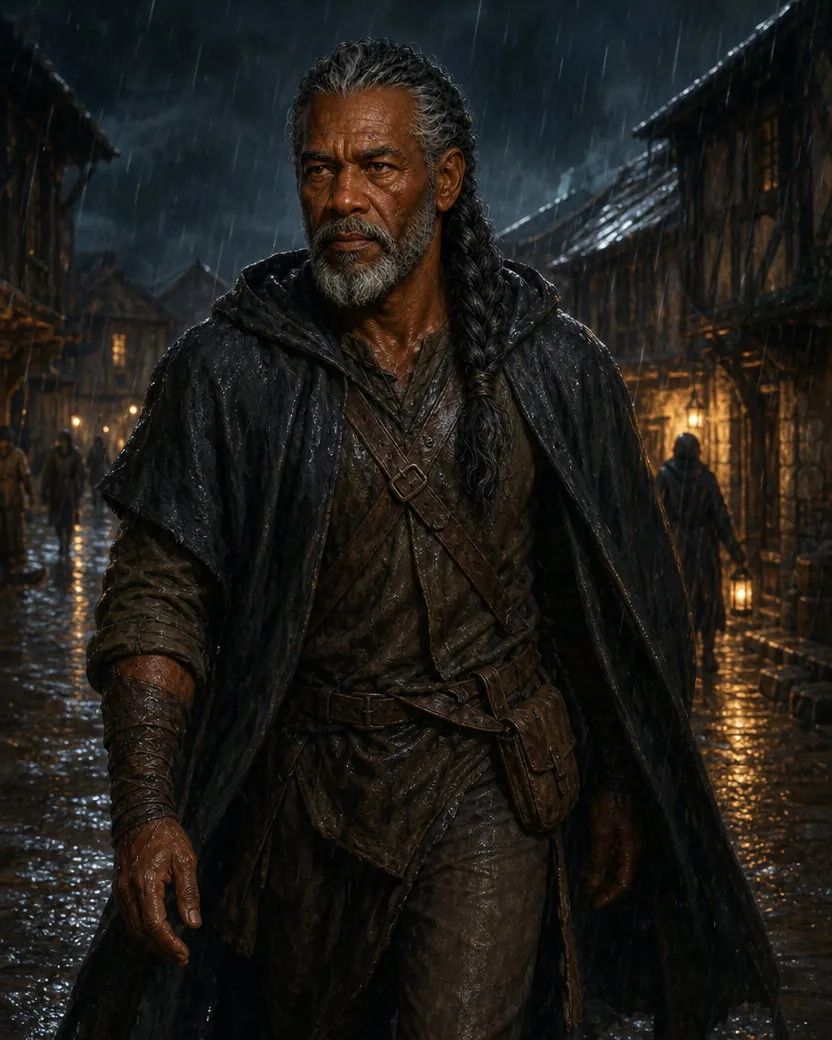
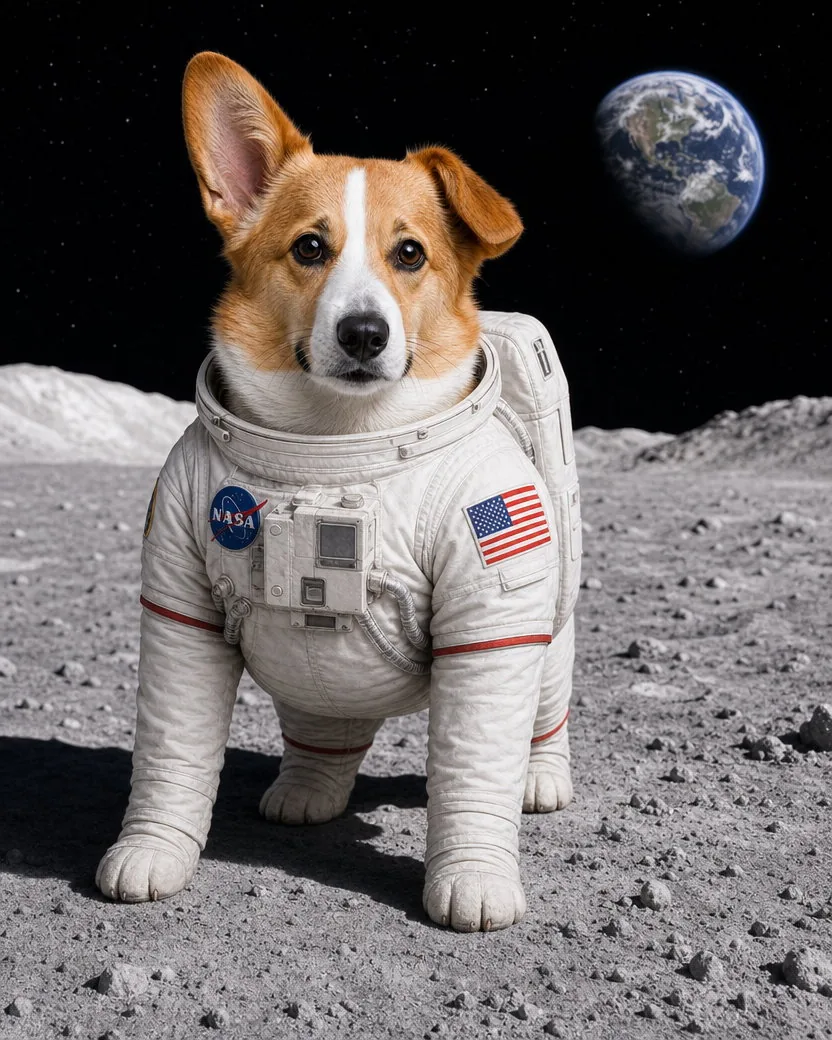
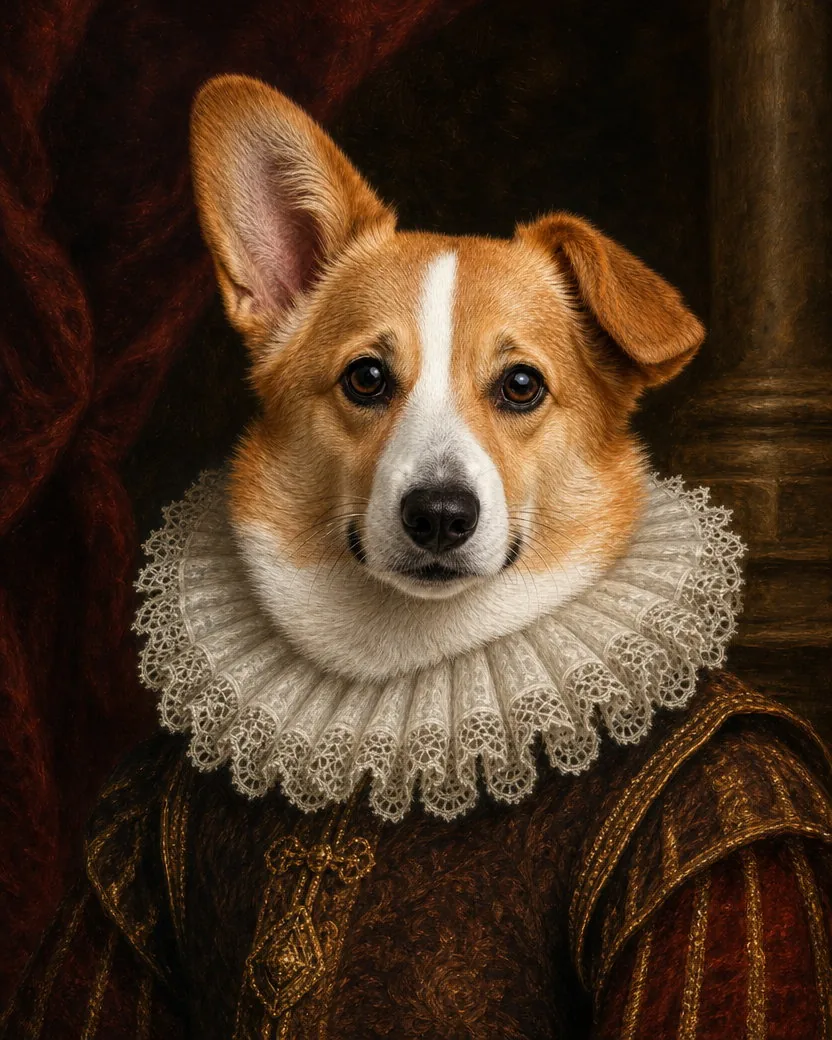
Save the generated anchor set once, then direct the same fictional character through new clothing, poses, locations, lighting, and visual styles.


How it works
Upload or describe a fictional character
Add up to five clear images of the same person, pet, or original subject from complementary angles, or describe an adult, minor, or non-human character from text.
Save the identity
After generation, save the three-image set as a private Character and confirm it does not represent a real person.
Reuse it across scenes
Select the Character in Create and write only the new scene. Its three private anchors are applied automatically.
Frequently asked questions
How do I keep the same character across images?
Generate an original fictional character, save its three-image set as a Character, then select it in Create. TypeShutter privately adds its identity description and three anchors before your scene prompt.
Can I create an AI influencer?
Yes. AI influencers are a supported use case when the identity is fictional and does not represent a real person. Link the Character to a Profile to preselect it and show the public AI disclosure.
Are Character anchors public?
No. Identity descriptions and Character-owned anchor images stay private. Public media shows only your scene prompt.
Can I create a consistent character from a reference image?
Yes. With GPT Image 2, add up to five clear photos of the same person, pet, or original subject. Front, profile, full-body, and back views reveal complementary traits. Grok Imagine Image 2.0 accepts up to three. Create from image is different: it drafts a text-only identity description without attaching the source.
Which model should I use for consistent AI characters?
GPT Image 2 is the default for high-fidelity identity, character-sheet detail, and up to five source views. Grok Imagine Image 2.0 is a strong alternative when three references are enough.
Try another AI tool
See all
AI image to video
Bring any photo to life with natural AI motion.
Open tool

Professional retouch
Give every person the careful finish of a professional photographer.
Open tool

Golden hour 35mm
Preserve the scene while adding restrained film color and ultra-fine grain.
Open tool- Tools
One or more selected files can’t be uploaded. Please upload different files, or change the format.