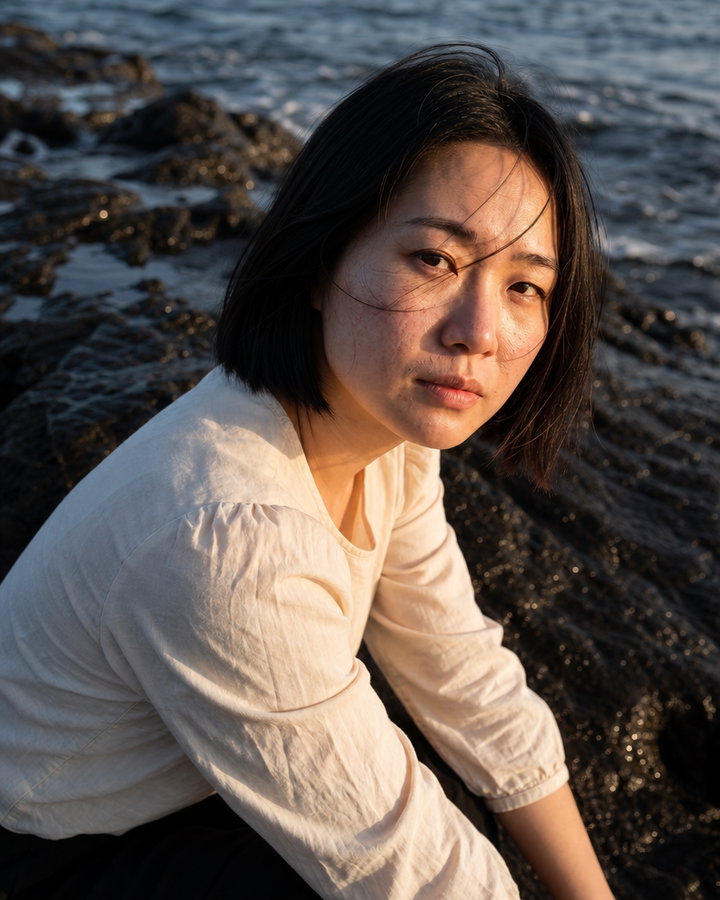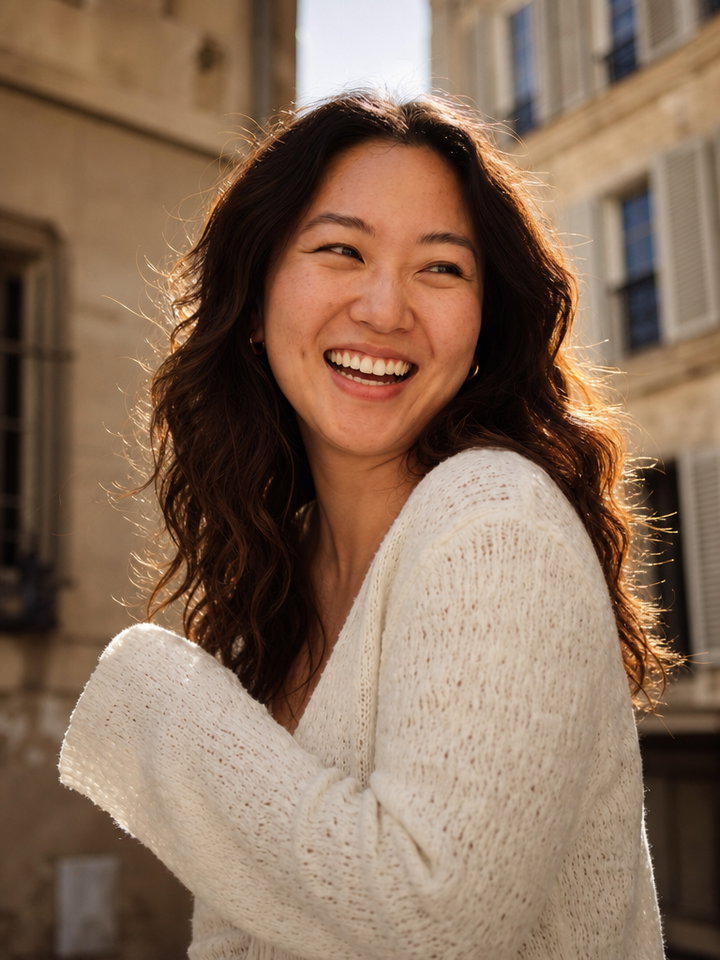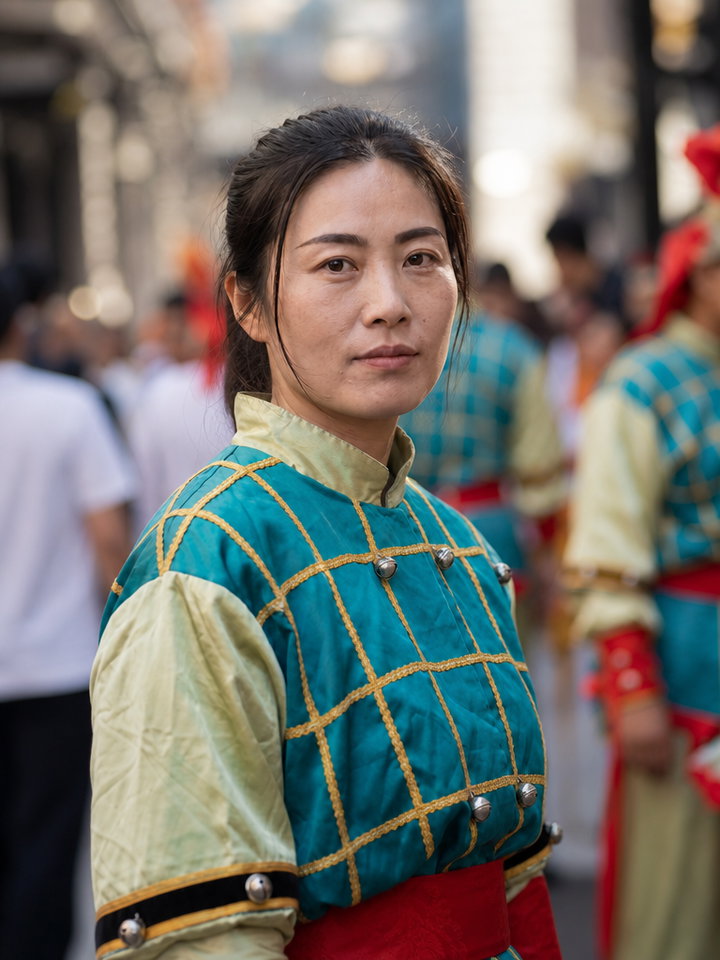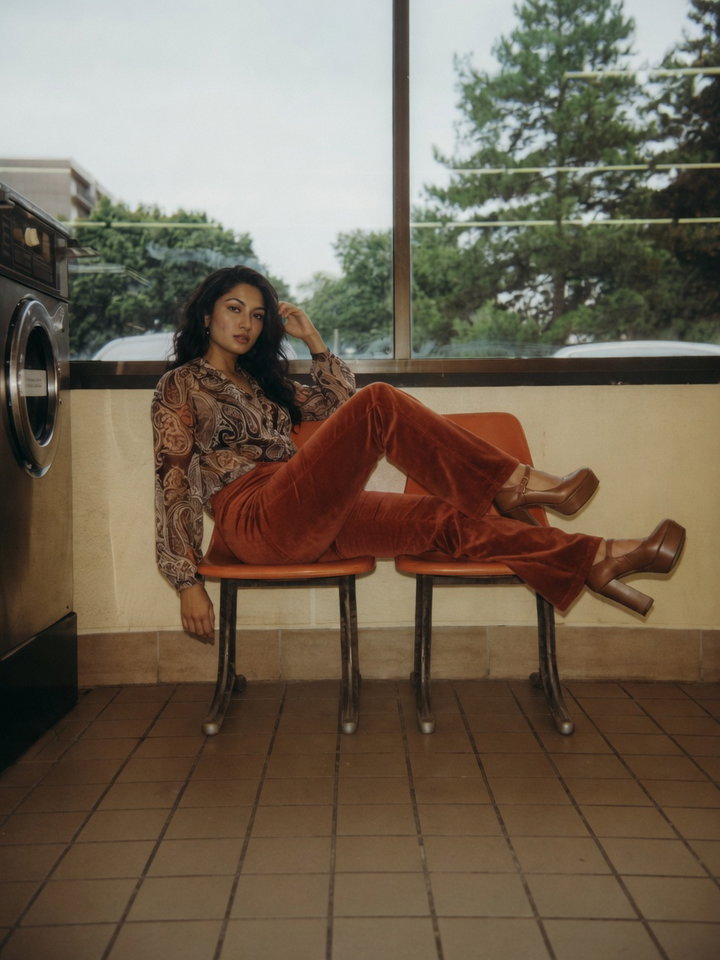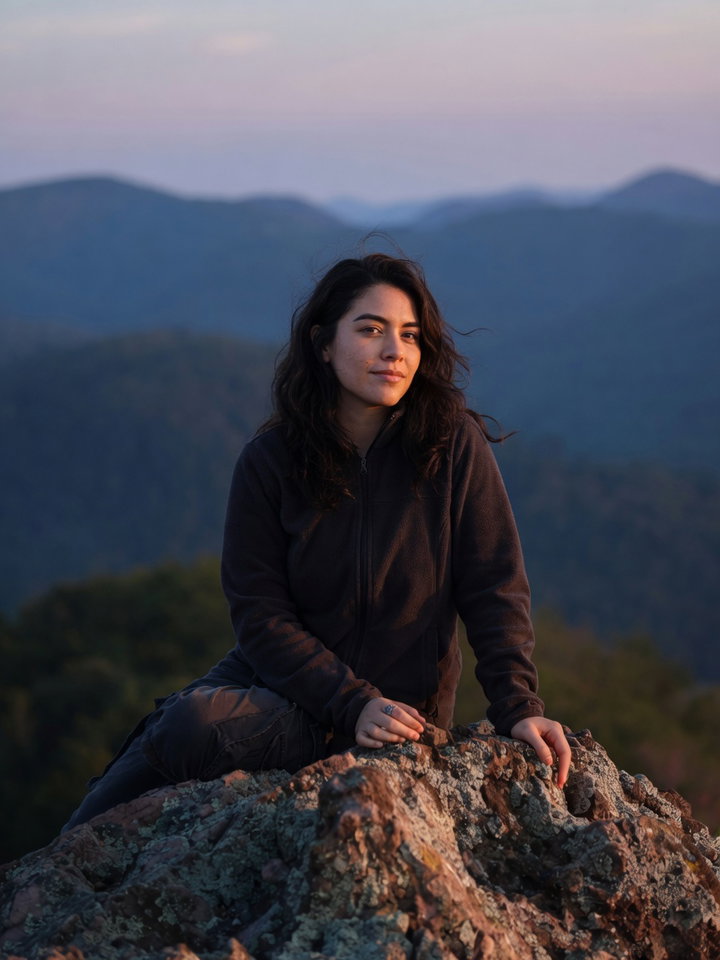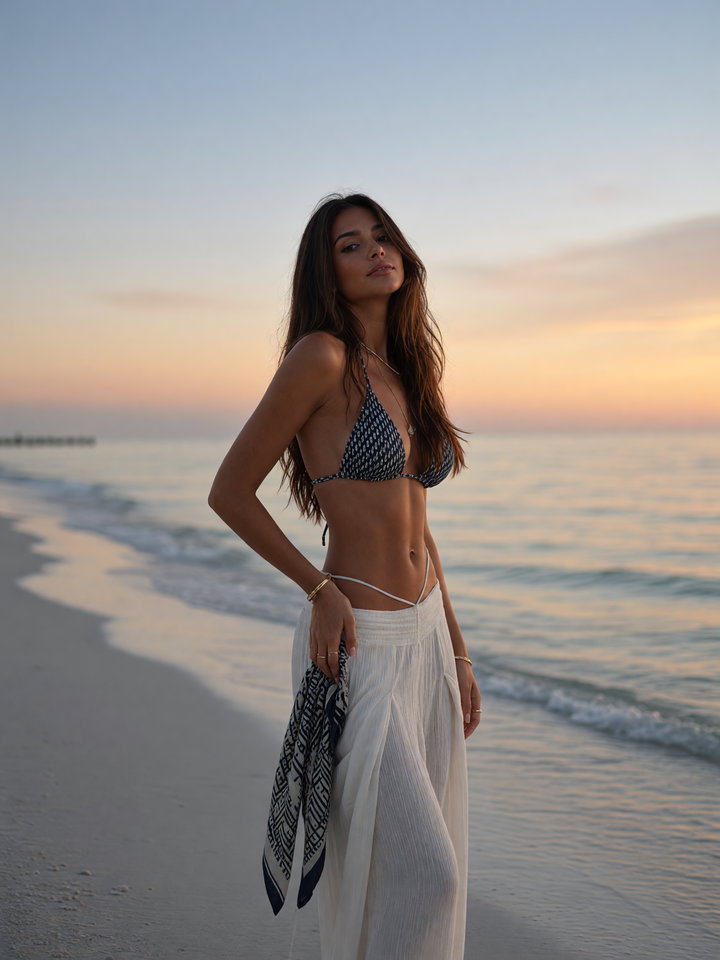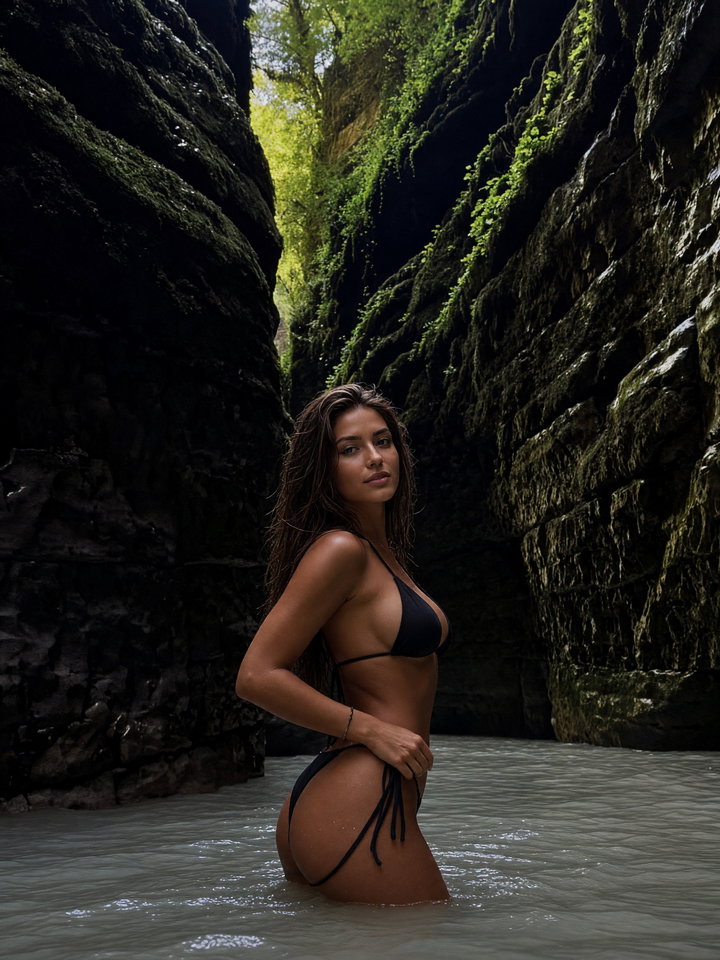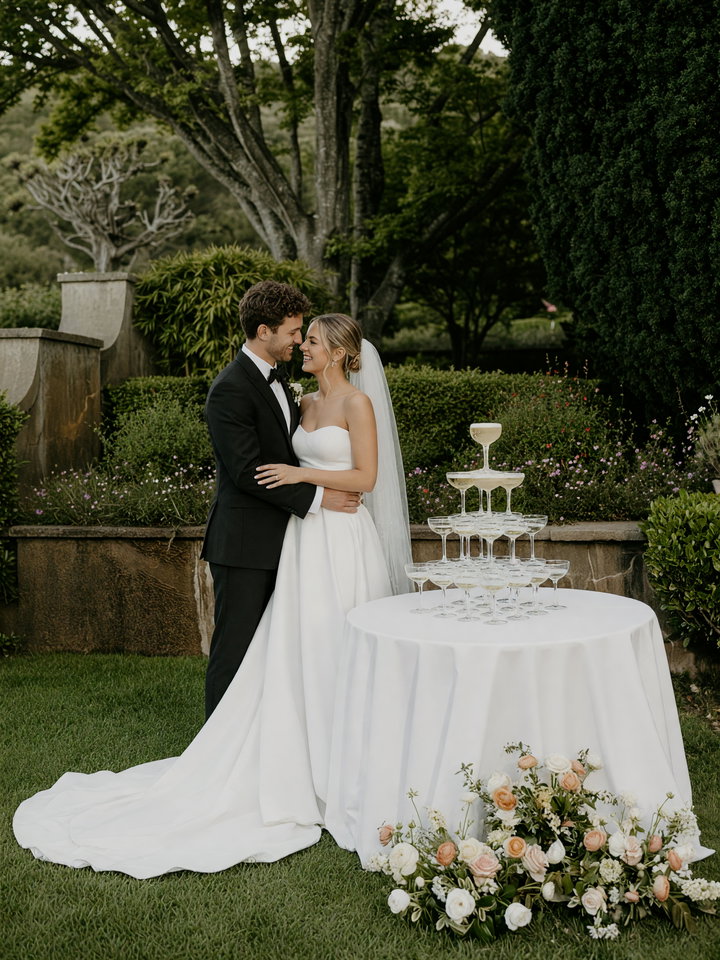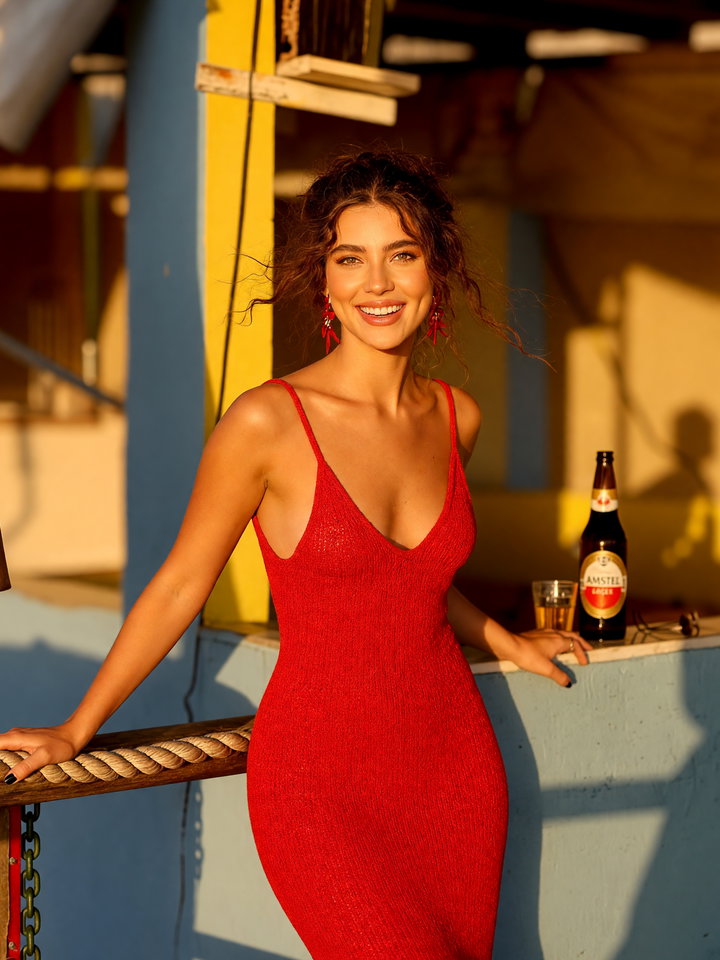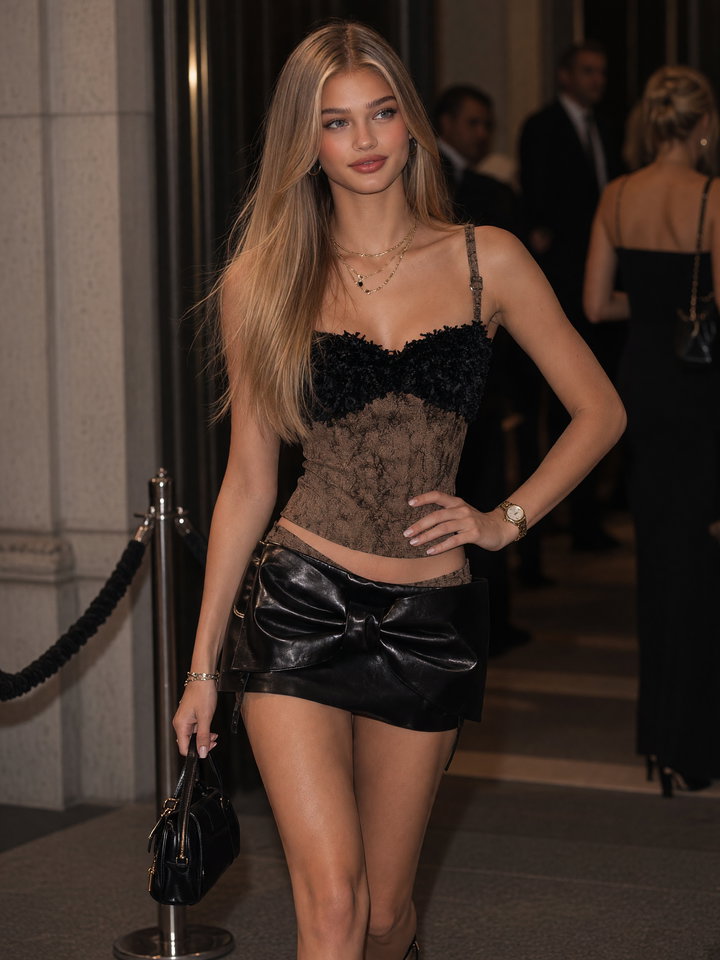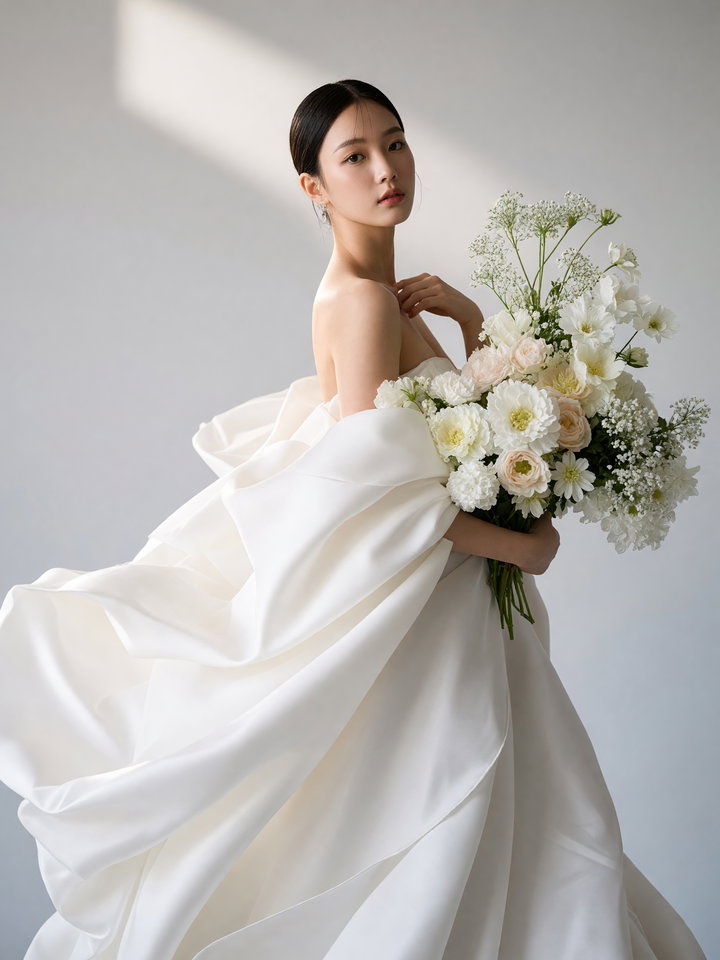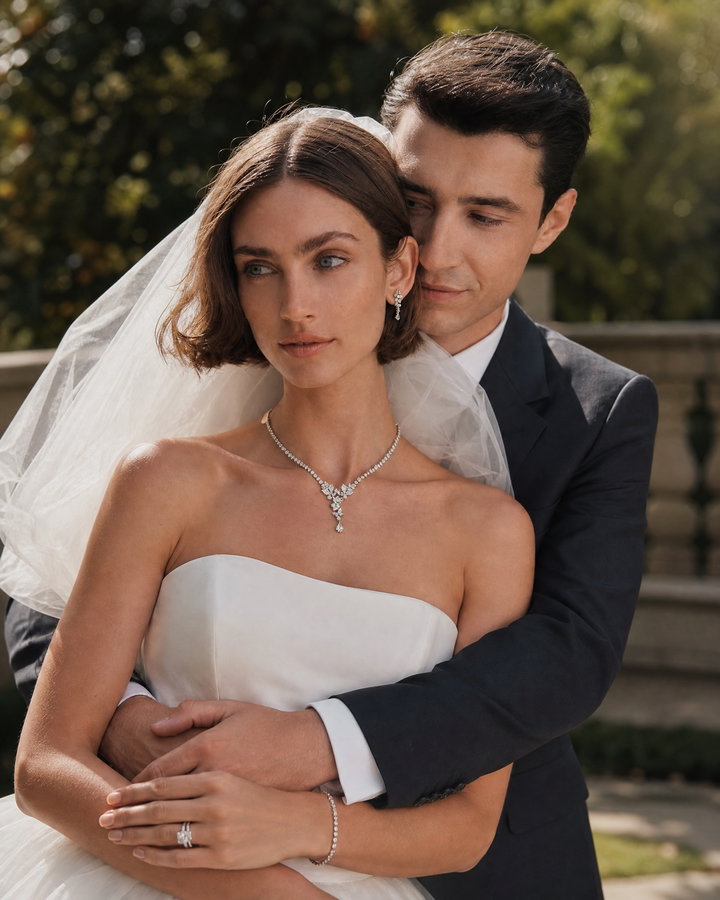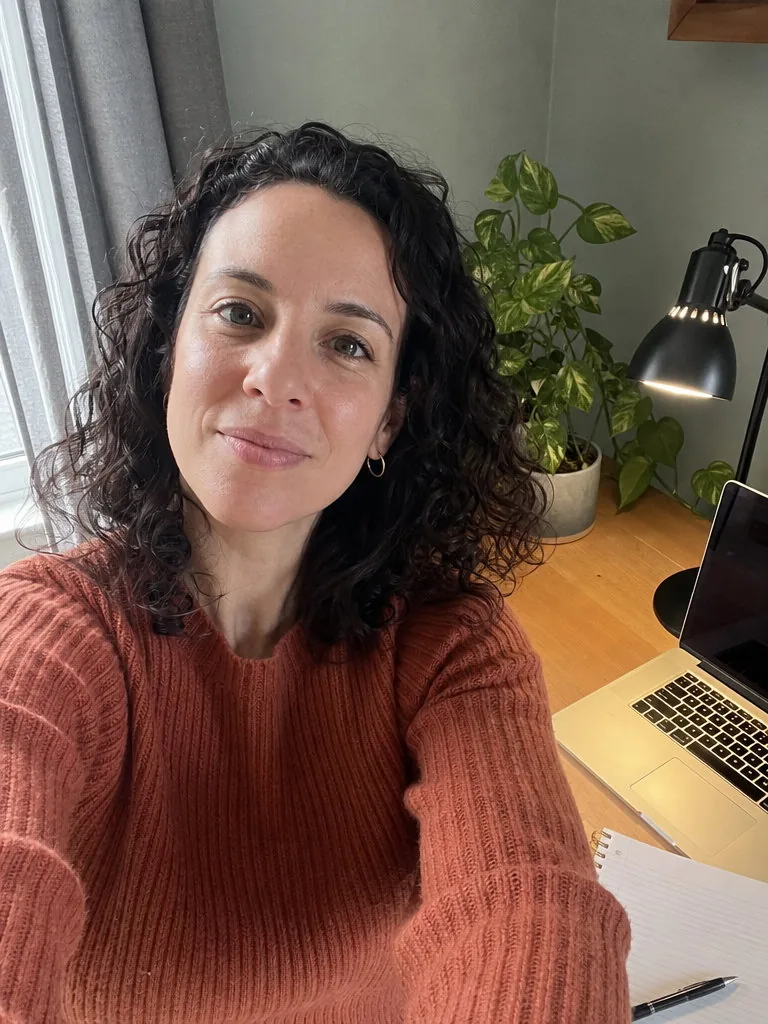
Portrait from a work-from-home selfie
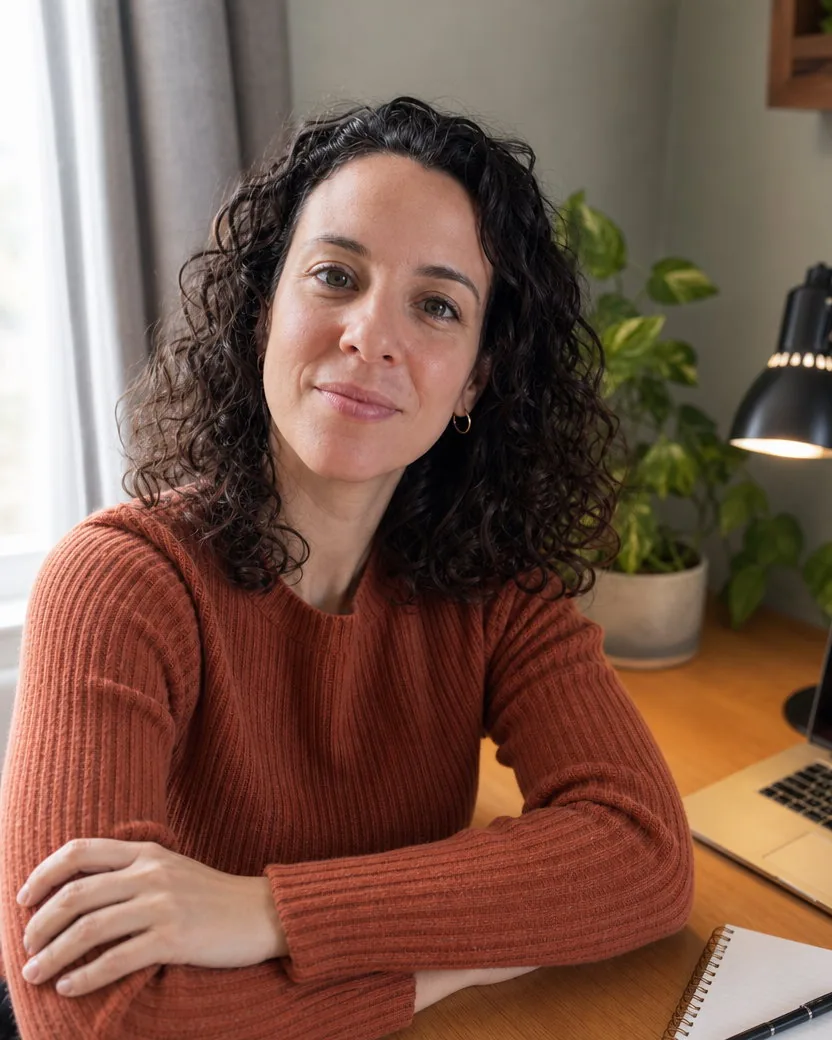
Same jumper, same desk, no selfie arm
Default portrait, nothing typed
A friend’s phone snapshot in the salon chair, just after a haircut, and the portrait made from it. The loose framing and the flat salon light are gone, the camera sits at a normal portrait distance in soft window light, and the fresh layers, the olive tank top and the salon behind her are all hers. Nothing was invented.
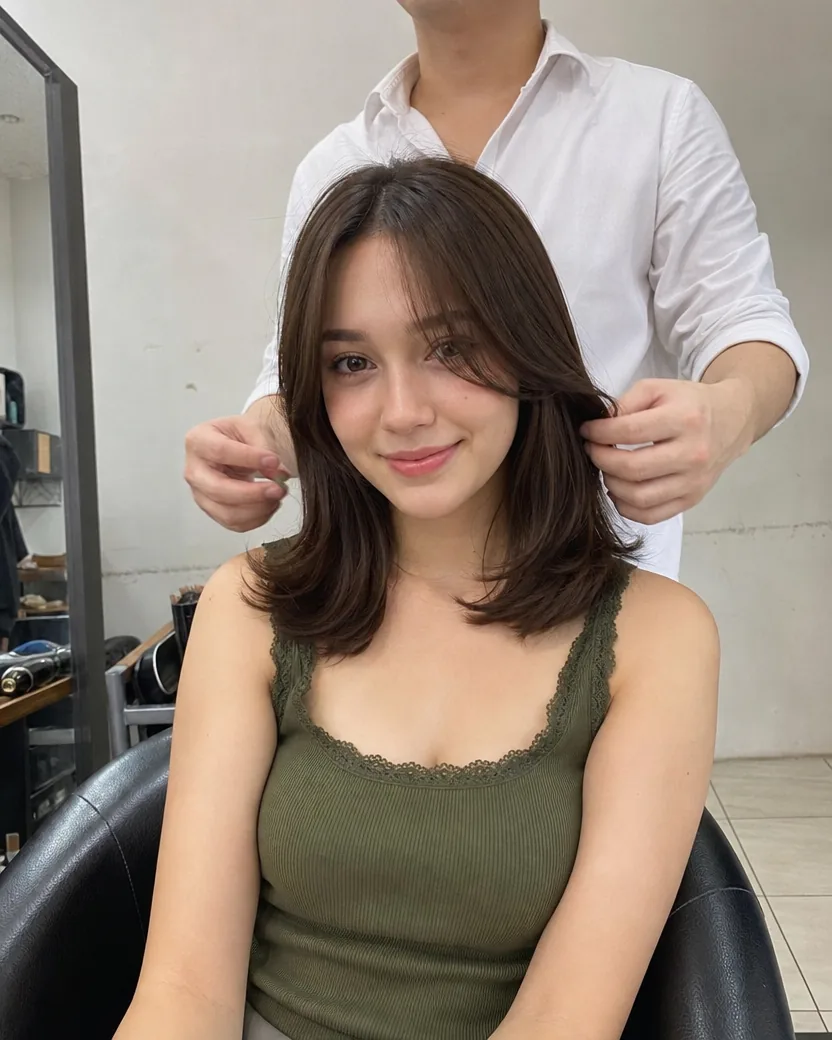
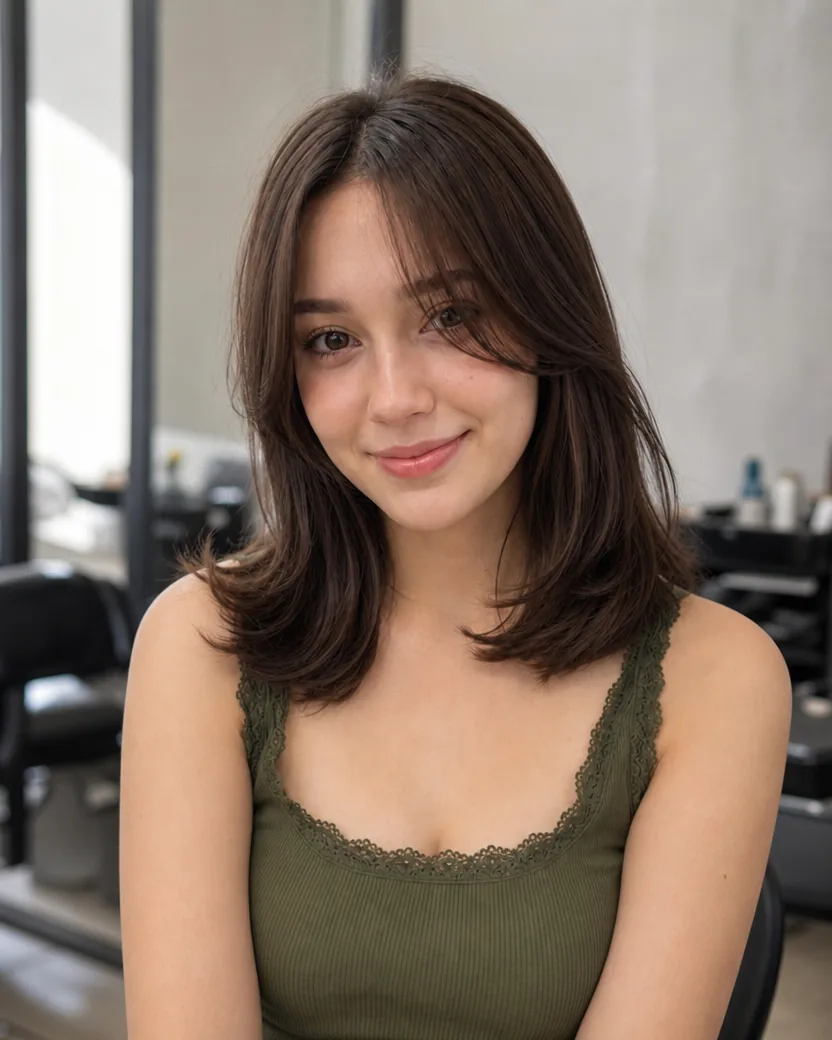
DirectionA calm head-and-shoulders portrait in soft window light, looking at the camera with a gentle smile, the salon softly out of focus behind her.
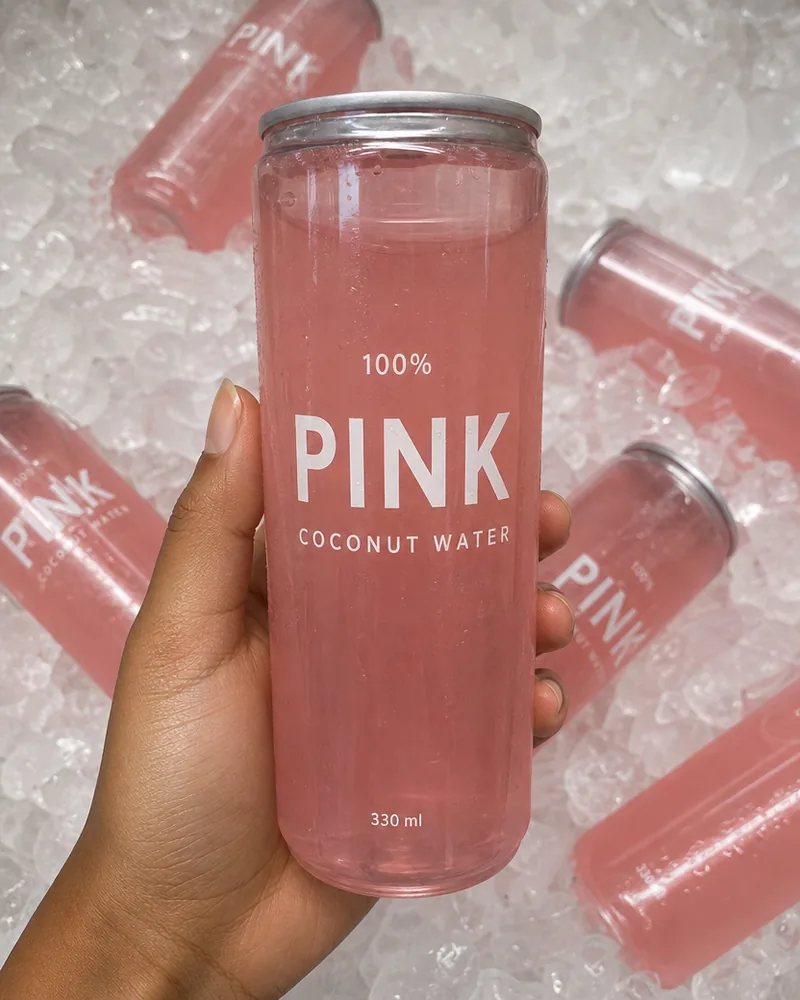
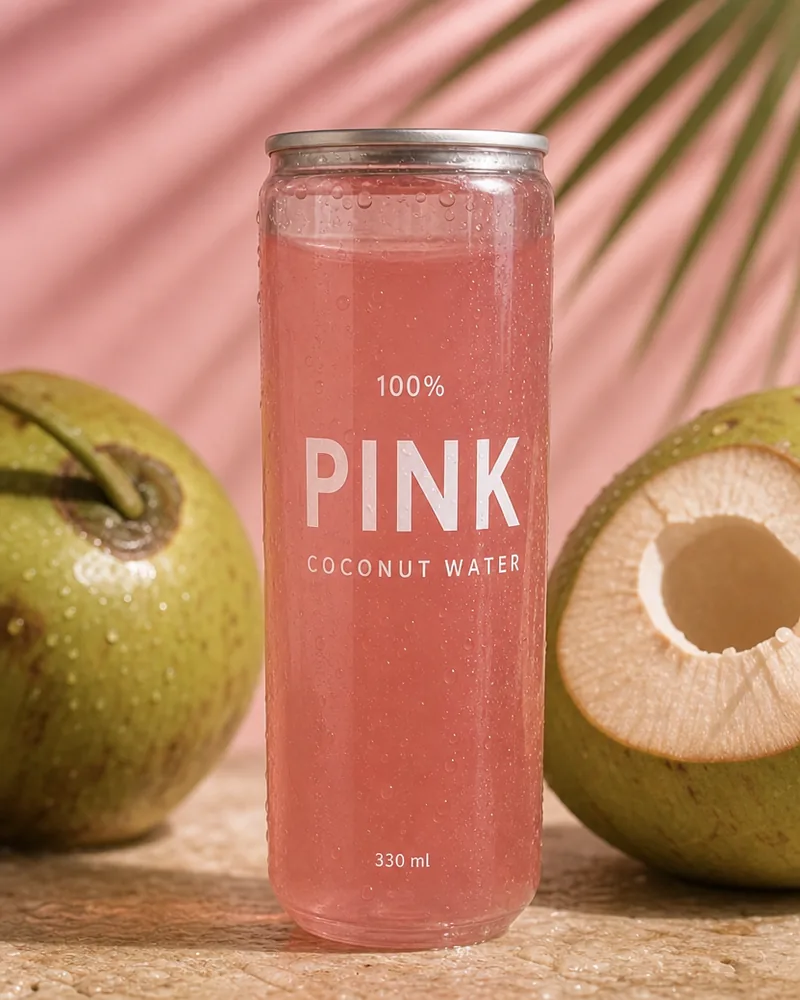
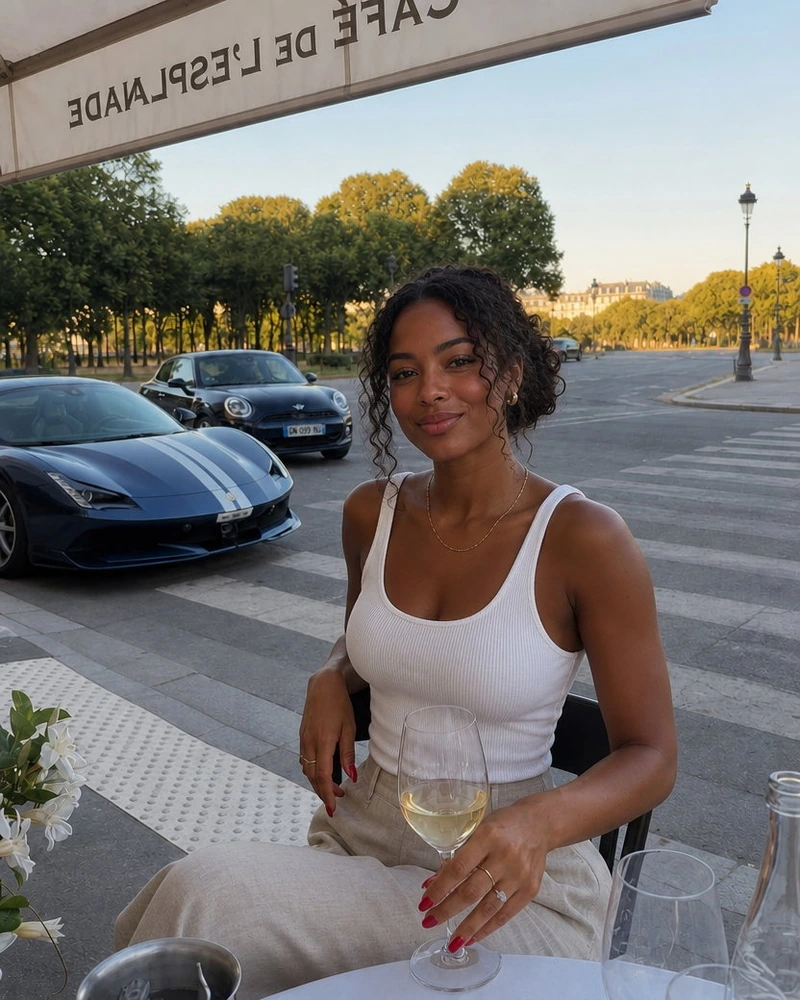
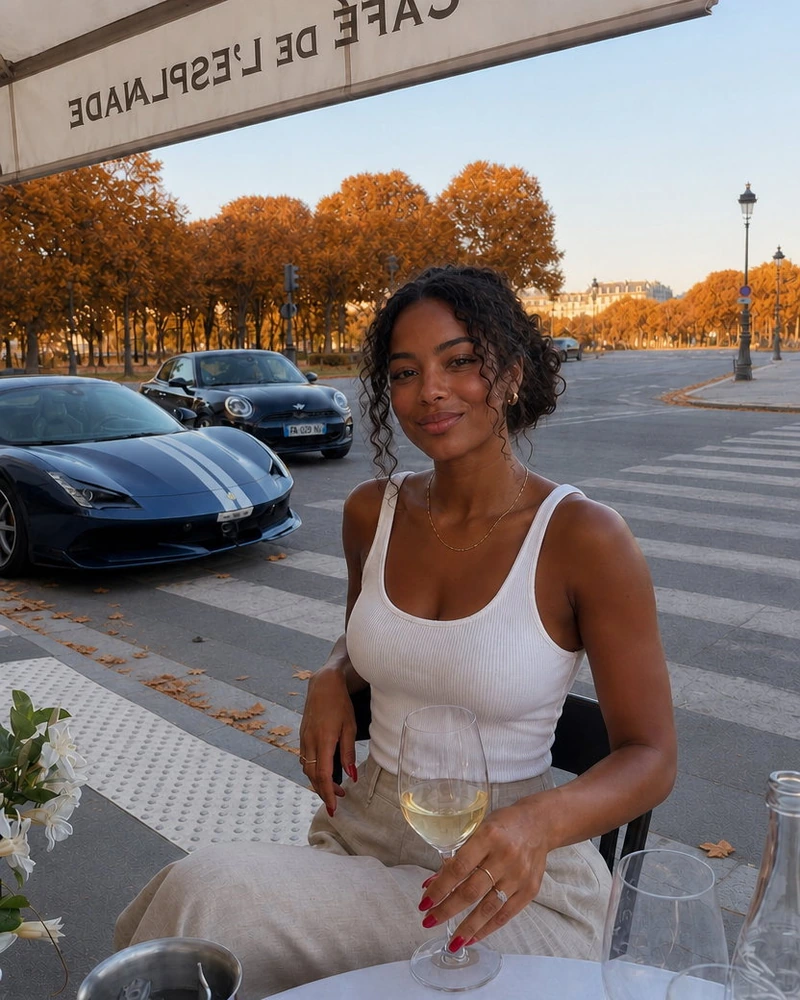
Each pair shows the upload and the portrait made from it. The direction under each pair is exactly what was typed; blank means the default.
Default portrait, nothing typed
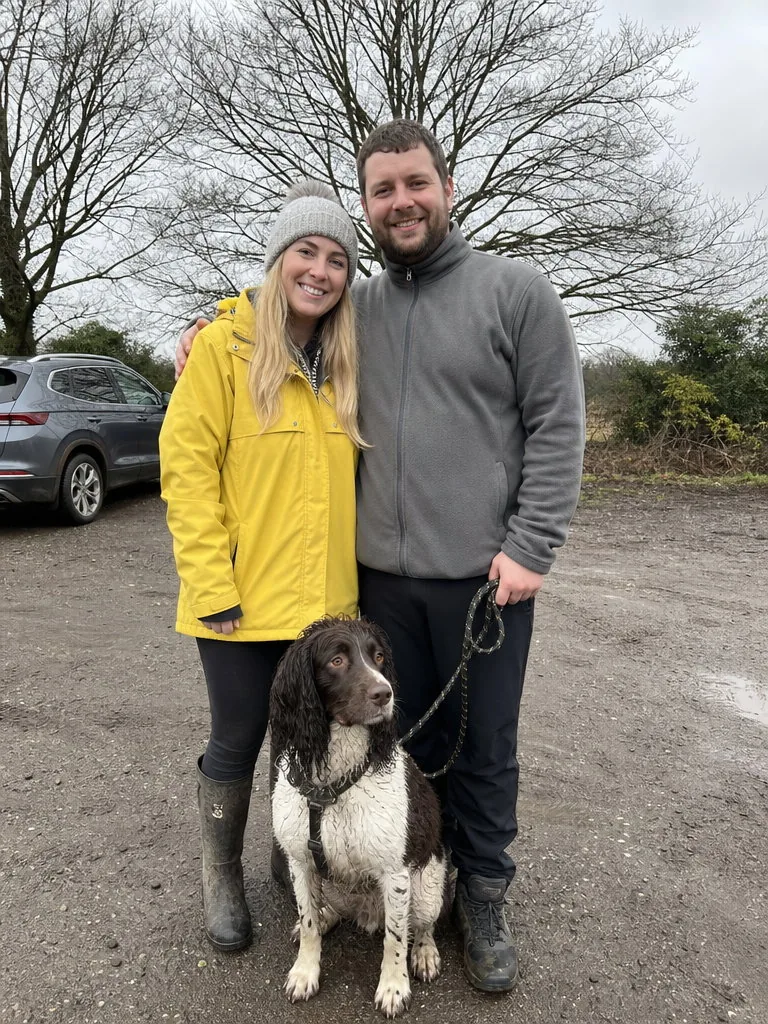
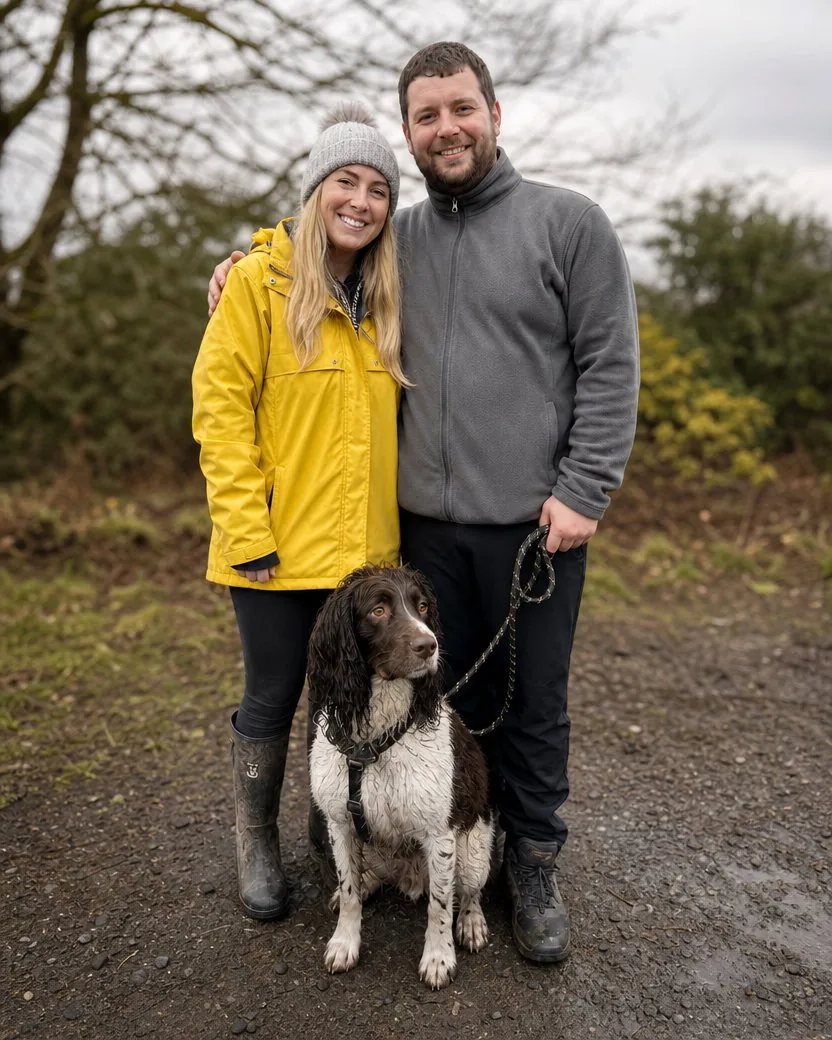
Default portrait, nothing typed
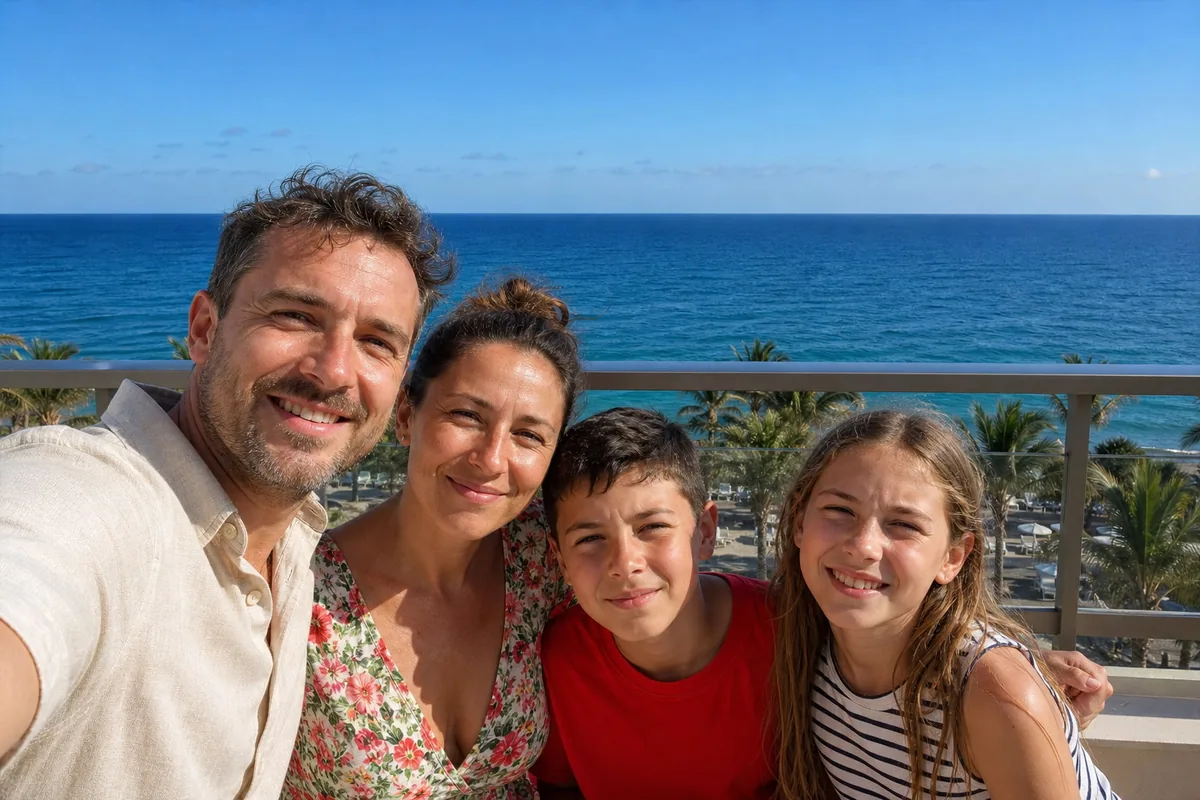
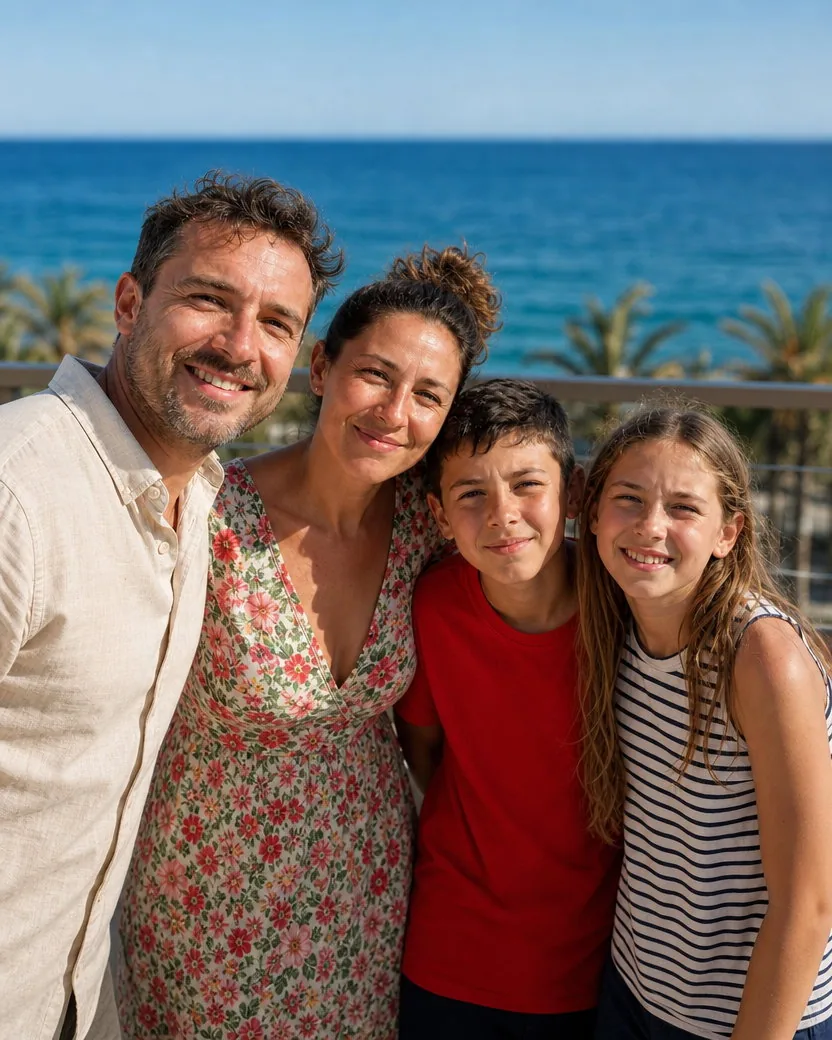
Default portrait, nothing typed
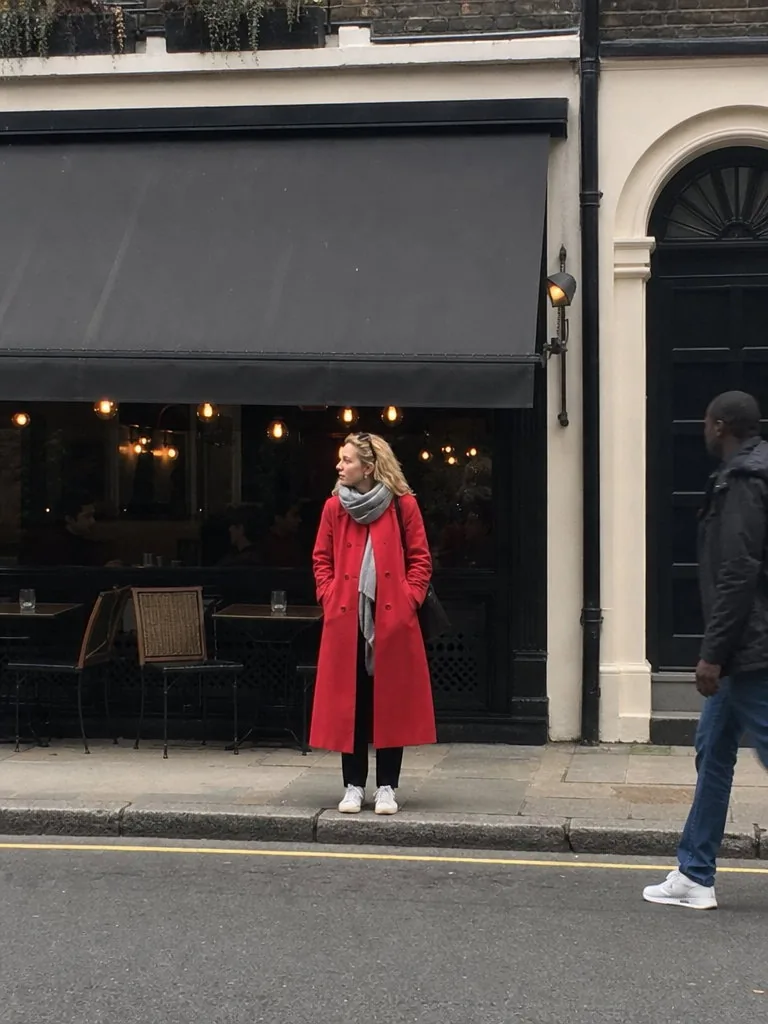
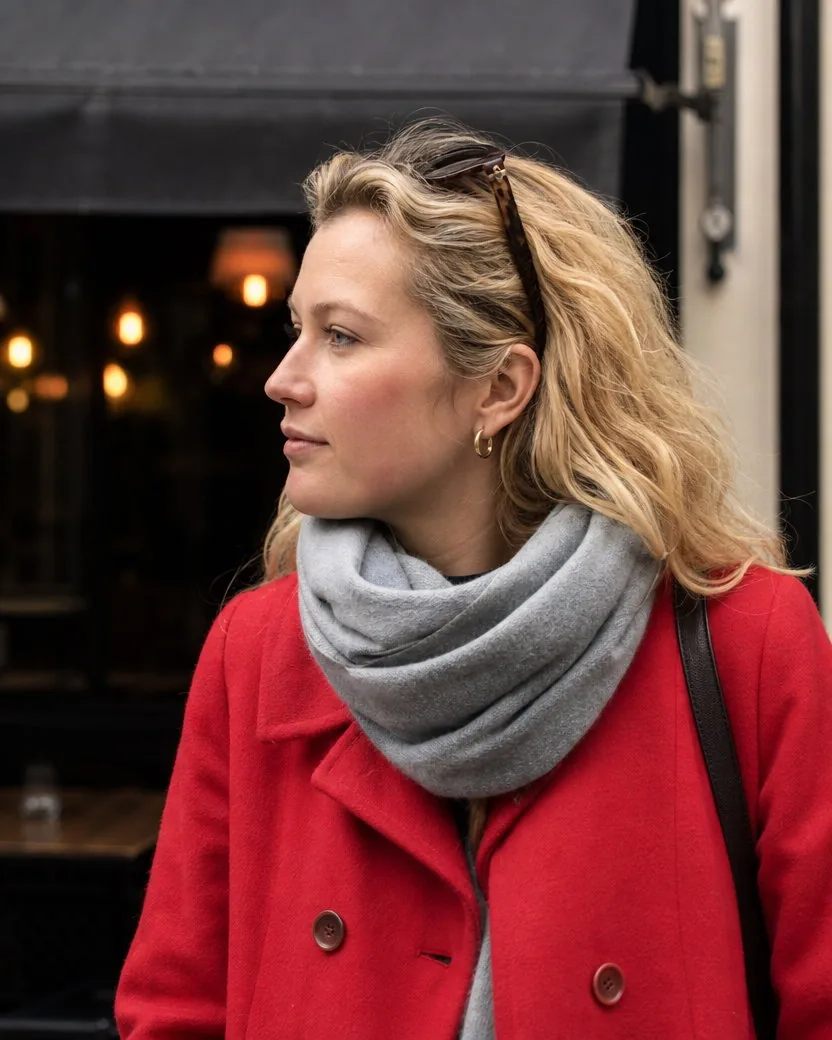
DirectionCome in closer: a head-and-shoulders portrait, still outside the cafe.
Three steps, one photo, about a minute. No photographer, no second session, nothing to install.
A selfie, a couple photo, a family or team photo, a full-length snapshot. Everyone who should be in the portrait has to be in the photo with their face visible, and it does not need to be 4:5.
Leave the field blank for the default: everyone kept, the same clothes, the same kind of place, a portrait photographer’s framing and light. Or add one line: “Come in closer, head and shoulders”, “Keep the dog”, “Everyone from the chest up”.
The portrait is ready in about a minute as a 4:5 frame, made with GPT Image 2 by default. Download it from your library; it fits LinkedIn, Instagram, a team page, a CV, and an 8 × 10 print.
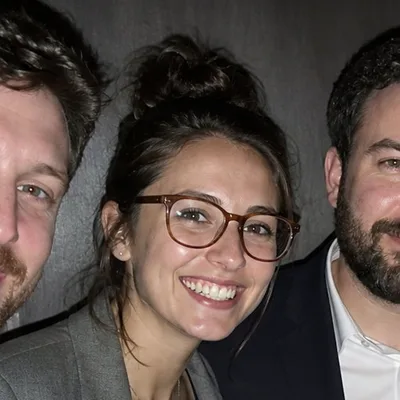
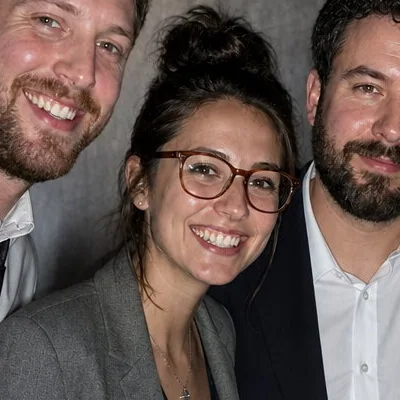
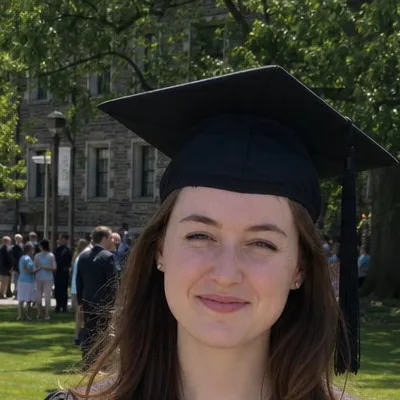
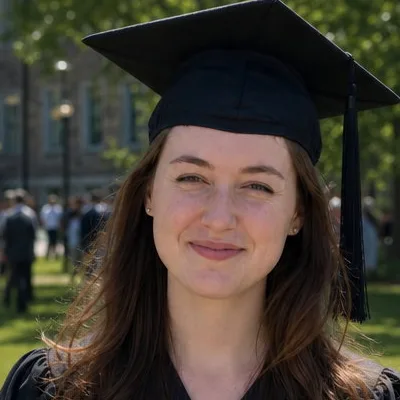
Three more uploads, each with the result and a 100% crop of a face so you can check the skin yourself.
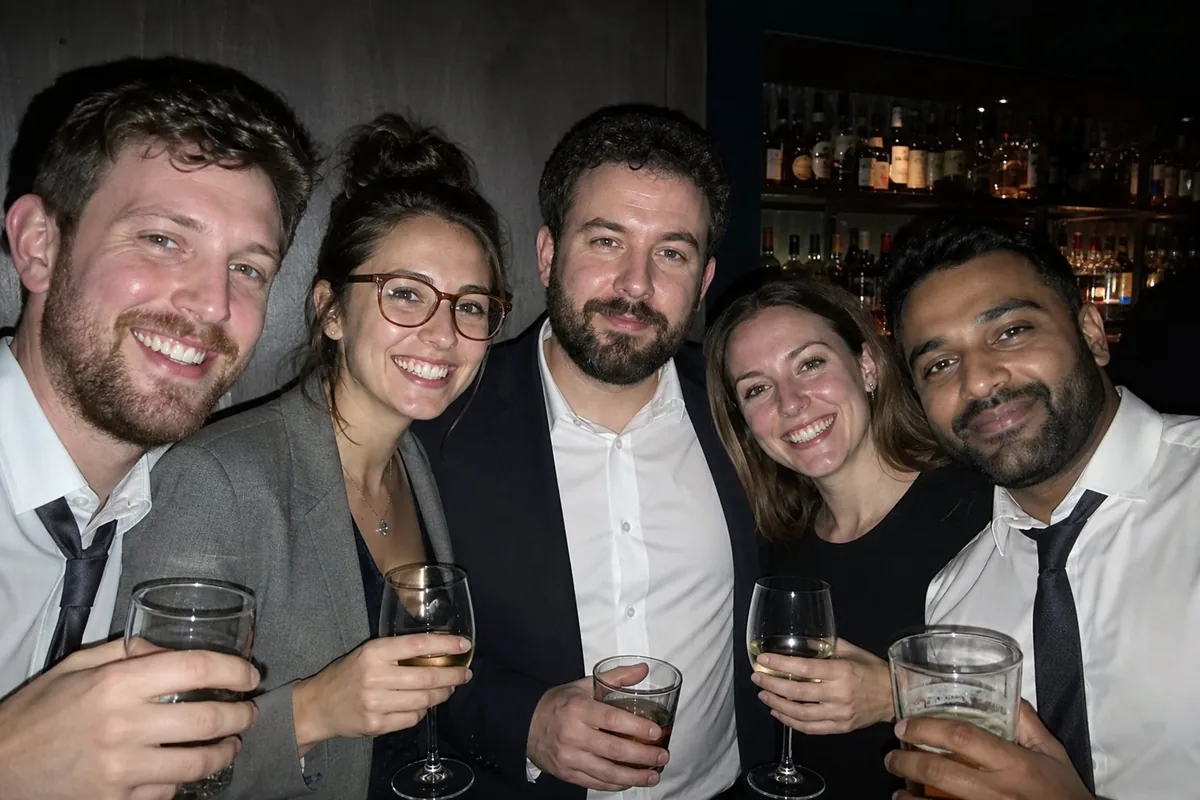
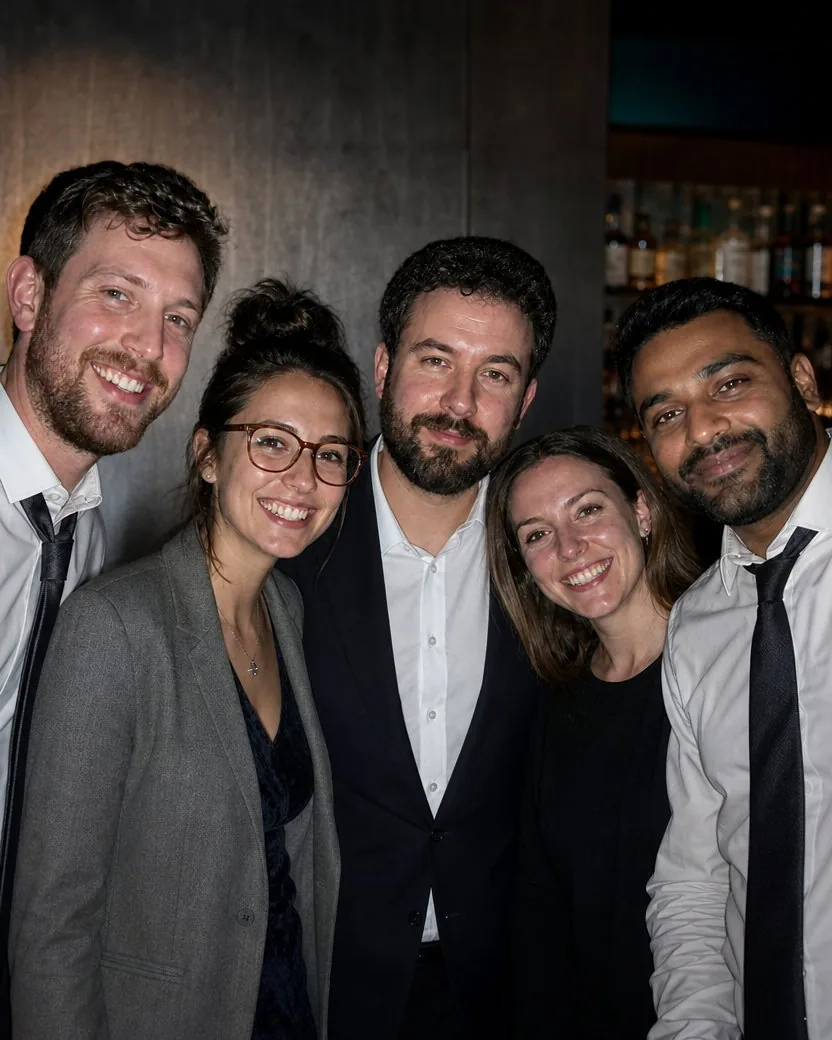
A flash snapshot from a leaving-do. Told to frame everyone from the chest up and leave the drinks out, the tool brings five colleagues in and five out, each with their own face, hair, and glasses, in the same clothes, in the same bar, with the flash shadows gone. Without that line the drinks would stay.
DirectionEveryone from the chest up, and leave the drinks out.
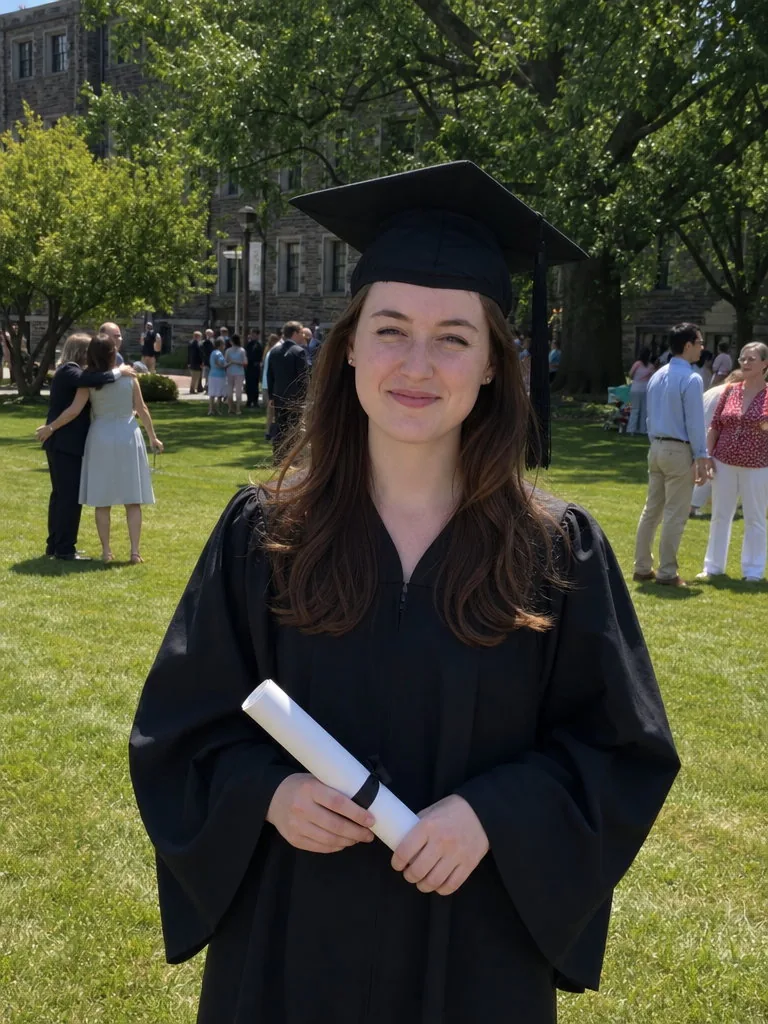
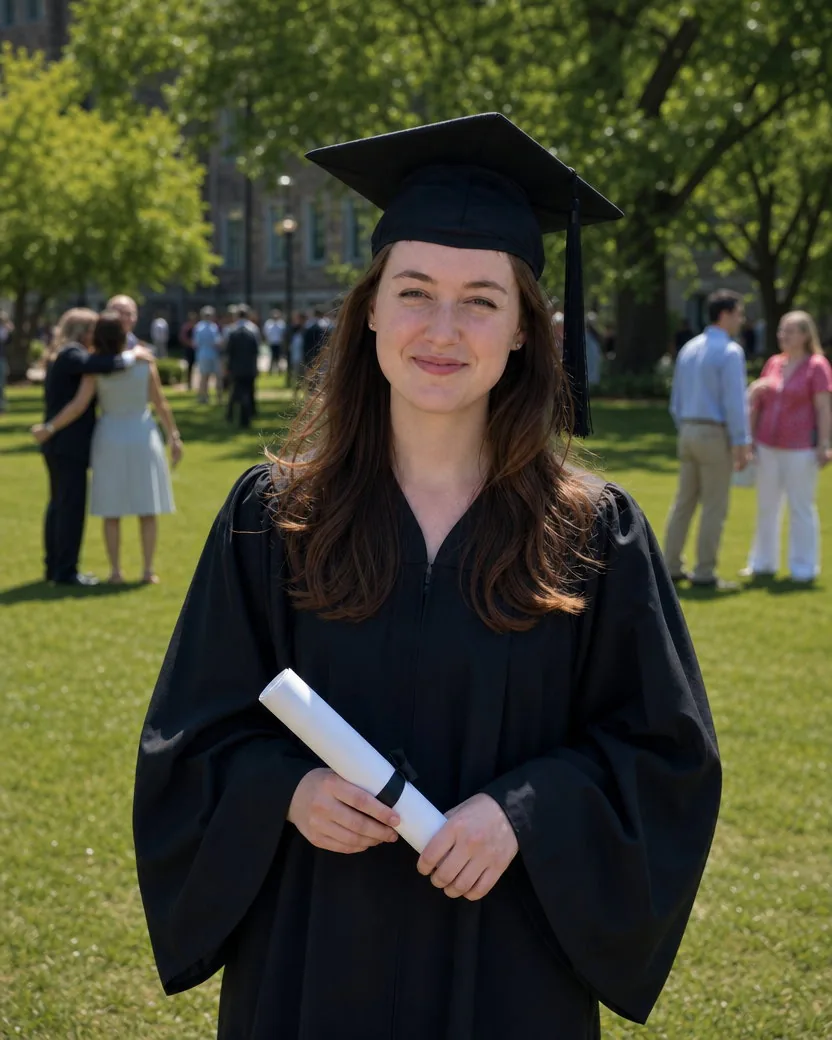
Dad’s photo in the midday sun. The gown, the cap, the certificate, and the campus lawn stay; the harsh light and the tilt do not. Her face is her face, squint included.
Default portrait, nothing typed
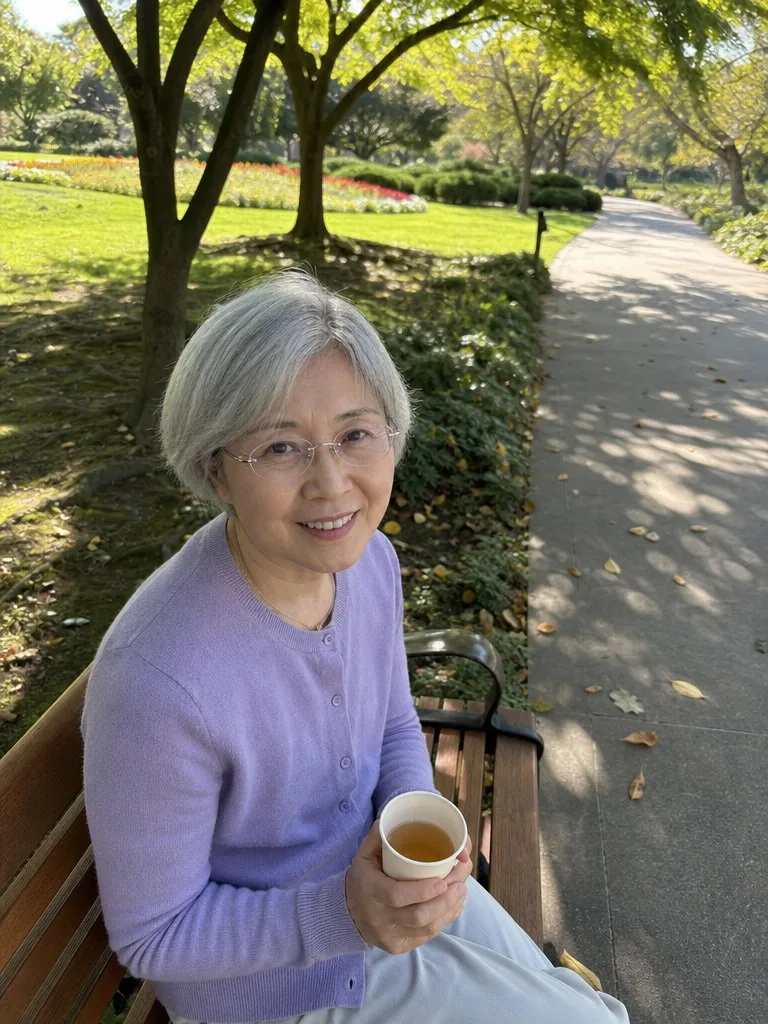
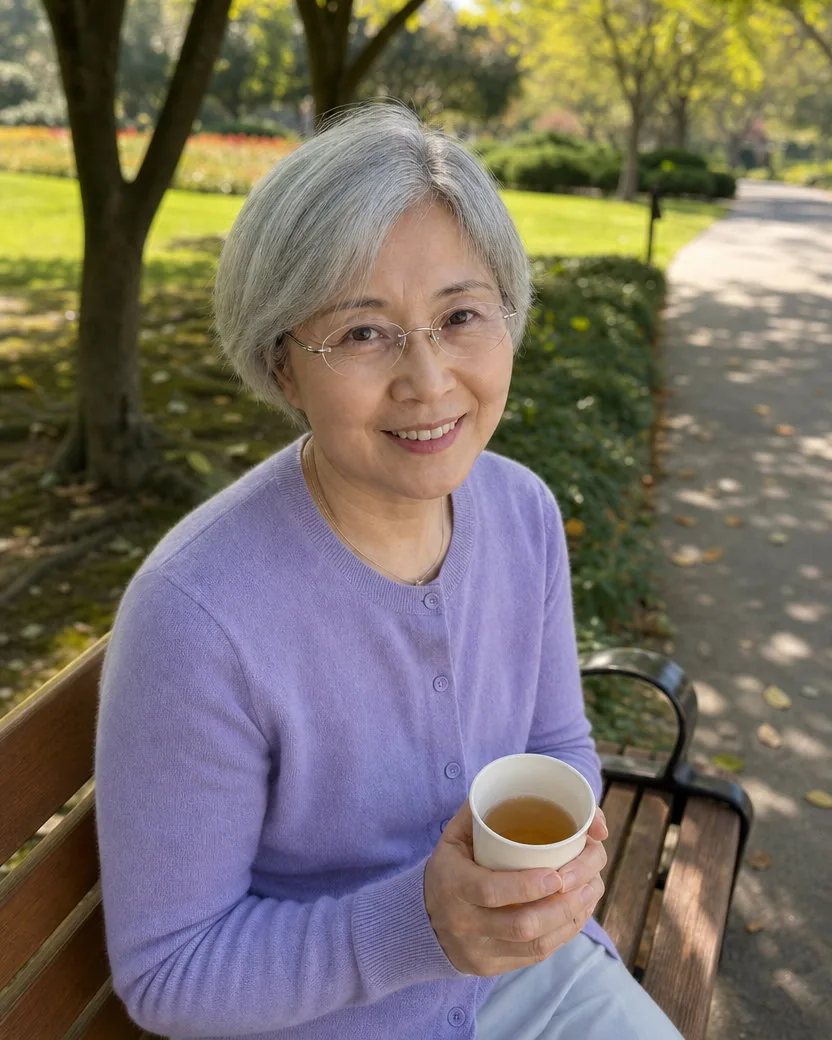
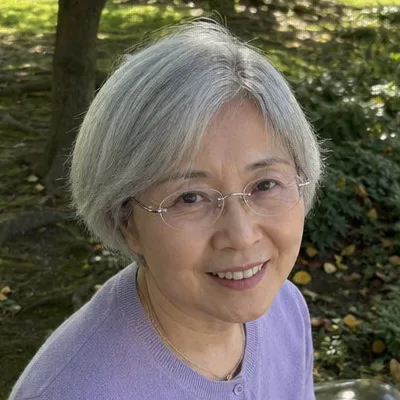
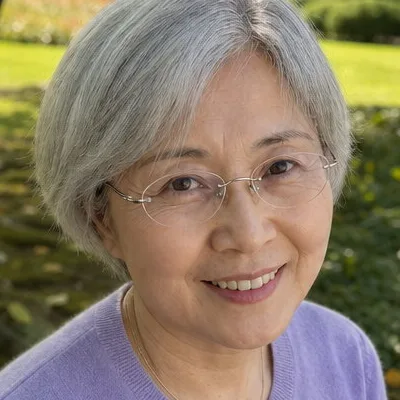
A photo a grandchild took from above on a park bench. Told to keep the tea and the park, the tool keeps them, drops the camera to eye level, and leaves the glasses, the grey hair, and every line around the eyes exactly where they were.
DirectionCome down to my eye level for a closer portrait, with me in the centre, and keep the mug of tea, the bench and the park behind me.
The portrait is built only from what is in the photo, so the photo decides most of the result. Four habits that make the difference.
Soft window light or open shade on every face. Direct midday sun, a ceiling light straight above, or a bright window behind you hide the very features the tool has to keep.
Everyone who belongs in the portrait must be in the photo with their whole face visible and in focus. The tool keeps the head count; it will not add a missing relative or remove a friend at the edge unless you ask.
A front-camera selfie at arm’s length stretches the nose and rounds the face, and the tool keeps the face it is given. Use the rear camera on a timer, or hand the phone to someone.
The result keeps every garment exactly and never extends you below the edge of the photo. Change the shirt before the photo, not after; for a full-length portrait, upload a photo that already shows you head to toe.
Clothes and place come from your photo. A hoodie in a kitchen stays a hoodie in a kitchen; if you want a blazer or a plain backdrop, take the photo that way.
Pores, lines, grey hair, and body shape stay. For temporary blemishes and shine, run the result through Professional retouch afterwards.
The head count is the head count in the photo. It will not build a family portrait from separate photos, and it will not remove the friend standing beside you unless you ask.
Everything is set in the composer before you create. Defaults are shown first.
| Input | One photo with one or more clear faces; JPEG, PNG, WebP, or HEIC |
|---|---|
| Frame | 4:5 portrait by default, the ratio of an 8 × 10 print; 3:4, 1:1, 3:2, 16:9, and 9:16 under Settings |
| Resolution | 1K by default (832 × 1040 pixels at 4:5); 2K and 4K available on GPT Image models |
| Direction | Optional, one short line: how close, what to keep, where |
| Output | One portrait per upload by default, downloadable from your library without a watermark |
| Fits | LinkedIn, Instagram, a team page, a CV, a dating profile, and 8 × 10 prints; crop to a square for a round avatar |
Recent public posts from the community, created with this tool.
Only the photography. It moves the camera to a normal portrait distance and lens, chooses a composition and a natural pose, keeps or improves the light that is really there, and drops the selfie arm, the wide-angle stretch, and the clutter. Your face, skin texture, hair, glasses, clothes, the people with you, and the kind of place you were in stay as they are.
It is meant to. The contract protects facial structure, apparent age, skin tone, eye shape and colour, eyebrows, hairline, hair length and texture, facial hair, glasses and their frames, jewellery, head coverings, and body shape, and forbids beautifying, slimming, de-ageing, whitening, and smoothing. Every example on this page is a real result, with the face at 100% in the use cases so you can check.
Yes, and that is the point. One photo of two people gives a couple portrait; one holiday snapshot of a family gives a family portrait; one flash photo from a leaving-do gives a team portrait. Everyone keeps their face, clothes, and place in the group, and the framing tightens so every face is large. It will not build a group from separate photos of separate people.
Yes. The contract counts the people in the photo and keeps exactly that number, with the same faces, the same clothes, and the same people standing beside each other. It will not merge two faces, duplicate anyone, or quietly drop the person at the edge. If someone should not be in the portrait, say so in the direction.
No. Every garment and accessory is kept exactly, and the place stays the same kind of place, tidied and seen from a better position. A car park stays a car park; an office stays that office. If you want a different outfit or setting, take a different photo, or say so in the direction.
No. One photo is enough, because nothing is being trained or blended: the portrait is that photo taken again by a better photographer. Services that ask for eight to thirty selfies are training a model and then guessing; this reads one photo and keeps it. Several portraits from the same upload just take several runs.
Yes. LinkedIn asks for a photo that looks like you, and this is your real photo taken again from a better position: the same face, glasses, clothes, and place. It is not an avatar, a cartoon, or a generated stranger. Crop the 4:5 frame to a square when you upload it.
A 4:5 frame, 832 × 1040 pixels at the default 1K setting and larger at 2K. That is the ratio of an 8 × 10 print and an Instagram portrait post, and it crops cleanly to the 1:1 that LinkedIn stores. For a bigger print, choose 2K under Settings before you create.
Every face in focus, in soft light, and reasonably large in the frame. A selfie, a photo a friend took, or a group photo all work. Avoid sunglasses, hair across the eyes, a bright window behind you, motion blur, and beauty filters: the portrait keeps the face it is given, so a stretched selfie face stays stretched. For a full-length portrait, upload a photo that shows you head to toe.
Every generation costs credits. New accounts start with trial credits, so you can try it on a real photo before paying anything. Premium plans include more.
Your photo is stored with the result in your private library so you can compare, retry, or delete them. It is not used to train anything, and nothing on this page is public unless you publish it yourself.
A photographer is still the better choice for a session you can plan, and this page is not a substitute for one. But a professional headshot costs a few hundred dollars and a family session several hundred more, and most people already have the photo they need on their phone. This turns that photo into a portrait in about a minute for a few credits.
One or more selected files can’t be uploaded. Please upload different files, or change the format.