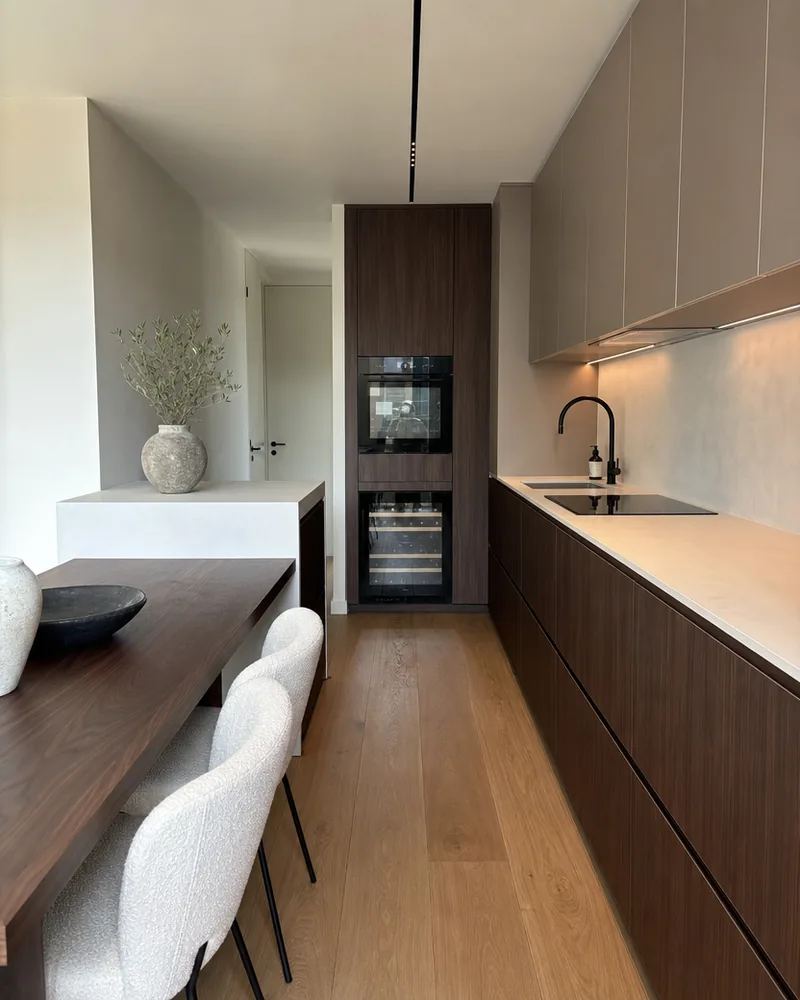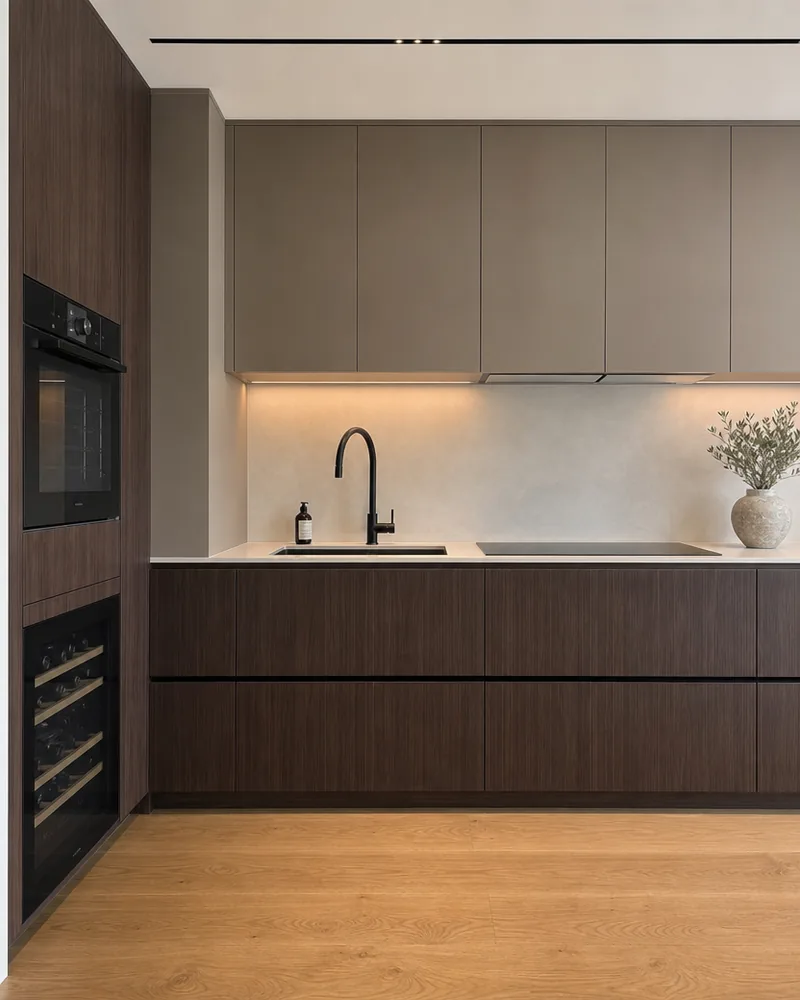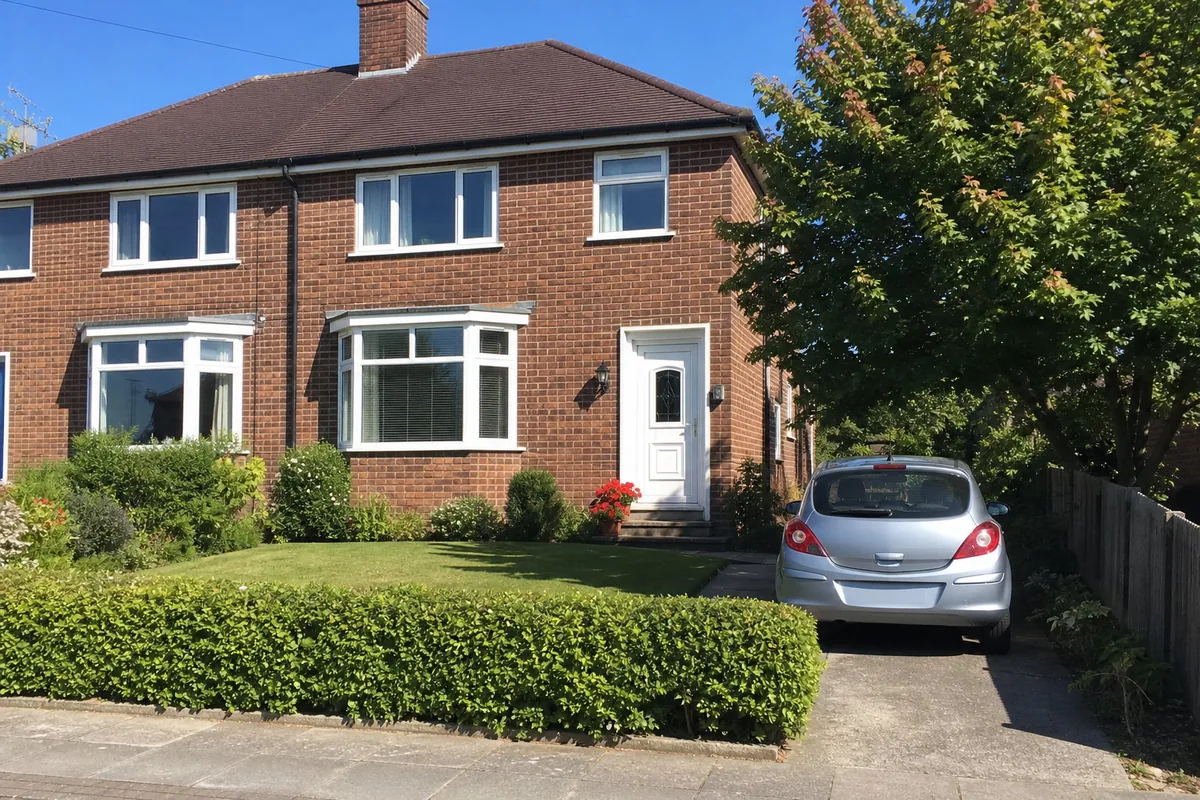
Real estate and house photos
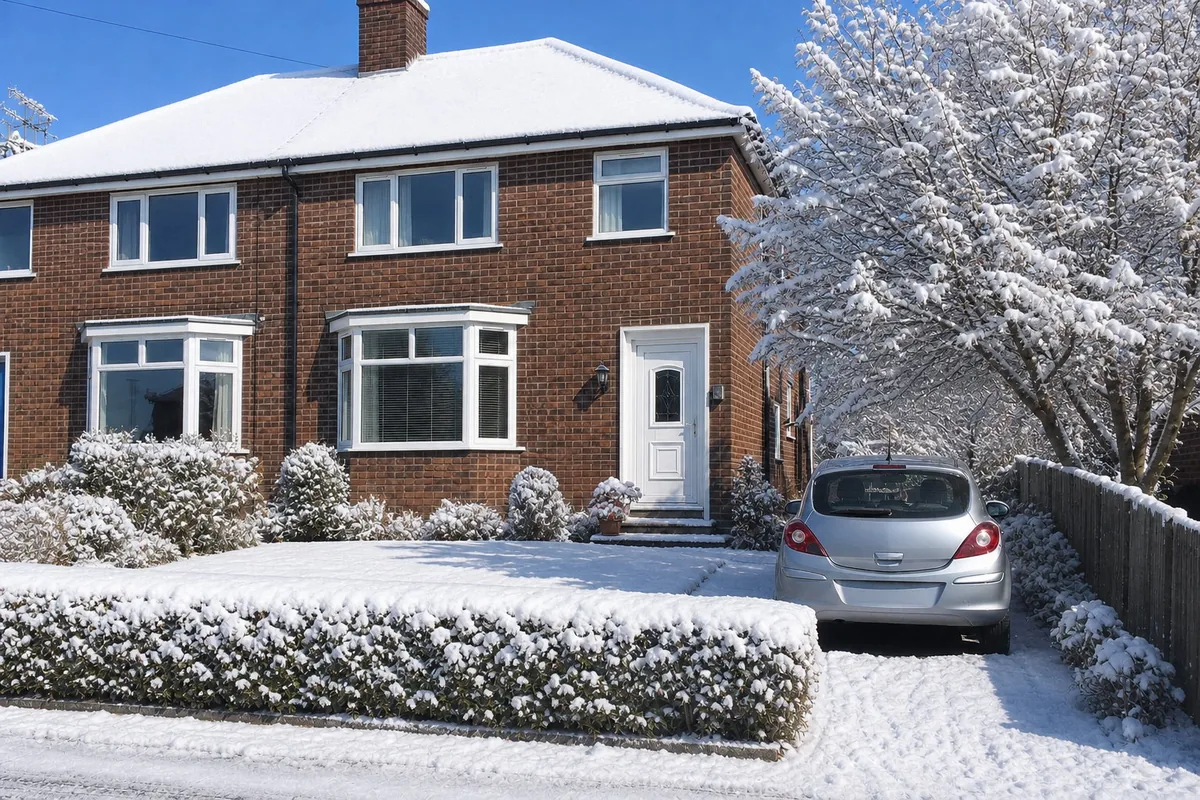
Same house, in winter
DirectionMake it winter, with snow on the lawn and the roof.
A woman with a glass of wine at a café terrace on a Paris evening, a sports car parked across the road behind her. The direction was one sentence, and the result is the same photo in autumn: same face, same white tank top, same glass under her hand and the same car at the kerb, with the plane trees turned orange down the avenue and a few fallen leaves along the kerb.
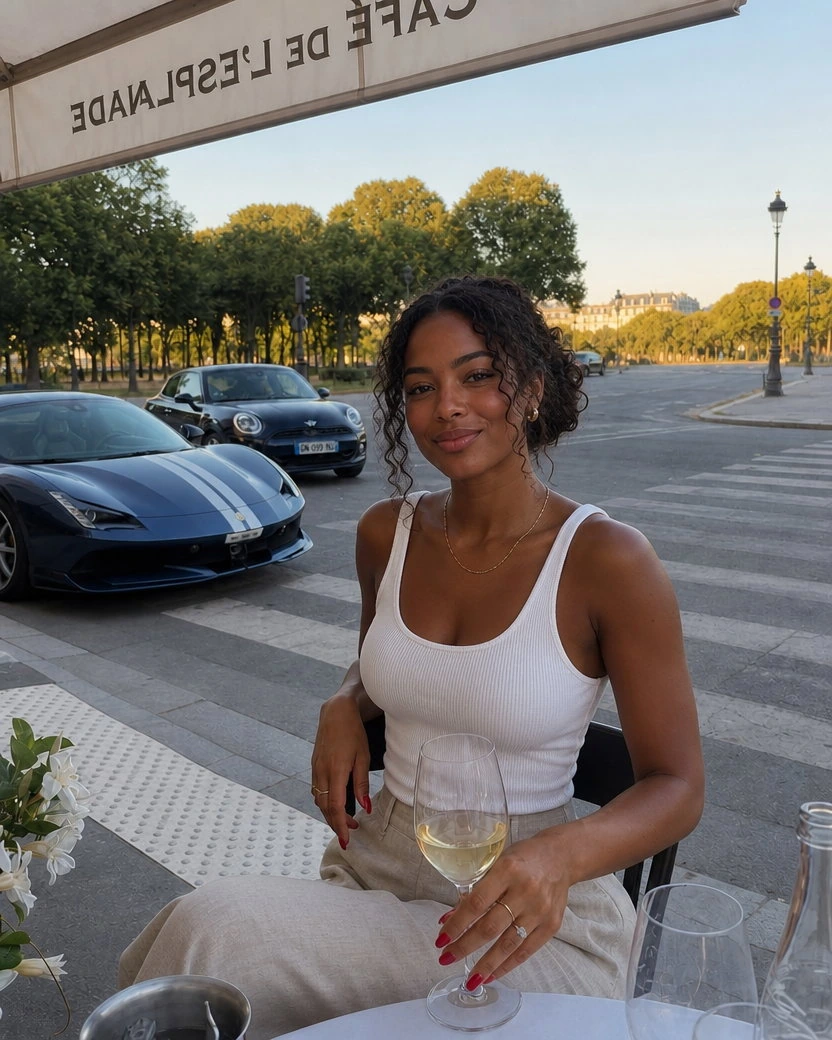
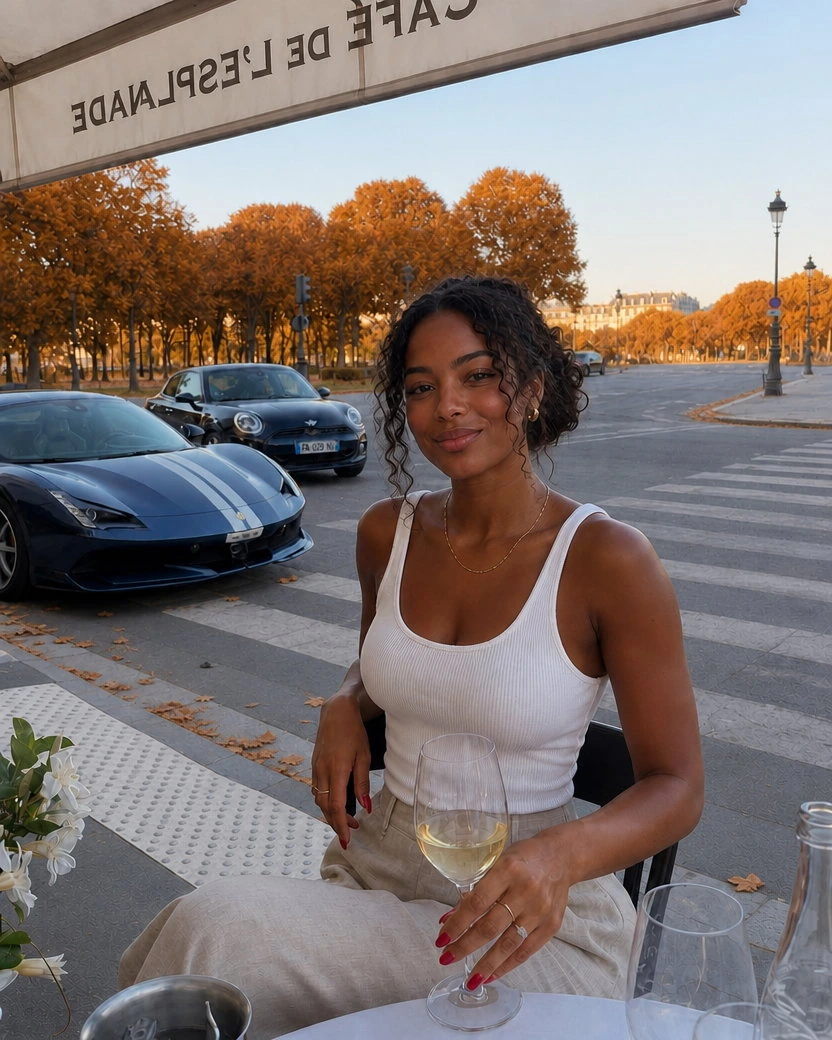
DirectionMake it autumn, with the plane trees turned orange and just a few fallen leaves along the kerb, the road and the crossing otherwise clean.
Each pair shows the upload next to the result. The line under it is exactly what was typed in the direction field, or nothing at all: with nothing typed, the tool picks one big change itself, the kind of version the photo's owner could actually use.
DirectionMake it winter, with snow on the lawn and the roof.


DirectionMake it night, with the café lights on.
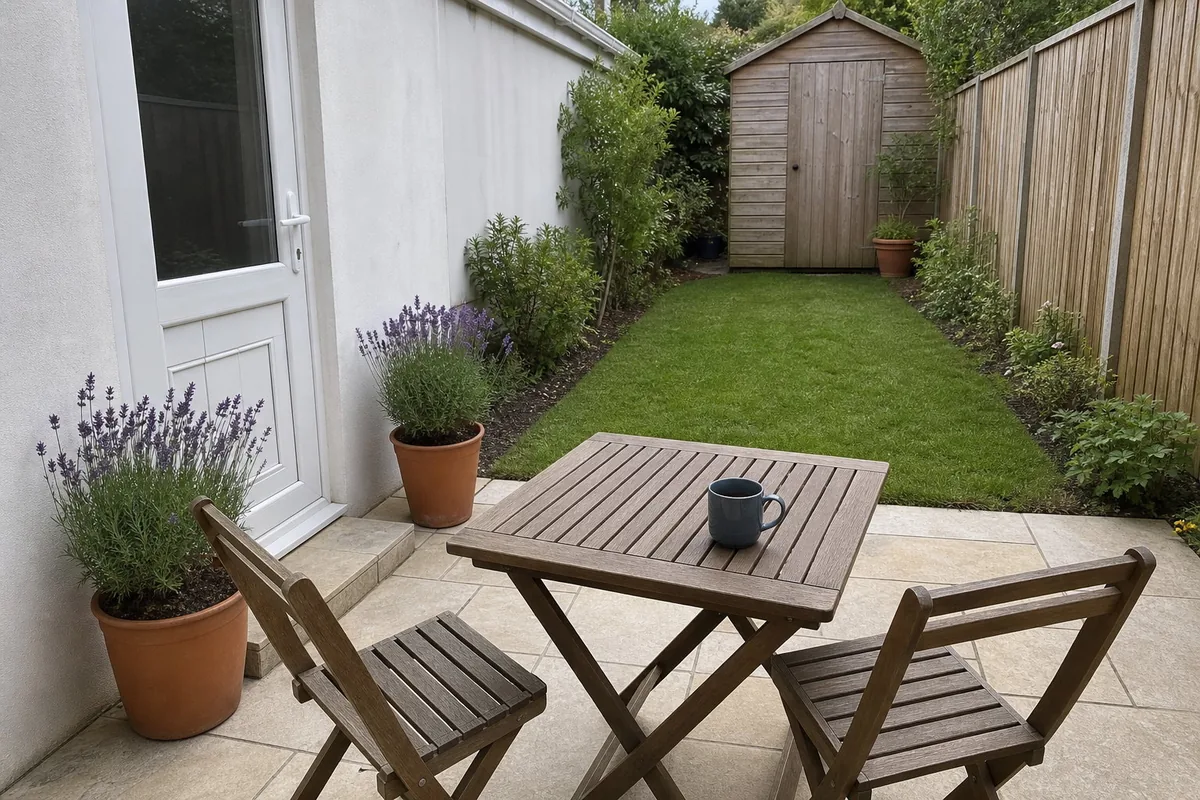
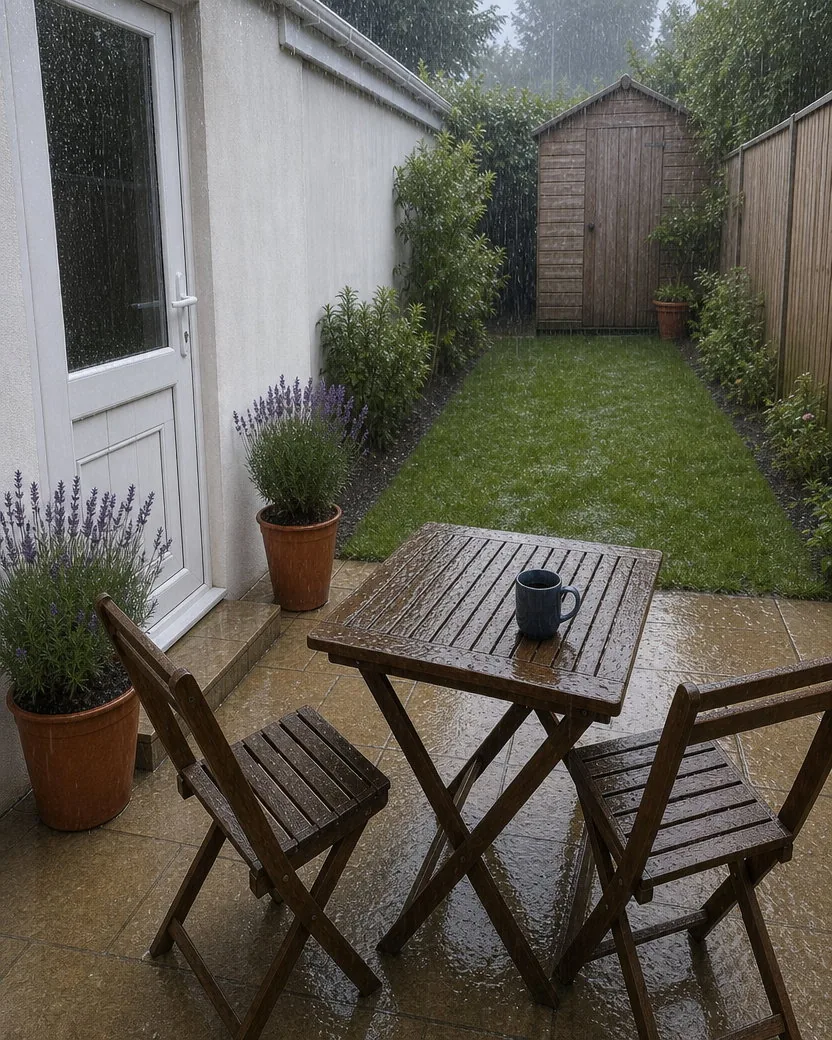
DirectionMake it rain.
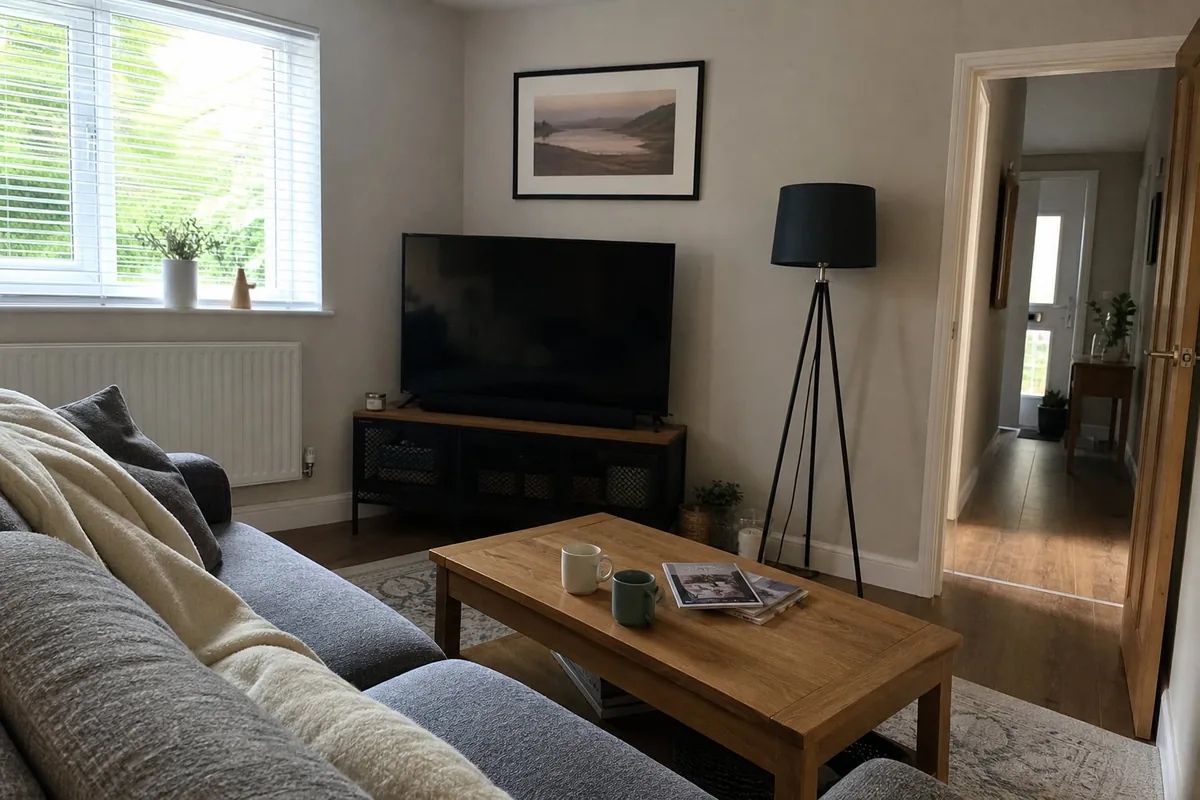
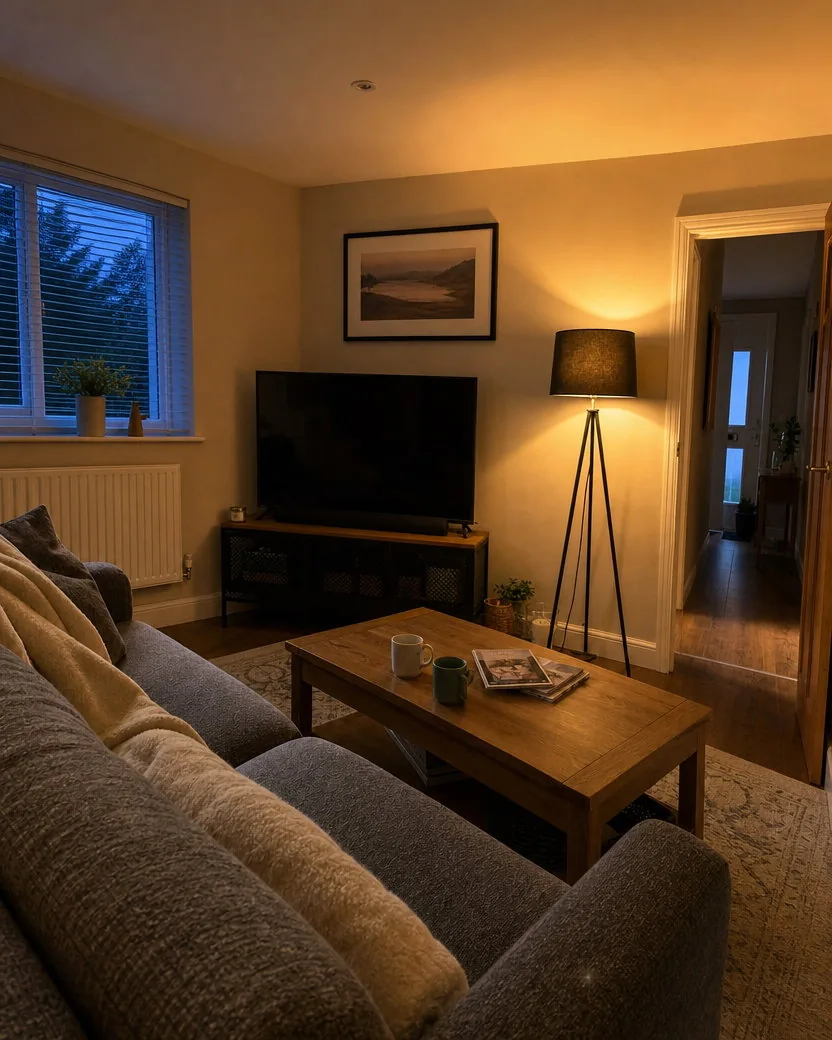
Nothing typed: the tool chose the change
Three steps, no masking, no layers, no Photoshop. The private variation contract keeps everything you did not mention exactly as it was.
A phone photo of a person, a room, a house, a product, a meal, a pet. The full frame is kept.
Name the thing and what it becomes: “change the book to a newspaper”, “make the tote bag red”, “make it winter”, “swap the white wine for red”. One change per run. Or leave the field blank, and the tool picks one big change that fits the photo.
The variation is ready in one to two minutes at the same frame as the upload, made with GPT Image 2. Download it from your library, or run it again with another instruction, or run the result again to change a second thing.
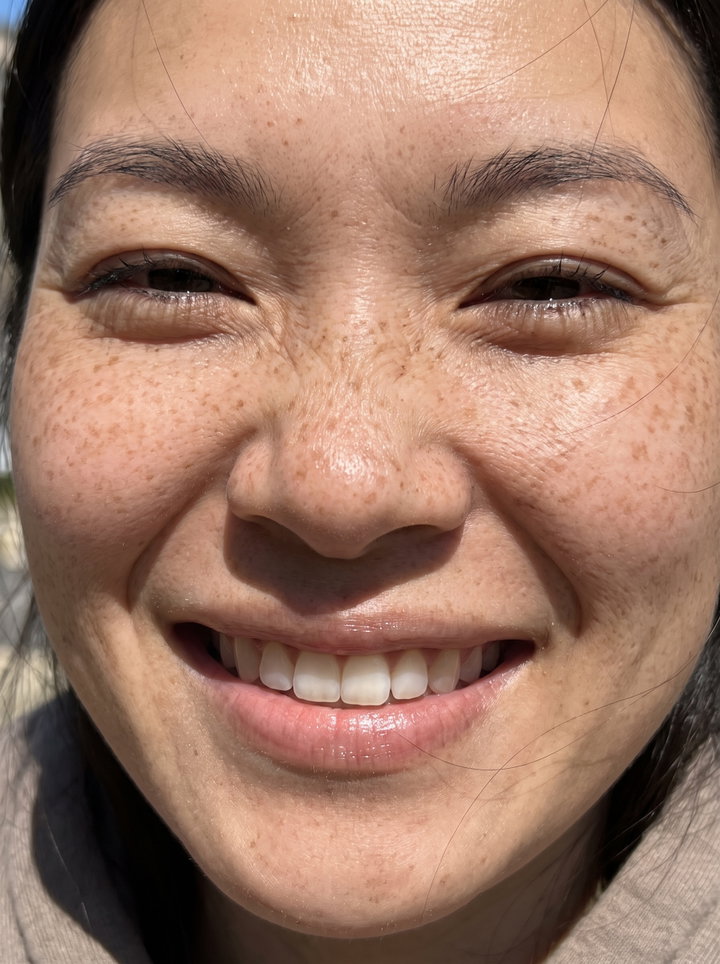
Three more photos, each shown with the upload, the result, and a 100% crop of the part that had to stay the same: a face, a plate of food, the text on a label.
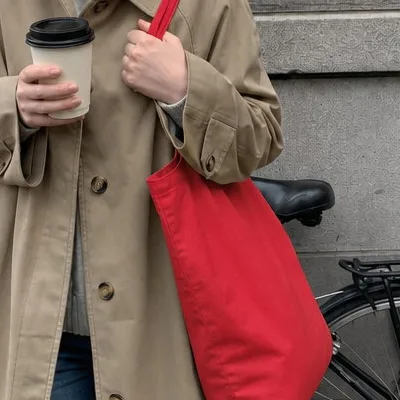
A second colourway from one street photo. The bag turns red with its folds and the light on it kept; the coat, the coffee, the face, and the street stay exactly as shot. The 100% crop of the face is the check for any photo with a person in it.
DirectionMake the tote bag red.
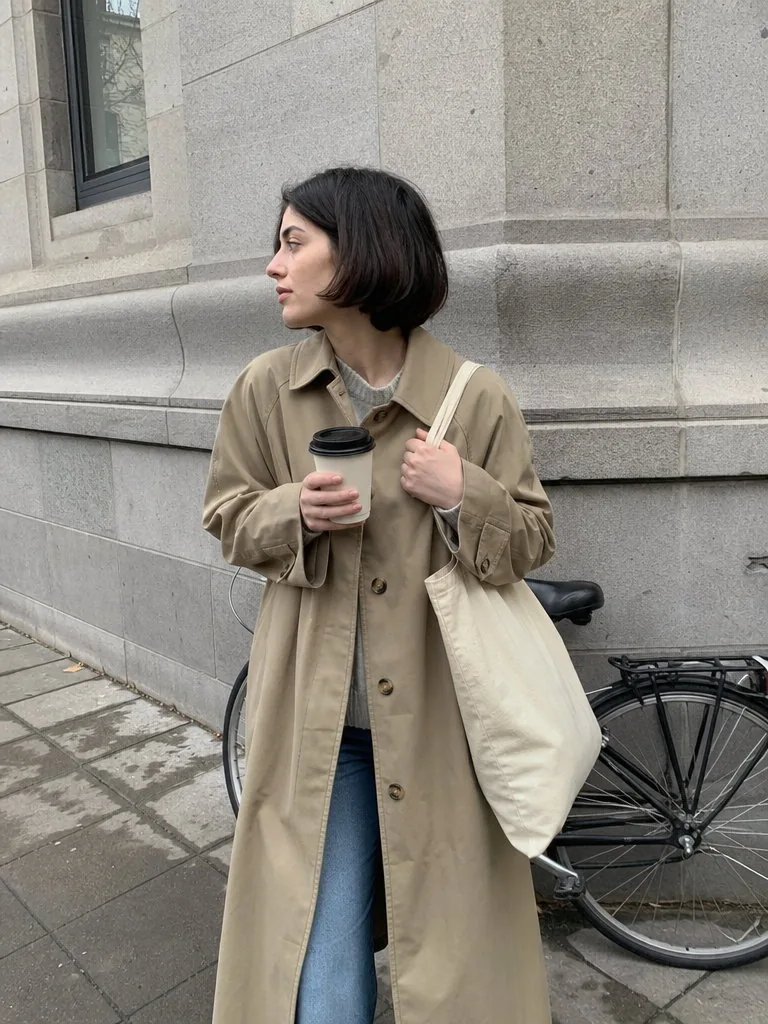
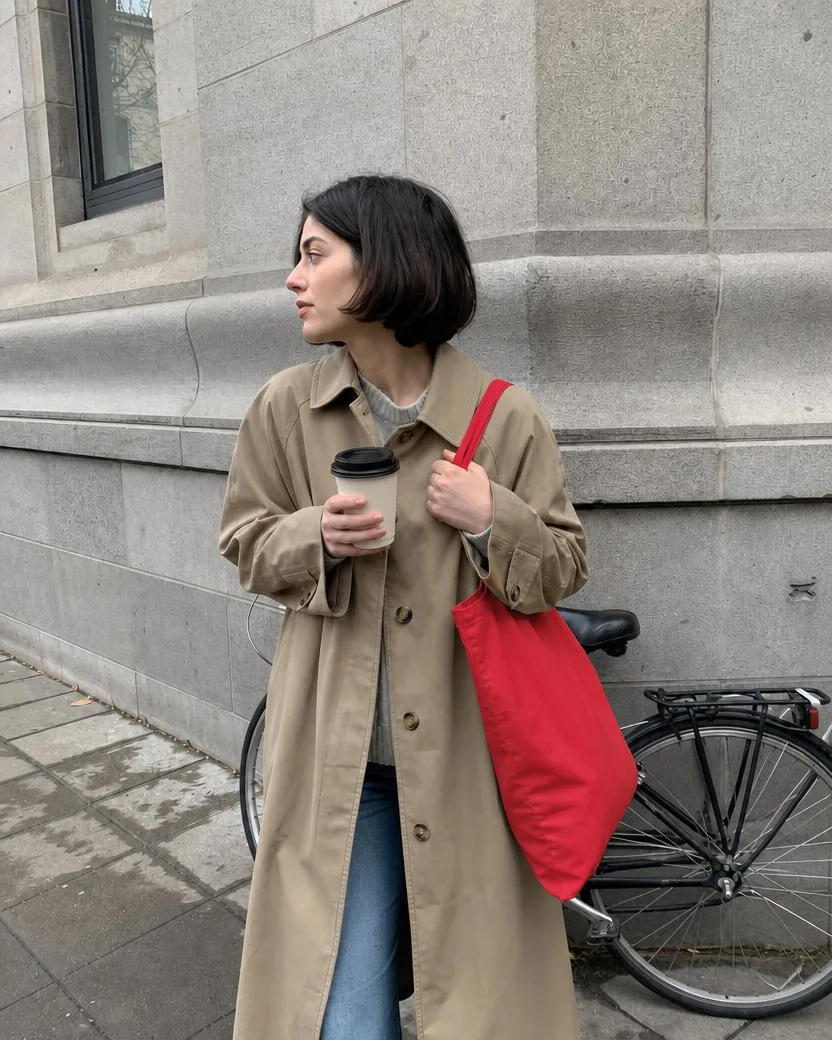
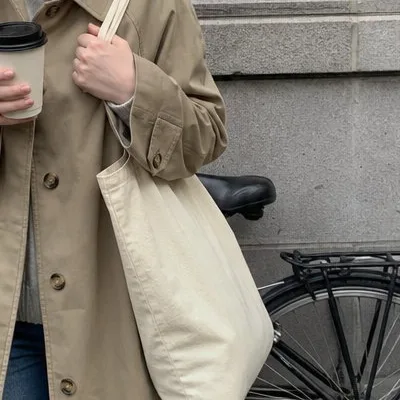
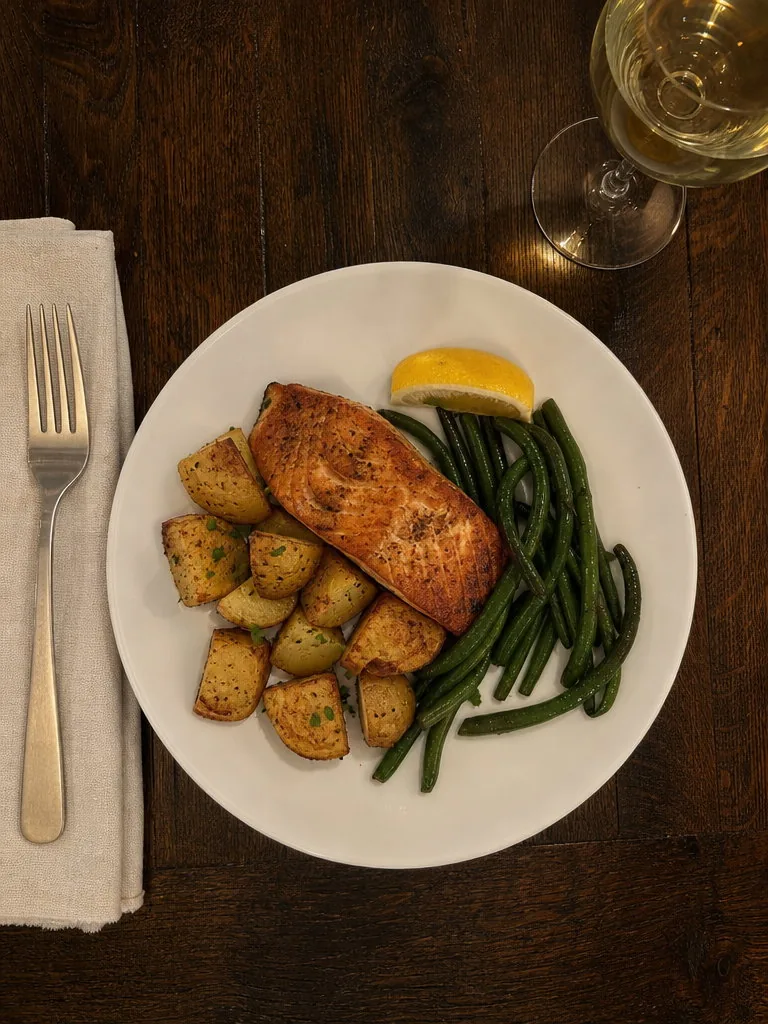
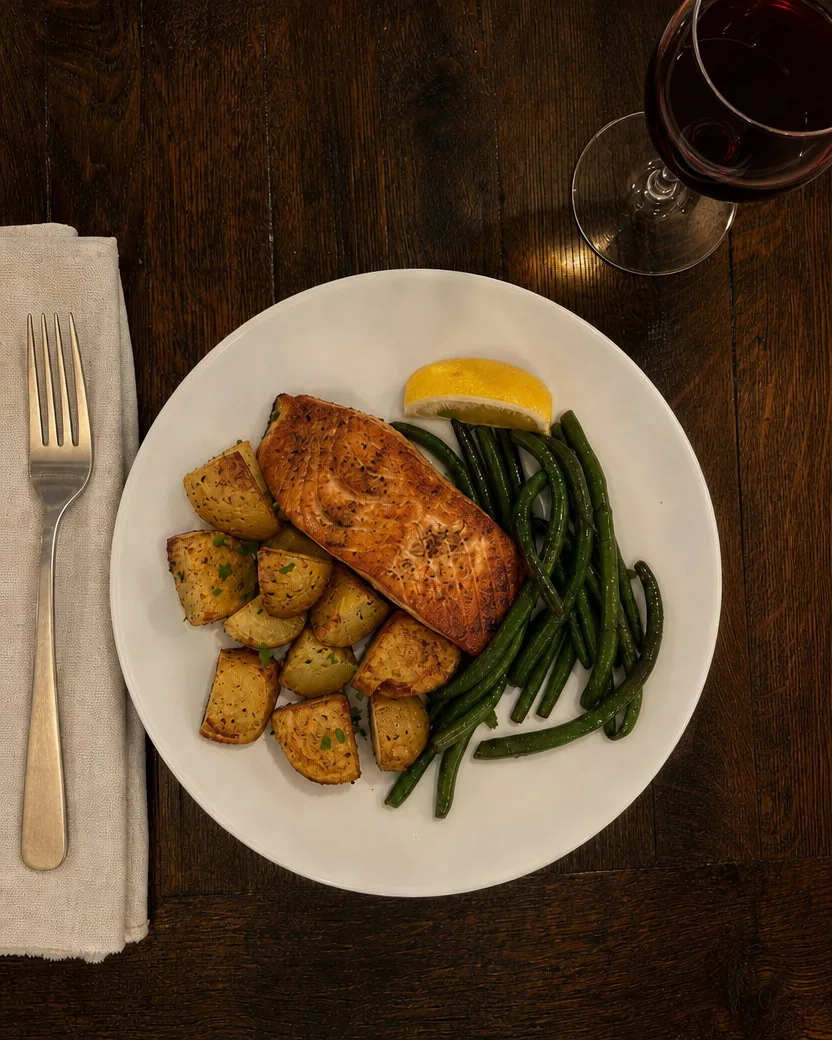
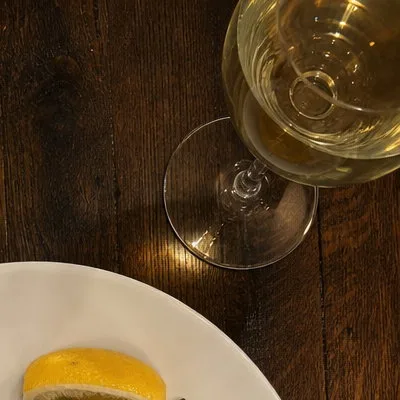
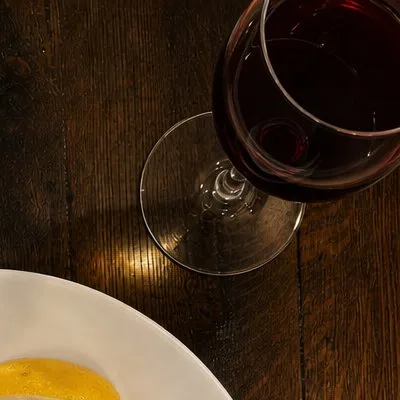
One object swapped, everything else left alone. The glass keeps its place and its reflections and simply holds red wine; the plate is untouched, which the 100% crop of the salmon shows.
DirectionSwap the white wine for a glass of red wine.
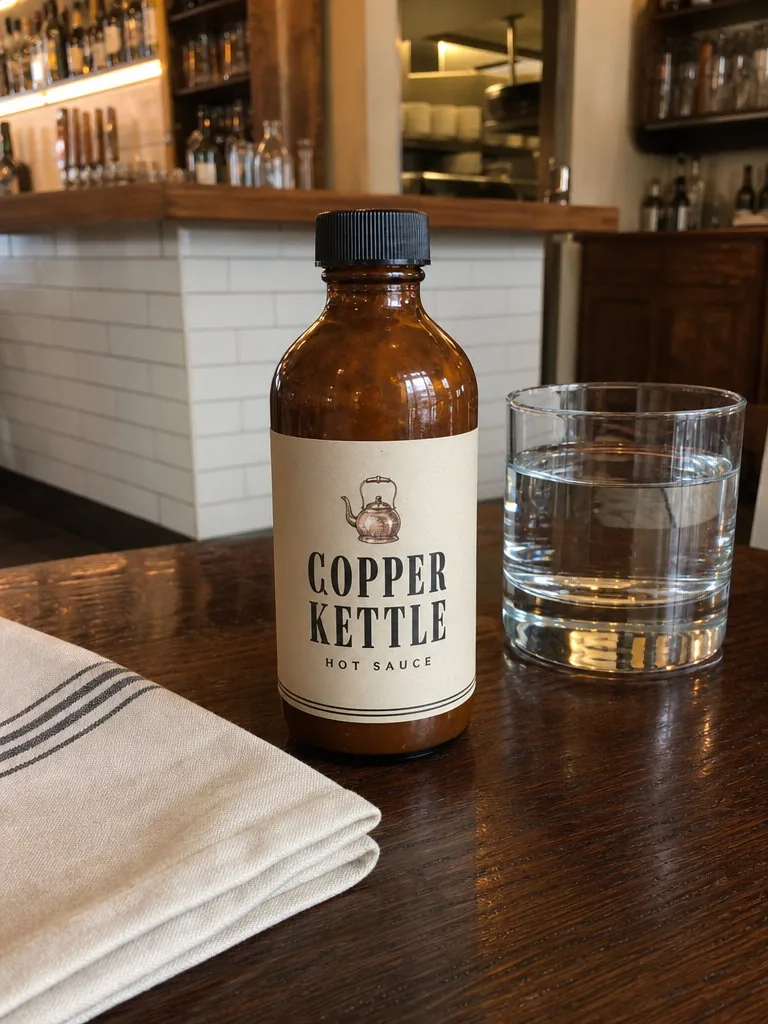
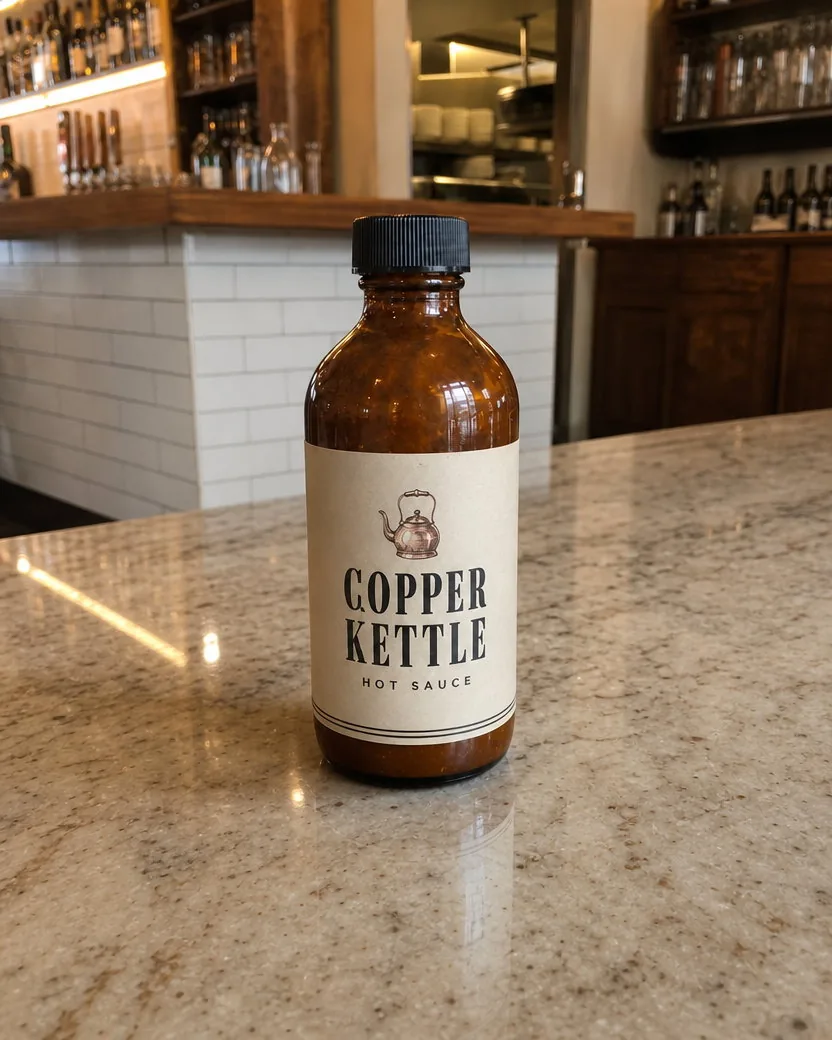
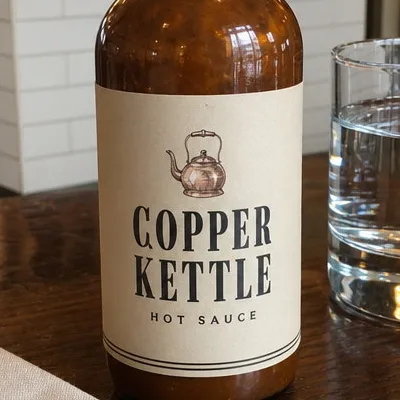
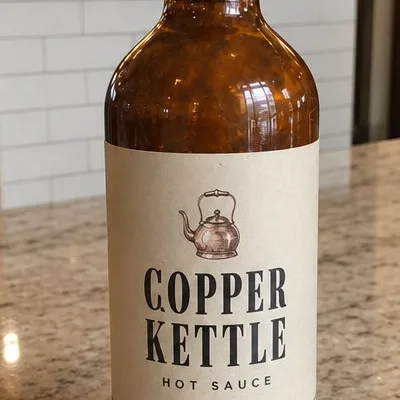
A restaurant’s own hot sauce, photographed on a table between services and turned into a cleaner product shot with one sentence: the bottle moves to the marble bar and the glass and napkin go, while the bottle itself, its cap, and every word on its label stay put. Check the label crop at 100% before you use it.
DirectionPut the bottle on the marble bar counter, with no glass or napkin.
The direction field is optional. When you use it, these four habits get the most out of it.
“Change the sofa to navy.” “Swap the coffee for a glass of wine.” “Make the door green.” A thing and what it becomes is enough. “Make it nicer” gives the tool nothing to hold on to.
Each run makes one change well. For a second change, run the result again with the next instruction; the earlier change stays in place.
Everything you leave out stays as it is; that is the whole point. Describe only the change, not the photo, and do not add “keep everything else the same”, the tool already does.
For a sign or a label, put the new words in quotes and keep them about as long as the old ones. Long sentences on a small sign are where AI editors still struggle.
It changes only what you name and what that change would really affect: a shadow, a reflection, the light a lamp throws. Faces, hands, the room, the rest of the outfit, and the framing come back as they were.
The frame, the crop, and the camera position stay exactly as shot. A different angle of the same scene is a different tool; this one edits the picture you already have.
A phone snapshot comes back as a phone snapshot with one thing changed, not a magazine shot. No relighting, no colour grade, no beauty filter, no added text unless you ask for it word for word.
Everything is set in the composer before you create. Defaults are shown first.
| Input | One photo; JPEG, PNG, WebP, or HEIC |
|---|---|
| Frame | The result keeps the upload's frame, crop, and camera position; nothing is re-cropped or re-shot |
| Aspect ratio | 4:5 by default; any supported ratio under Settings, with the surroundings extended rather than the photo cropped when it differs from the upload |
| Resolution | 1K by default; 2K and 4K available on GPT Image models |
| Direction | Optional. One change in plain words; blank lets the tool choose one big change that fits the photo |
| Output | One image per upload by default; ask for 2 to 10 variations in the direction field and each gets its own change, downloadable from your library without a watermark |
Recent public posts from the community, created with this tool.
Rooms, houses, people, products, food, pets, gardens, streets, and most other photos. Ordinary phone photos are the normal input; every example on this page started as one. The tool reads the photo, makes the change you name, and keeps everything else as it was.
The same photo with one thing different. A book becomes a newspaper, a bag turns red, summer turns to winter, the white wine becomes red, the table becomes marble. The frame, the crop, the camera, the light, and the people stay as they were. It is not a remix, a restyle, or a new angle.
The tool picks one big change that fits the photo and would be useful to its owner: a house at another season or at dusk, a garment in another colour, a different drink or prop, a restyled bed or table, a different toy for a pet. It makes one change, keeps it believable, and never touches faces or the camera. If you would rather steer it, type the change.
Yes. “Change the book to a newspaper”, “swap the coffee for a glass of wine”, “remove the napkin” all work, and the replacement is placed where the old object was, held or standing the same way, with its own shadow and reflection. Text on the new object is only written when you quote it.
One or more selected files can’t be uploaded. Please upload different files, or change the format.