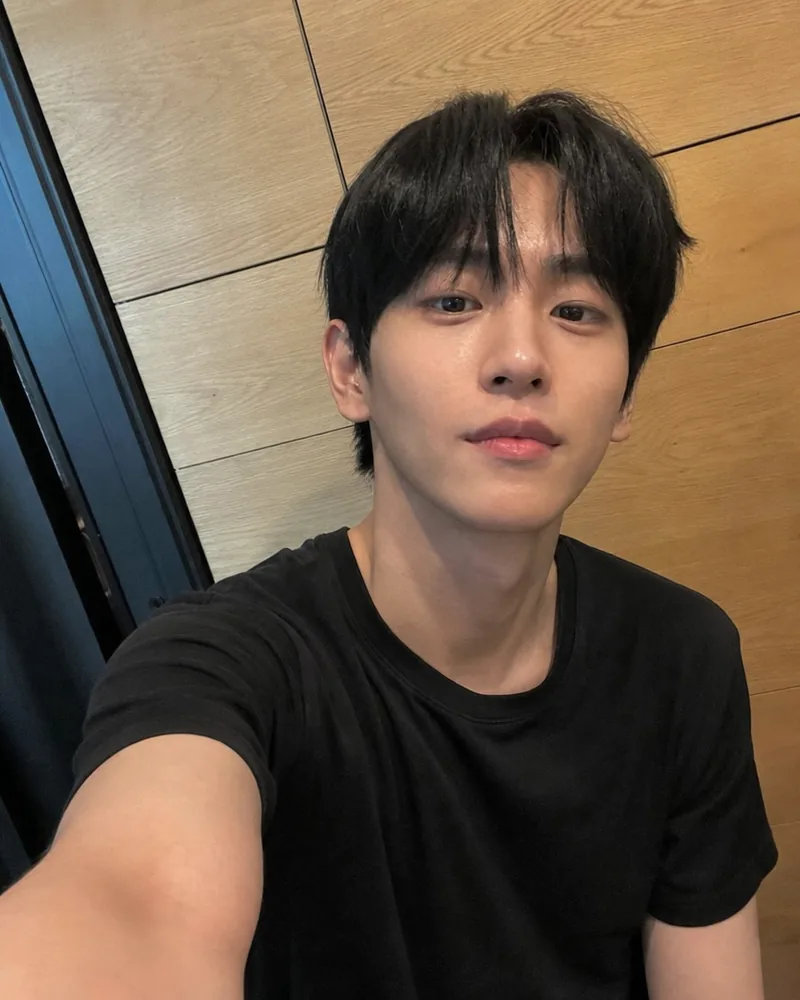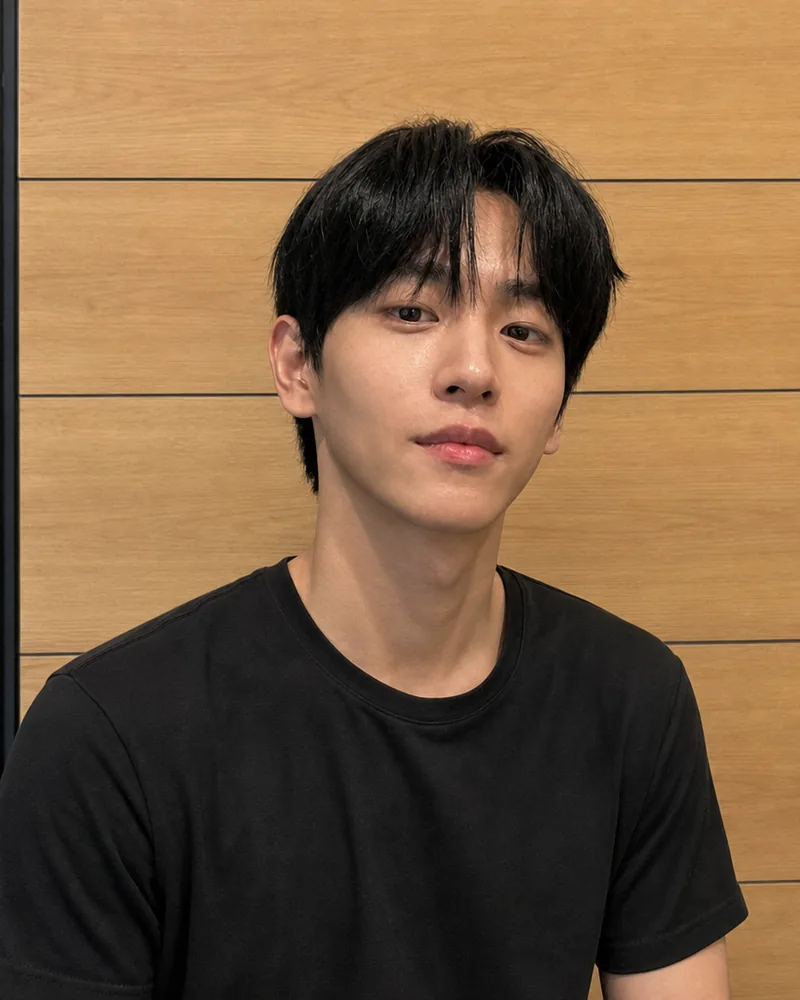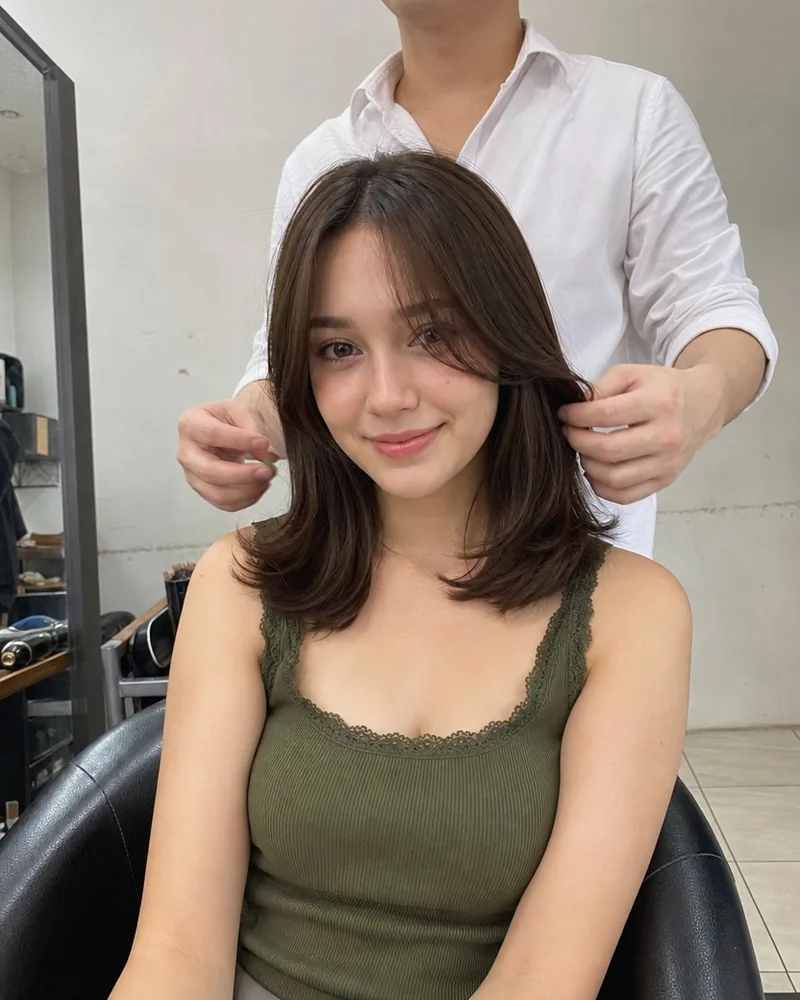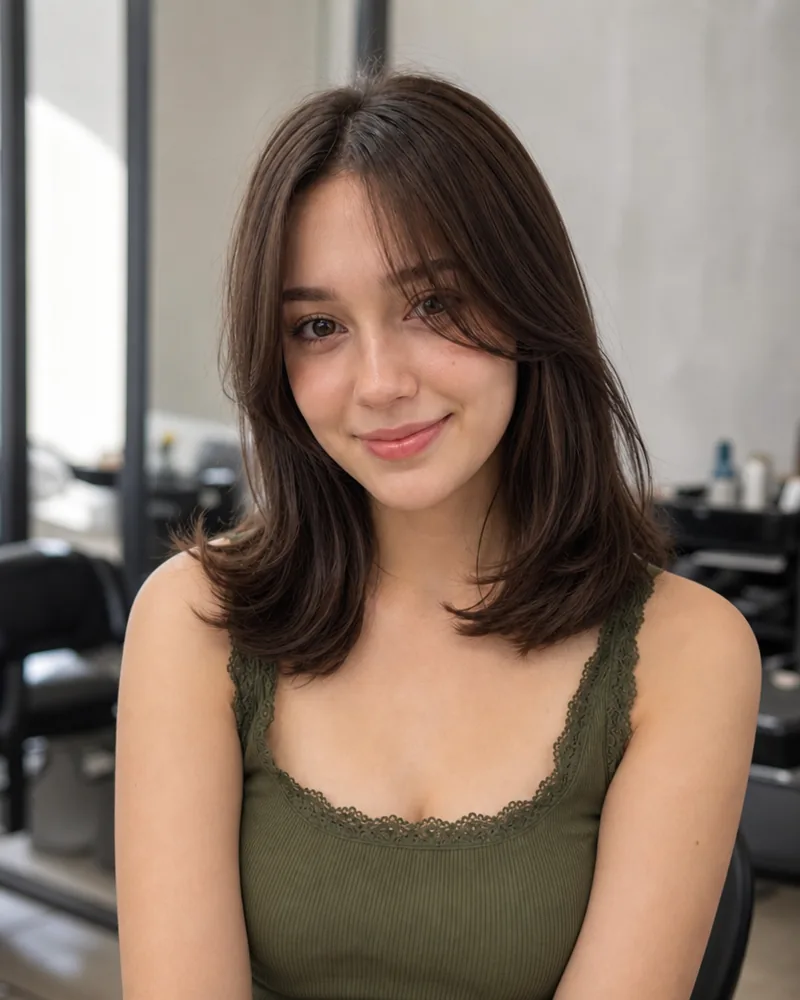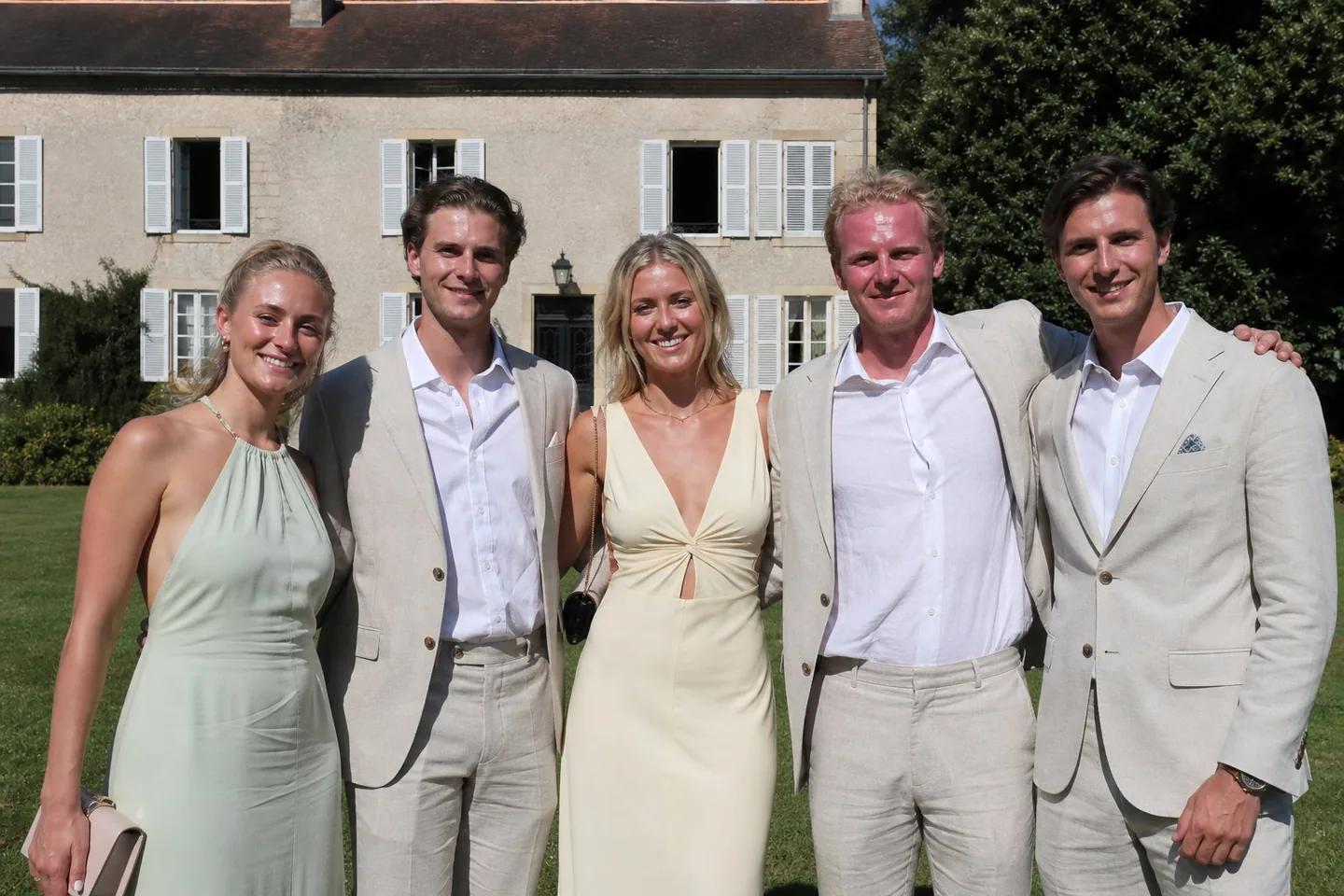
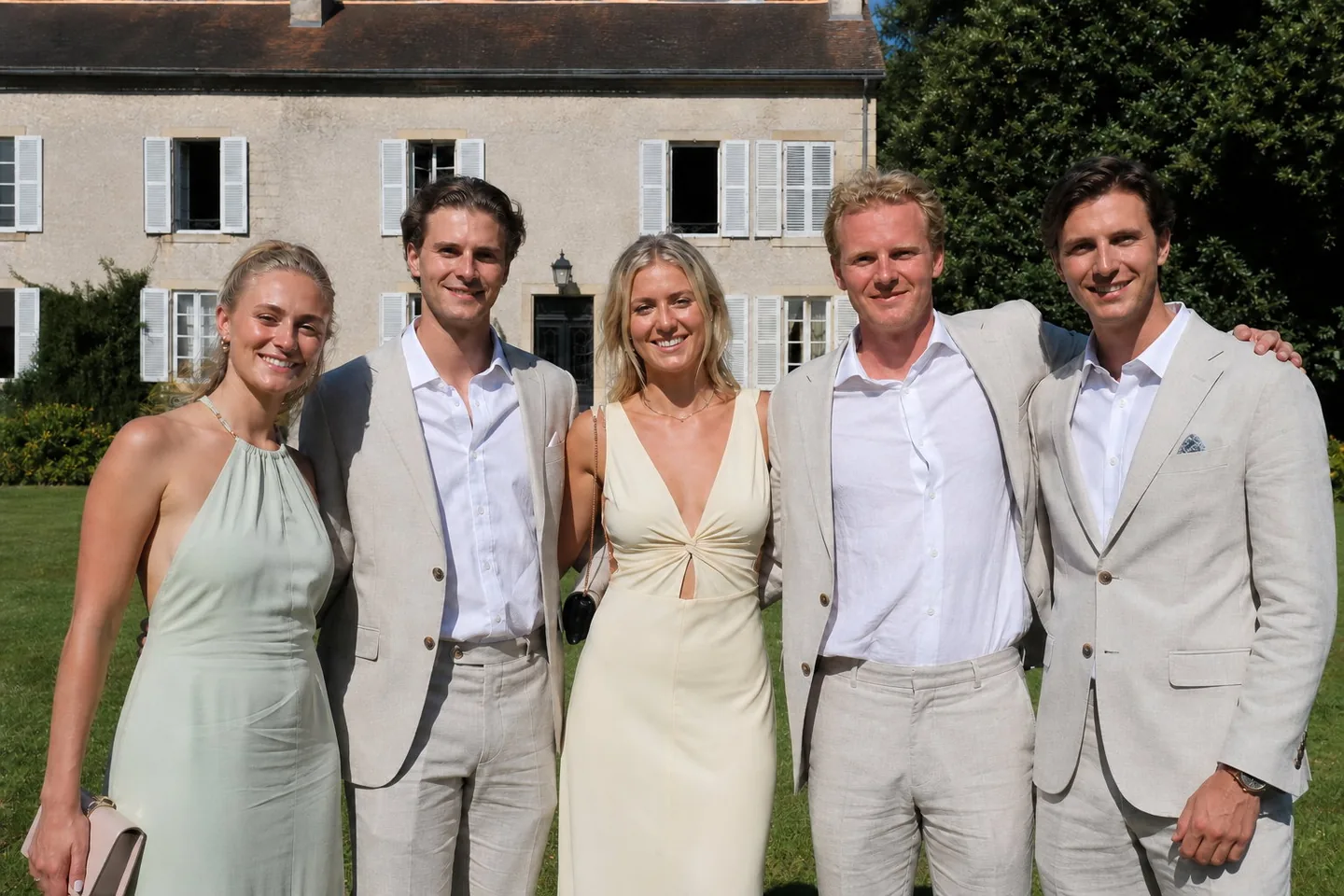
Wedding and event group photos
Five guests, one consistent finish
Default retouch, nothing typed
A wedding portrait in bright, even light, before and after. One line of direction named what to fix, and the retouch did only that: the blemishes on both faces, the shine on the foreheads and noses, the dark circles and the damp strands across his forehead are gone, while the light, the colour, the expressions, his stubble and both faces are exactly as shot. No smoothing, no reshaping, no makeover.
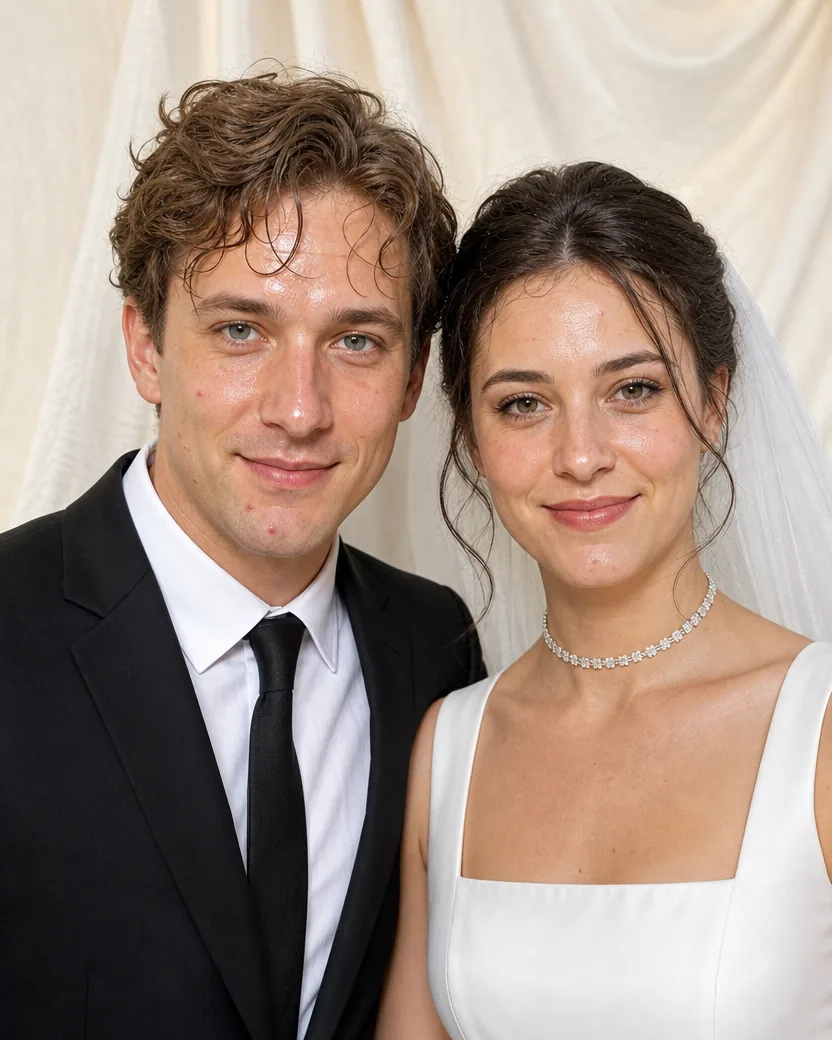
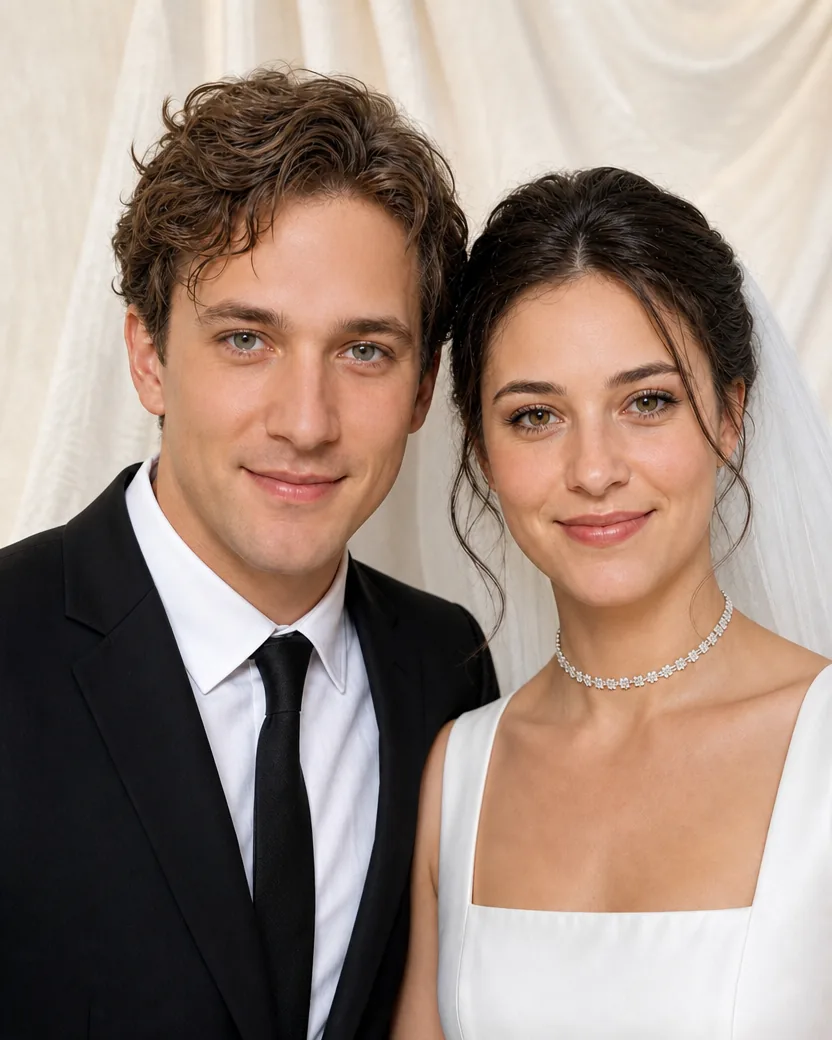
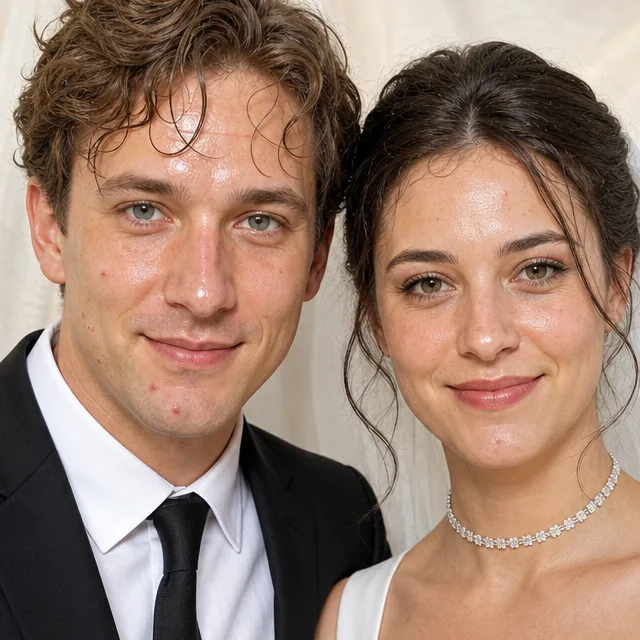
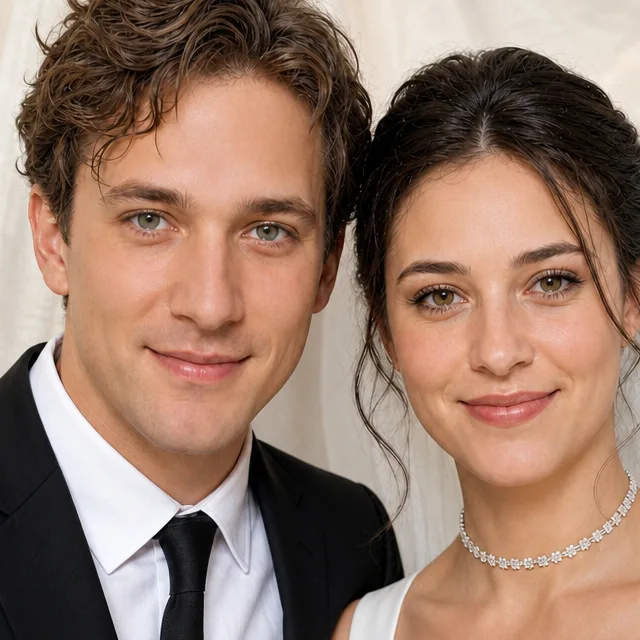
DirectionClear the blemishes on both faces, remove the shine on the foreheads and noses, soften the dark circles, tidy the stray strands and flyaway hairs off his forehead and around her face, and even out his stubble, while keeping the lighting, exposure, colour, expressions and everything else exactly as shot.
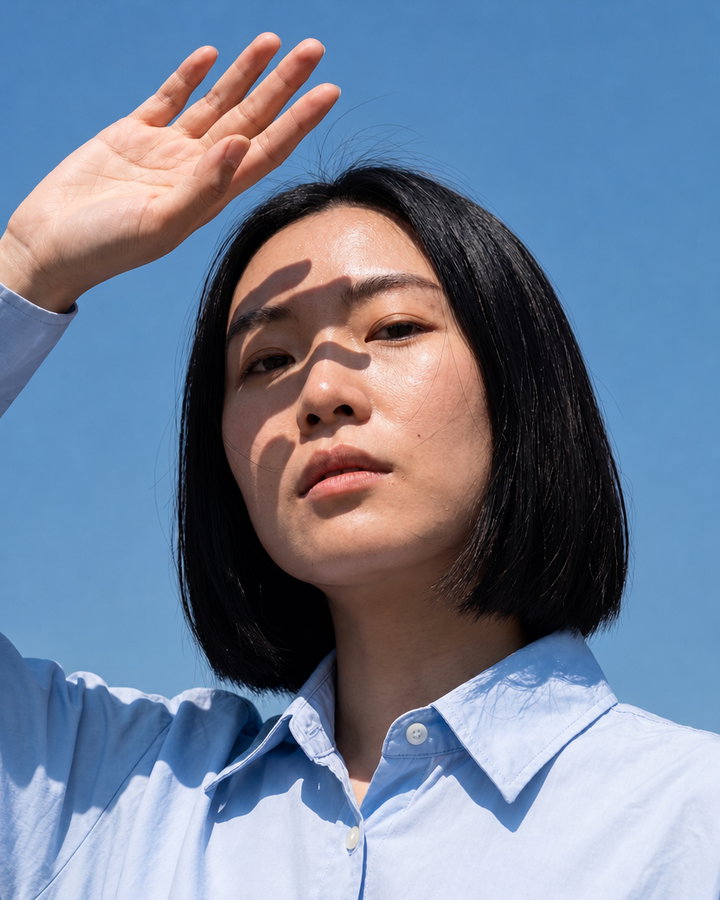
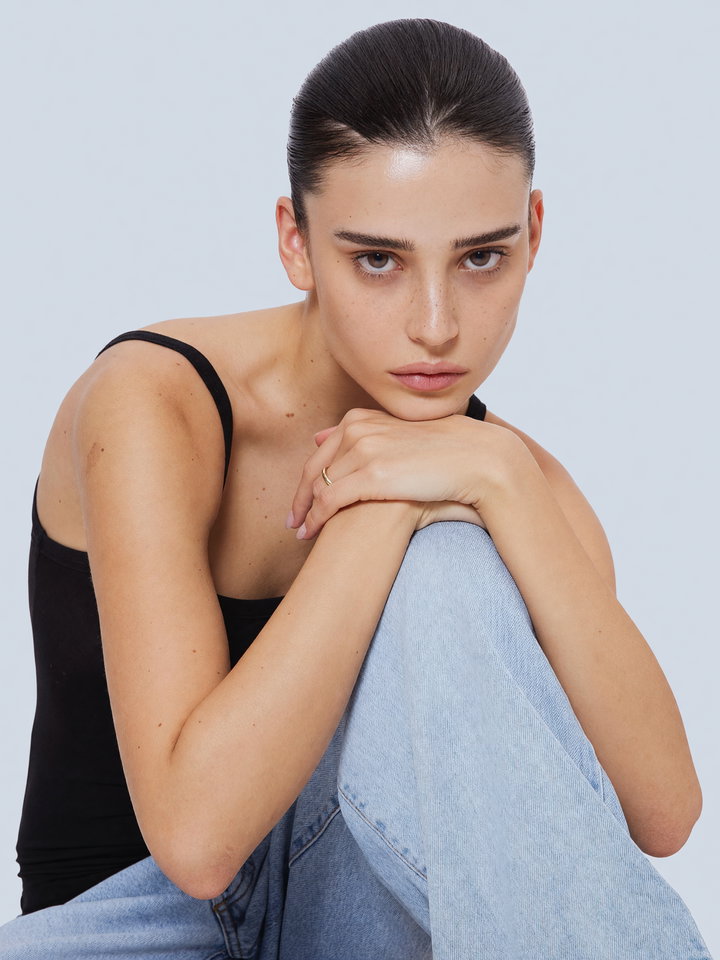
Four ordinary phone photos, each shown next to its retouched version. The line under each pair is exactly what was typed in the direction field, or nothing at all.
Default retouch, nothing typed
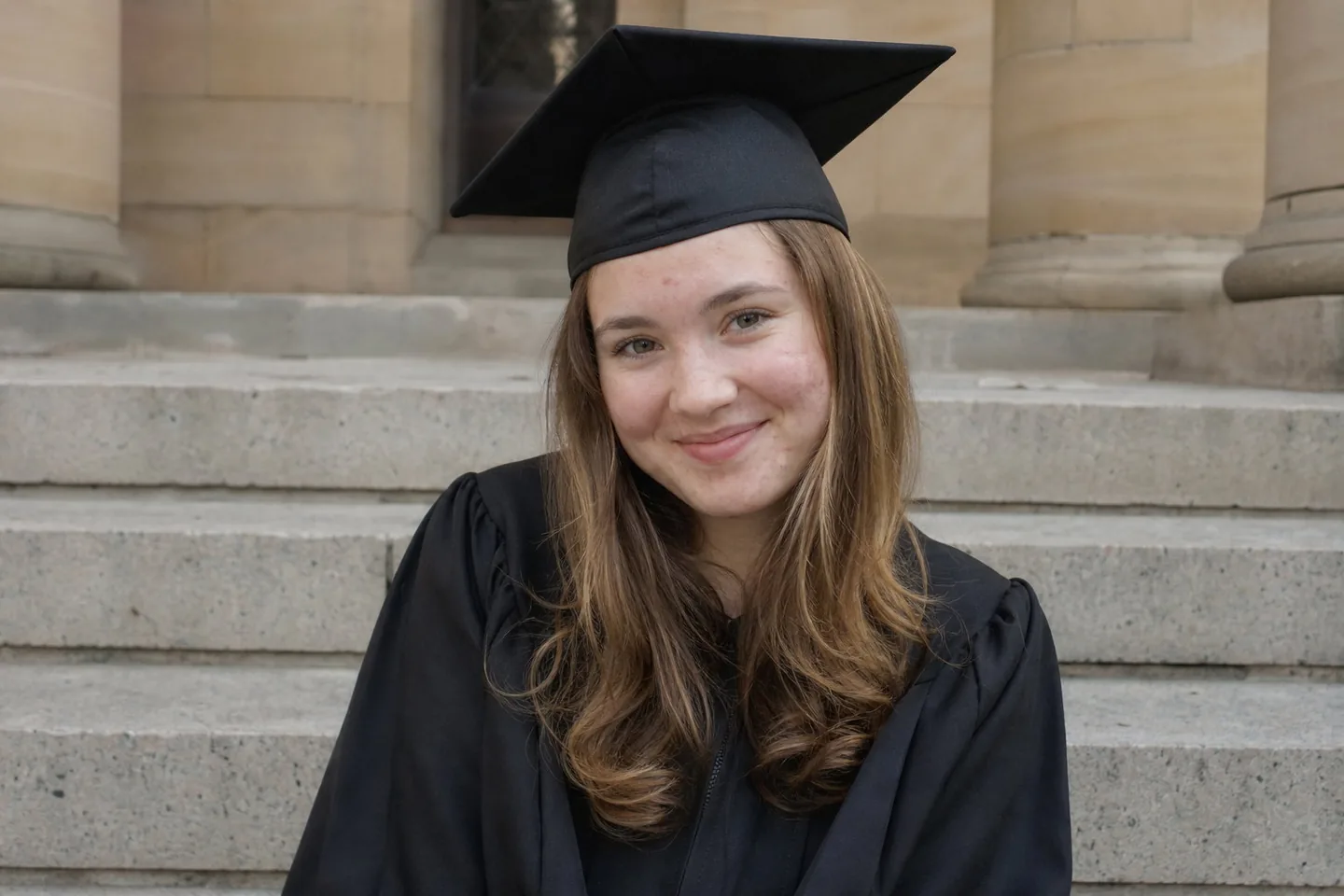
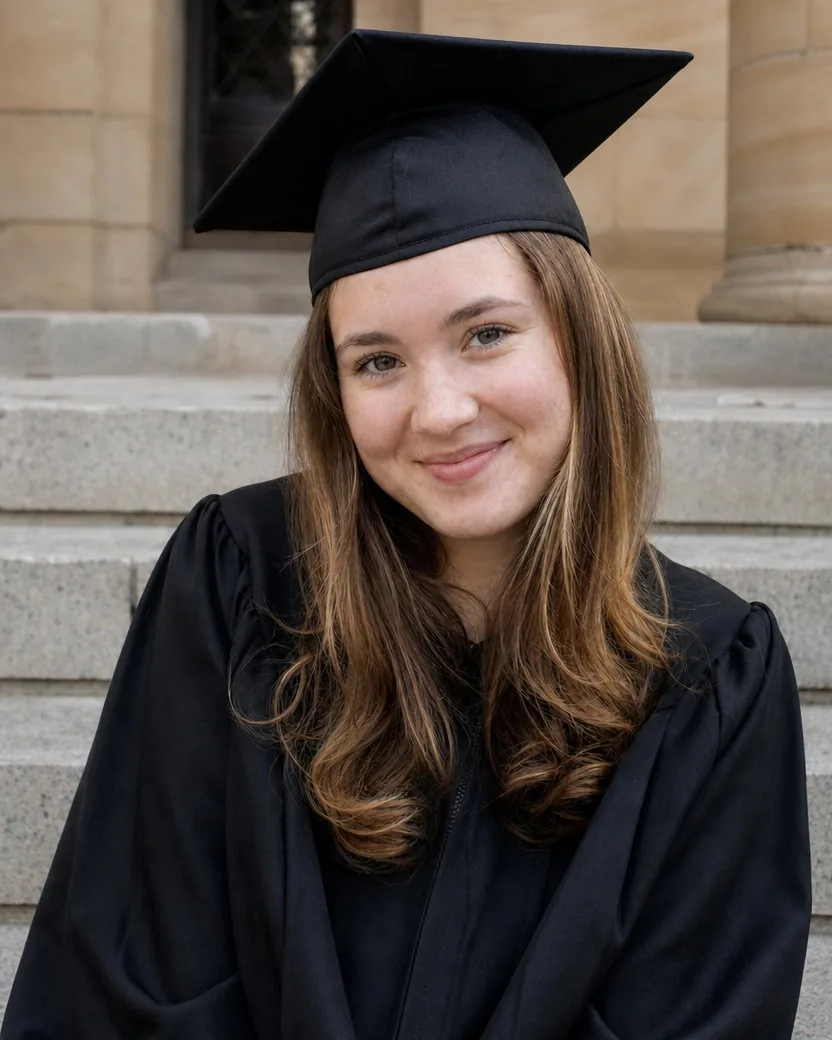
DirectionSoften the breakout on my cheeks and forehead but keep my freckles.
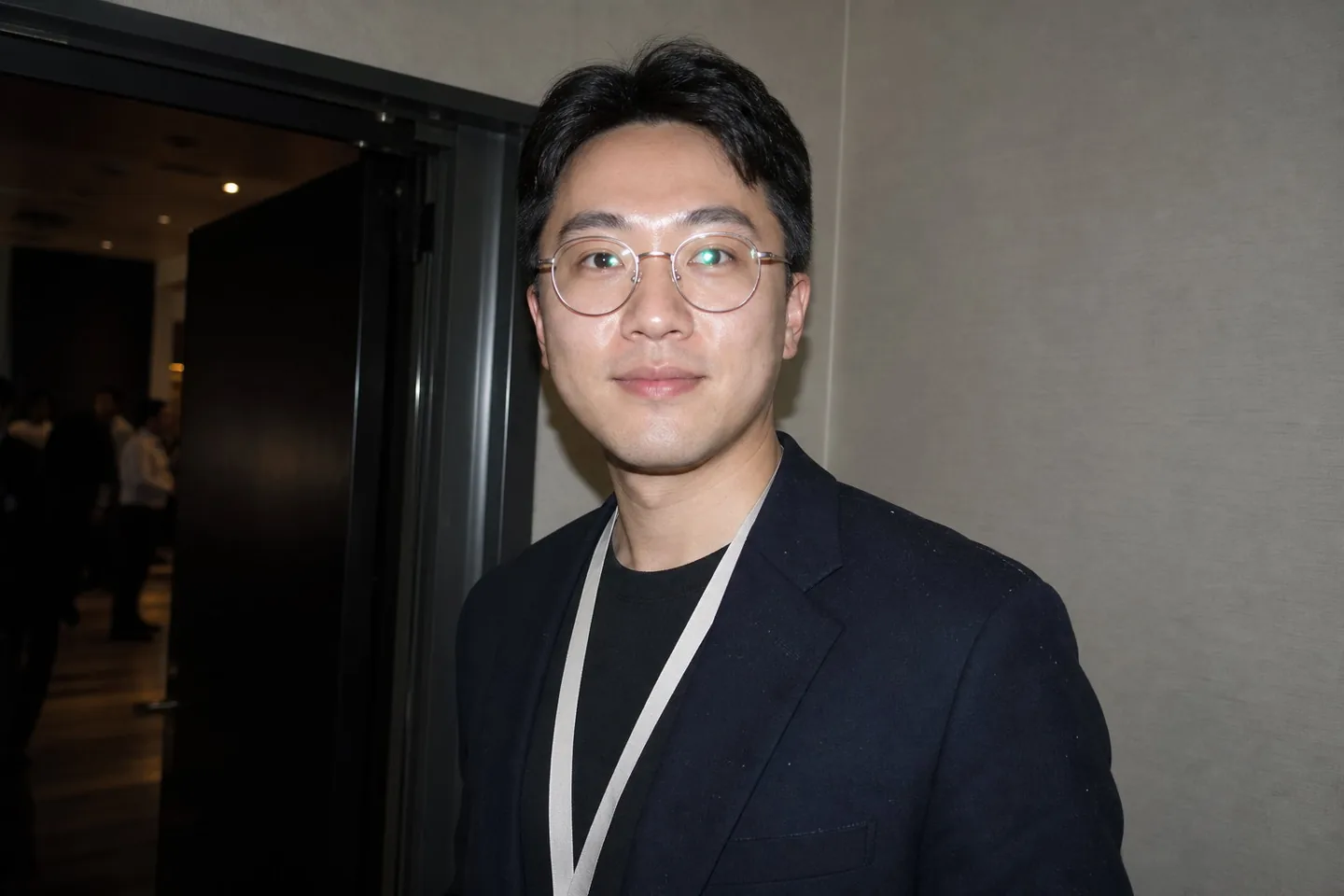
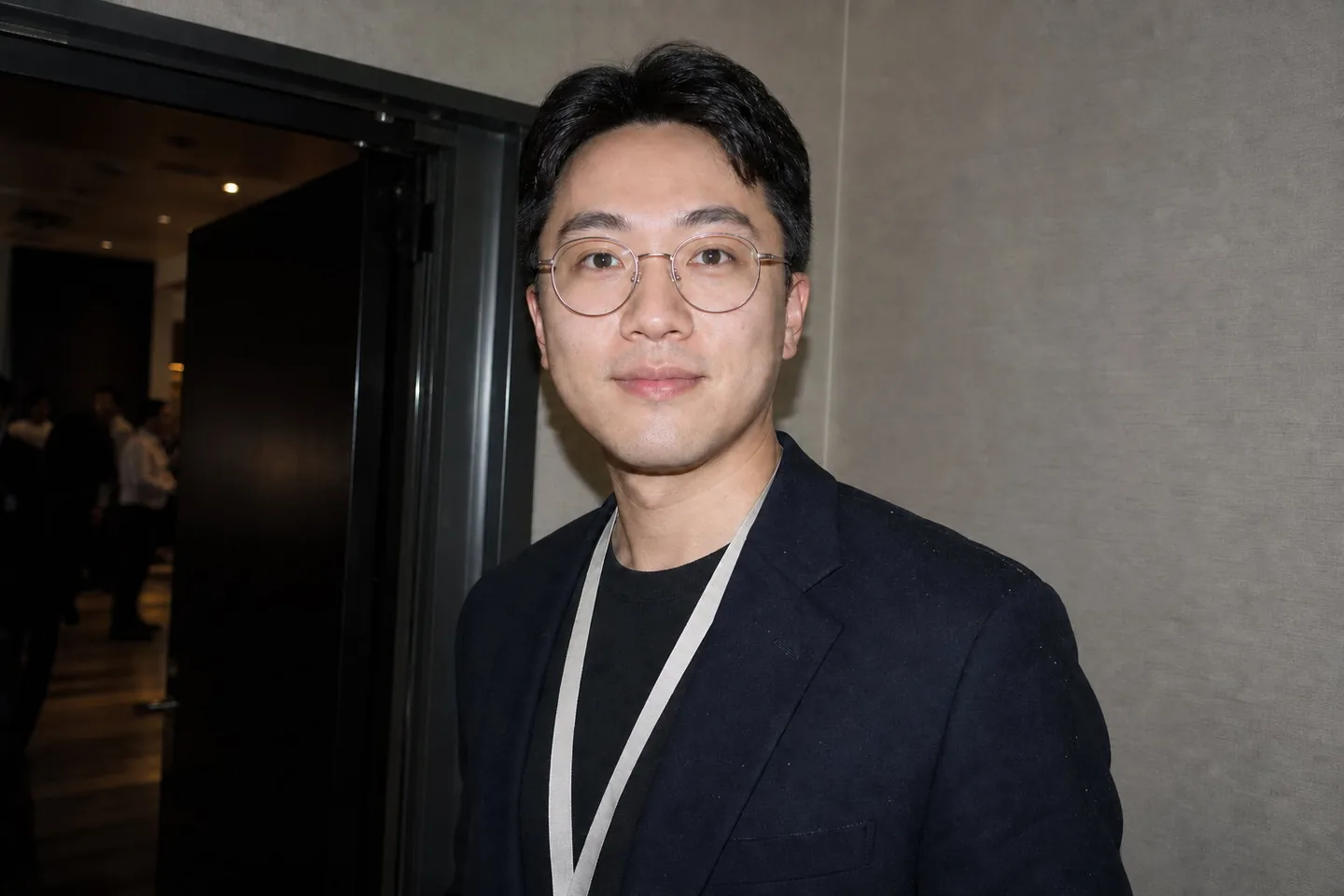
DirectionReduce the glare on my glasses and the shine on my forehead. Keep the lanyard and the background as they are.
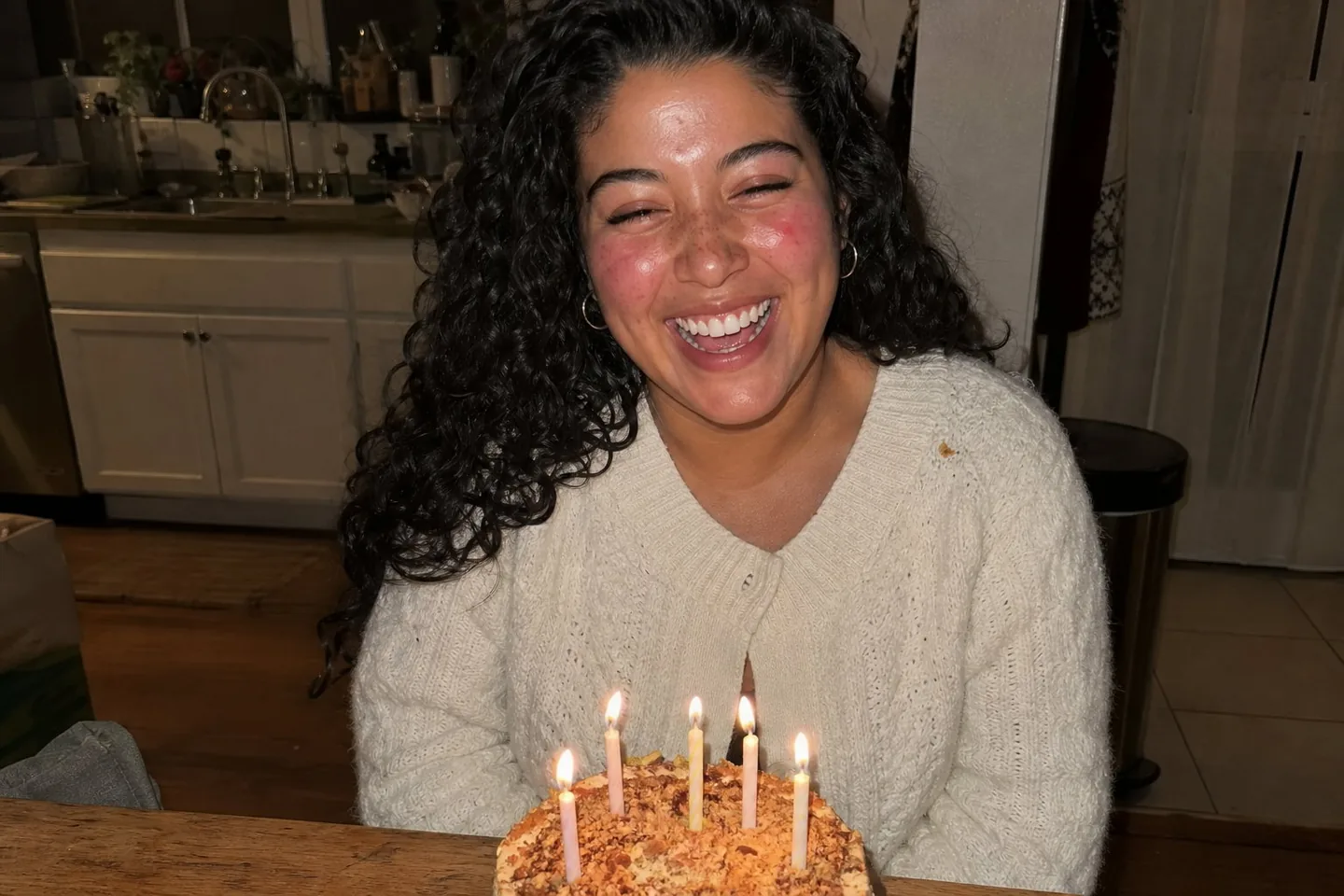
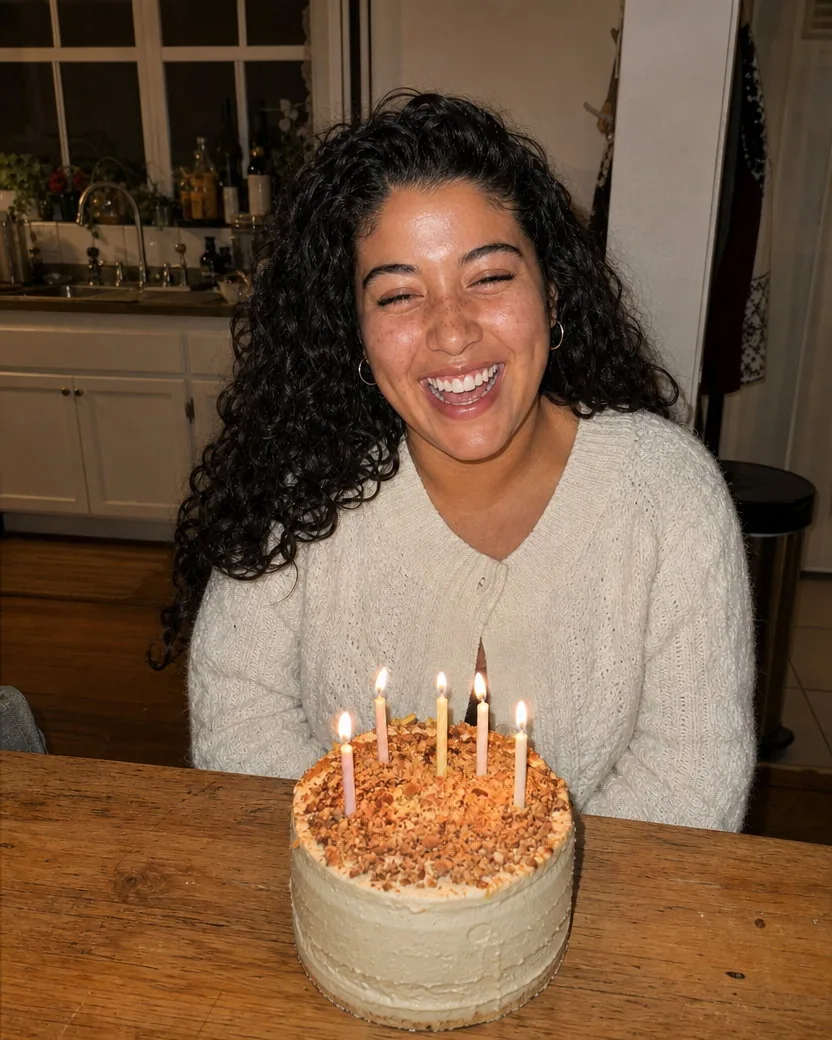
DirectionKeep my freckles. Just even out the red blotchiness and the flash shine.
Three steps, no brushes, no layers. The private retouch contract does the careful part.
A headshot, a group photo, a family snapshot, a phone selfie. The full frame is kept; nothing is cropped or recomposed to fit the output.
Leave the field blank for the default retouch, which covers blemishes, shine, under-eye circles, stray hairs, lint, glare, and colour. Or say what matters to you: “keep my freckles”, “reduce the glare on my glasses”, “even out the flash redness”.
The retouched photo is ready in one to two minutes with the full frame kept, 4:5 by default, made with GPT Image 2. Download it from your library, or run it again with a different direction.
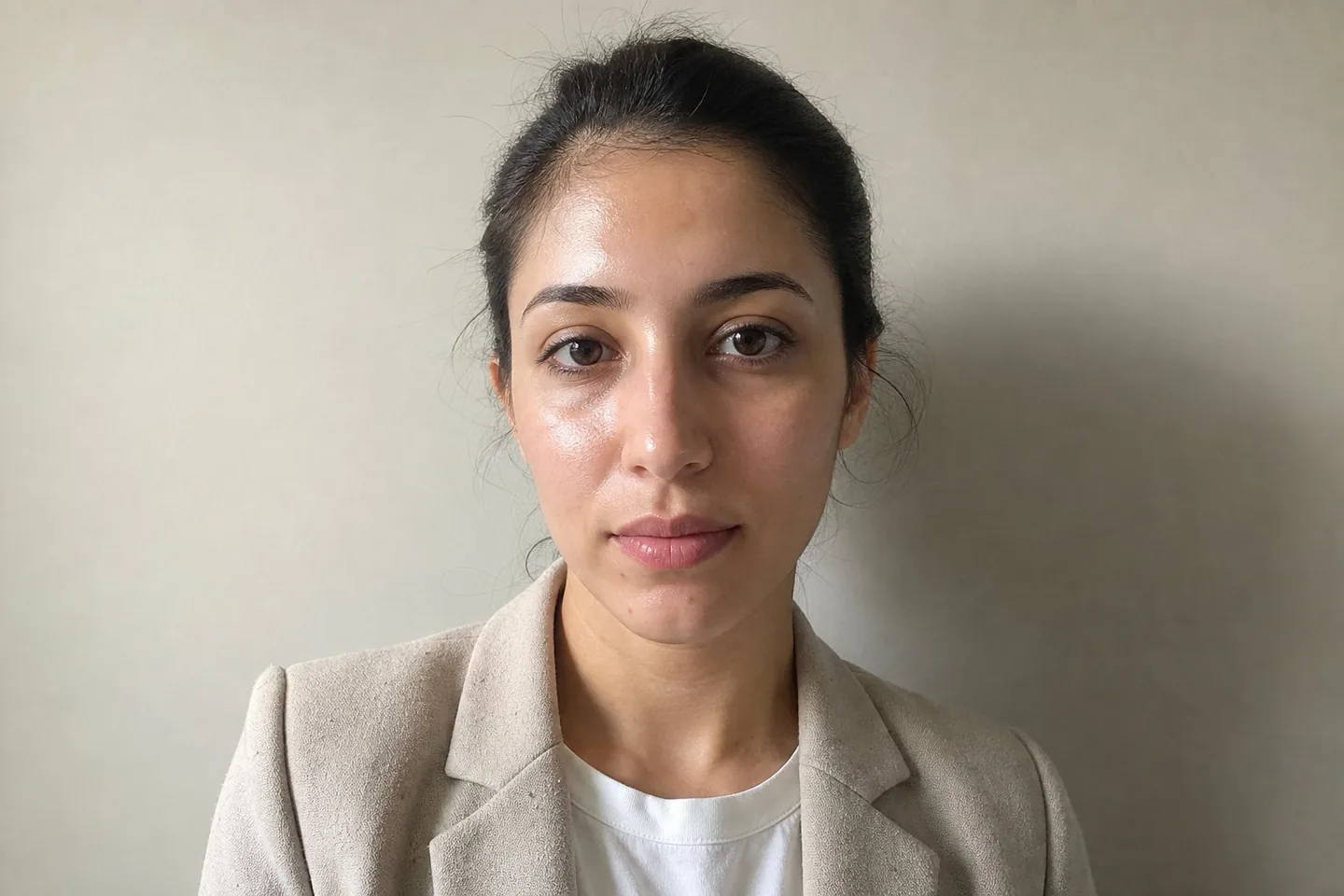
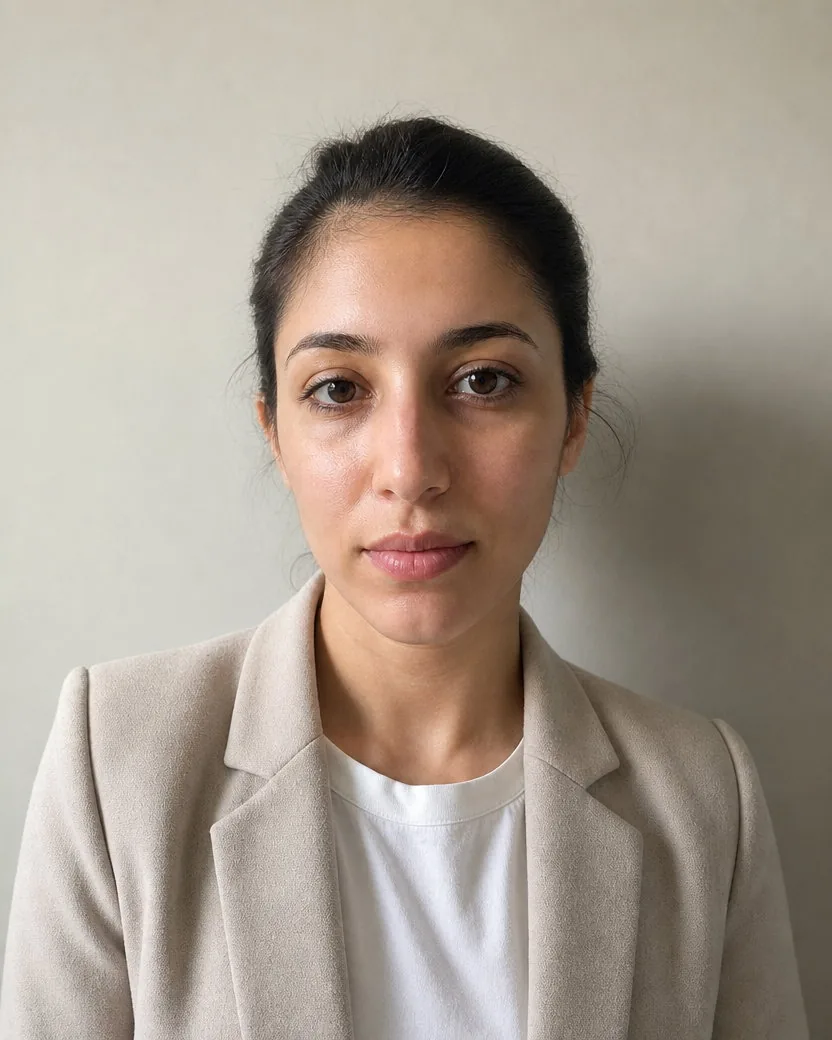
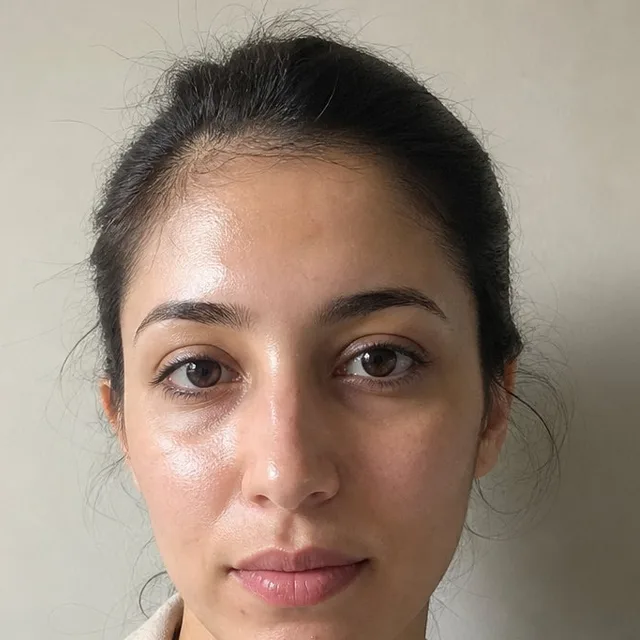
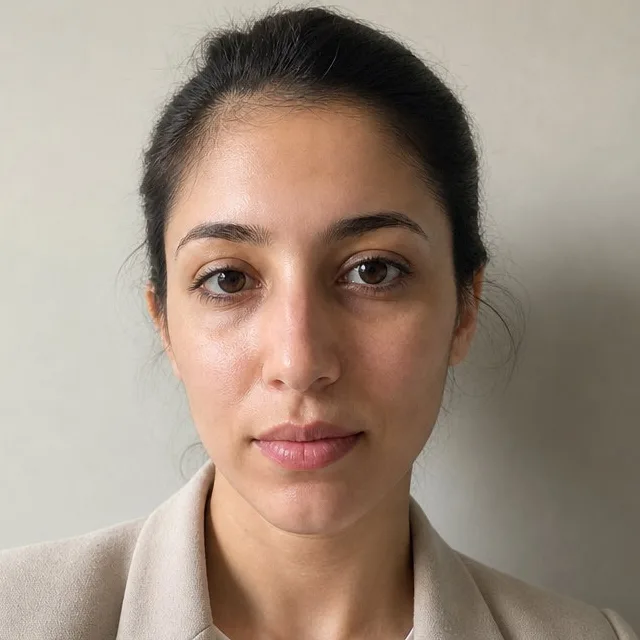
Three more photos, each shown with the upload, the result, and a 100% crop so you can check the skin texture yourself.
A colleague's phone photo becomes a profile picture you would actually use. Shine, a couple of blemishes, dark circles, and the lint on the lapel are gone; the skin tone, the baby hairs at the hairline, and the expression are exactly hers. One line of direction protected the complexion first.
DirectionKeep my skin tone exactly as it is. Take down the shine, tidy the lint on the lapel, and even out the light between the two sides of my face.
Window light rarely falls evenly on three people. The retouch balances the exposure between the faces and calms the shine and tired eyes, while the age spots, stubble, and creased shirts that make it a real Sunday afternoon stay in the picture.
DirectionBalance the light between the three faces and take down the shine. Keep grandpa's age spots.
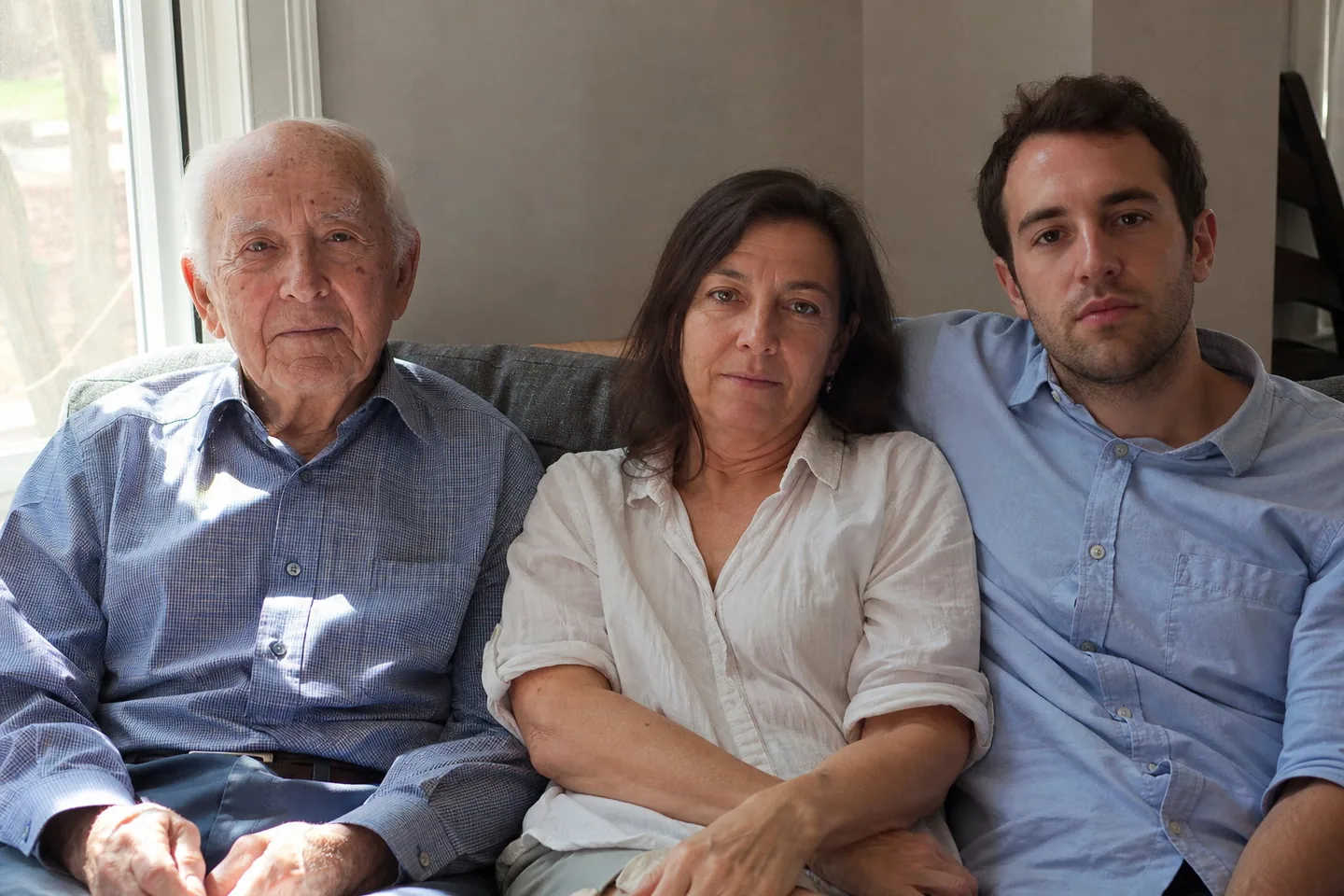
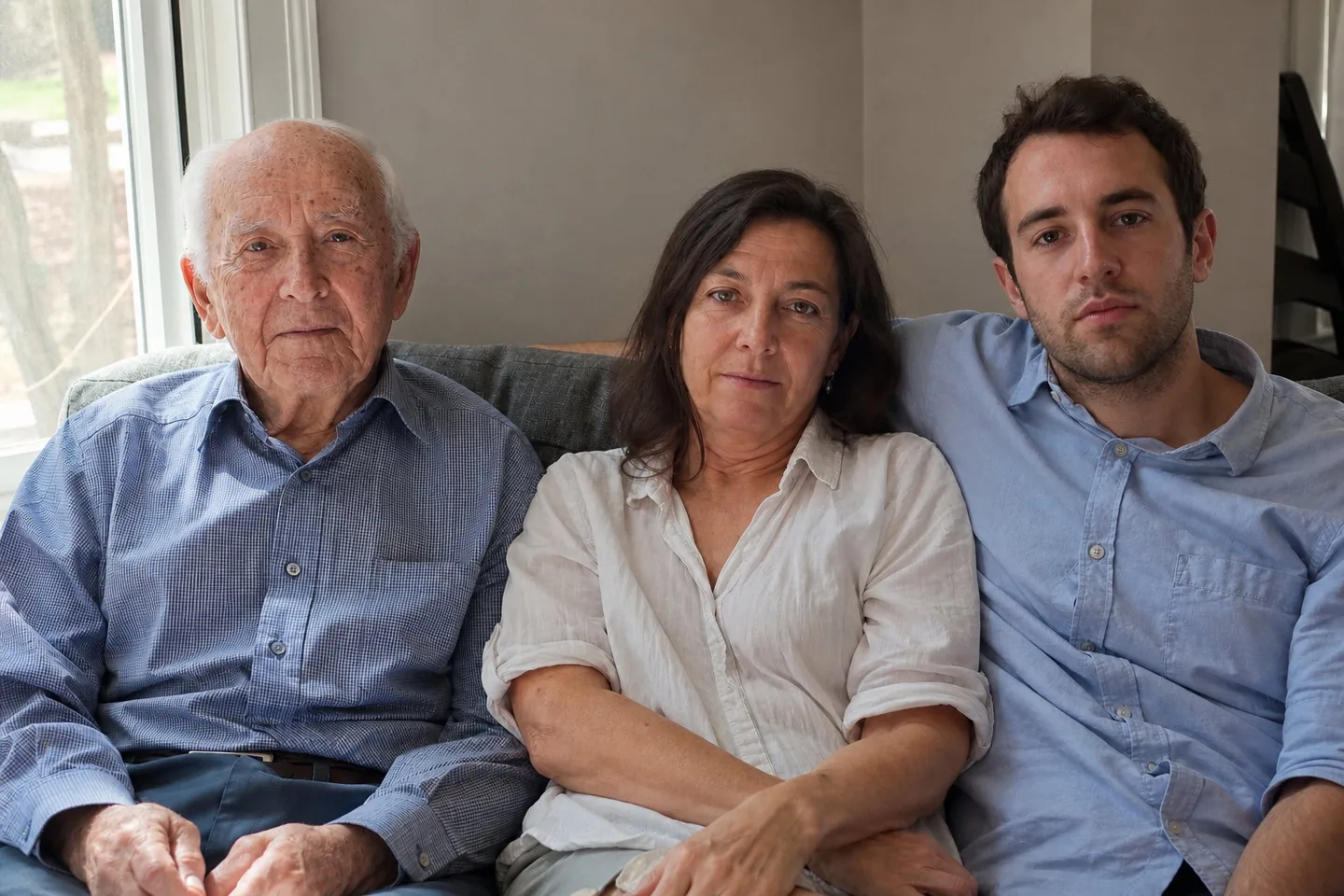
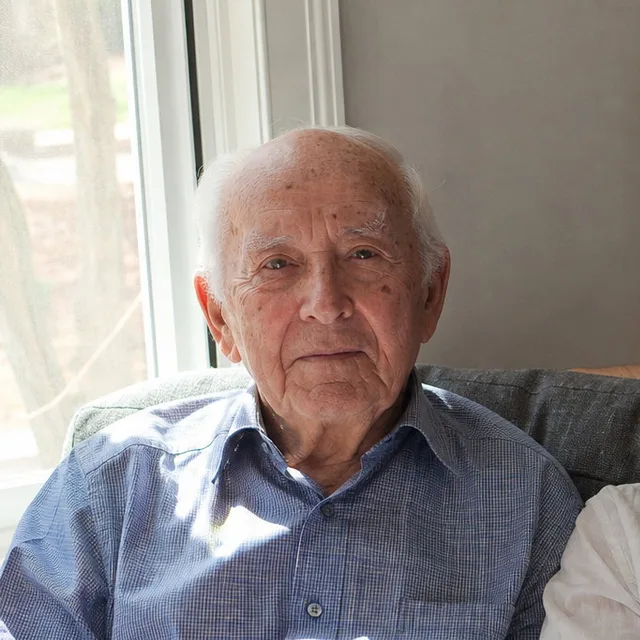
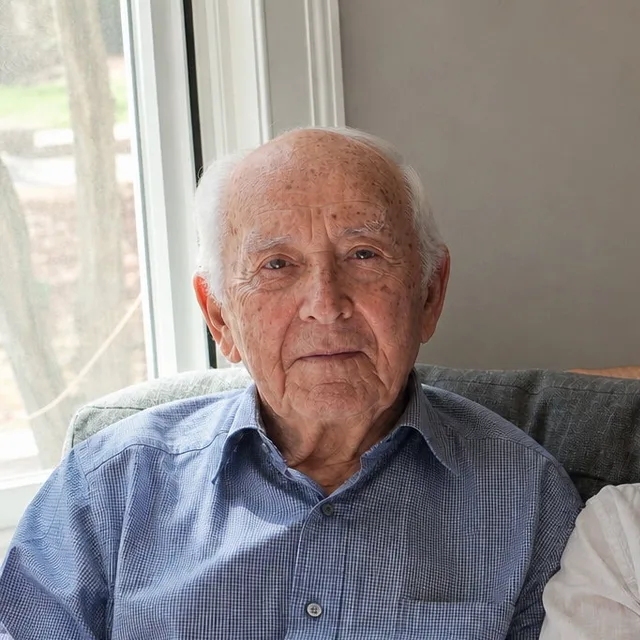
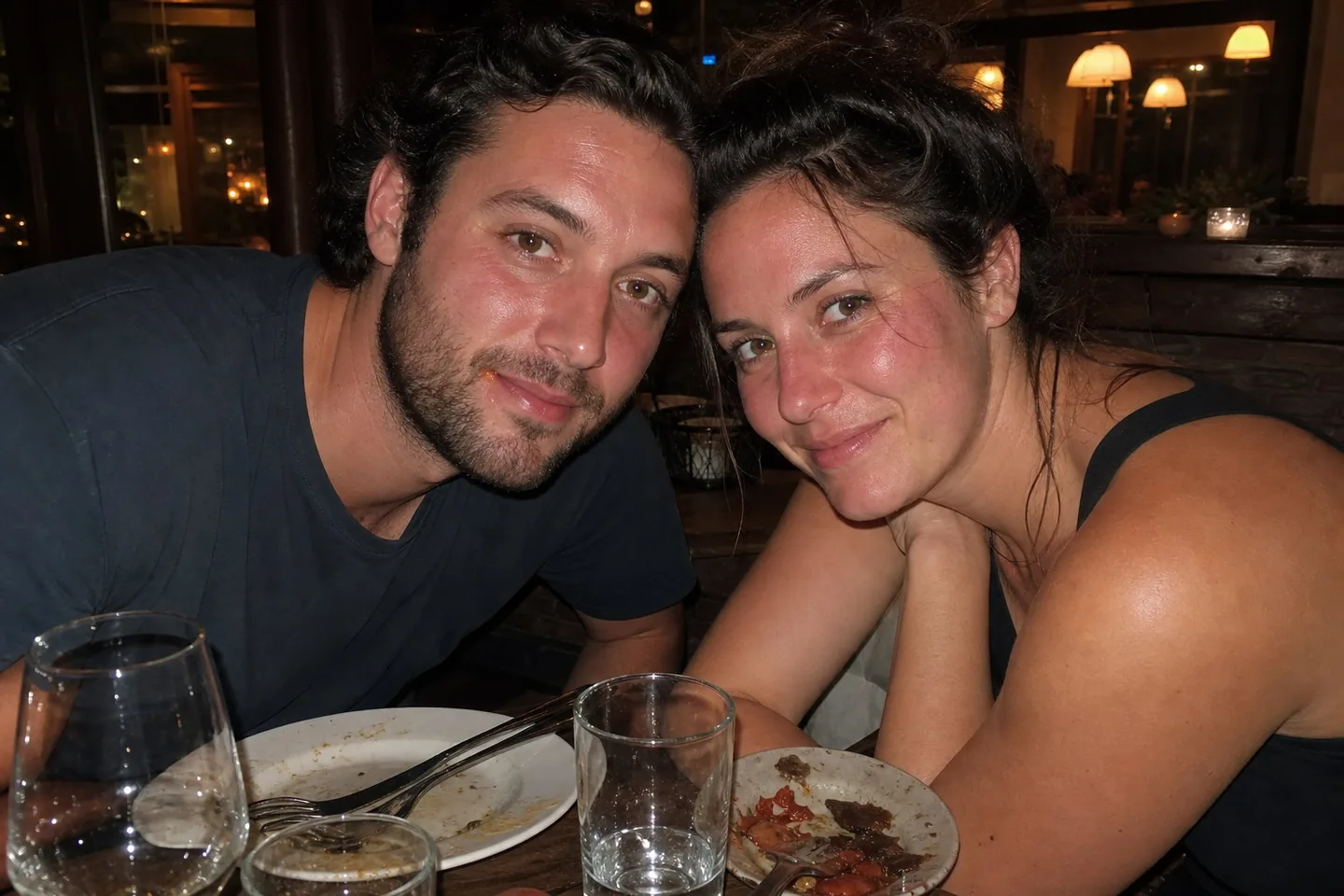
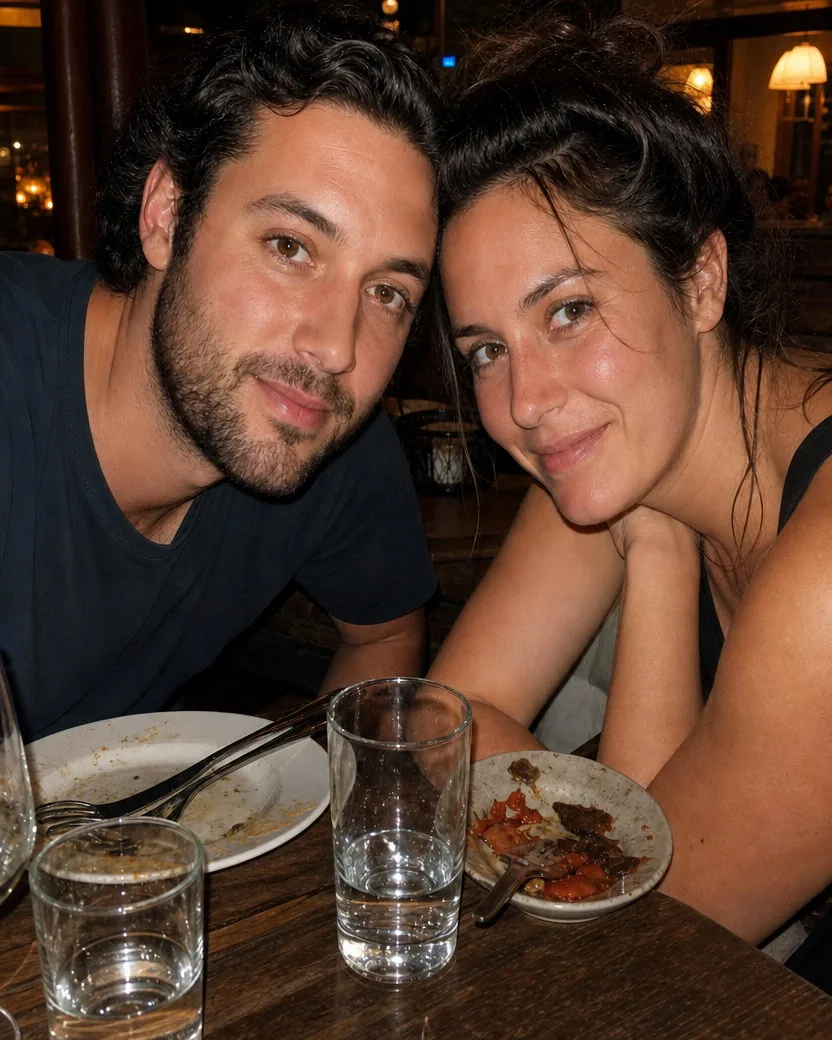
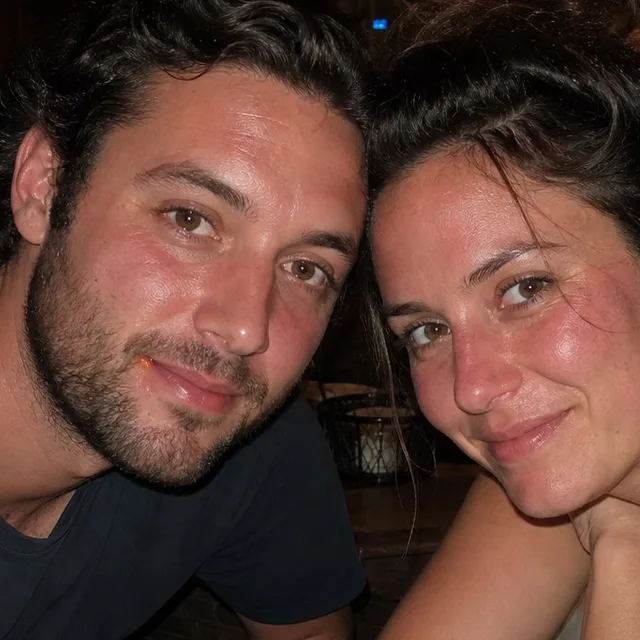
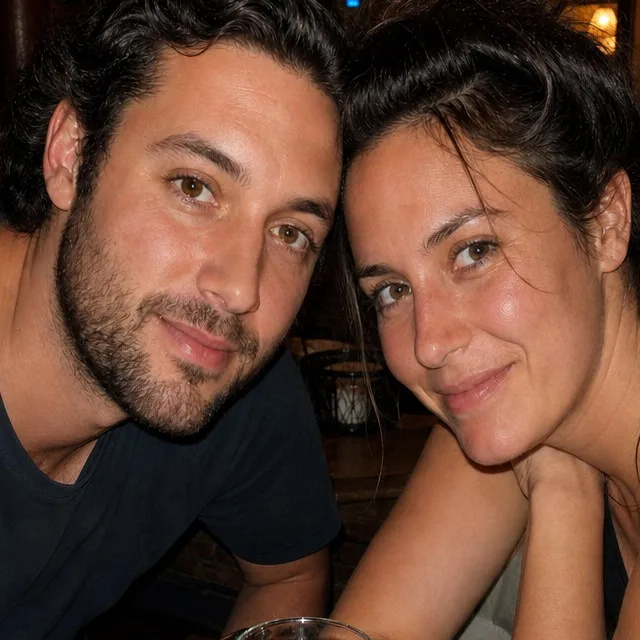
Direct flash flattens faces and turns cheeks red. The retouch tones the hot spots and flush back to what the evening looked like, removes the sauce smear, and leaves the warm bar light, the grins, and the tired eyes alone.
DirectionTake down the flash shine and the red flush, and remove the sauce by his lip. Keep the warm restaurant colour.
The direction field is optional. When you use it, these four habits get the most out of it.
“Shine on my forehead”, “the breakout on my chin”, “the glare on his glasses”. Naming the thing that bothers you gets it fixed first.
“Keep my freckles”, “leave the scar”, “don't touch the grey hair”. Anything you list as yours is protected even more firmly than the default.
“Even out the flash redness”, “warm up the colour a little”, “balance the exposure between the two faces”. Colour and exposure notes apply to the whole photo.
Requests to slim, lift, de-age, add makeup, or change eye colour are ignored. Ask for a “light retouch” or a “fuller retouch” instead; both stay inside the same rules.
No slimming, no jawline sharpening, no bigger eyes, no smaller nose. The geometry of the face and body is left exactly as photographed, even if you ask.
Complexion is treated faithfully on every skin tone. Nothing is lightened, darkened, or evened toward some default, and nobody is made to look younger.
No added makeup, no whitened teeth, no glassy eyes, no restyled hair. If it would take a stylist rather than a retoucher, it is not done.
Everything is set in the composer before you create. Defaults are shown first.
| Input | One photo of one or more people; JPEG, PNG, WebP, or HEIC |
|---|---|
| Frame | The full uploaded frame is kept. It is never cropped to fit the output ratio |
| Aspect ratio | 4:5 by default; any supported ratio under Settings, with the surroundings extended rather than the photo cropped |
| Resolution | 1K by default; 2K and 4K available on GPT Image models |
| Direction | Optional. Blank runs the default retouch; a short note narrows or widens what is fixed within the same identity rules |
| Output | One retouched image per upload, downloadable from your library without a watermark |
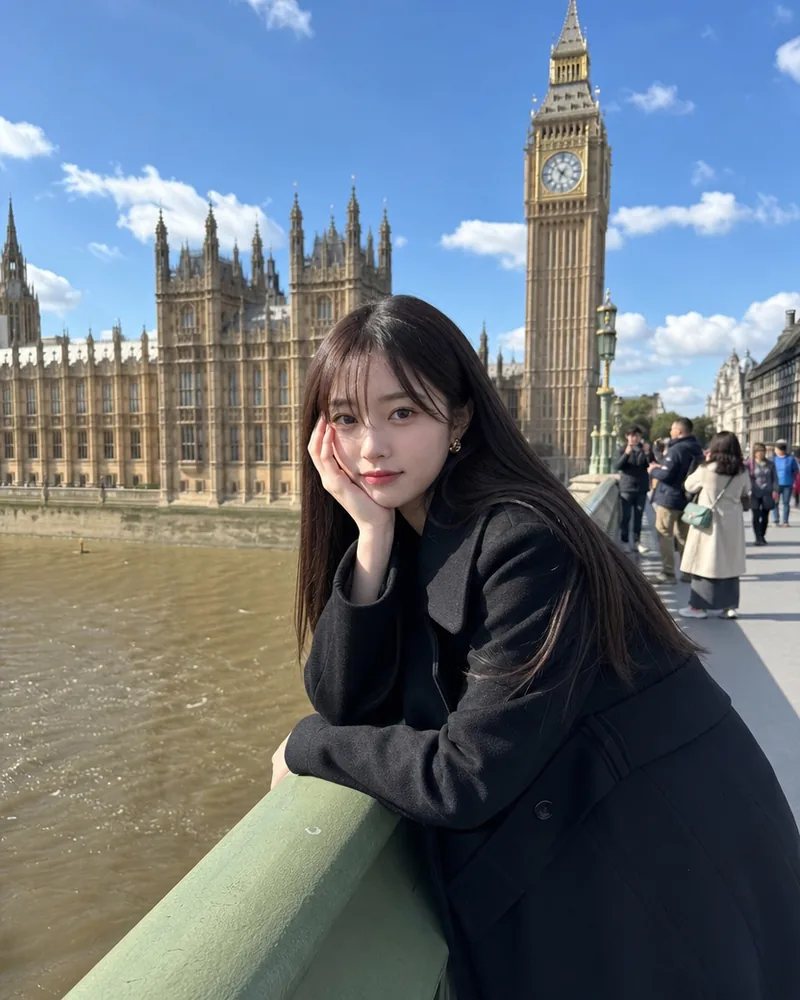
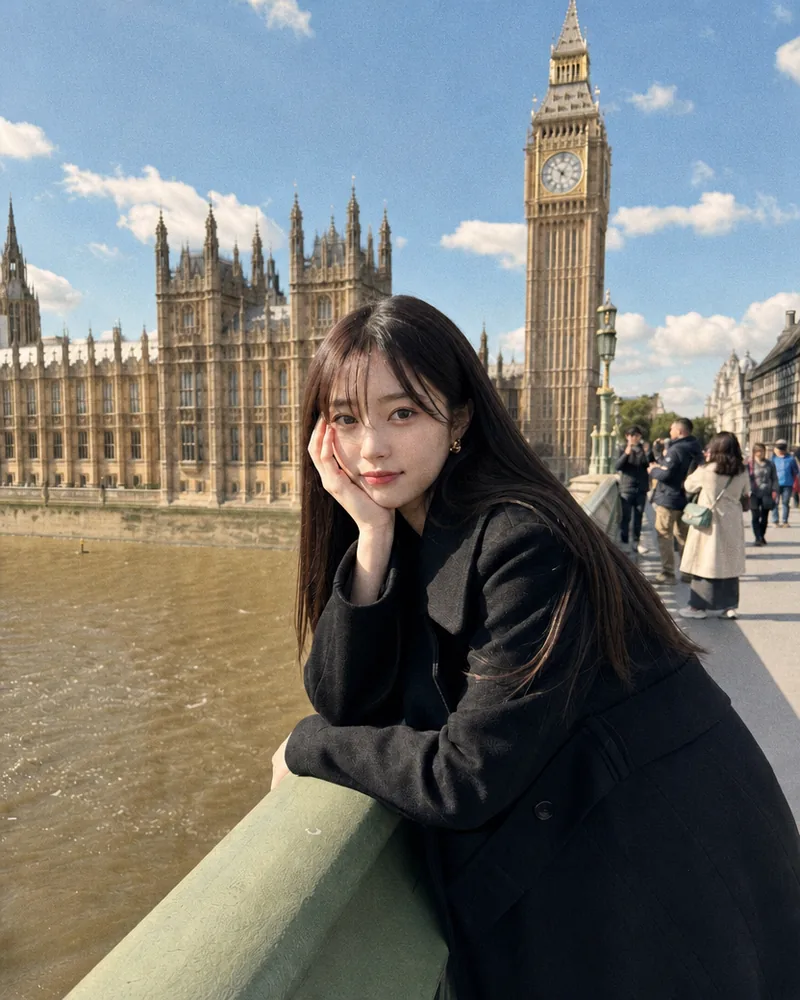
Recent public posts from the community, created with this tool.
No. The tool is built for the opposite. It keeps pores, fine lines, freckles, moles, scars, stubble, grey hair, and natural asymmetry, and it is explicitly told not to airbrush or create waxy, poreless skin. It removes only what a retoucher would: temporary blemishes, shine, stray hairs, lint, glare, and colour problems.
No. Identity is the first rule of the retouch contract: facial structure, head pose, gaze, eye shape and colour, eyebrows, hairstyle and hairline, apparent age, skin tone, and expression are all preserved. Nothing is slimmed, lifted, enlarged, or de-aged, and a double chin is softened only if you explicitly ask, through light and shadow rather than by changing the jaw.
Temporary blemishes and redness, oily shine and flash hot spots, under-eye darkness or puffiness, stray and flyaway hairs at the edge of the hairstyle, glare on glasses, lint, dust, crumbs and smudges, and an unflattering colour cast or uneven exposure. Left alone: pores, wrinkles, freckles, moles, scars, birthmarks, stubble, grey hair, the shape of every feature, and the background.
Yes. Complexion is treated faithfully on every skin tone. The tool is told never to lighten, whiten, darken, or homogenise skin, to keep every complexion exactly as light or as dark as the upload, and never to change eye colour. Image models still tend to lift deeper skin tones a little, so if that matters to you, start the direction with “keep my skin tone exactly as it is”, as the headshot example on this page did.
Yes, where the eyes and the lens shapes are still visible behind the reflection. The glare is reduced so the eyes read clearly; eye detail is never invented. If a reflection completely covers an eye, that lens is left largely as it is rather than guessed.
A beauty filter smooths everything and reshapes faces towards one look. An AI headshot generator creates a new picture of you. This tool returns your actual photo, same frame, same moment, same face, with only the temporary flaws corrected. If you want a new portrait rather than a cleaned-up one, use the AI portrait generator instead.
Yes, but keep it to the retouching vocabulary: shine, blemishes, under-eye circles, stray hairs, glare, colour cast, lint. “Soften the breakout but keep my freckles” works. “Make me look ten years younger” or “slim my face” is ignored, because those changes are outside what the tool is allowed to do.
The same rules apply to everyone in the frame. Each face is retouched to the same restrained standard, so nobody is skipped and nobody is polished more than the person next to them. The wedding example on this page has five people in it.
Sharp, reasonably lit photos where the faces are a good size in the frame. Phone photos are fine; every example on this page is one. Very small, heavily compressed, or badly blurred faces give weaker results because there is little real texture to keep.
Usually one to two minutes. The photo is processed by GPT Image 2 by default, which is slower than a one-click filter but much more careful about identity and texture. You can keep working; the result appears in your library.
Yes. Retouched photos are yours to use for profiles, websites, listings, client galleries, and print under the Typeshutter terms of service. Make sure you have the rights to the photo you upload, and that the people in it are happy to be retouched.
New accounts receive trial credits that cover a first retouch. After that, each photo is priced by the selected model and resolution and deducted from your credit balance when you create it. There is no watermark on any tier.
One or more selected files can’t be uploaded. Please upload different files, or change the format.