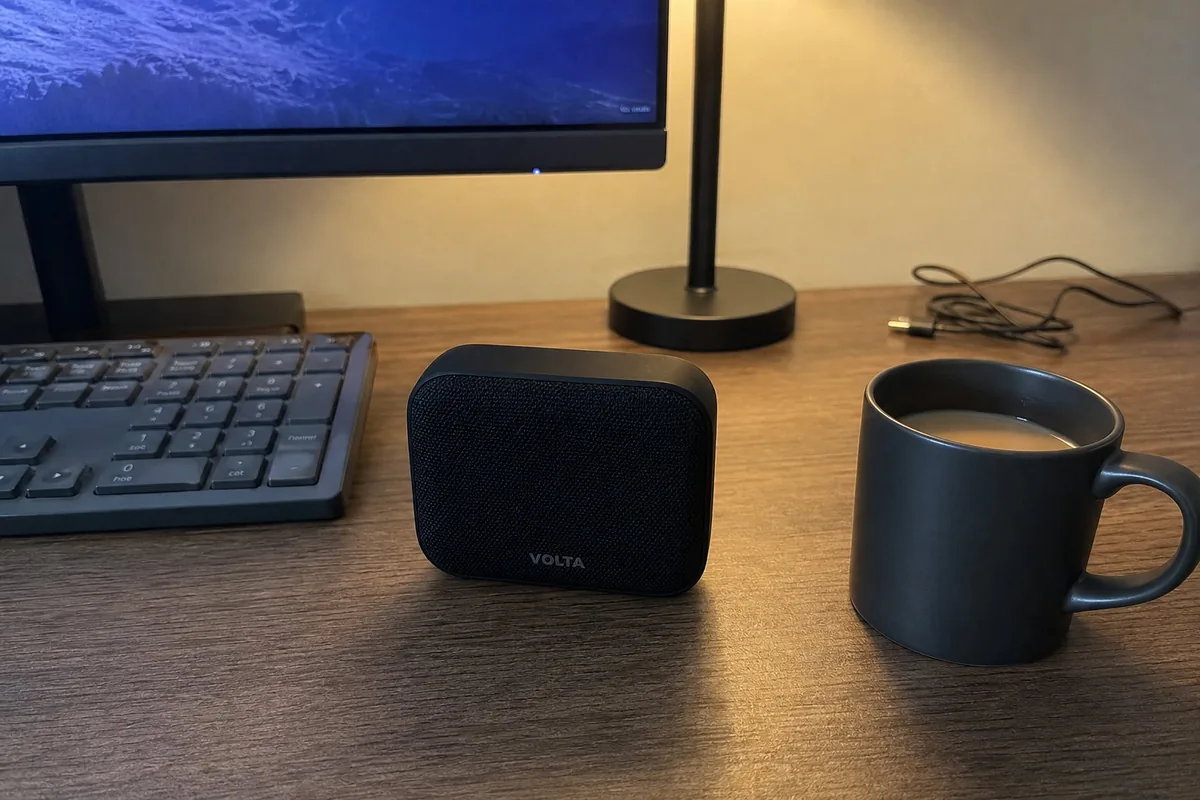
Electronics from a desk photo
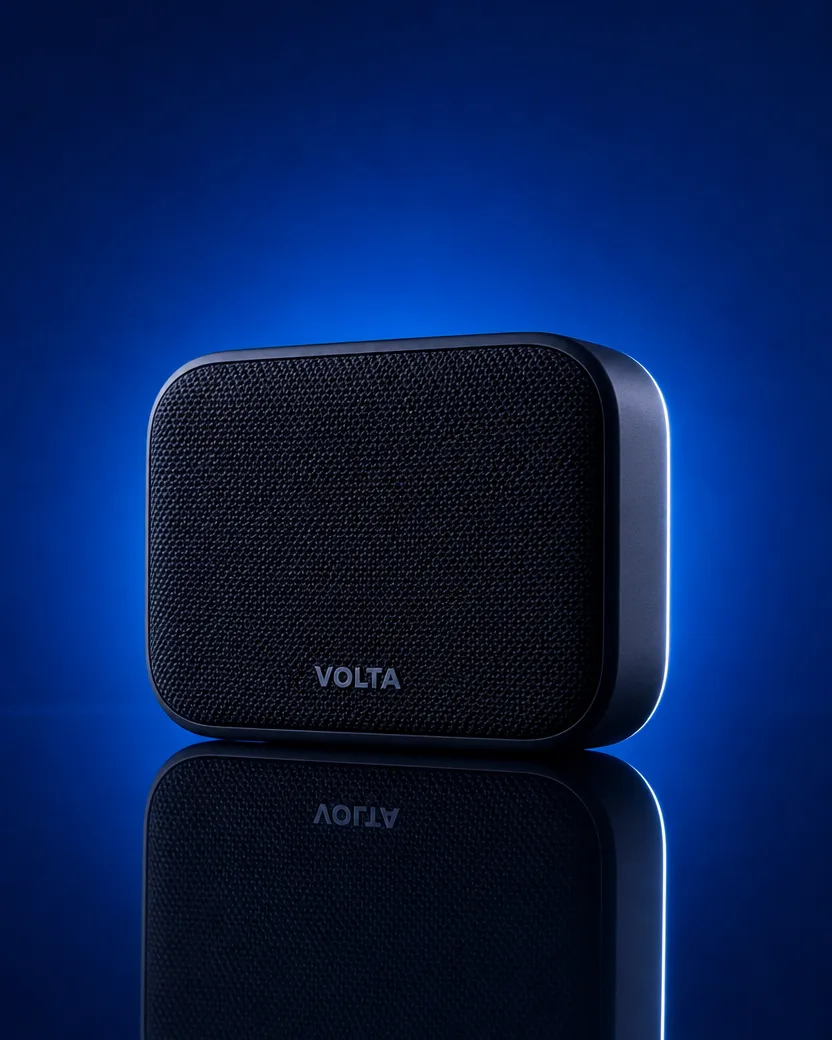
Same speaker, a blue studio set
DirectionBold ad: the speaker on a deep electric blue set, hard rim light down one edge, crisp reflection on a glossy floor.
A phone photo of a can of coconut water held over a tub of ice, and the 4:5 ad image made from it with nothing typed. The hand and the other cans are gone; the can stands between two young coconuts under palm shade on a pink set, and the clear can, the pink water, the silver top and every word printed on it are exactly as they were.
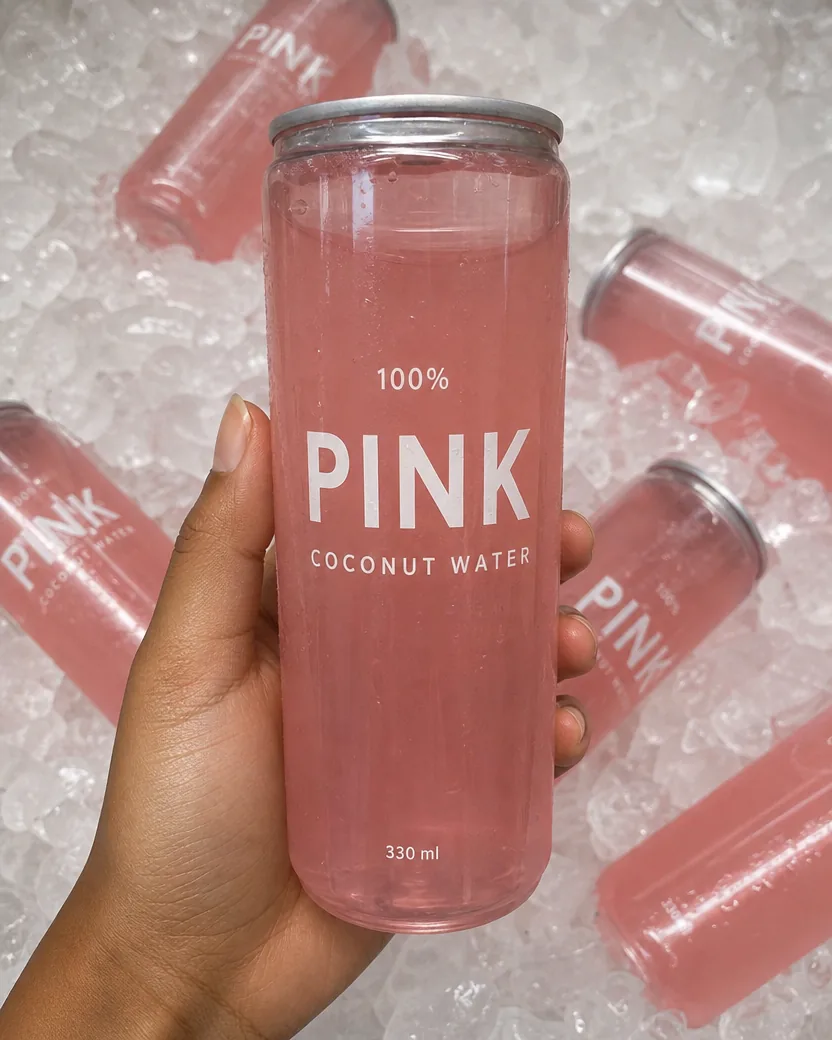
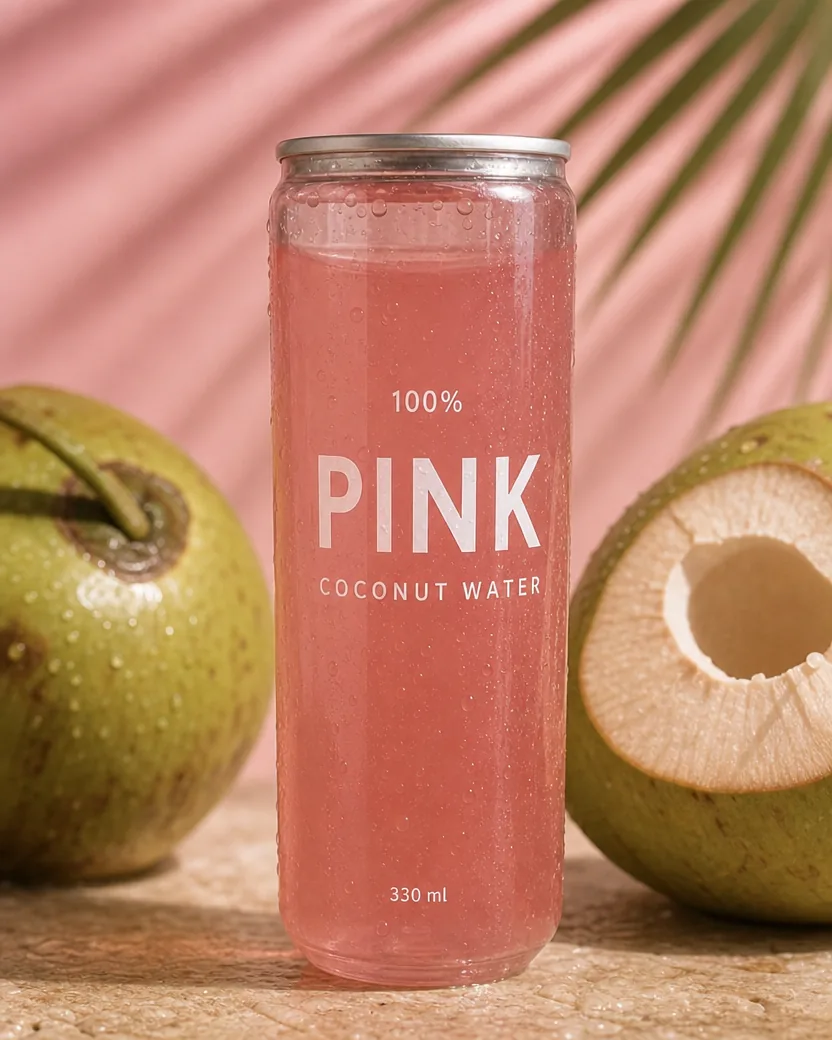
Default ad, nothing typed
Each pair shows the upload and the ad image made from it. The direction under each pair is exactly what was typed; blank means the default ad.
DirectionBold ad: the speaker on a deep electric blue set, hard rim light down one edge, crisp reflection on a glossy floor.
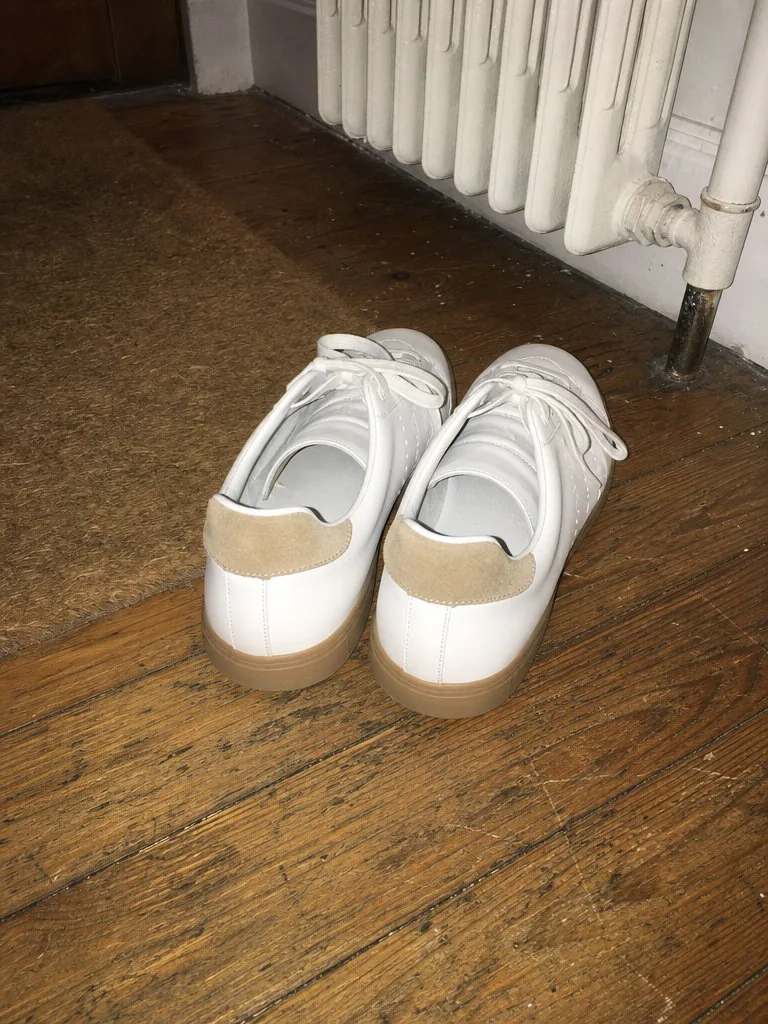
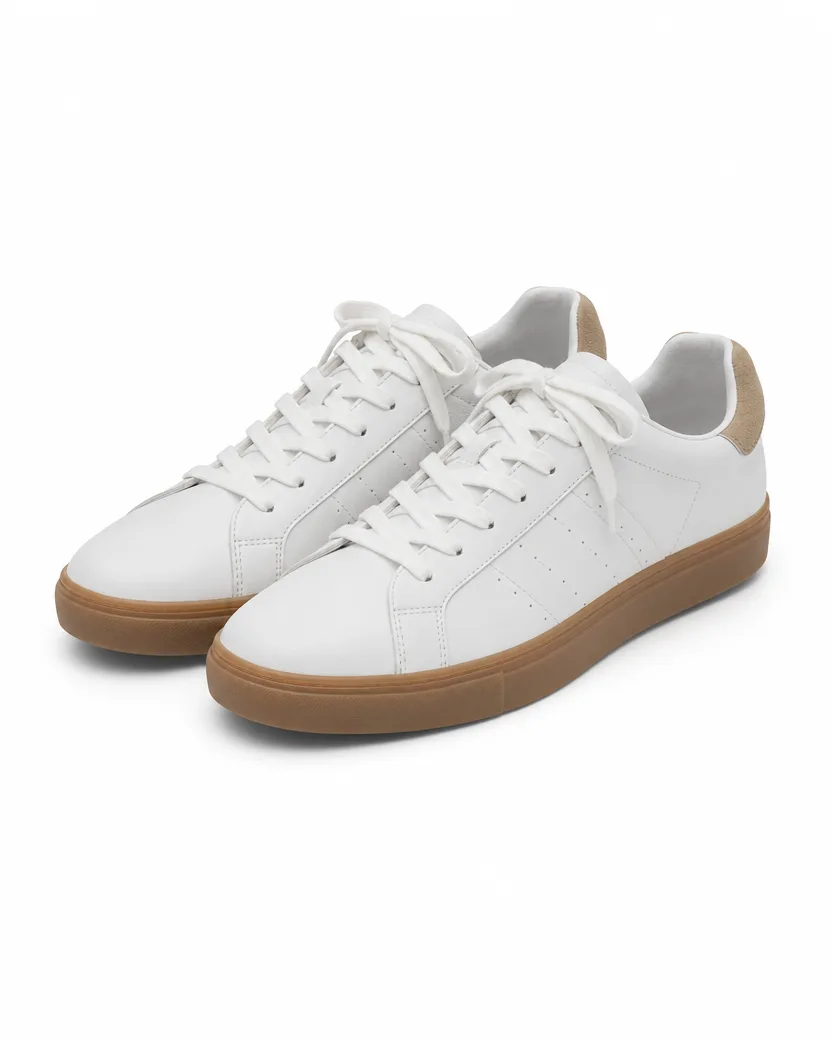
DirectionAmazon listing main image on pure white: both shoes at a three-quarter angle, fully in frame with even lighting and a soft contact shadow.
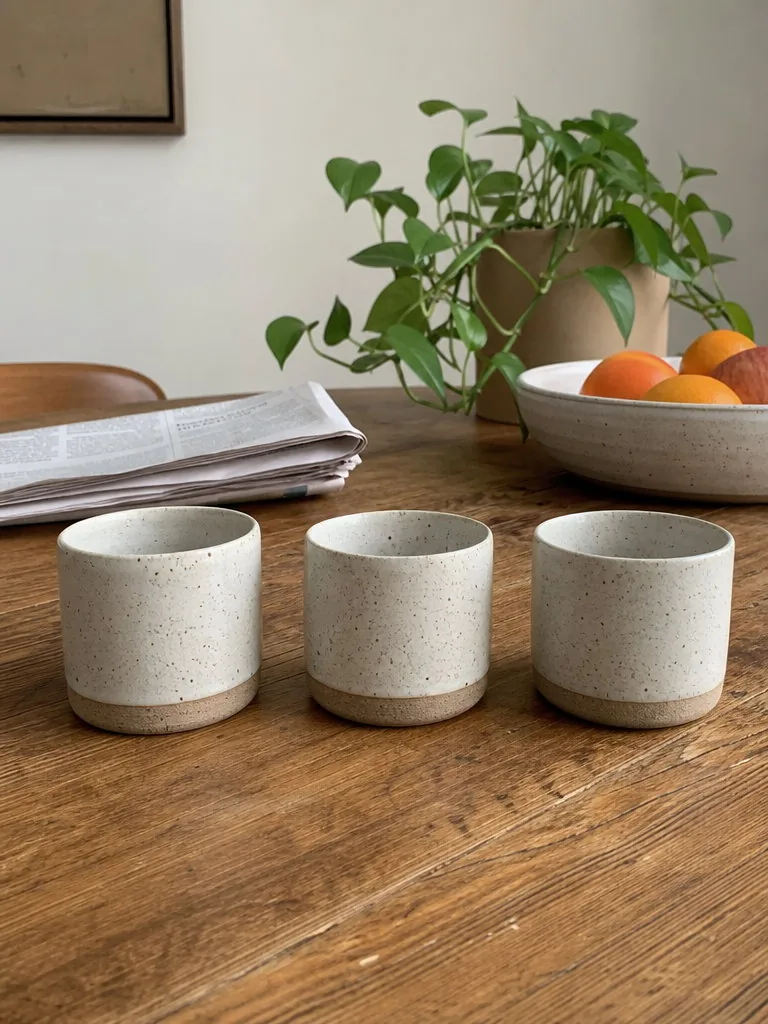

DirectionMorning ad: a young woman at a sunny kitchen table holding one of these cups, the other two beside her.
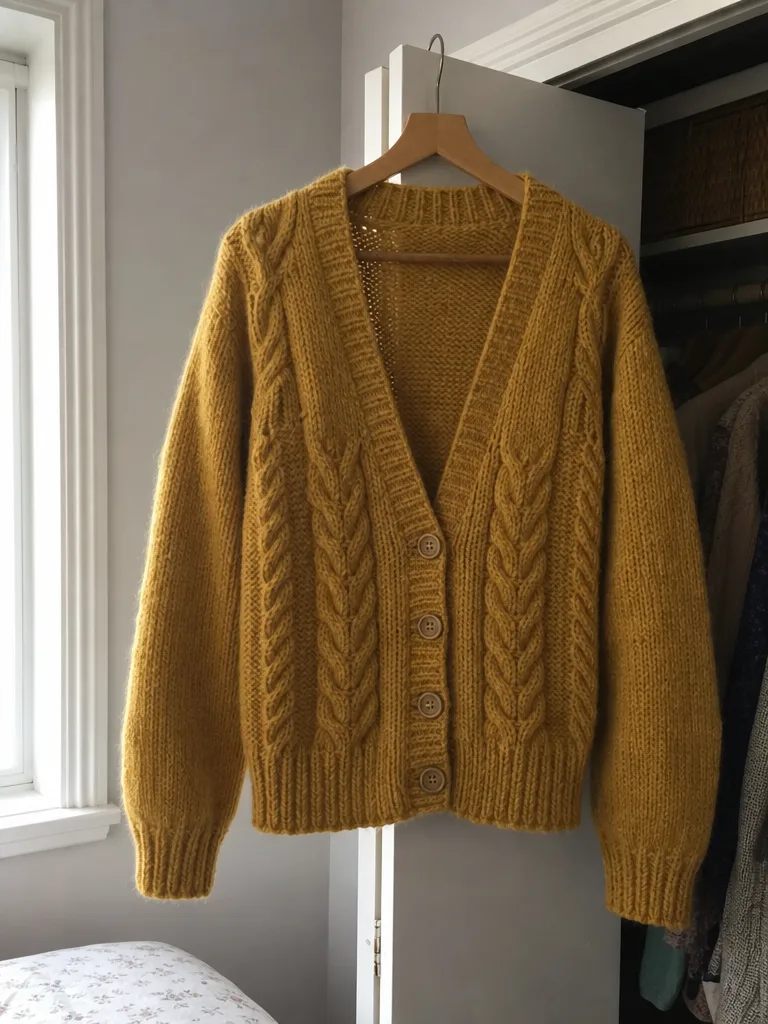
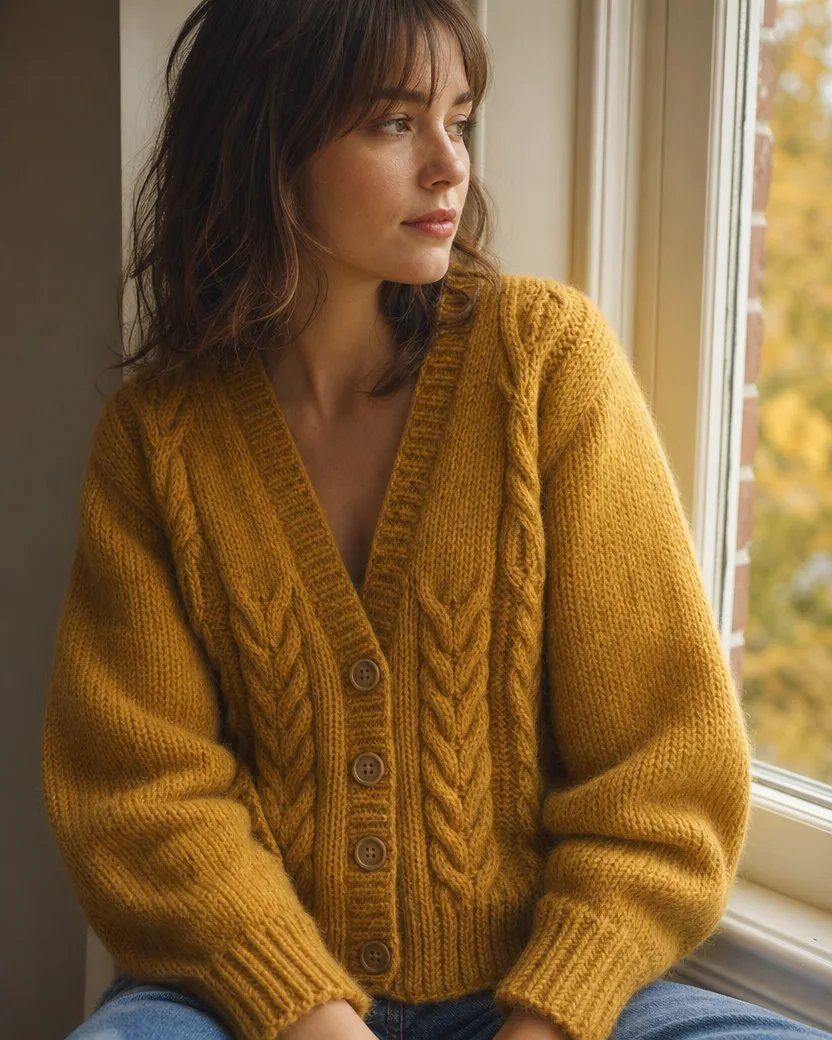
DirectionAutumn campaign ad: a young woman wearing this cardigan buttoned, editorial close-up by a window.
Three steps, one photo, about a minute. No lightbox, no white sweep, nothing to install.
A phone photo with the whole item in the frame, in focus, and the label facing the camera. A kitchen counter, a desk, or a floor is fine; the tool replaces the setting, not the product.
Leave the field blank for the default ad. Or describe it in one line: “Summer ad on a rooftop”, “Worn by a model, close-up by a window”, “Amazon listing on a white background”.
The image is ready in about a minute, 4:5 by default, made with GPT Image 2. Pick 1:1, 9:16, or 16:9 under Settings for a feed post, a story, or a banner, and download it from your library.
Three more uploads, each with the result and a 100% crop of the label or the detail so you can check the text and the piece yourself.
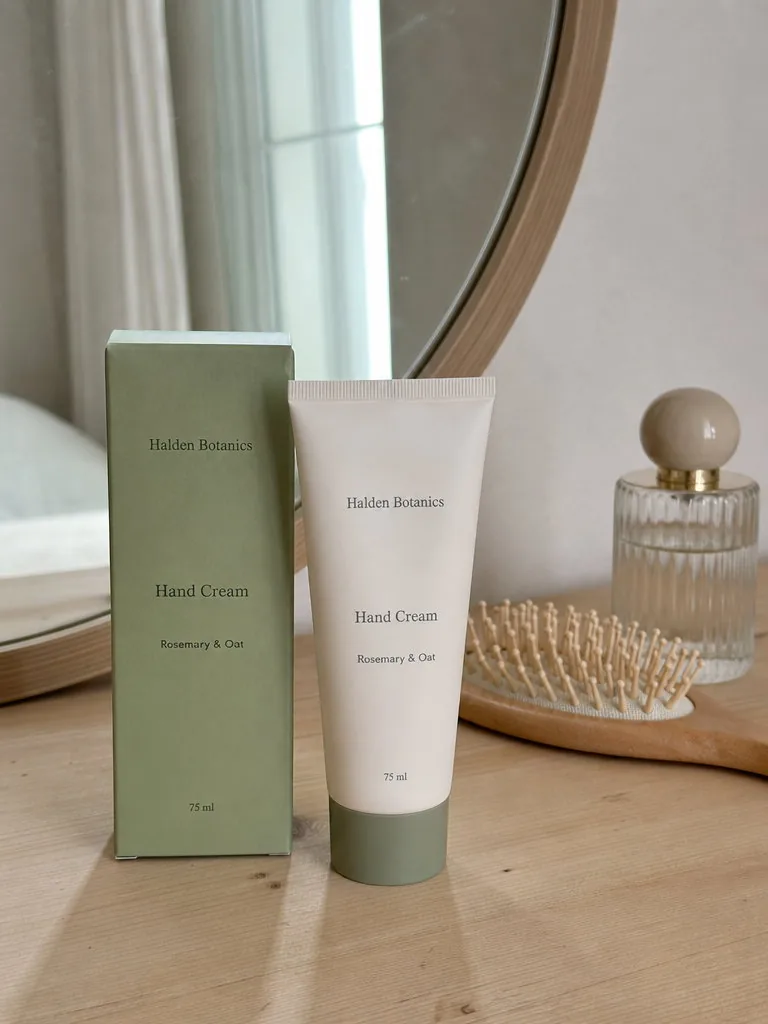
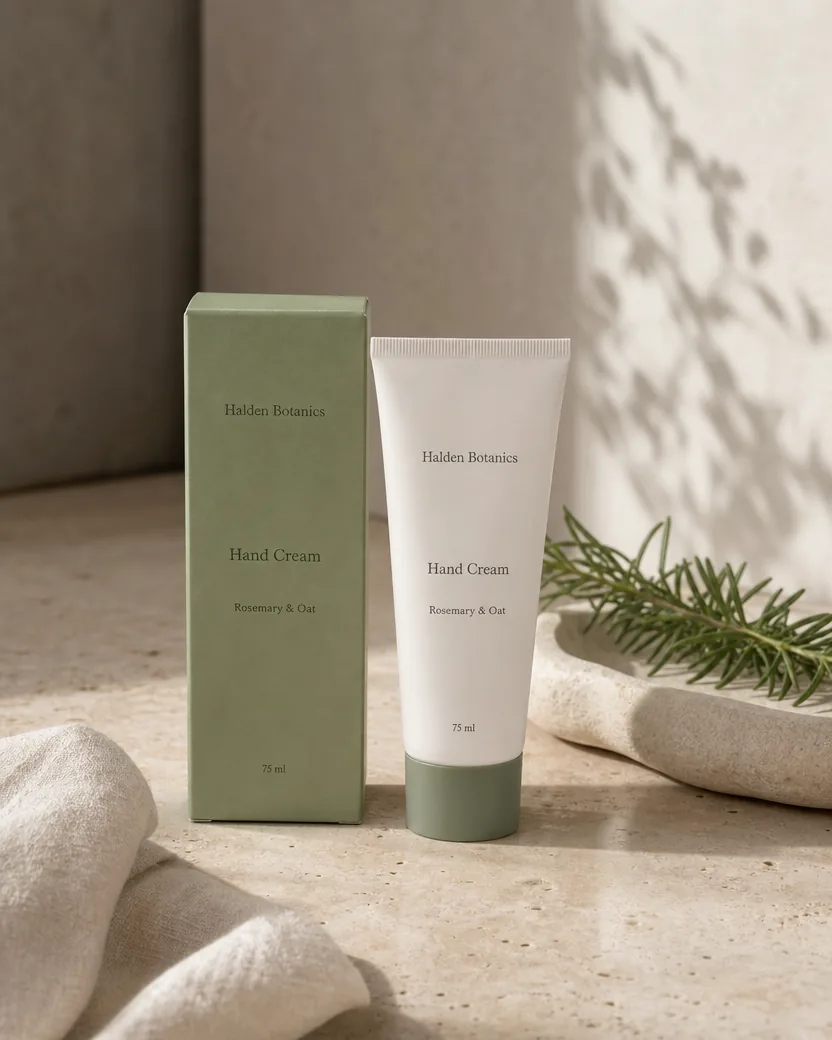
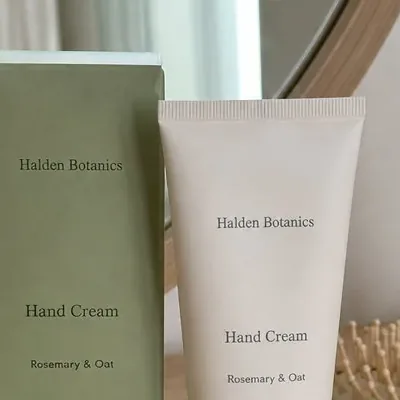
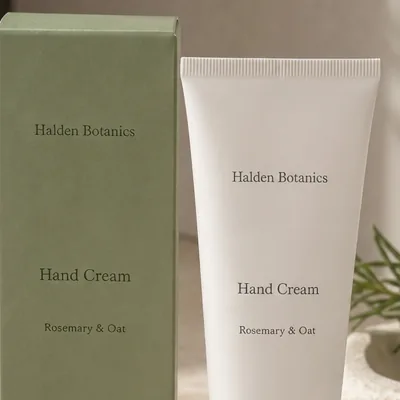
A phone photo on a dressing table, in front of the mirror between the hairbrush and the perfume. With nothing typed, the tube and its carton come back as an ad on warm stone with a sprig of rosemary from the label, and “Hand Cream · Rosemary & Oat” reads the same on both, at 100%.
Default ad, nothing typed
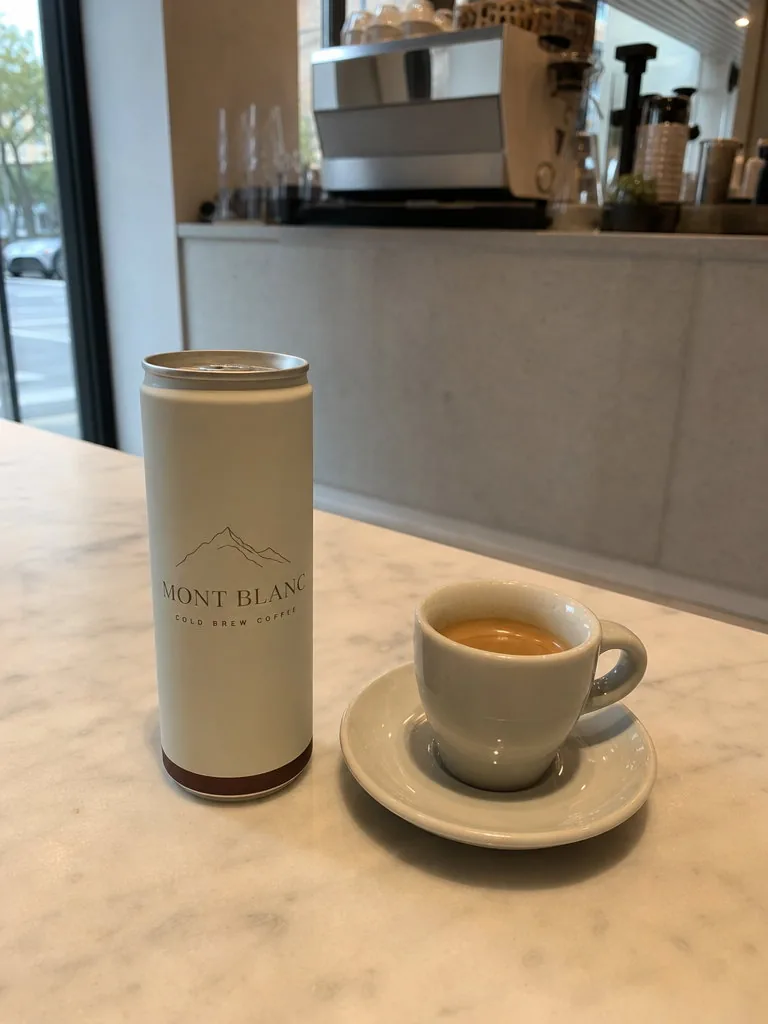
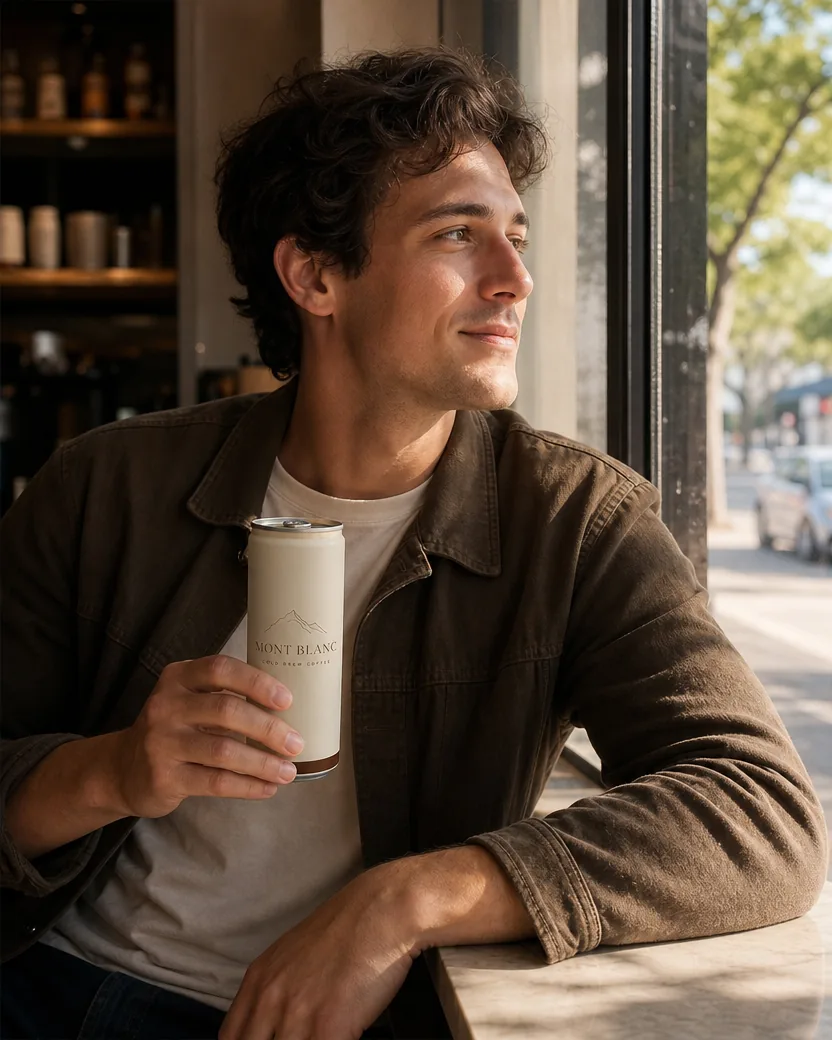
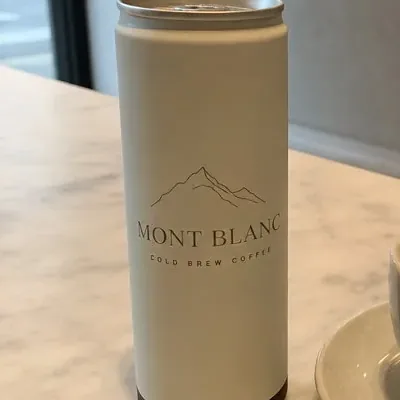
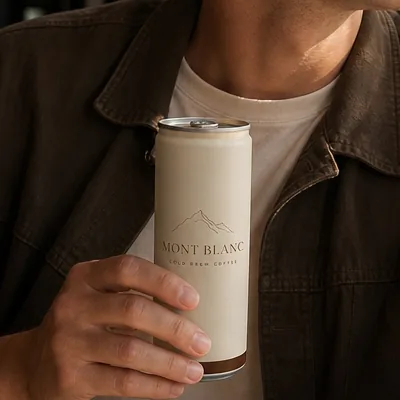
A phone photo of a can of cold brew on a marble café table beside an espresso. Asked for a person, the tool puts the can in a young man’s hand by the window, and keeps the matte cream finish, the mountain mark, the brown band and every word of the “Mont Blanc · Cold Brew Coffee” print.
DirectionAd: a young man by a café window on a quiet morning, holding this can.
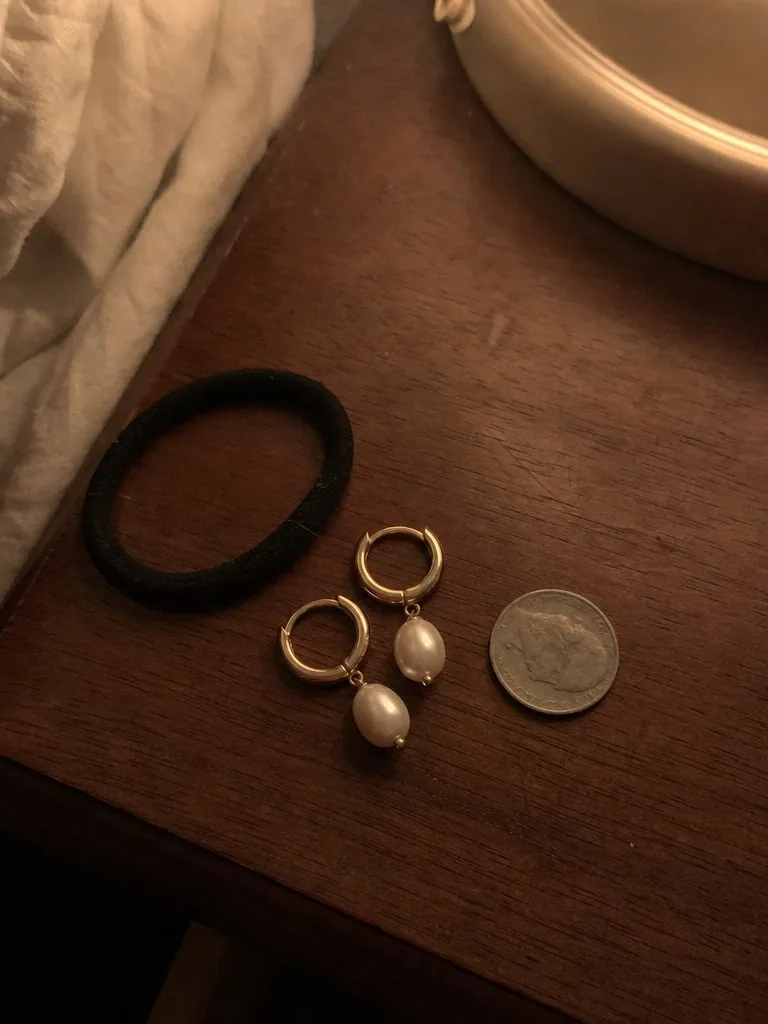
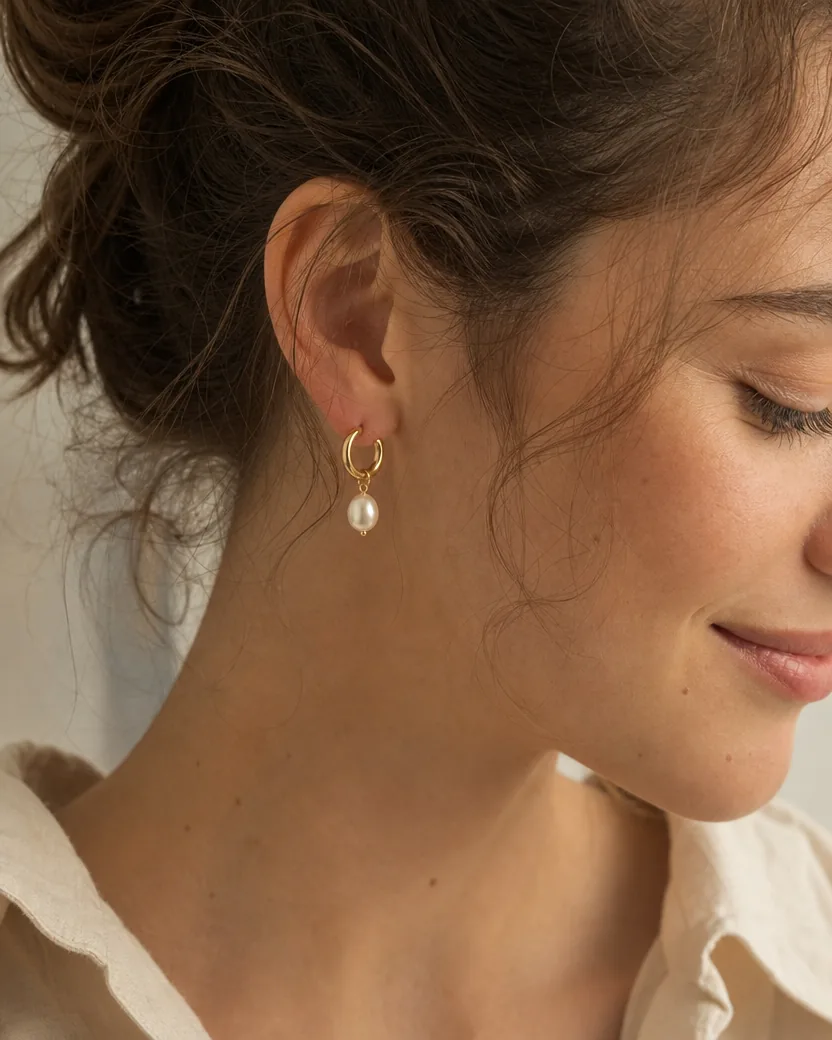
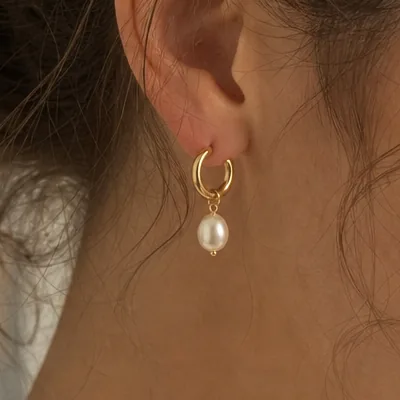
A grainy lamp-lit photo next to a hair tie and a coin. Asked for a campaign close-up, the tool puts the earring on a young woman’s ear in soft window light, with the same gold hoop, the same hinge and the same pearl drop, and leaves the coin and the hair tie behind.
DirectionCampaign close-up: the earrings worn by a young woman, soft window light.
The product photo is built only from what is in the photo, so the photo decides most of the result. Four habits that make the difference.
Every piece that should be in the photo has to be in the frame, uncut: both shoes, all three cups, the tube and its box. The tool keeps the count it is given and will not invent a missing piece.
The label, the logo, and the text are copied from what the camera can read. Turn the front towards the phone and get close enough that the smallest line is legible; a blurred word stays a blurred word.
Window light or open shade shows the true colour. The phone flash flattens the surface and bleaches the colour, and a yellow ceiling light tints it; the tool corrects the light, but it cannot know a colour it never saw.
Eye level for bottles, cans, and boxes; straight down for flat items. A sharp photo with the product standing the way it should stand gives the tool the shape it has to keep.
Text and logos are copied character for character. A new label or a new colourway is a design job, not a photo; change the product before the photo, not after.
No headline, slogan, price, or badge is ever added; the only words in the image are the ones printed on the product. A splash, droplets, or ingredients come only from what the product contains. Type the exact words in quotation marks if you want a headline set.
A pair stays a pair and a set of three stays three; a sealed tube stays sealed and a folded knit stays folded. It will not show a side the photo does not show, and it will not build a multipack from one unit.
Everything is set in the composer before you create. Defaults are shown first.
| Input | One photo of one product or set; JPEG, PNG, WebP, or HEIC |
|---|---|
| Frame | 4:5 portrait by default; 1:1, 3:4, 3:2, 16:9, and 9:16 under Settings |
| Resolution | 1K by default (832 × 1040 pixels at 4:5); 2K and 4K available on GPT Image models |
| Direction | Optional, one short line: the ad, the place, a model, or “white background” |
| Output | One product photo per upload by default, downloadable from your library without a watermark |
| Fits | Instagram, TikTok, and Facebook ads at 1:1, 4:5, or 9:16; banners at 16:9; Amazon, Etsy, and Shopify with “white background” typed |
Recent public posts from the community, created with this tool.
Only the photography. It moves the camera to a product photographer’s position and builds an ad around the product: a set in its own colours, studio light, and what the product is made of, such as fresh coconuts beside coconut water. Or it puts the product in the scene you describe, or on pure white when you ask for a listing. The product itself, its shape, colour, count, label text, and logo, stays as it is in your photo. Every example on this page is a real result from the phone photo shown beside it.
It is built not to. The contract copies every source-visible word, number, and logo character for character in the same typeface and position, keeps the silhouette, proportions, colour, and materials, and never adds a barcode, badge, seal, or claim. A line of small print that is too blurred to read in your photo stays blurred rather than being invented, so photograph the label close and sharp, and check the 100% crops in the use cases.
Yes, as photos of your own product. For a marketplace main image, type “Amazon listing” or “white background”: you get a pure white background, the product alone, no props or text. Crop the frame to a square for Amazon, eBay, Shopify, and Google Shopping, or to 4:5 for Etsy and Instagram. Marketplaces require the photo to show the actual item accurately, which is exactly what the contract protects; where a marketplace asks you to disclose AI-generated images, do so.
Yes, when you ask for it. Type “Amazon listing” or “white background” and you get a pure white (RGB 255, 255, 255) background, the product alone with no props, text, or graphics, and the product filling most of the frame. Amazon also asks for at least 1,000 pixels on the longest side, which the 1K output gives at any ratio; choose 2K under Settings for a 1,600-pixel zoom image. The default ad image belongs in the additional images, not the main one.
A background remover cuts your phone photo out and pastes it onto a new background, so you keep the phone’s angle, the flash glare, the colour cast, and the cut-out edge. This makes a new photograph of the same product: a proper camera position, studio light, real shadows and reflections, and a set, a model, or a scene with the product actually in it.
Yes. Leave the direction blank for the ad image, then run the same upload again with “Amazon listing on a white background”. Or describe a scene in one line: “Morning ad at a sunny kitchen table”, “Worn by a model by a window”. The sneakers and the cups on this page were made that way. Each run costs credits.
No text: the only words in the image are the ones on the product, unless you type the exact headline in quotation marks. People appear when you ask for them, and in the default close-up for jewellery and clothing, always as ordinary, real-looking people. Props come from the scene you describe or from what the product contains, never anything that suggests a false ingredient or feature.
Yes, within what the photo shows. Glass and liquid keep their fill level and get real refraction and reflections of the set; jewellery keeps its count, its hinges and loops, and the shape of each stone or pearl; clothing keeps its colour, buttons, and knit, and can be laid flat when the photo shows it folded. Very fine chains and very small print are the hardest details, so photograph them close.
4:5 portrait by default (832 × 1,040 pixels at 1K, larger at 2K or 4K), or any supported ratio under Settings: 1:1 for a feed post, 9:16 for a story, 16:9 for a banner. The image is composed for the ratio you choose, with the product clear of the edges and room for a headline.
The whole product in the frame, in focus, with the label facing the camera, in daylight rather than the phone flash. A kitchen counter, a desk, or a hallway floor is fine as the setting. For a set or a pair, every piece has to be in the photo; for a boxed product, put the box beside the item. Avoid hands holding the product, a window reflected in it, and beauty filters.
Every generation costs credits. New accounts start with trial credits, so you can try it on a real product before paying anything. Premium plans include more.
Your photo is stored with the result in your private library so you can compare, retry, or delete them. It is not used to train anything, and nothing is public unless you publish it yourself. The product photo is yours to use in your listings, shop, and ads.
One or more selected files can’t be uploaded. Please upload different files, or change the format.