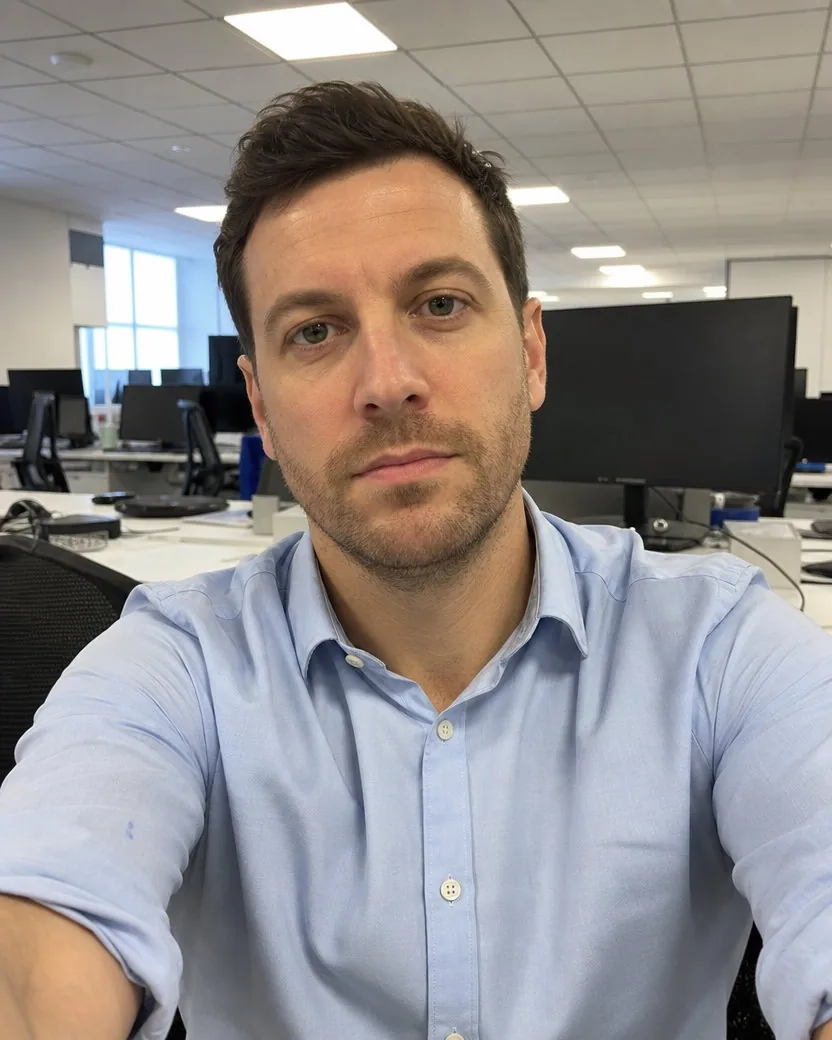

LinkedIn profile photo from a selfie
A desk selfie, LinkedIn-ready
Default framing, nothing typed
A tilted arm’s-length selfie against a wood-panelled wall, and the profile picture made from it. The camera is squared so the panels run level, the head sits centred with room for a circle crop, the eyes meet the lens, and the skin keeps its texture. Nothing about him, his T-shirt or the wall was invented.
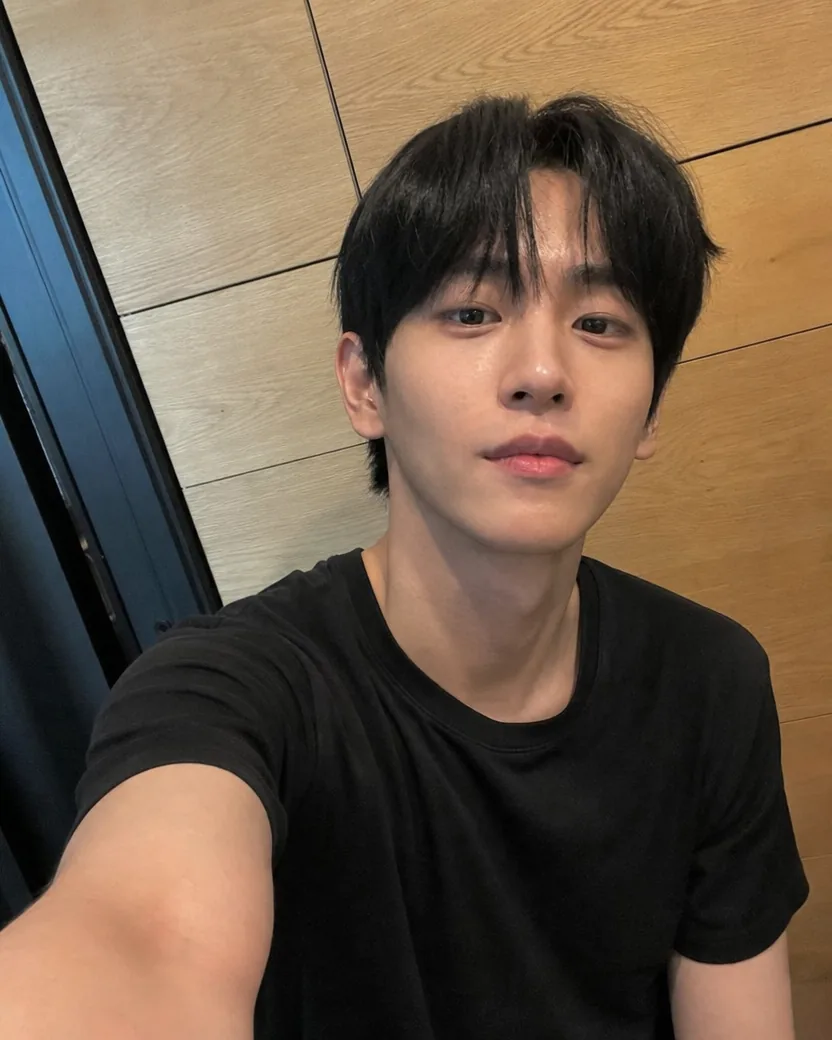
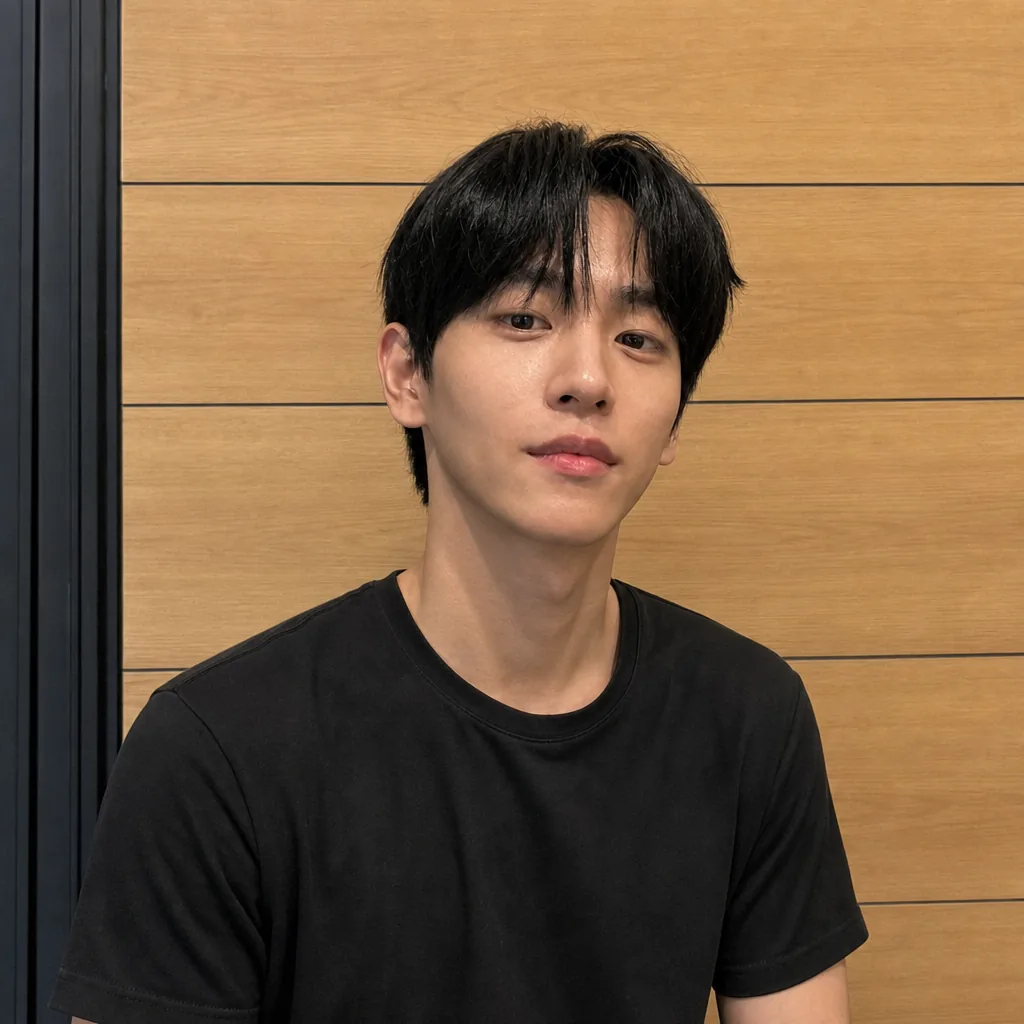
DirectionSquare the camera so the wood wall panels run perfectly level and the door frame stands perfectly vertical behind him.
Each pair shows the upload and the picture made from it. The direction under each pair is exactly what was typed; blank means the default.
Default framing, nothing typed
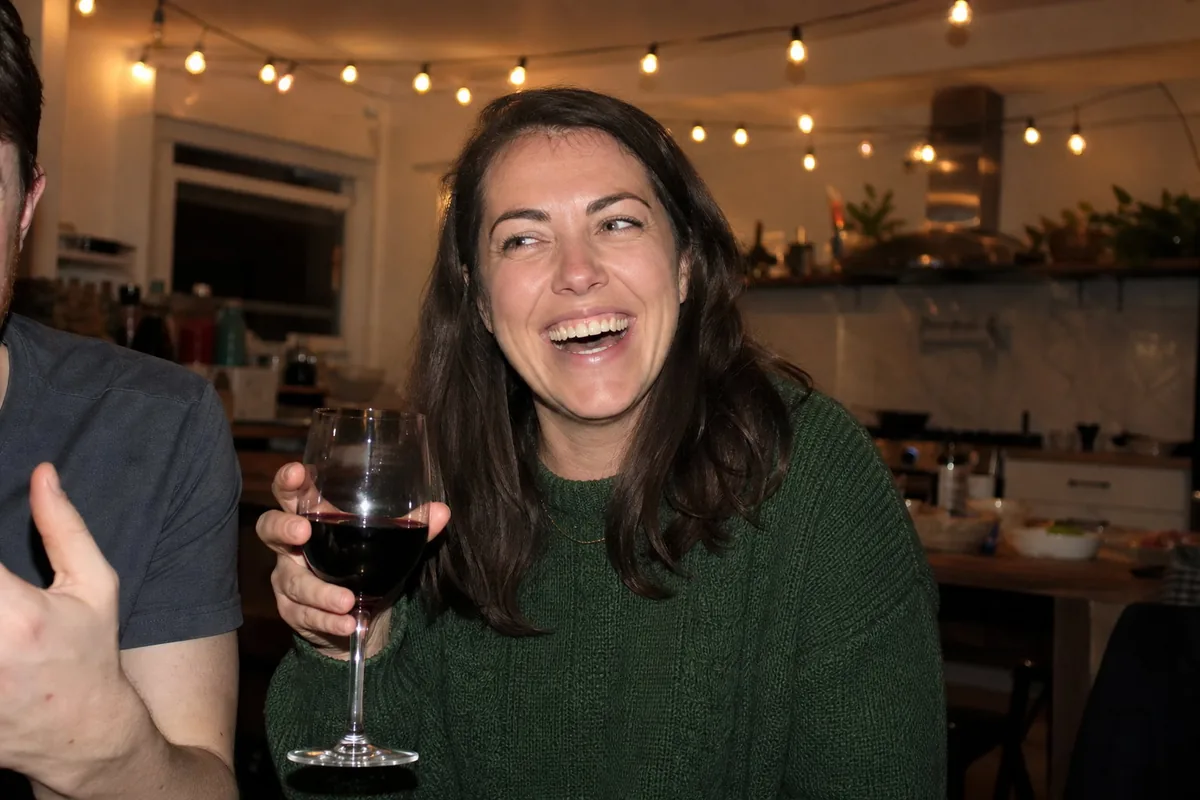
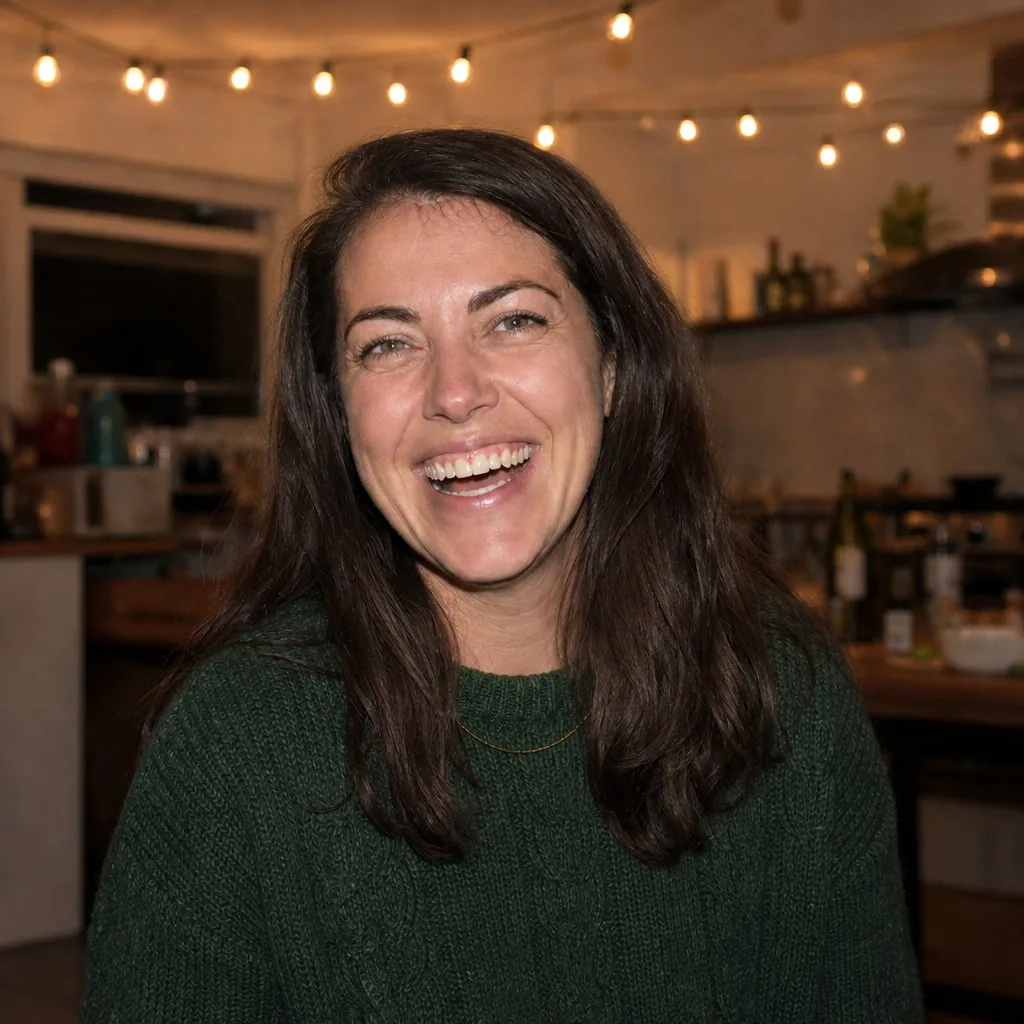
DirectionKeep the laugh.
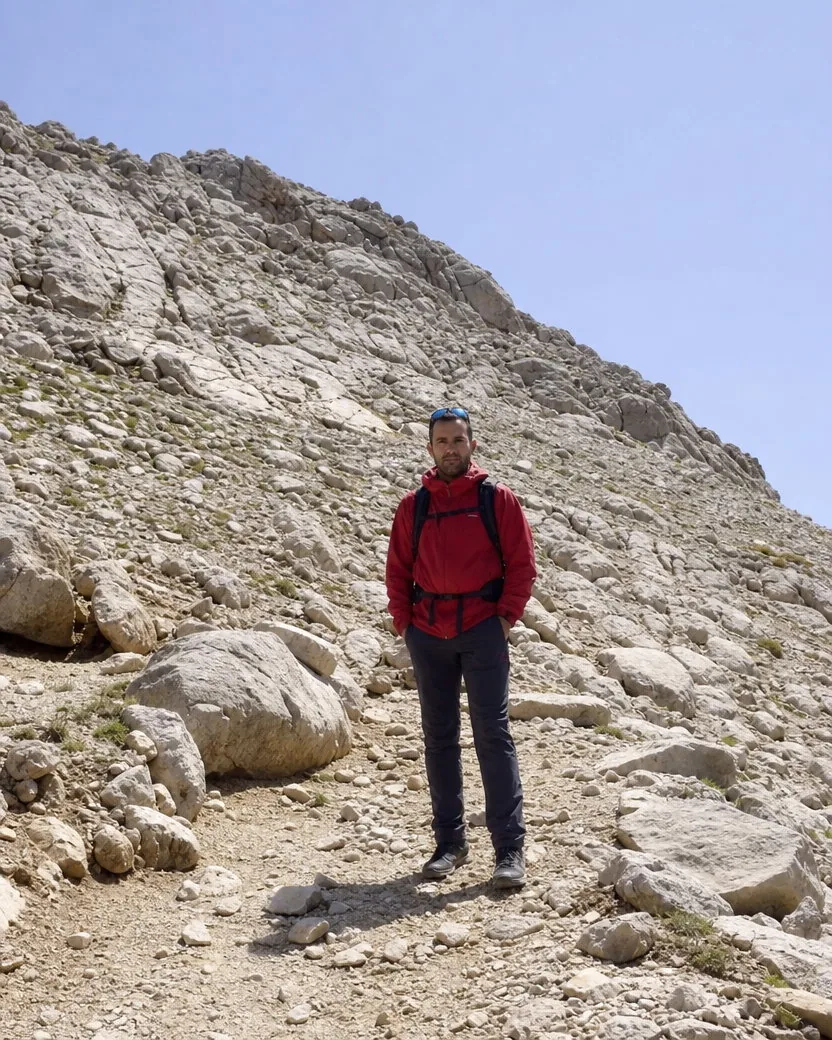
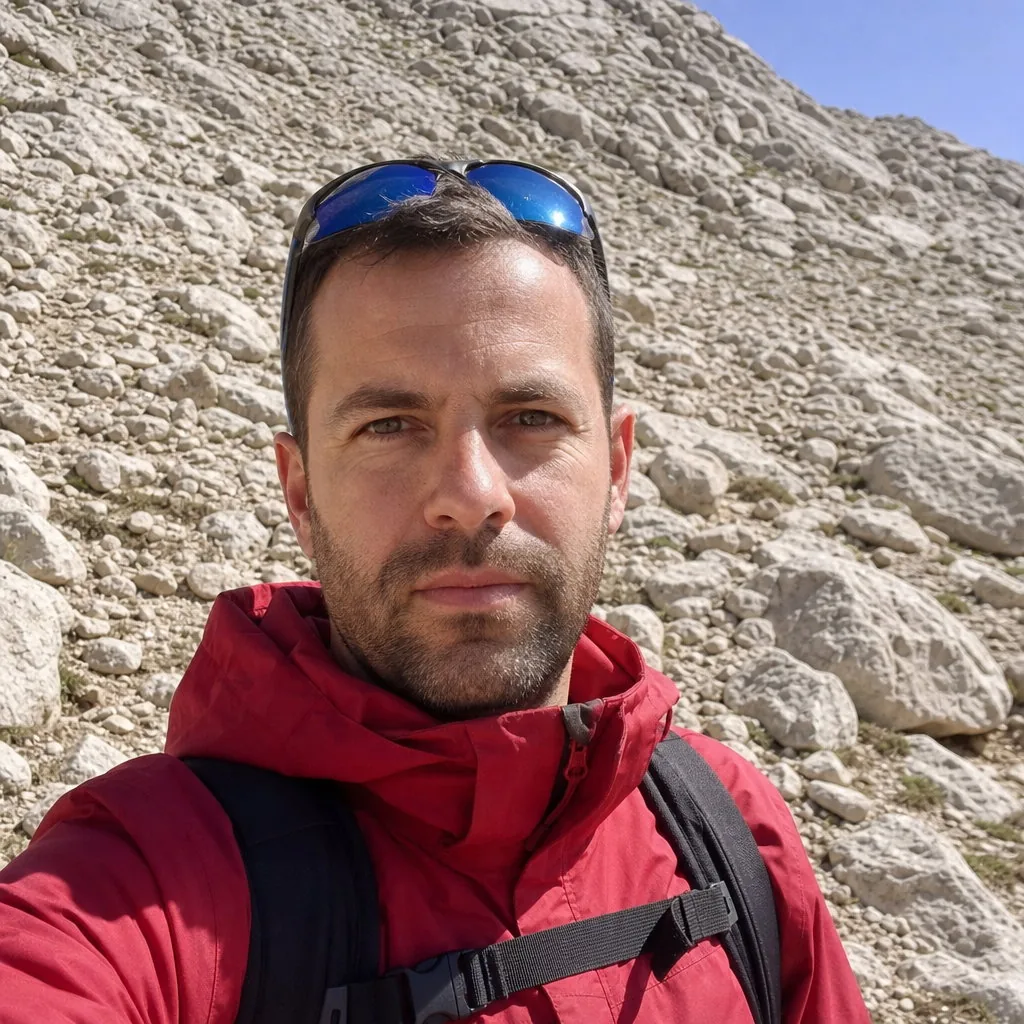
DirectionCome in close and keep the mountains behind me.
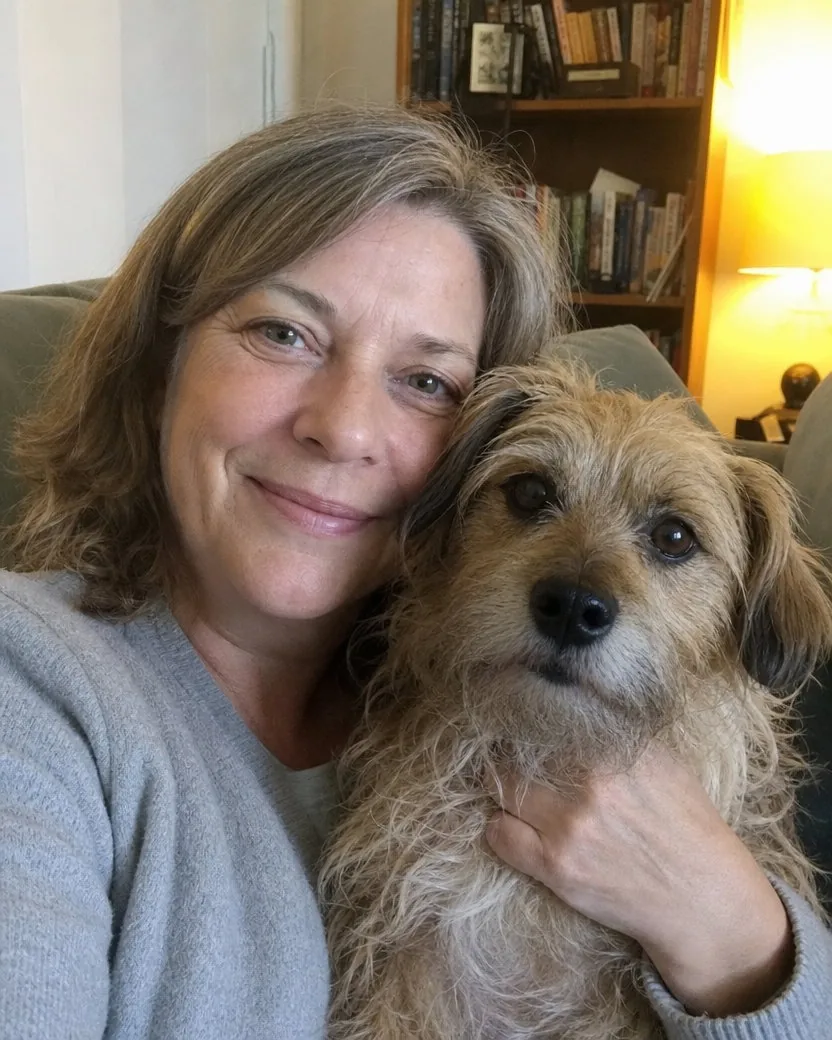
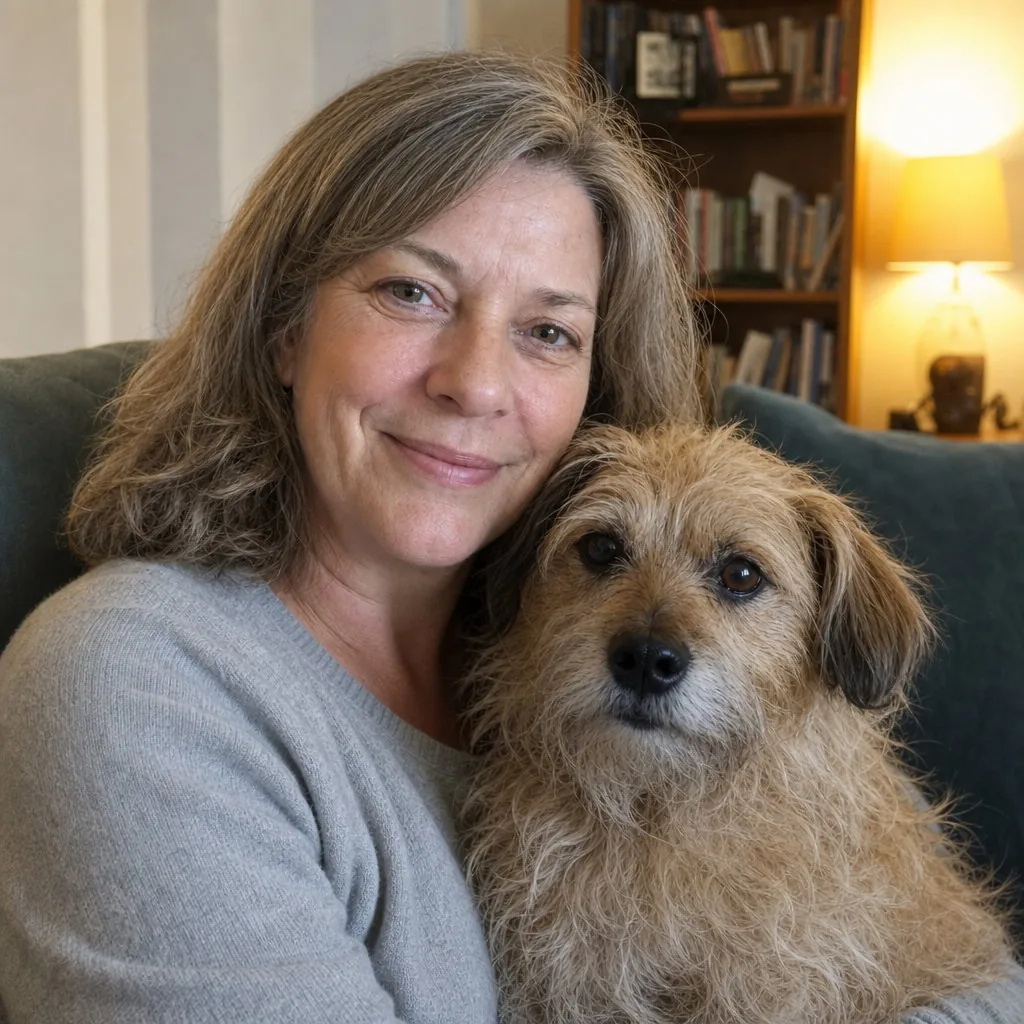
DirectionKeep the dog in the picture.
Three steps, one photo, about a minute. No second selfie, no photoshoot, nothing to install.
A selfie, a mirror selfie, a group photo, a full-body travel picture. One clear view of your face is enough, and it does not need to be square.
Leave the field blank for the default: eyes to the lens, a relaxed expression, head centred for a circle crop. Or add one line: “Keep the laugh”, “No smile”, “Keep the dog in the picture”.
The picture is ready in about a minute as a 1:1 square, made with GPT Image 2 by default. Download it from your library and upload the same file to LinkedIn, X, Instagram, Slack, and Discord.
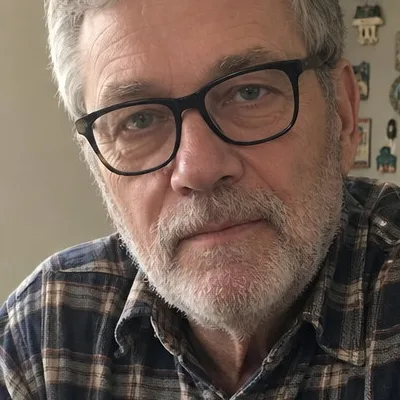
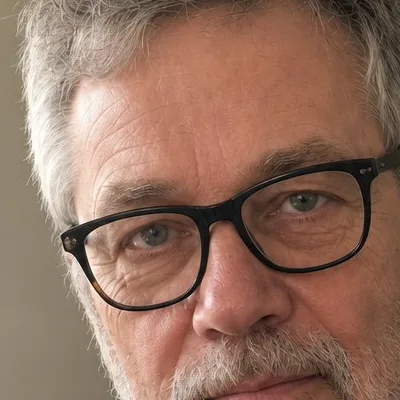
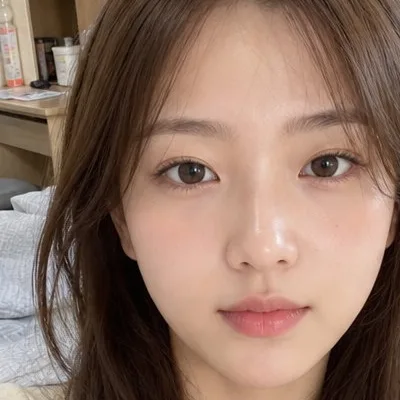
Three more uploads, each with the result and a 100% crop of the face so you can check the skin yourself.
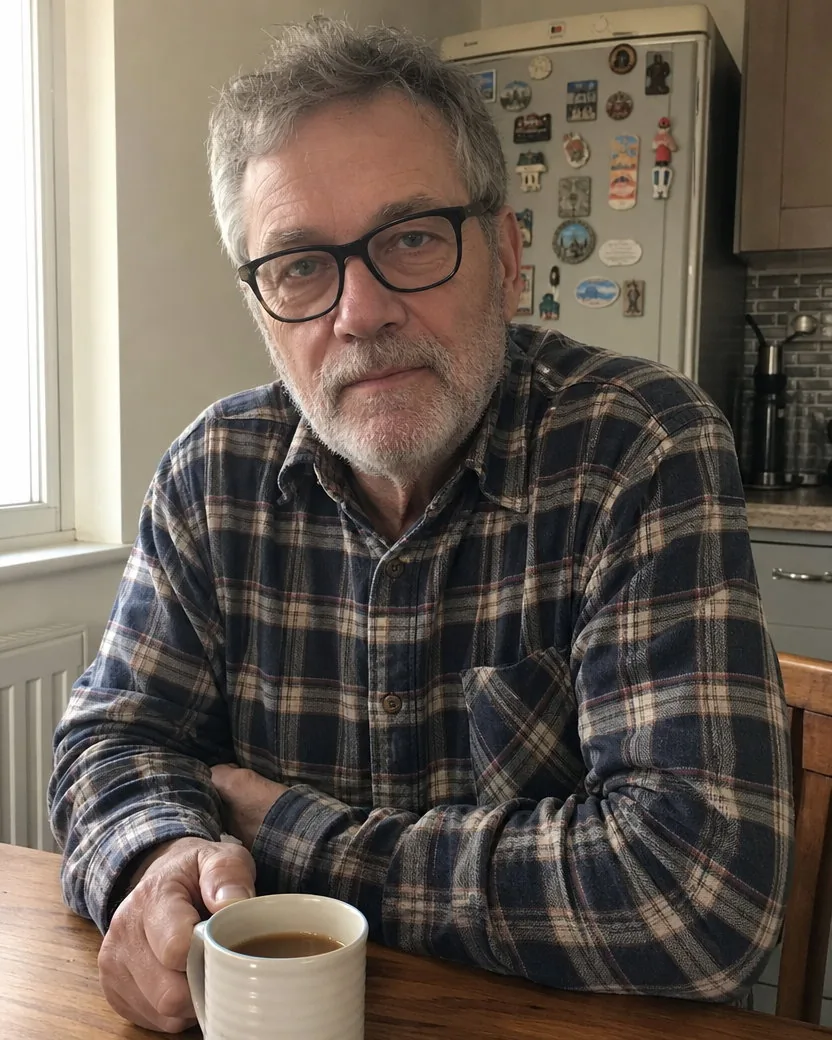
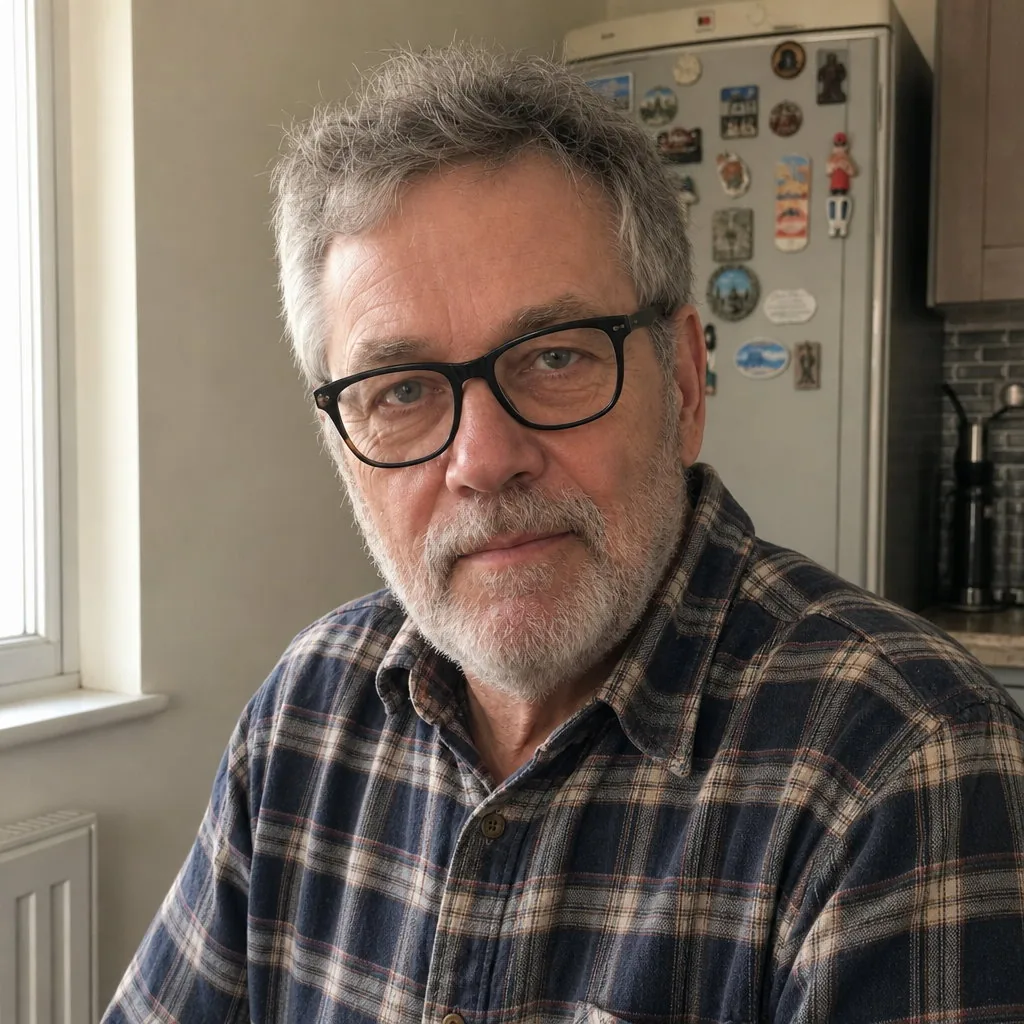
A photo taken across the kitchen table. The mug is left out, the glasses and the grey stubble stay, the lines stay, and the window light is the same window light.
Default framing, nothing typed
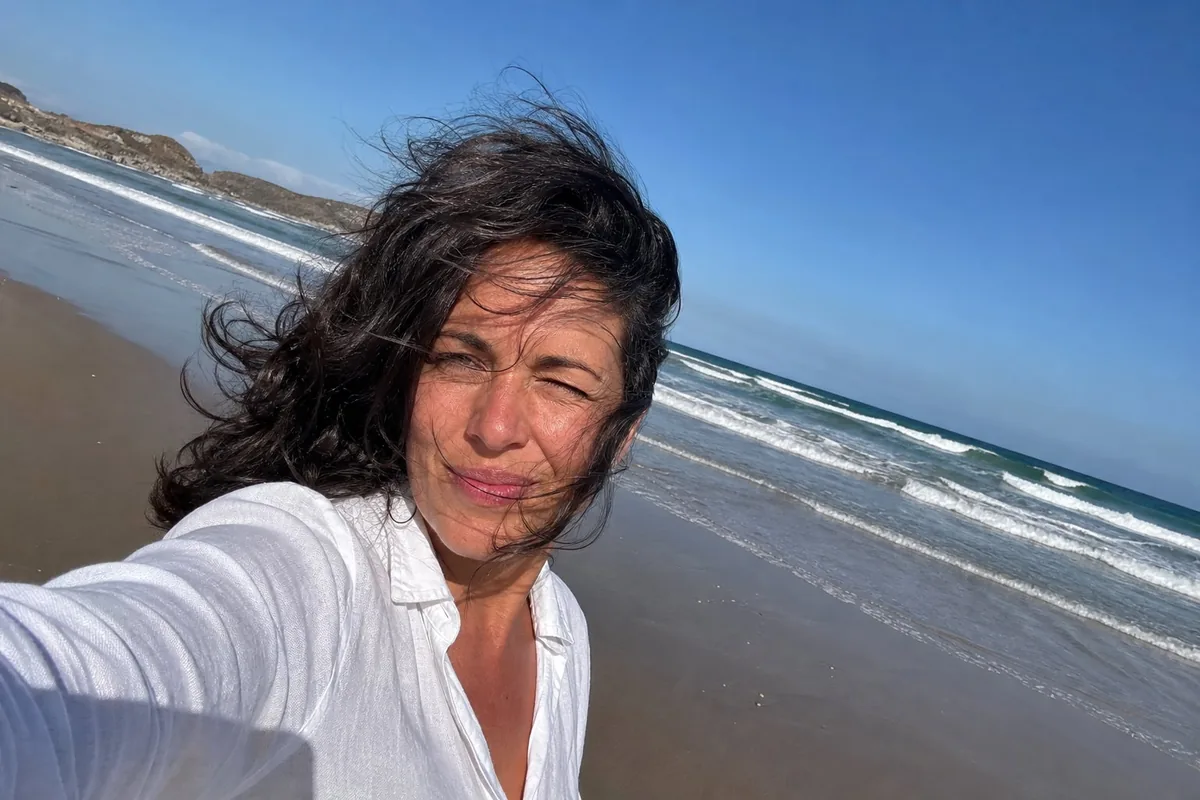
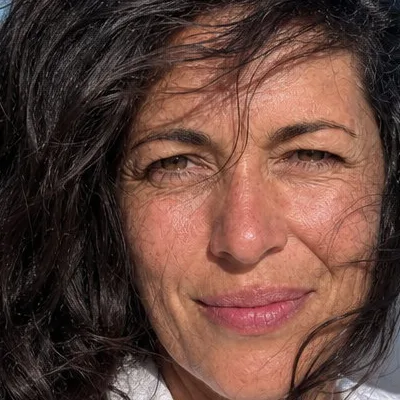
Harsh noon sun, wind in the hair, a slightly tilted horizon. The result keeps the linen shirt, the sea, and the squint, straightens nothing but the camera, and centres the head for the circle.
Default framing, nothing typed
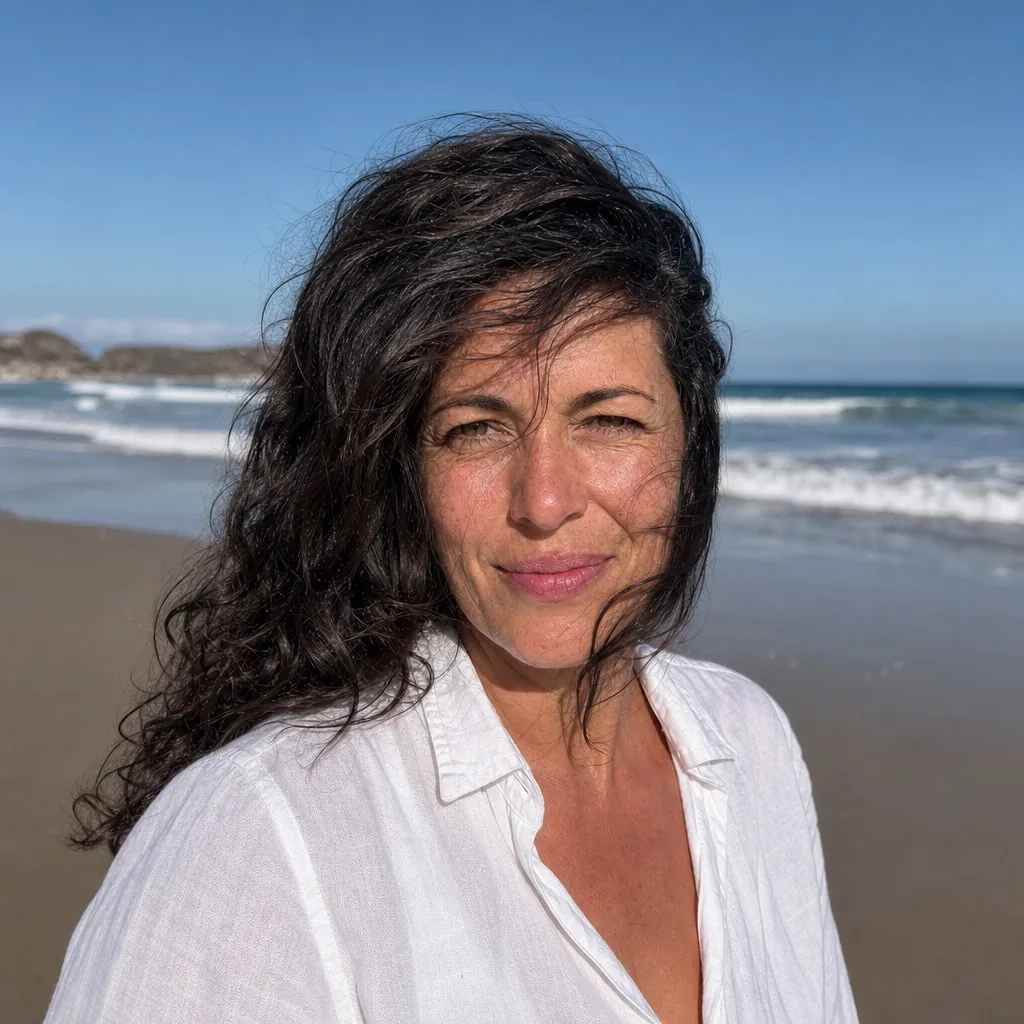
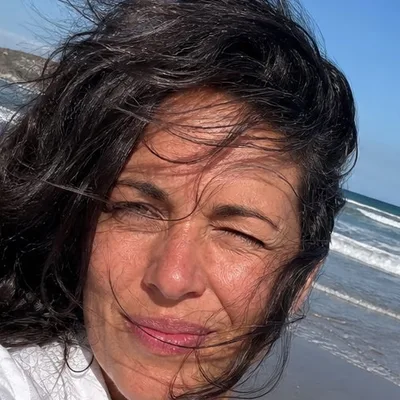
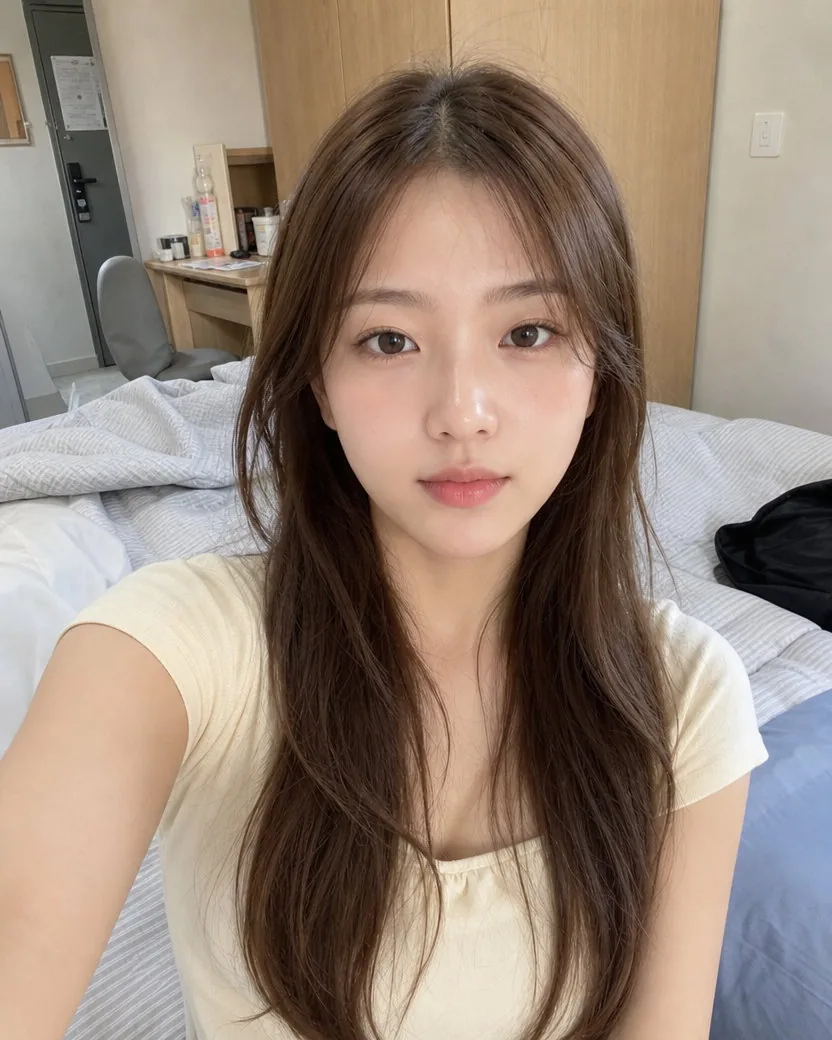
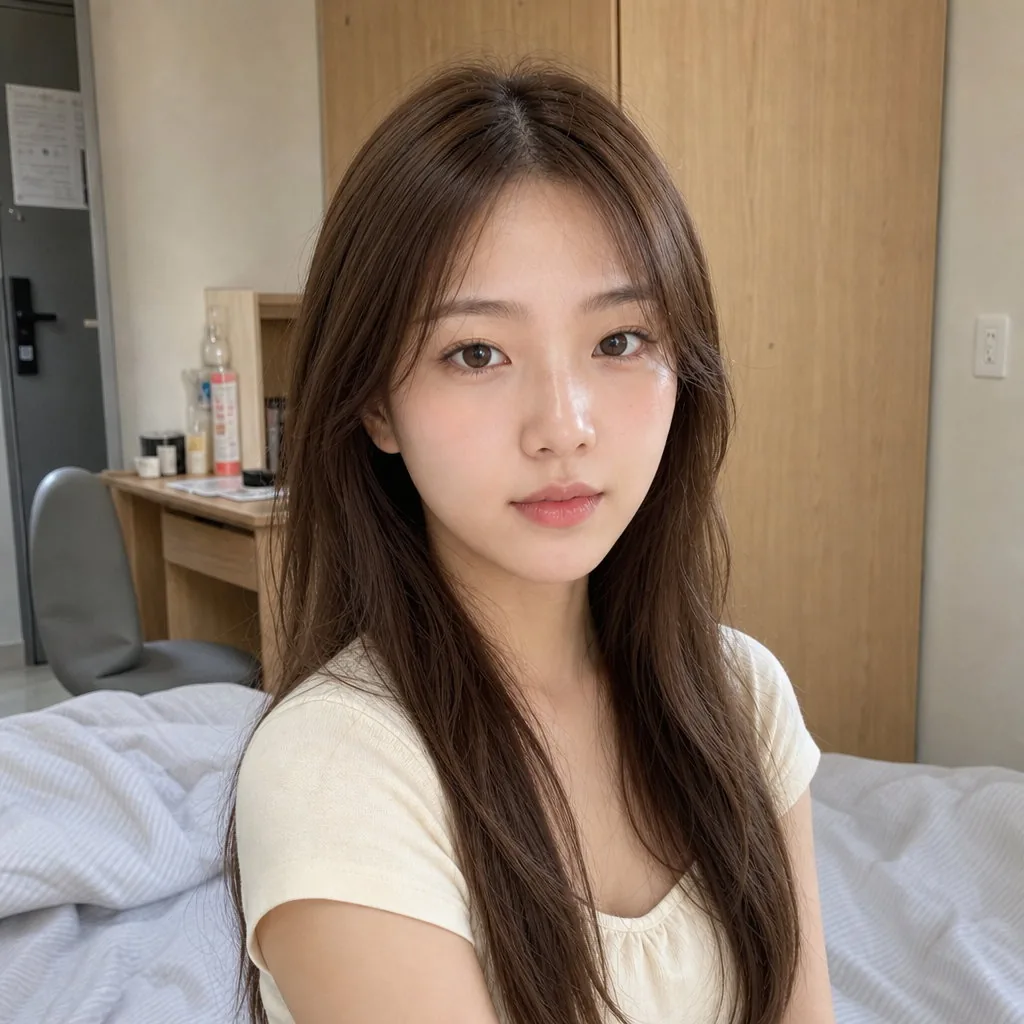
Not every profile picture wants a smile. From an arm’s-length selfie held too close and off-centre, and told to keep the deadpan, the tool keeps it, along with the cream top and the room, and gives back a level, properly framed picture.
DirectionKeep the deadpan; no smile.
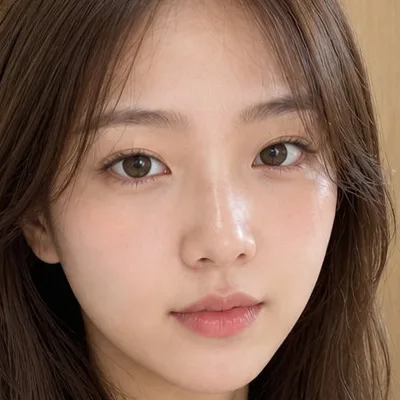
The tool works only from what is in the photo, so the photo decides most of the result. Four habits that make the difference.
Soft window light on the face is the single biggest factor in a good profile picture. Avoid flash, ceiling light from straight above, and a bright window behind you.
Push sunglasses up, move hair off the face, and avoid glare on glasses. Eyes that read clearly make a photo look more likeable and more competent, and the tool keeps them exactly as it finds them.
A full-body photo works, but the face is then rebuilt from a few hundred pixels. Closer is better; the tool does the reframing, so you do not need to crop first.
The result keeps your clothes exactly. Change your shirt before the photo, not after, and wear what you would wear where the picture will be seen.
Clothes and location come from your photo. A hoodie in a parked car stays a hoodie in a parked car; if you want a blazer, wear one for the photo.
Pores, freckles, stubble, grey hair, and lines stay. For temporary blemishes and shine, run the result through Professional retouch afterwards.
The angle changes by 15–35 degrees and both eyes stay on the lens. A true side profile or a look off-camera only happens when you ask for it.
Everything is set in the composer before you create. Defaults are shown first.
| Input | One photo with one clear face; JPEG, PNG, WebP, or HEIC |
|---|---|
| Frame | Square, 1:1, head and shoulders, centred with headroom for a circular crop |
| Resolution | 1024 × 1024 pixels, above the 400 × 400 that LinkedIn and X recommend and the 512 × 512 Discord suggests |
| Direction | Optional, one short line: what to keep, what not to do |
| Output | One image per upload by default, downloadable from your library |
| Fits | LinkedIn, X, Instagram, Threads, Discord, Slack, GitHub, and any round or square avatar |
Recent public posts from the community, created with this tool.
Only the camera. It moves to a new three-quarter angle, reframes to head and shoulders, centres the head with room for a circle crop, and turns the eyes to the lens. Your face, hair, skin texture, clothes, accessories, and the place you were standing all stay.
It is meant to. The contract protects facial structure, apparent age, skin tone, eye shape and colour, eyebrows, hairline, facial hair, glasses, and natural asymmetry, and forbids beautifying, slimming, de-ageing, and smoothing. Every example on this page is shown next to its upload, with a 100% crop of the face in the use cases, so you can judge it yourself.
No. One photo is enough, because nothing is being learned or blended; the picture is your photo taken again from a better position. Several results from the same upload just take several runs.
No. Every garment and accessory is kept exactly, and the background stays the same place seen from a new camera position. A hoodie stays a hoodie; a kitchen stays a kitchen. If you want a different outfit or setting, take a different photo.
Yes. LinkedIn asks for a photo that reflects your likeness, and this is your real photo reframed: the same face, clothes, and place, at a better angle. It is not an avatar, a cartoon, or a generated stranger. Whether a recruiter would call it “AI” depends on you; there is no suit or studio added to give it away.
A 1024 × 1024 square, above the 400 × 400 that LinkedIn and X recommend, the 320 × 320 Instagram stores, and the 512 × 512 Discord suggests. Upload the same file everywhere.
Yes. The head is centred with clear space above the hair and the shoulders inside the inscribed circle, so the round crop on LinkedIn, X, Instagram, Slack, and Discord does not cut off hair or ears.
Soft light on the face, both eyes clearly visible, and the face reasonably large in the frame. A phone selfie is fine. Avoid sunglasses, hair across the eyes, a bright window behind you, and photos where your face is a few dozen pixels wide.
About a minute with GPT Image 2, the default model. You can watch it finish on the create page and download it from your library.
Every generation costs credits. New accounts start with trial credits, so you can try it on a real selfie before paying anything. Premium plans include more.
Your photo is stored with the result in your private library so you can compare, retry, or delete them. Nothing on this page is public unless you publish it yourself.
A crop keeps the selfie angle, the wide-angle distortion, the phone in the mirror, and whatever was at the edge. This gives you a head-and-shoulders picture from a normal camera distance, centred for a circle, with the eyes on the lens, at full size.
One or more selected files can’t be uploaded. Please upload different files, or change the format.